Printing graphics from a Cambridge Z88 on a Serial 8056 via the BASIC patch
Saturday, 29th November 2025

I've got a number of older computers that can print, but no printer for them. Quite often these computers require a serial printer, and so when a Serial 8056 printer popped up on eBay for around a tenner I picked it up. This is a thermal printer that takes fax paper rolls, so it seemed like a safe bet as far as consumables go (no need to source awkward cartridges, ink ribbons or spark paper) and the listing claimed it was intended for the Sinclair QL.
When it turned up I was a bit surprised by the plug on the end of the cable – two rows of eight pins, similar to a 16-way IDC connector, and not the phone jack style connector the QL needed. Fortunately the data (RD) and CTS pins were marked on the circuit board inside the printer and I was able to trace them out to the plug and bodge together a cable to plug it into my PC. Between articles from Format magazine, QL World and Popular Computing Weekly about the printer I was able to find the baud rate (1200), a few control codes for formatting and how to output graphics. Still puzzled by the non-QL plug I asked Reddit and that's when it was pointed out that the Serial 8056 is really a rebadged IBM PC Compact Printer originally sold for use with the PCjr. If my particular printer had been intended for use with the Sinclair QL then it would have included the appropriate adaptor in the box.
Knowing this, however, it made it easier to find information about the printer, including a reference manual, confirming the information I'd gleaned from the magazine articles about the Serial 8056.
One of the computers I had planned to use the printer with was my Cambridge Z88. Setting this up as a text printer was easy enough, but I'd been intrigued by a feature of the Z88 BASIC Patch, as described by the notes:
Unfortunately, the Z88 BASIC Patch source code release appears to be missing the printer code. I turned to Ghidra to disassemble the patch, and found the pertinent routines.
As the routines send a dump of the graphics window (the "map" in Z88 parlance) to the printer, I named the main routine DUMPMAP. One of the first things it does is to reset the printer via a routine I named DUMPRESET. This sends ESC @ to reset the printer (the Epson ESC/P reference may be useful here), then sends two line feeds. It falls through to the routine that is used to send bytes to the printer, which I've named DUMPWRCH:
                    *************************************************************************
                    * Resets the printer to its initial settings and outputs two line feeds *
                    *************************************************************************
                    DUMPRESET
ram:2bb5 3e 1b             LD           A,0x1b       ; ESC
ram:2bb7 cd c6 2b          CALL         DUMPWRCH
ram:2bba 3e 40             LD           A,'@'        ; ESC @ = Initialize printer
ram:2bbc cd c6 2b          CALL         DUMPWRCH
ram:2bbf 3e 0a             LD           A,'\n'       ; Line feed
ram:2bc1 cd c6 2b          CALL         DUMPWRCH
ram:2bc4 3e 0a             LD           A,'\n'       ; Line feed
                    *************************************************************************
                    * Write a byte to the serial port with a 1 second timeout               *
                    *************************************************************************
                    DUMPWRCH
ram:2bc6 f5                PUSH         AF
ram:2bc7 01 64 00          LD           BC,100       ; 100cs timeout
ram:2bca e7                RST          SYS
ram:2bcb 42                db           OS_Pbt       ; Write the byte to the serial port
ram:2bcc f1                POP          AF
ram:2bcd c9                RET
The DUMPRESET routine is also used at the very end of printing to reset the printer and ensure two line feeds appear after the graphics dump. Graphics data are sent as 8 pixel high rows with condensed line spacing, one byte per column. The relevant code that starts this process of each row is as follows: first the line spacing is set to 1/9-inch using ESC 3, a line feed is sent, there's a one second delay to give the mechanism time to advance and then graphics mode is entered with ESC L and a request to send 768 bytes:
ram:2b33 3e 1b             LD           A,0x1b       ; ESC
ram:2b35 cd c6 2b          CALL         DUMPWRCH
ram:2b38 3e 33             LD           A,'3'        ; ESC 3 = Set n/216-inch line spacing
ram:2b3a cd c6 2b          CALL         DUMPWRCH
ram:2b3d 3e 18             LD           A,24         ; 24/216 = 1/9-inch line spacing
ram:2b3f cd c6 2b          CALL         DUMPWRCH
ram:2b42 3e 0a             LD           A,'\n'       ; Line feed
ram:2b44 cd c6 2b          CALL         DUMPWRCH

ram:2b47 01 64 00          LD           BC,100       ; 100cs
ram:2b4a e7                RST          SYS
ram:2b4b 2d                db           OS_Tin       ; Wait for a key for 100cs

ram:2b4c 3e 1b             LD           A,0x1b       ; ESC
ram:2b4e cd c6 2b          CALL         DUMPWRCH
ram:2b51 3e 4c             LD           A,'L'        ; ESC L = Select 120-dpi graphics
ram:2b53 cd c6 2b          CALL         DUMPWRCH
ram:2b56 3e 00             LD           A,0          ; nL = 0
ram:2b58 cd c6 2b          CALL         DUMPWRCH
ram:2b5b 3e 03             LD           A,3          ; nH = 3: 768 bytes
ram:2b5d cd c6 2b          CALL         DUMPWRCH
The graphics window (map) is only 256 pixels wide, though, so why 768 bytes? Well, the printing code actually scales the image up before printing: it doubles the height and triples the width of each pixel. When outputting a row of graphics data, each column byte is sent three times:
ram:2b7c cd c6 2b          CALL         DUMPWRCH
ram:2b7f cd c6 2b          CALL         DUMPWRCH
ram:2b82 cd c6 2b          CALL         DUMPWRCH
This is all of the Epson-specific printer code, and fortunately it maps pretty well to the Serial 8056:
| Action | Epson ESC/P | Serial 8056 |
|---|---|---|
| Initialise printer | ESC @ | CAN |
| Set 1/9-inch line spacing | ESC 3 n=24 | ESC 1 |
| Output bitmapped graphics | ESC L n=768 [768 bytes] | ESC K n=512 [512 bytes] |
Ideally, the Epson codes could simply be patched with the equivalent Serial 8056 codes but there is one slight spanner in the works: the Serial 8056 needs a carriage return to be sent after each line and the code doesn't do that and there's no easy way to insert it at the end of the relevant printing routines.
However, it is possible to insert a carriage return at the start of each line, which means that each line will start by ending the preceding one. This does still leave the final line, but fortunately the code calls DUMPRESET after printing the last line and so an additional carriage return can be inserted at the start of that routine to terminate that line.
It's not quite as elegant a patch, as the order of some code needs to be adjusted rather than just patching the Epson codes with the equivalent Serial 8056 codes, but it's not too bad overall. The full list of code changes are as follows:
                    DUMPRESET
ram:2bb5 3e 1b             LD           A,0x1b       ; Change to CR: ?&2BB6=13
ram:2bb7 cd c6 2b          CALL         DUMPWRCH
ram:2bba 3e 40             LD           A,'@'        ; Change to ESC: ?&2BBB=27
ram:2bbc cd c6 2b          CALL         DUMPWRCH
ram:2bbf 3e 0a             LD           A,'\n'       ; Change to '2': ?&2BC0=50
ram:2bc1 cd c6 2b          CALL         DUMPWRCH
ram:2bc4 3e 0a             LD           A,'\n'
The need to insert an extra carriage return at the start of the reset routine means we can only output a single line feed after resetting the printer instead of the original two. You may also be wondering why the printer is "reset" with ESC 2 instead of CAN, as that would save a byte – in my case it doesn't appear that resetting the printer that way resets the line spacing, which means that the printer gets left in the 1/9-inch line spacing mode. ESC 2 explicitly restores the 1/6-inch (default) line spacing mode.
The code that runs at the start of each line of output is a bit more awkward to change, unfortunately. The original code currently works like this:
- Send ESC
- Send '3'
- Send 24
- Send LF
- Wait 100cs
However, our new code needs to do this instead:
- Send CR
- Send LF
- Wait 200cs*
- Send ESC
- Send '1'*
Three of the five operations line up, however two of them (sending a byte of data and introducing a delay, marked with an asterisk) are swapped, which means that two code blocks in the code need to be swapped. Very fortunately, the code for each operation is the same size (five bytes) which at least means that the code between them can be left in the same place.
ram:2b33 3e 1b             LD           A,0x1b      ; Change to CR: ?&2B34=13
ram:2b35 cd c6 2b          CALL         DUMPWRCH
ram:2b38 3e 33             LD           A,'3'       ; Change to LF: ?&2B39=10
ram:2b3a cd c6 2b          CALL         DUMPWRCH

ram:2b3d 3e 18             LD           A,24        ; Change to 200cs delay: ?&2B3D=1 ?&2B3E=200
ram:2b3f cd c6 2b          CALL         DUMPWRCH    ; ?&2B3F=0 ?&2B40=231 ?&2B41=45

ram:2b42 3e 0a             LD           A,'\n'      ; Change to ESC: ?&2B43=27
ram:2b44 cd c6 2b          CALL         DUMPWRCH

ram:2b47 01 64 00          LD           BC,100      ; Change to DUMPWRCH '1':
ram:2b4a e7                RST          SYS         ; ?&2B47=62 ?&2B48=49
ram:2b4b 2d                db           OS_Tin      ; ?&2B49=205 ?&2B4A=198 ?&2B4B=43
The time delay is handled by calling the OS input routine with the timeout delay specified in register BC. The original code used 100cs, i.e. 1 second. When I was testing the code I ran into some issues: the first few lines printed fine, but the last couple of lines ended up failing to print, with the preceding lines showing some junk characters at the end of each line. Extending the delay to 200cs fixed the issue, but I was not sure why the first few lines printed fine and the problem only manifested itself at the end of the print until I looked at the movement of the print head more carefully.
The test image I was using was a row of Sierpinski triangles, and so the rightmost pixels were mostly white in the early rows but increasingly black as the triangles widened towards the bottom of the image. It turns out that if the end of the line is white the print head returns back home early, and so the one second delay was enough when the print head was skipping the end of the line but not quite enough when it had to travel the full distance back to the left edge. Extending the delay to two seconds provides more than enough time for the carriage to return.
When it comes to sending the actual bitmap data to the printer only a simple modification is required:
ram:2b4c 3e 1b             LD           A,0x1b
ram:2b4e cd c6 2b          CALL         DUMPWRCH
ram:2b51 3e 4c             LD           A,'L'        ; Change to 'K': ?&2B52=75
ram:2b53 cd c6 2b          CALL         DUMPWRCH
ram:2b56 3e 00             LD           A,0
ram:2b58 cd c6 2b          CALL         DUMPWRCH
ram:2b5b 3e 03             LD           A,3          ; Change to 2: ?&2B5C=2
ram:2b5d cd c6 2b          CALL         DUMPWRCH
Instead of ESC L with an argument of 768 bytes (&0300) we need to send ESC K with an argument of 512 bytes (&0200). The code will still try to send 768 bytes by repeating each column of the 256-pixel wide image three times, so instead we need to only send each column twice:
ram:2b7c cd c6 2b          CALL         DUMPWRCH
ram:2b7f cd c6 2b          CALL         DUMPWRCH
ram:2b82 cd c6 2b          CALL         DUMPWRCH     ; Change to CALL <dummy>: ?&2B83=&B4
The final CALL could be replaced by three NOP bytes but rather than do that the address of the target is patched to &2BB4. This address contains a RET instruction as it's the final instruction of a nearby routine so effectively turns the CALL into a NOP.
This completes the patch itself; the only thing needed to do is to wrap it up into a neat installer. Here is the result of that, in BBC BASIC:
   10 REM Serial 8056 Patch for Z88 BASIC
   20 C%=0:FORA%=&2B03TO&2BF6:C%=C%+?A%:NEXT
   30 IFC%=&5BF1PRINT"Patch already applied.":END
   40 IFC%<>&5BB9PRINT"Please load Z88PATCH.BBC first.":END
   50 READA%,V%:REPEATA%?&2B00=V%:READA%,V%:UNTILA%<0
   60 PRINT"Patch applied: use CALL 11011 to print.":END
   70 DATA&B6,13,&BB,27,&C0,50
   80 DATA&34,13,&39,10,&3D,1,&3E,200,&3F,0,&40,231,&41,45
   90 DATA&43,27,&47,62,&48,49,&49,205,&4A,198,&4B,43
  100 DATA&52,75,&5C,2,&83,180,-1,0
Line 20 first calculates a checksum of the area targeted by the patch, which is then checked in lines 30 and 40 for two known states: Serial 8056 patch already applied and Z88PATCH loaded but Serial 8056 patch not applied. Line 50 reads the patch data itself (stored in lines 70 to 100) which is made up of addresses and patch value pairs; as all bytes to patch appear in the &2Bxx address range only the least significant byte of the address is stored.
In summary, if you have a Serial 8056 and a Cambridge Z88 and wish to print graphics from BBC BASIC you may find the Serial 8056 for Z88 patch useful. You will also need the Z88 BASIC Patch as a starting point.
1-Wire interfacing with the Cambridge Z88
Sunday, 17th December 2023
I've been having a tricky time buying LM35DZ analogue temperature sensors for a project recently. One pair of probes and a bag of loose components labelled LM35DZ turned out to be regular NPN transistors with a fake label on them, and another pair of probes ended up being DS18B20 digital temperature sensors.
Whilst the DS18B20 temperature sensors were useless for the project I had in mind they were still functioning components. These use the 1-Wire serial bus, a bus named for the way that its single data line can also be used to parasitically power the devices on the bus. Electrically the bus is open drain with a pull-up resistor that idles in the high state which any device can drive low. The master initiates all communication and you can have multiple peripheral devices connected to the bus in an arrangement called a MicroLAN.
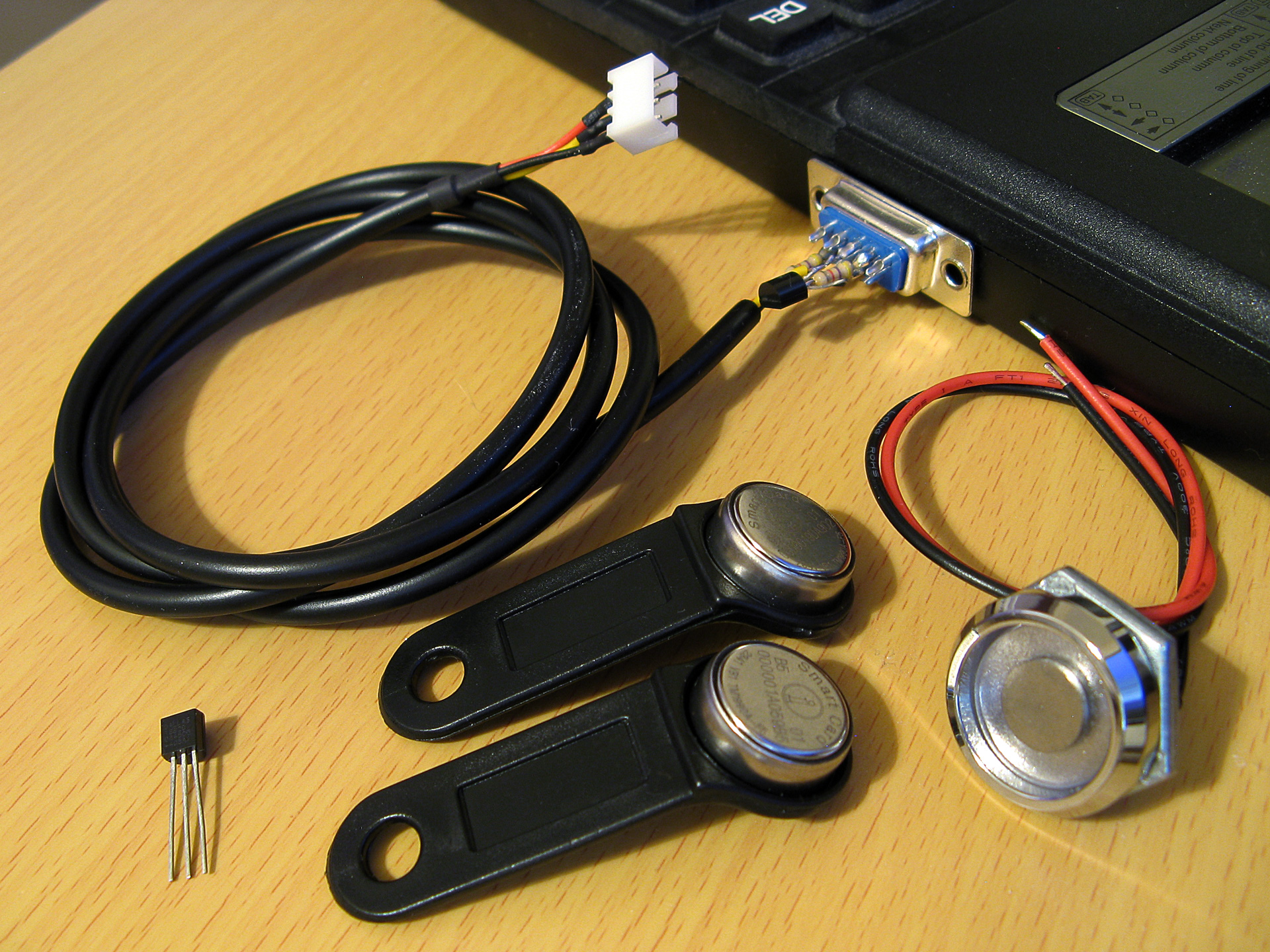
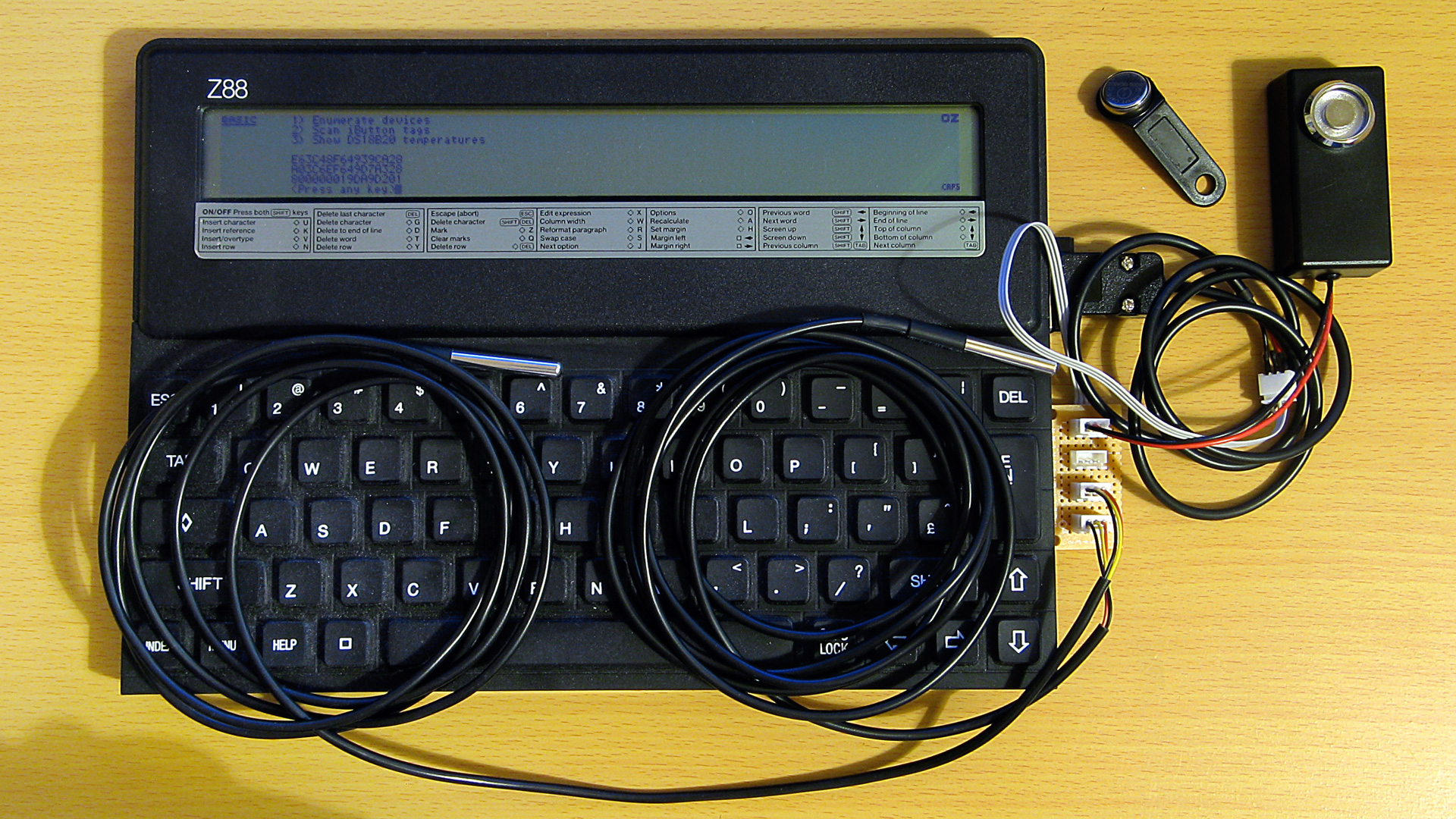
A selection of 1-Wire devices and a 1-Wire interface adaptor plugged into a Z88 computer
I'd had some limited experience working with the 1-Wire bus as part of my version of the Superprobe but now that I had a collection of temperature sensors I thought it might be worth revisiting, this time on the Cambridge Z88.
1-Wire adaptor for the Z88 serial port
To connect 1-Wire devices to the Z88 some sort of adaptor is required and one that plugged into the computer's serial port seemed like a sensible enough option. The Z88's serial port hardware normally handles all the communications for you however it is possible to directly control the logic levels of the serial port's output pins and read back the status of the input pins via some hardware registers.
The TXD line can be +5V for a logic 0 and -6V for a logic 1, adhering to the RS-232 standard. When idle TXD is in its logic 1 state, outputting -6V. Bit ITX (3) in the TXC (&E4) register can be used to invert the behaviour of the TXD pin, so by setting this bit we can change the state of the pin from -6V to +5V.
As we need to have an open-drain bus we can use an NPN transistor with the base connected to the TXD line via a current-limiting resistor, the emitter connected to ground and the collector driving the 1-Wire bus. By default the TXD pin will output -6V, the transistor will be switched off and the bus will be pulled high. When the TXD pin state is inverted it will output +5V, the transistor will switch on and drive the line low.
The state of the RXD line can be read directly via bit RXD (4) in the RXE (&E1) register. The lines appear to be weakly held to 0V and read back a 0 bit in this state, flipping to a 1 bit when the voltage rises above around 2V. In this case we can connect the 1-Wire bus directly to the RXD input and be able to read back the current state.
The circuit for the adaptor, including the 4.7K pull-up resistor, appears as follows:
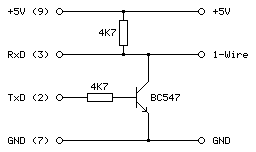
This can be tested in a BASIC program. To determine the input state we can read from the RXE port register (&E1) and check the state of the RXD bit (4):
10 RXE=&E1:M_RXERXD=&10
20 REPEAT
30   PRINT ~(GET(RXE) AND M_RXERXD)
40 UNTIL FALSE
The mask value M_RXERXD is specified as 24=&10 to correspond to the bit four. When run this program displays &10 in hex (showing bit 4 is set and the bus level is therefore high) until the 1-Wire bus line is connected to ground, when the value changes to 0 (showing bit 4 is reset and the bus level is therefore low).
To change the output state we need to write to bit ITX (3) of the TXC register (&E4). However, when writing to the hardware port we only want to change that bit and leave the others alone. The TXC register is a write-only port, so we can't retrieve its previous state by reading from the port. Fortunately the OS maintains a copy of the last value written as a "soft copy" in RAM at address &04E4 and this can be read with the ? indirection operator:
10 TXC=&E4:M_TXCITX=&08
20 SC=&400
30 TXC_OLD=SC?TXC
40 PUT TXC,TXC_OLD OR M_TXCITX
50 IF INKEY(100)
60 PUT TXC,TXC_OLD
The above program reads the old state of the TXC port from the soft copy, ORs it with the mask of the ITX bit (23=&08) and then outputs that to the TXC port. This has the effect of inverting the TXD line, driving the 1-Wire bus low. The program then waits one second with a dummy keyboard read before restoring the old value of the TXC port to release the 1-Wire bus.
Normally if changing the state of the serial port it would be good manners to update the soft copy of the serial port state however as the program is just going to be sending short low pulses before returning the port to its previous state this step is omitted.
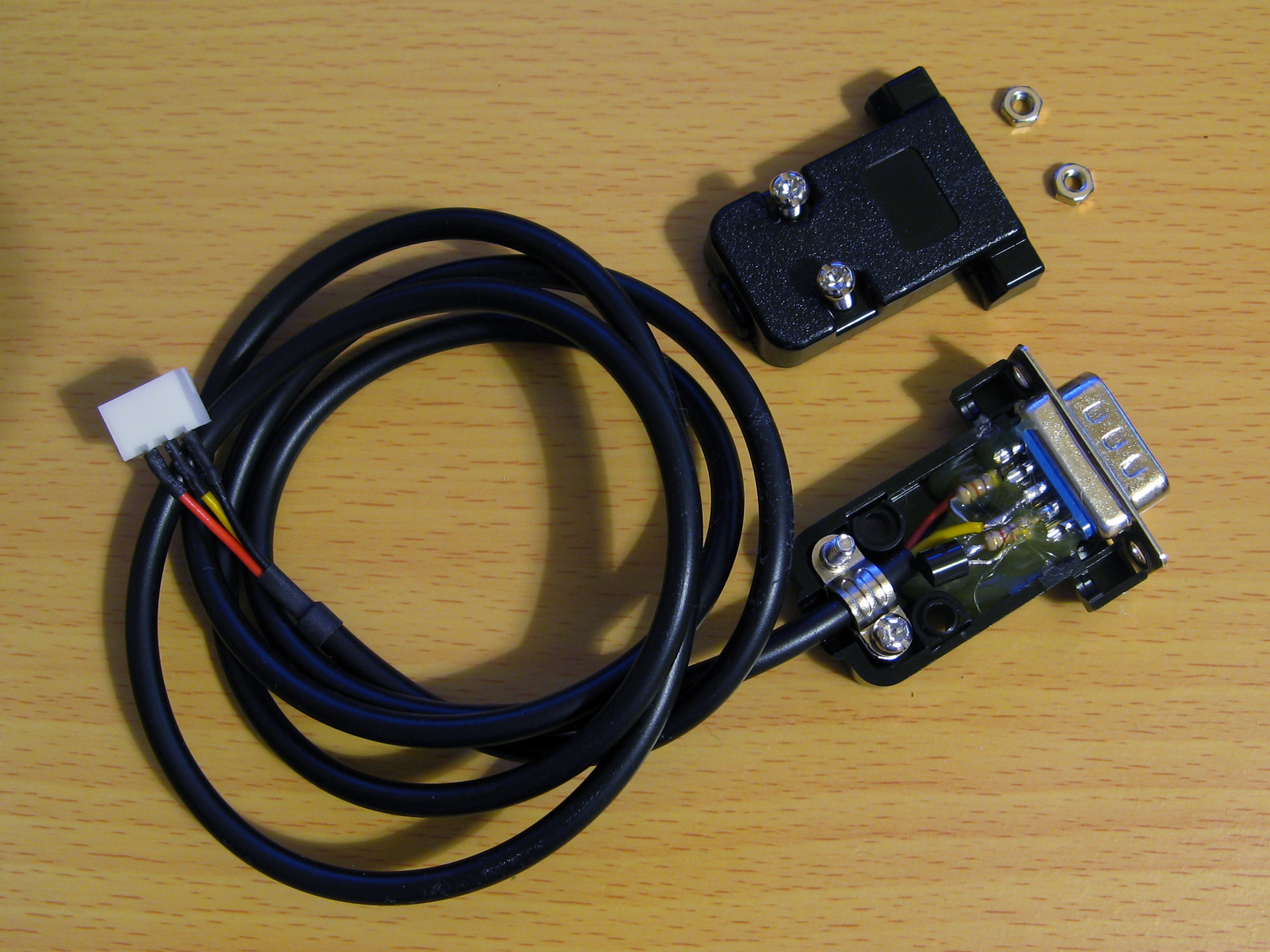
After testing that the circuit worked on a breadboard a more permanent version was assembled in a DE-9 shell as above. As the clips that hold in the DE-9 connector had to cut off to allow it to fit in the Z88's recessed port the circuit ended up being secured with copious amounts of hot glue, which is far from ideal, but nobody will see when it's all screwed back together.
Bit-level protocol
Now that we can electrically control the bus we need to know how to transfer data on it. This is done by timed pulses, where the bus master will hold the bus line low for a certain amount of time, release it, then check to see if any devices on the bus are holding it low in return. This is summarised in the following timing diagram from Microchip's AN1199, 1-Wire Communication with PIC Microcontroller:
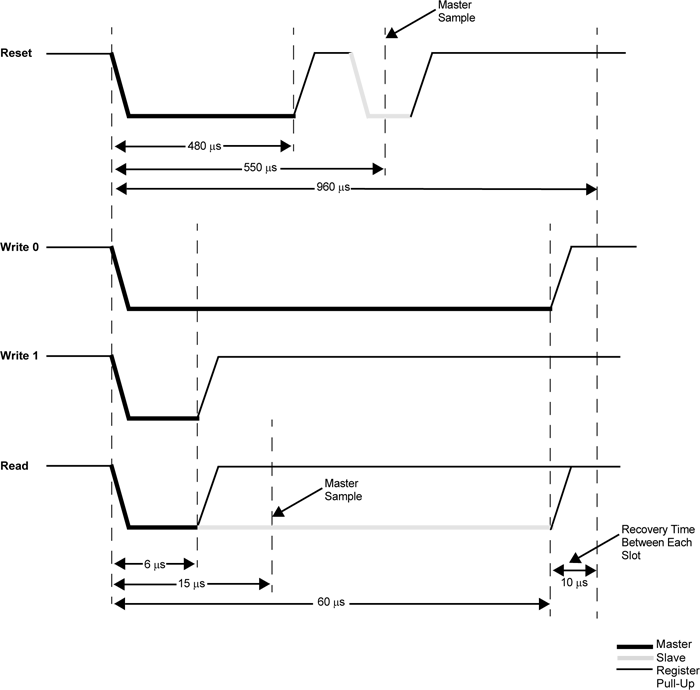
The first thing that needs to be done is to reset all devices on the bus. This is done by holding the bus low for 480μs then releasing it for at least 480μs. If any peripheral devices are present on the bus they will drive the line low after the low pulse from the master, so the full reset procedure is as follows:
- Master drives bus low
- Delay 480μs
- Master releases bus high
- Delay 70μs
- Sample bus state: if high, no peripheral devices present, if low at least one device present.
- Delay 410μs
Once reset, data can be transmitted from the master to peripheral devices bit-by-bit in a similar fashion to the reset pulse, albeit with different timing.
To send a 0 bit:
- Master drives bus low
- Delay 60μs
- Master releases bus high
- Delay 10μs
To send a 1 bit:
- Master drives bus low
- Delay 6μs
- Master releases bus high
- Delay 64μs
Bytes are transferred as eight individual bits, least-significant bit first. The protocol is also tolerant of large delays between individual bits.
Once data has been sent to a peripheral, it may respond with data of its own. The master is still in control of clocking the data out of the peripheral, and the process is as follows:
- Master drives bus low
- Delay 6μs
- Master releases bus high
- Delay 9μs
- Sample bus state to read data bit from peripheral
- Delay 55μs
The overall timing for reading a bit is the same as the timing for sending a 1 bit (an initial 6μs low pulse from the master and a total bit time of 70μs) so in practice only one routine needs to be implemented and the value returned from the bus during read operations can be ignored during write operations.
Software choice for the Z88
I thought it would be nice to be able to interact with 1-Wire devices from a BASIC program. BBC BASIC on the Z88 does provide direct access to the hardware and would make controlling the 1-Wire bus line possible, as demonstrated earlier, however I don't think it would provide the timing accuracy required to produce the appropriate pulses from the master. Fortunately it does include a Z80 assembler and so a mixture of a BASIC program that provides the high-level routines and assembly snippets for the low-level 1-Wire protocol implementation seemed like an appropriate mix of languages.
When you CALL an assembly routine from BASIC the Z80's registers are initialised to the values of the corresponding static variables, for example A is set to A%, H to H%, L to L% etc. You can't return a value directly – for that you'd need USR – however it's a bit easier to just store the return value in memory and retrieve that from BASIC after the CALL returns.
A rough starting point for the 1-Wire program is as follows:
 10 REM 1-WIRE DEMO
 20 PROC_1W_INIT
 30 PRINT FN_1W_RESET
 40 END
 50 :
 60 REM 1-WIRE ROUTINES
 70 END
 80 DEFPROC_1W_INIT
 90 ow_code_size=256:DIM ow_code ow_code_size-1
100 RXE=&E1:M_RXERXD=&10
110 TXC=&E4:M_TXCITX=&08
120 SC=&400
130 FOR opt=0 TO 2 STEP 2
140   P%=ow_code
150   [OPT opt
160   .ow_buf DEFB 0 \ temporary transfer buffer
170   :
180   .ow_reset
190   IN A,(RXE):AND M_RXERXD:CP M_RXERXD:SBC A,A:LD (ow_buf),A:RET NZ \ check bus is idle
200   DI:LD A,(SC+TXC):OR M_TXCITX:OUT (TXC),A \ hold bus low
210   LD B,120:DJNZ P% \ delay
220   AND NOT M_TXCITX:OUT (TXC),A \ release bus
230   LD B,18:DJNZ P% \ delay
240   IN A,(RXE):AND M_RXERXD:CP M_RXERXD:CCF:SBC A,A:LD (ow_buf),A \ sample presence
250   LD B,100:DJNZ P% \ delay
260   EI:RET
270   :
280   ]
290 NEXT
300 ENDPROC
310 :
320 REM Resets bus, retuns TRUE if any devices are present
330 DEFFN_1W_RESET:CALL ow_reset:=?ow_buf=0
The first few lines are going to be where our BASIC program is. This calls the procedure PROC_1W_INIT which will set things up by assembling any required Z80 code. It then calls FN_1W_RESET which is a function that resets the 1-Wire bus and checks to see if any devices assert their presence.
PROC_1W_INIT starts by allocating some memory for the assembled code to live, defines some constants for the IO ports and then runs through the two passes of the assembly process in a loop. Within the assembly block is a variable (ow_buf) which will be used to store data due to be returned by the assembly routines. The ow_reset assembly routine then follows – this first checks to see if the bus is idle (floating high) and if so it disables interrupts, holds the bus low for 480μs, releases the bus and waits 70μs, samples the state of the bus to check for device presence (storing the result in ow_buf), then delays another 410μs.
The delay loops are simple DJNZ loops with B corresponding to the length of the delay and the timings were roughly calculated first based on the number of cycles each loop would take and the Z88's 3.2768MHz CPU clock speed. They were then adjusted slightly using a logic analyser to ensure the timing was as close as could be managed to the 1-Wire protocol's specifications.
The ow_reset routine has been written so that following a successful presence check ow_buf should contain 0, and if there is a problem it will contain a non-zero value. This is used by the FN_1W_RESET wrapper function which just calls ow_reset and returns TRUE if ow_buf is zero afterwards.
If you run the program you should see that the program will display 0 (FALSE) on the screen until a 1-Wire device is connected to the adaptor, at which point it will display -1 (TRUE) instead to indicate the device's presence. This isn't a very useful program, but shows how BASIC and assembly will be mixed to build the rest of the 1-Wire routines.
Sending and receiving bits and bytes
Now that we know a device is present on the bus after a reset we need to be able to send and receive bits and bytes. Sending a 0 bit is a bit simpler than resetting, as we don't need to check for any response – just hold the line low for 60μs then release it back high for 10μs. This can be implemented as follows:
.ow_put_0
DI
LD A,(SC+TXC):OR M_TXCITX:OUT (TXC),A \ hold bus low
LD B,15:DJNZ P% \ delay
AND NOT M_TXCITX:OUT (TXC),A \ release bus
NOP \ delay
EI:RET
Sending a 1 bit has the same overall timing as reading a bit, so instead of writing separate routines to send a 1 bit and read a bit just one routine is required that handles both situations:
.ow_put_1
DI
LD A,(SC+TXC):OR M_TXCITX:OUT (TXC),A \ hold bus low
NOP \ delay
AND NOT M_TXCITX:OUT (TXC),A \ release bus
PUSH HL:POP HL \ delay
IN A,(RXE):AND M_RXERXD:SUB M_RXERXD:CCF \ sample bit
LD A,(ow_buf):RRA:LD (ow_buf),A \ store bit
LD B,7:DJNZ P% \ delay
EI:RET
This holds the bus low for 6μs, releases it and waits 9μs, samples a bit from the bus and rotates it into the ow_buf transfer buffer, then waits 55μs.
These routines could be wrapped up for use in BASIC but it's not too useful to be able to send or receive single bits, normally we'd need to transfer whole 8-bit bytes. The ow_put_1 routine already handles updating the ow_buf with each received bit, so a byte receiving routine can be put together by just calling ow_put_1 eight times in a loop:
.ow_get_byte
LD B,8 \ 8 bits to receive
.ow_get_loop
PUSH BC:CALL ow_put_1:POP BC \ receive single bit
DJNZ ow_get_loop \ loop
LD A,(ow_buf):RET \ store
A send routine can be put together with a similar loop that shifts out the bit to send and then calls either the ow_put_0 or ow_put_1 routine depending on whether it's a 0 or 1 bit that's required. Bits will usually be shifted out into the carry register, so a new ow_put_carry routine that sends the bit stored in the carry flag makes this a bit easier, e.g.
.ow_put_carry
JR C,ow_put_1
JR ow_put_0
...which will be called by the ow_put_byte routine, as follows:
.ow_put_byte
LD C,A:LD B,8 \ value to send in C, send 8 bits
.ow_put_loop
SRL C:PUSH BC:CALL ow_put_carry:POP BC \ shift and send single bit
DJNZ ow_put_loop \ loop
RET
It is also quite useful to be able to send or receive blocks of data at once – for example, sending or receiving the 64-bit device IDs requires sending or receiving 8 bytes of data at a time. To complement ow_get_byte and ow_put_byte we can write ow_get_bytes and ow_put_bytes routines to send or receive the block of data addressed by HL, length BC:
.ow_get_bytes
LD A,B:OR C:RET Z:DEC BC \ have we finished?
PUSH BC:CALL ow_get_byte:POP BC \ get a byte
LD (HL),A:INC HL:JR ow_get_bytes \ store and loop
:
.ow_put_bytes
LD A,B:OR C:RET Z:DEC BC \ have we finished?
LD A,(HL):INC HL \ fetch
PUSH BC:CALL ow_put_byte:POP BC:JR ow_put_bytes \ send and loop
All of these can now be wrapped up as procedures or functions so they can be more easily used from a BASIC program:
REM Transmits a single byte
DEFPROC_1W_PUT(A%)CALL ow_put_byte:ENDPROC
REM Transmits a block of bytes
DEFPROC_1W_PUTS(L%,C%)LOCAL H%,B%:H%=L%DIV256:B%=C%DIV256:CALL ow_put_bytes:ENDPROC
REM Receives a single byte
DEFFN_1W_GET:CALL ow_get_byte:=?ow_buf
REM Receives a block of bytes
DEFPROC_1W_GETS(L%,C%)LOCAL H%,B%:H%=L%DIV256:B%=C%DIV256:CALL ow_get_bytes:ENDPROC
BASIC's integer variables are 32-bit integers so when passing the 16-bit address or length parameters the target register is the least-significant one (L for HL, C for BC) and the most-significant register (H or B) is populated by dividing the value by 256.
This can all be put together in the following demonstration program. It initialises the routines, resets the bus and checks for presence, then sends the "read ROM" command &33 which will make any connected devices respond with their ROM ID. It then reads back the eight bytes corresponding to the device ID then prints them back in hexadecimal.
 10 DIM ID 7:REM Storage for device ID
 20 PROC_1W_INIT
 30 IF FN_1W_RESET=FALSE PRINT "No devices found.":END
 40 PROC_1W_PUT(&33):REM "Read ROM" command
 50 PROC_1W_GETS(ID,8):REM Read eight bytes of device ID
 60 FOR I=7 TO 0 STEP -1:PRINT ~ID?I;:NEXT:PRINT:REM Print device ID bytes
 70 END
 80 :
 90 REM 1-WIRE ROUTINES
100 END
110 DEFPROC_1W_INIT
120 ow_code_size=256:DIM ow_code ow_code_size-1
130 RXE=&E1:M_RXERXD=&10
140 TXC=&E4:M_TXCITX=&08
150 SC=&400
160 FOR opt=0 TO 2 STEP 2
170   P%=ow_code
180   [OPT opt
190   .ow_buf DEFB 0 \ temporary transfer buffer
200   :
210   .ow_reset
220   IN A,(RXE):AND M_RXERXD:CP M_RXERXD:SBC A,A:LD (ow_buf),A:RET NZ \ check bus is idle
230   DI:LD A,(SC+TXC):OR M_TXCITX:OUT (TXC),A \ hold bus low
240   LD B,120:DJNZ P% \ delay
250   AND NOT M_TXCITX:OUT (TXC),A \ release bus
260   LD B,18:DJNZ P% \ delay
270   IN A,(RXE):AND M_RXERXD:CP M_RXERXD:CCF:SBC A,A:LD (ow_buf),A \ sample presence
280   LD B,100:DJNZ P% \ delay
290   EI:RET
300   :
310   .ow_put_carry
320   JR C,ow_put_1 \ fall-through
330   :
340   .ow_put_0
350   DI
360   LD A,(SC+TXC):OR M_TXCITX:OUT (TXC),A \ hold bus low
370   LD B,15:DJNZ P% \ delay
380   AND NOT M_TXCITX:OUT (TXC),A \ release bus
390   NOP \ delay
400   EI:RET
410   :
420   .ow_put_1
430   DI
440   LD A,(SC+TXC):OR M_TXCITX:OUT (TXC),A \ hold bus low
450   NOP \ delay
460   AND NOT M_TXCITX:OUT (TXC),A \ release bus
470   PUSH HL:POP HL \ delay
480   IN A,(RXE):AND M_RXERXD:SUB M_RXERXD:CCF \ sample bit
490   LD A,(ow_buf):RRA:LD (ow_buf),A \ store bit
500   LD B,7:DJNZ P% \ delay
510   EI:RET
520   :
530   .ow_put_byte
540   LD C,A:LD B,8 \ value to send in C, send 8 bits
550   .ow_put_loop
560   SRL C:PUSH BC:CALL ow_put_carry:POP BC \ shift and send single bit
570   DJNZ ow_put_loop \ loop
580   RET
590   :
600   .ow_put_bytes
610   LD A,B:OR C:RET Z:DEC BC \ have we finished?
620   LD A,(HL):INC HL \ fetch
630   PUSH BC:CALL ow_put_byte:POP BC:JR ow_put_bytes \ send and loop
640   :
650   .ow_get_byte
660   LD B,8 \ 8 bits to receive
670   .ow_get_loop
680   PUSH BC:CALL ow_put_1:POP BC \ receive single bit
690   DJNZ ow_get_loop \ loop
700   LD A,(ow_buf):RET \ store
710   :
720   .ow_get_bytes
730   LD A,B:OR C:RET Z:DEC BC \ have we finished?
740   PUSH BC:CALL ow_get_byte:POP BC \ get a byte
750   LD (HL),A:INC HL:JR ow_get_bytes \ store and loop
760   :
770   ]
780 NEXT
790 IF P%-ow_code>ow_code_size PRINT"Code size: "P%-ow_code:END
800 ENDPROC
810 :
820 REM Resets bus, retuns TRUE if any devices are present
830 DEFFN_1W_RESET:CALL ow_reset:=?ow_buf=0
840 REM Transmits a single byte
850 DEFPROC_1W_PUT(A%)CALL ow_put_byte:ENDPROC
860 REM Transmits a block of bytes
870 DEFPROC_1W_PUTS(L%,C%)LOCAL H%,B%:H%=L%DIV256:B%=C%DIV256:CALL ow_put_bytes:ENDPROC
880 REM Receives a single byte
890 DEFFN_1W_GET:CALL ow_get_byte:=?ow_buf
900 REM Receives a block of bytes
910 DEFPROC_1W_GETS(L%,C%)LOCAL H%,B%:H%=L%DIV256:B%=C%DIV256:CALL ow_get_bytes:ENDPROC
When connected to an iButton fob the program prints
55 0 0 1 A0 1A 57 1
...which matches the ID printed on it.
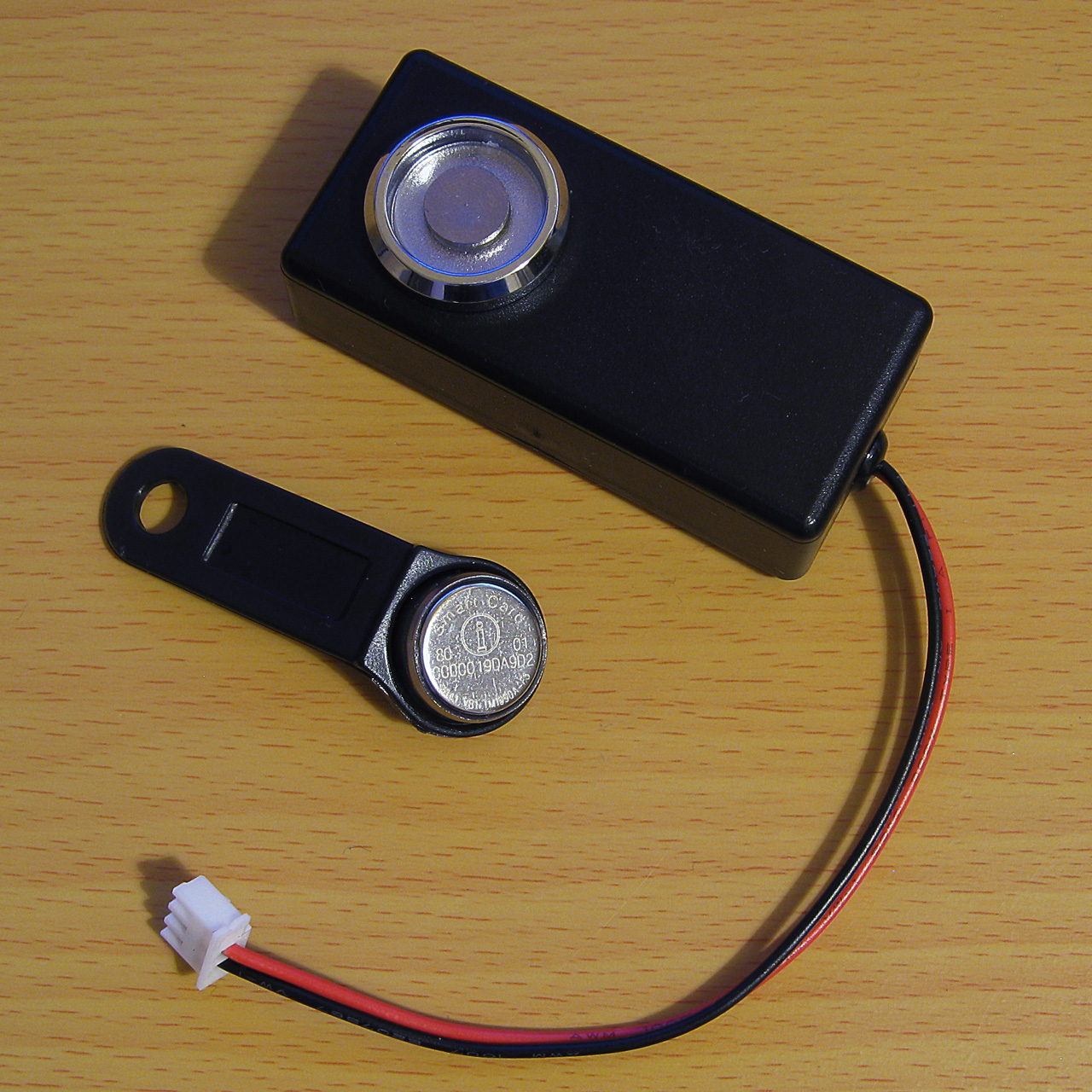
An example of a TM1990A iButton fob (middle) along with the probe used to read it (top)
When connected to a DS18B20 temperature sensor the program prints
B9 0 0 1 D1 97 5D 28
The least significant byte of the 64-bit ID is the family code – &01 for the iButton fob indicates it's a "silicon serial number" type device and &28 for the DS18B20 indicates it's a "programmable resolution digital thermometer".
The 1-Wire bus supports multiple peripheral devices connected to a single master. If we try that we still get something that looks like an ID back:
11 0 0 1 80 12 55 0
This happens because it's an open-drain bus and any device holding the line low will take priority over any device releasing the line high. In effect the data read back is ANDed together, so the most-significant byte received is &55 AND &B9 which gives us the &11 we see. Fortunately that most-significant byte does give us a good opportunity to detect such invalid data!
Error detection with a CRC
Some data payloads include a CRC value. The most-significant byte of a 64-bit device ID is such a CRC, with the least-significant byte being the family code. The exact details for the CRC calculation can be found in the article Understanding and Using Cyclic Redundancy Checks with Maxim 1-Wire and iButton Products however for our purposes a Z80 implementation can be written as follows:
.ow_crc
LD B,8:LD DE,(ow_buf):LD D,A \ E = accumulated CRC, D = value to add
.ow_crc_loop
LD A,E:XOR D:SRL D:SRL A:JR C,ow_crc_odd \ XOR and shift bits
SRL E:DJNZ ow_crc_loop:LD A,E:LD (ow_buf),A:RET \ even CRC value
.ow_crc_odd:SRL E:LD A,&8C:XOR E:LD E,A:DJNZ ow_crc_loop:LD (ow_buf),A:RET \ odd CRC value
:
.ow_crc_block
XOR A:LD (ow_buf),A \ reset CRC
.ow_crc_block_loop
LD A,B:OR C:LD A,(ow_buf):RET Z:DEC BC \ have we finished?
LD A,(HL):INC HL:PUSH BC:CALL ow_crc:POP BC:JR ow_crc_block_loop \ update CRC
ow_crc updates the current calculated CRC value (stored in ow_buf) with the next data byte from the accumulator. ow_crc_block calculates the CRC for a block of data pointed to by HL, length BC, using the ow_crc routine. A couple of BASIC functions can then be written, one to calculate the CRC of a block of data and another to check that the last byte of the block corresponds to the CRC of the preceding data:
REM Calculates the CRC of a block of data
DEFFN_1W_CRC(L%,C%)LOCAL H%,B%:H%=L% DIV256:B%=C%DIV256:CALL ow_crc_block:=?ow_buf
REM Checks if a CRC at the end of a block of data matches
DEFFN_1W_CRC_CHECK(L%,C%)=FN_1W_CRC(L%,C%)=(L%?C%)
These two can now be used to check that a device ID is valid. The CRC is also appended to other data reports, such as reading the scratchpad memory of a temperature sensor, so it's a useful routine to have. A new program which checks the CRC is as follows:
 10 DIM ID 7
 20 PROC_1W_INIT
 30 REPEAT
 40   REPEAT UNTIL FN_1W_RESET:REM Wait for device to be present
 50   PROC_1W_PUT(&33):REM Read ROM
 60   PROC_1W_GETS(ID,8):REM Fetch ID
 70   IF FN_1W_CRC_CHECK(ID,7) VDU 7:PRINT "Detected ";FN_1W_ID$(ID);" at ";TIME$:REM Print if valid
 80   REPEAT UNTIL FN_1W_RESET=FALSE:REM Wait for device to be disconnected
 90 UNTIL FALSE
100 END
110 :
120 REM 1-WIRE ROUTINES
130 END
140 DEFPROC_1W_INIT
150 ow_code_size=256:DIM ow_code ow_code_size-1
160 RXE=&E1:M_RXERXD=&10
170 TXC=&E4:M_TXCITX=&08
180 SC=&400
190 FOR opt=0 TO 2 STEP 2
200   P%=ow_code
210   [OPT opt
220   .ow_buf DEFB 0 \ temporary transfer buffer
230   .ow_conf DEFB 0 \ stores last bit conflict index
240   :
250   .ow_reset
260   IN A,(RXE):AND M_RXERXD:CP M_RXERXD:SBC A,A:LD (ow_buf),A:RET NZ \ check bus is idle
270   DI:LD A,(SC+TXC):OR M_TXCITX:OUT (TXC),A \ hold bus low
280   LD B,120:DJNZ P% \ delay
290   AND NOT M_TXCITX:OUT (TXC),A \ release bus
300   LD B,18:DJNZ P% \ delay
310   IN A,(RXE):AND M_RXERXD:CP M_RXERXD:CCF:SBC A,A:LD (ow_buf),A \ sample presence
320   LD B,100:DJNZ P% \ delay
330   EI:RET
340   :
350   .ow_put_carry
360   JR C,ow_put_1 \ fall-through
370   :
380   .ow_put_0
390   DI
400   LD A,(SC+TXC):OR M_TXCITX:OUT (TXC),A \ hold bus low
410   LD B,15:DJNZ P% \ delay
420   AND NOT M_TXCITX:OUT (TXC),A \ release bus
430   NOP \ delay
440   EI:RET
450   :
460   .ow_put_1
470   DI
480   LD A,(SC+TXC):OR M_TXCITX:OUT (TXC),A \ hold bus low
490   NOP \ delay
500   AND NOT M_TXCITX:OUT (TXC),A \ release bus
510   PUSH HL:POP HL \ delay
520   IN A,(RXE):AND M_RXERXD:SUB M_RXERXD:CCF \ sample bit
530   LD A,(ow_buf):RRA:LD (ow_buf),A \ store bit
540   LD B,7:DJNZ P% \ delay
550   EI:RET
560   :
570   .ow_put_byte
580   LD C,A:LD B,8 \ value to send in C, send 8 bits
590   .ow_put_loop
600   SRL C:PUSH BC:CALL ow_put_carry:POP BC \ shift and send single bit
610   DJNZ ow_put_loop \ loop
620   RET
630   :
640   .ow_put_bytes
650   LD A,B:OR C:RET Z:DEC BC \ have we finished?
660   LD A,(HL):INC HL \ fetch
670   PUSH BC:CALL ow_put_byte:POP BC:JR ow_put_bytes \ send and loop
680   :
690   .ow_get_byte
700   LD B,8 \ 8 bits to receive
710   .ow_get_loop
720   PUSH BC:CALL ow_put_1:POP BC \ receive single bit
730   DJNZ ow_get_loop \ loop
740   LD A,(ow_buf):RET \ store
750   :
760   .ow_get_bytes
770   LD A,B:OR C:RET Z:DEC BC \ have we finished?
780   PUSH BC:CALL ow_get_byte:POP BC \ get a byte
790   LD (HL),A:INC HL:JR ow_get_bytes \ store and loop
800   :
810   .ow_crc
820   LD B,8:LD DE,(ow_buf):LD D,A \ E = accumulated CRC, D = value to add
830   .ow_crc_loop
840   LD A,E:XOR D:SRL D:SRL A:JR C,ow_crc_odd \ XOR and shift bits
850   SRL E:DJNZ ow_crc_loop:LD A,E:LD (ow_buf),A:RET \ even CRC value
860   .ow_crc_odd:SRL E:LD A,&8C:XOR E:LD E,A:DJNZ ow_crc_loop:LD (ow_buf),A:RET \ odd CRC value
870   :
880   .ow_crc_block
890   XOR A:LD (ow_buf),A \ reset CRC
900   .ow_crc_block_loop
910   LD A,B:OR C:LD A,(ow_buf):RET Z:DEC BC \ have we finished?
920   LD A,(HL):INC HL:PUSH BC:CALL ow_crc:POP BC:JR ow_crc_block_loop \ update CRC
930   ]
940 NEXT
950 IF P%-ow_code>ow_code_size PRINT"Code size: "P%-ow_code:END
960 ENDPROC
970 :
980 REM Resets bus, retuns TRUE if any devices are present
990 DEFFN_1W_RESET:CALL ow_reset:=?ow_buf=0
1000 REM Transmits a single byte
1010 DEFPROC_1W_PUT(A%)CALL ow_put_byte:ENDPROC
1020 REM Transmits a block of bytes
1030 DEFPROC_1W_PUTS(L%,C%)LOCAL H%,B%:H%=L%DIV256:B%=C%DIV256:CALL ow_put_bytes:ENDPROC
1040 REM Receives a single byte
1050 DEFFN_1W_GET:CALL ow_get_byte:=?ow_buf
1060 REM Receives a block of bytes
1070 DEFPROC_1W_GETS(L%,C%)LOCAL H%,B%:H%=L%DIV256:B%=C%DIV256:CALL ow_get_bytes:ENDPROC
1080 :
1090 REM Converts ID bytes into string
1100 DEFFN_1W_ID$(ID)LOCAL I%:S$="":FOR I%=7 TO 0 STEP -1:IF ID?I%>15:S$=S$+STR$~(ID?I%):NEXT:=S$:ELSE:S$=S$+"0"+STR$~(ID?I%):NEXT:=S$
1110 REM Converts string into ID bytes
1120 DEFPROC_1W_ID$(ID,ID$)LOCAL I%:FOR I%=0 TO 7:ID?I%=EVAL("&"+MID$(ID$,15-I%*2,2)):NEXT:ENDPROC
1130 :
1140 REM Calculates the CRC of a block of data
1150 DEFFN_1W_CRC(L%,C%)LOCAL H%,B%:H%=L% DIV256:B%=C%DIV256:CALL ow_crc_block:=?ow_buf
1160 REM Checks if a CRC at the end of a block of data matches
1170 DEFFN_1W_CRC_CHECK(L%,C%)=FN_1W_CRC(L%,C%)=(L%?C%)
The program waits for a device to be present, reads its ID, then prints it to the screen along with the date and time if its CRC is valid. It then waits for the device to be removed before looping around to check again. This allows you to tap iButtons to a reader and it will display the relevant ID, for example. It also adds a couple of utility routines – a function, FN_1W_ID$(ID), which turns a block of ID data bytes into a string and a procedure, PROC_1W_ID$(ID,ID$), which does the opposite.
Enumerating the 1-Wire bus
It's certainly useful to be able to detect a single device on the 1-Wire bus however it would be more useful to detect multiple devices and be able to address them individually. Checking every single possible 64-bit address for a response would take far too long, but fortunately there is a way to very quickly enumerate every peripheral device on the bus by means of a binary search.
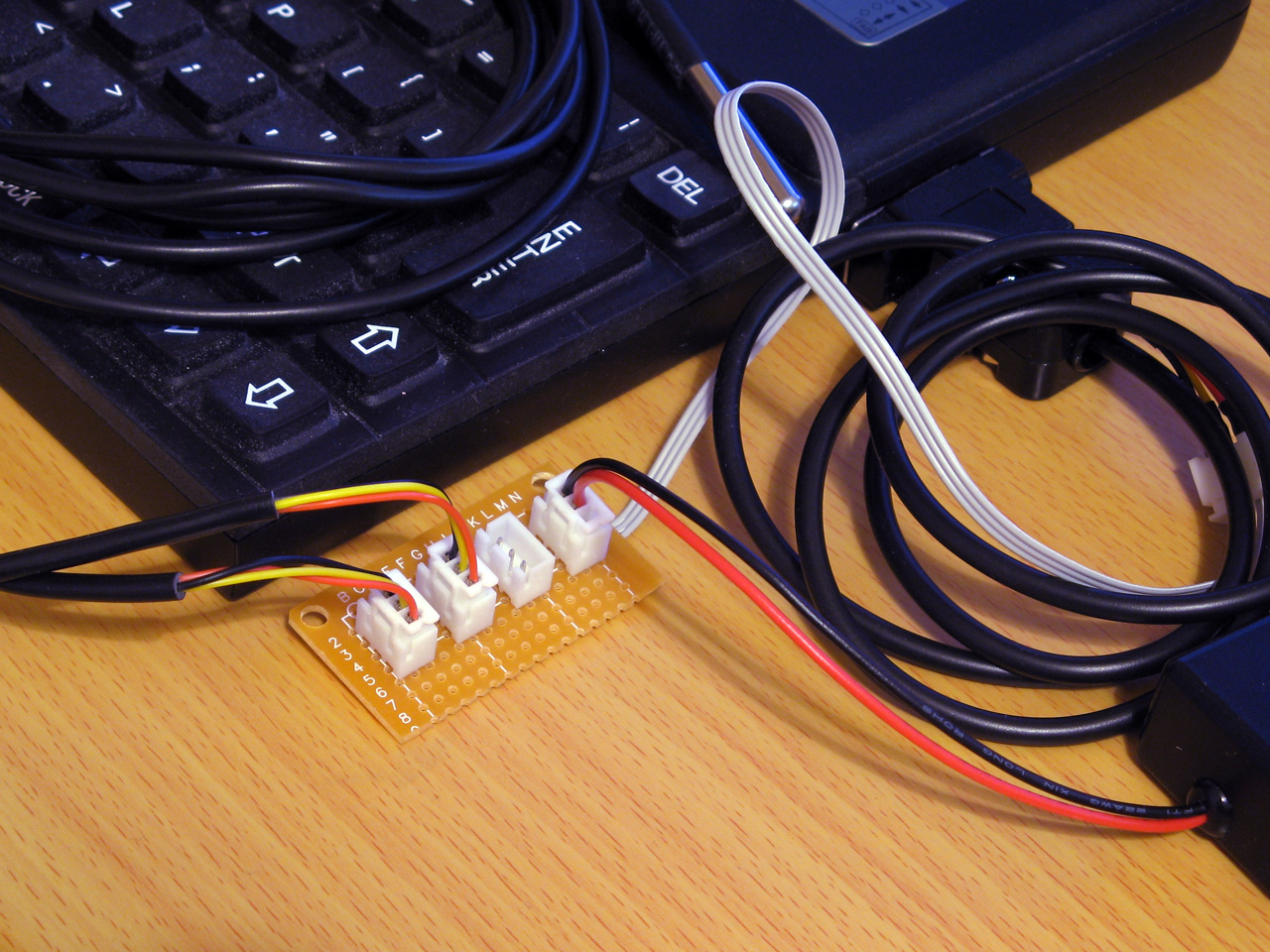
Each socket is wired in parallel to allow multiple 1-Wire devices to be connected to the Z88
To start the search, the master sends either the normal search command &F0 or the alarm/conditional search command &EC. When using the conditional search only devices that are in some sort of alarm state will respond, allowing the master to more quickly identify the devices that need attention. As we're interested in all devices we'll use the normal search command &F0.
After issuing the search command all active devices on the bus will start to report their ID, bit by bit. Each device will send each bit twice, firstly in its normal state and then again in an inverted state. Due to the open-drain nature of the bus, this allows the master to detect conflicting bit values – if all active devices have a 0 in the current bit position then the bus will read 0 then 1, if all active devices have a 1 in the current bit position then the bus will read 1 then 0 but if there is a mixture of zeroes and ones then the bus will read 0 then 0.
After this the master sends a single bit that tells the active peripheral devices which bit it has identified. If this does not match the peripheral's current bit value then the peripheral will go into an idle state and stop responding until the bus is reset again, but if it does match then the device will continue to send bits of its ID. This allows the master to walk down both branches of the binary tree when searching for device IDs when it detects a conflict, by first selecting one bit value in one iteration of the search and then the other bit value in another iteration of the search.
The full procedure for enumerating the bus is more explicitly described in the app note 1-Wire Search Algorithm, and can be implemented with the following Z80 assembly code:
.ow_conf DEFB 0 \ stores last bit conflict index
:
.ow_search
LD DE,(ow_conf):LD D,0:LD C,1:LD B,64
.ow_search_loop
PUSH BC:CALL ow_put_1:CALL ow_put_1:POP BC:RLCA:RLCA \ get bit, !bit
AND 3:JR Z,ow_search_conf \ 00 = conflict
DEC A:JR Z,ow_search_1 \ 01 = 0 bit
DEC A:JR Z,ow_search_0 \ 10 =  1 bit
SCF:RET \ report failure
.ow_search_conf
LD A,B:CP E \ how does bit index compare to last conflict
JR C,ow_search_0_conf \ 0, update current discrepancy
JR Z,ow_search_1 \ 1, no update
LD A,(HL):AND C:JR NZ,ow_search_advance \ old bit = 1, just advance
LD D,B:JR ow_search_advance \ old bit = 0, update current discrepancy
.ow_search_1:LD A,C:OR (HL):LD (HL),A:JR ow_search_advance
.ow_search_0_conf:LD D,B \ fall-through
.ow_search_0:LD A,C:CPL:AND (HL):LD (HL),A \ fall-through
.ow_search_advance
LD A,(HL):AND C:SUB C:CCF:PUSH BC:CALL ow_put_carry:POP BC \ return the ID bit
RLC C:JR NC,P%+3:INC HL \ advance mask
DJNZ ow_search_loop
LD A,D:LD (ow_conf),A
XOR A:LD (ow_buf),A:RET \ report success
A pair of BASIC wrappers can make using this search routine a bit easier:
REM Starts enumerating devices on the bus
DEFPROC_1W_SEARCH_RESET:?ow_conf=TRUE:ENDPROC
REM Searches for next device on bus. Pass search type &F0 for all devices, &EC for alarming devices. Returns TRUE if next device found
DEFFN_1W_SEARCH(A%,ID)IF ?ow_conf=0:=FALSE ELSE IF FN_1W_RESET=0:=FALSE ELSE PROC_1W_PUT(A%):H%=ID DIV256:L%=ID:CALL ow_search:=?ow_buf=0
The "reset" routine just sets the last bit conflict index to -1 (TRUE=-1) and FN_1W_SEARCH will search based on the search type (&F0 for all devices, &EC for alarming devices only), the current ID and last conflict index and will return TRUE if an ID was found or FALSE if no more IDs were found.
A snippet of code that enumerates all devices on the bus and displays their IDs is as follows:
PROC_1W_SEARCH_RESET
REPEAT F%=FN_1W_SEARCH(&F0,ID):IF F% PRINT FN_1W_ID$(ID)
UNTIL F%=FALSE
Reading temperature sensors
So far the examples have been fairly uninteresting, but we now have enough support code to do something useful with devices on a 1-Wire network. The DS18B20 temperature sensors that inspired this whole project are probably the easiest way to show how useful the 1-Wire bus can be.
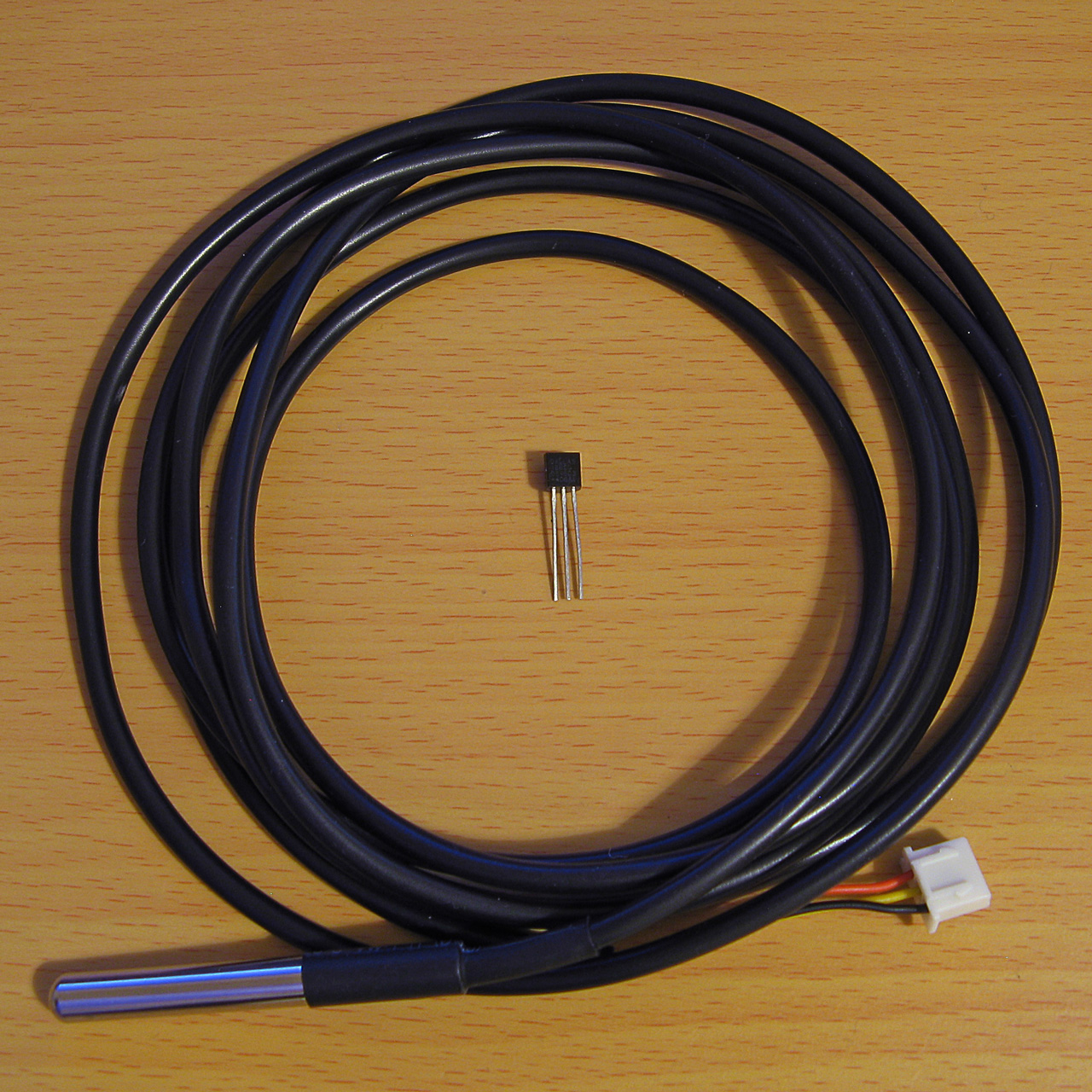
A DS18B20 temperature sensor in a TO-92 package and another in a cabled probe
The idea here will be to search for all temperature sensors on the network and to display their current temperature reading alongside their ID on the screen. The temperature conversion is initiated by sending the "Convert T" command (&44) to the desired 1-Wire devices and then waiting for at least 750ms with the bus inactive, allowing the parasitically-powered devices enough power to complete the temperature conversion, after which the temperature can be read back from the sensor's scratchpad memory.
Due to the large delay when waiting for the sensors to handle the "Convert T" command it is easiest to send the command to all devices on the network rather than to each one individually. This can be done by first sending the "Skip ROM" command (&CC) which allows the master to skip sending a 64-bit ID to the specific device it's addressing before sending the "Convert T" command (&44). The process to tell all devices to perform a temperature conversion is as follows:
IF FN_1W_RESET=FALSE PRINT "No devices found":END
REM Start temperature conversion
PROC_1W_PUT(&CC):REM Skip ROM
PROC_1W_PUT(&44):REM Convert T
T=TIME:IF INKEY(75)>TRUE REPEAT:UNTIL TIME>T+75:REM Delay 750ms
INKEY(75) is used to delay for 750ms however as this can be skipped by pressing a key a delay loop is provided as a safety measure.
After this, all of the devices on the network are enumerated as before:
REM Search for all temperature sensors on the bus and display their readings
PROC_1W_SEARCH_RESET
REPEAT F%=FN_1W_SEARCH(&F0,ID)
  IF F% PROC_1W_PRINT_TEMP(ID)
UNTIL F%=FALSE
PROC_1W_PRINT_TEMP should check to see whether the device ID corresponds to a temperature sensor (its family code, the least-significant byte, should be &28) and if so it should retrieve the temperature value and print it:
REM Print a single sensor's reading
DEFPROC_1W_PRINT_TEMP(ID)
LOCAL T
IF ID?0<>&28 ENDPROC:REM Must be a temperature sensor
T=FN_1W_READ_TEMP(ID):IF T=-999 ENDPROC:REM Read sensor and check for error
@%=&20409:PRINT MID$(FN_1W_ID$(ID),3,12);":",T;" deg C":@%=&90A
ENDPROC
@% controls the way numbers are printed – in this case it is changed to show four decimal places in a field width of 9 characters. When printing the device ID the first two characters and last two characters are stripped off as these correspond to the CRC and family code which are not particularly useful in this case.
FN_1W_READ_TEMP(ID) needs to fetch the temperature from the sensor with the specified ID or return -999 on error. A specific sensor can be addressed by first sending the match ROM command (&55) followed by the 64-bit device ID. After this the scratchpad RAM can be read by sending the "read scratchpad" command (&BE) then reading as many bytes as are required. We only need the first two, but will read nine as this includes all eight bytes of scratchpad RAM plus a CRC so we can verify the data is valid:
REM Retrieve a single sensor's reading
DEFFN_1W_READ_TEMP(ID)
LOCAL T
IF FN_1W_RESET=FALSE =-999
PROC_1W_PUT(&55):PROC_1W_PUTS(ID,8):REM Match ROM
PROC_1W_PUT(&BE):PROC_1W_GETS(SCRATCH,9):REM Read scratchpad
IF FN_1W_CRC_CHECK(SCRATCH,8)=FALSE =-999:REM Check CRC
=SCRATCH!-2DIV65536/16:REM Convert to degrees C
The final line converts the reading to °C. This is a signed 16-bit value stored in the first two bytes of the scratchpad memory. BBC BASIC's ! indirection operator reads a 32-bit value, so by reading from two bytes earlier (-2) the 16-bit temperature value is loaded into the most significant word of a 32-bit integer, and an integer divide of this by 65536 shifts this back down into the least significant word (where it should be) with the sign properly extended (so if it was a negative value before it will still be negative after the division). The value is then divided by 16 using a regular floating-point division as each unit of the temperature sensor's reported value corresponds to 1/16°C.
A complete demo program listing is shown below. Choosing option "3) Show DS18B20 temperatures" will show the temperatures of any connected DS18B20 temperature sensors.
  10 REM 1-WIRE DEMONSTRATION FOR Z88 : BEN RYVES 2023
  20 *NAME 1-Wire Demo
  30 DIM ID 7,SCRATCH 8
  40 PROC_1W_INIT
  50 :
  60 REM Main demo loop
  70 REPEAT PROC_1W_DEMO_MENU
  80   ON ERROR PRINT:END
  90   PRINT "<Press any key>";
 100   REPEAT UNTIL INKEY(0)=TRUE:IF GET
 110 UNTIL FALSE
 120 END
 130 :
 140 REM Main menu
 150 DEFPROC_1W_DEMO_MENU
 160 CLS:PRINT CHR$1;"1B";"1-Wire Demonstration for Cambridge Z88";CHR$1;"1B"
 170 ON ERROR END
 180 REPEAT
 190   PRINT '"Please choose a demo: (press ESC to exit)"
 200   PRINT "1) Enumerate devices"
 210   PRINT "2) Scan iButton tags"
 220   PRINT "3) Show DS18B20 temperatures"
 230   M%=GET-ASC"0"
 240 UNTIL M%>0 AND M%<4
 250 ON ERROR OFF
 260 PRINT
 270 ON M% PROC_1W_DEMO_LIST_DEVICES, PROC_1W_DEMO_TAG, PROC_1W_DEMO_SHOW_TEMPERATURES
 280 ENDPROC
 290 END
 300 :
 310 REM Device search demo
 320 DEFPROC_1W_DEMO_LIST_DEVICES
 330 PROC_1W_SEARCH_RESET
 340 REPEAT F%=FN_1W_SEARCH(&F0,ID):IF F% PRINT FN_1W_ID$(ID)
 350 UNTIL F%=FALSE:ENDPROC
 360 :
 370 REM ID tag scanning demo
 380 DEFPROC_1W_DEMO_TAG
 390 ON ERROR GOTO 50
 400 PRINT "Tap a tag on the reader (press ESC to exit)"
 410 REPEAT
 420   REPEAT UNTIL FN_1W_RESET:REM Wait for device to be present
 430   PROC_1W_PUT(&33):REM Read ROM
 440   PROC_1W_GETS(ID,8):REM Fetch ID
 450   IF FN_1W_CRC_CHECK(ID,7) AND ID?0=1 VDU 7:PRINT "Detected ";FN_1W_ID$(ID);" at ";TIME$:REM Print if valid
 460   REPEAT UNTIL FN_1W_RESET=FALSE:REM Wait for device to be disconnected
 470 UNTIL FALSE
 480 ENDPROC
 490 :
 500 REM Temperature demo
 510 DEFPROC_1W_DEMO_SHOW_TEMPERATURES
 520 IF FN_1W_RESET=FALSE PRINT "No devices found":ENDPROC
 530 REM Start temperature conversion
 540 PROC_1W_PUT(&CC):REM Skip ROM
 550 PROC_1W_PUT(&44):REM Convert T
 560 T=TIME:IF INKEY(75)>TRUE REPEAT:UNTIL TIME>T+75:REM Delay 750ms
 570 REM Search for all temperature sensors on the bus and display their readings
 580 PROC_1W_SEARCH_RESET
 590 REPEAT F%=FN_1W_SEARCH(&F0,ID)
 600   IF F% PROC_1W_PRINT_TEMP(ID)
 610 UNTIL F%=FALSE
 620 ENDPROC
 630 REM Print a single sensor's reading
 640 DEFPROC_1W_PRINT_TEMP(ID)
 650 LOCAL T
 660 IF ID?0<>&28 ENDPROC:REM Must be a temperature sensor
 670 T=FN_1W_READ_TEMP(ID):IF T=-999 ENDPROC:REM Read sensor and check for error
 680 @%=&20409:PRINT MID$(FN_1W_ID$(ID),3,12);":",T;" deg C":@%=&90A
 690 ENDPROC
 700 REM Retrieve a single sensor's reading
 710 DEFFN_1W_READ_TEMP(ID)
 720 LOCAL T
 730 IF FN_1W_RESET=FALSE =-999
 740 PROC_1W_PUT(&55):PROC_1W_PUTS(ID,8):REM Match ROM
 750 PROC_1W_PUT(&BE):PROC_1W_GETS(SCRATCH,9):REM Read scratchpad
 760 IF FN_1W_CRC_CHECK(SCRATCH,8)=FALSE =-999:REM Check CRC
 770 =SCRATCH!-2DIV65536/16:REM Convert to degrees C
 780 :
 790 REM 1-WIRE ROUTINES
 800 END
 810 DEFPROC_1W_INIT
 820 ow_code_size=294:DIM ow_code ow_code_size-1
 830 RXE=&E1:M_RXERXD=&10
 840 TXC=&E4:M_TXCITX=&08
 850 SC=&400
 860 FOR opt=0 TO 2 STEP 2
 870   P%=ow_code
 880   [OPT opt
 890   .ow_buf DEFB 0 \ temporary transfer buffer
 900   .ow_conf DEFB 0 \ stores last bit conflict index
 910   :
 920   .ow_reset
 930   IN A,(RXE):AND M_RXERXD:CP M_RXERXD:SBC A,A:LD (ow_buf),A:RET NZ \ check bus is idle
 940   DI:LD A,(SC+TXC):OR M_TXCITX:OUT (TXC),A \ hold bus low
 950   LD B,120:DJNZ P% \ delay
 960   AND NOT M_TXCITX:OUT (TXC),A \ release bus
 970   LD B,18:DJNZ P% \ delay
 980   IN A,(RXE):AND M_RXERXD:CP M_RXERXD:CCF:SBC A,A:LD (ow_buf),A \ sample presence
 990   LD B,100:DJNZ P% \ delay
1000   EI:RET
1010   :
1020   .ow_put_carry
1030   JR C,ow_put_1 \ fall-through
1040   :
1050   .ow_put_0
1060   DI
1070   LD A,(SC+TXC):OR M_TXCITX:OUT (TXC),A \ hold bus low
1080   LD B,15:DJNZ P% \ delay
1090   AND NOT M_TXCITX:OUT (TXC),A \ release bus
1100   NOP \ delay
1110   EI:RET
1120   :
1130   .ow_put_1
1140   DI
1150   LD A,(SC+TXC):OR M_TXCITX:OUT (TXC),A \ hold bus low
1160   NOP \ delay
1170   AND NOT M_TXCITX:OUT (TXC),A \ release bus
1180   PUSH HL:POP HL \ delay
1190   IN A,(RXE):AND M_RXERXD:SUB M_RXERXD:CCF \ sample bit
1200   LD A,(ow_buf):RRA:LD (ow_buf),A \ store bit
1210   LD B,7:DJNZ P% \ delay
1220   EI:RET
1230   :
1240   .ow_put_byte
1250   LD C,A:LD B,8 \ value to send in C, send 8 bits
1260   .ow_put_loop
1270   SRL C:PUSH BC:CALL ow_put_carry:POP BC \ shift and send single bit
1280   DJNZ ow_put_loop \ loop
1290   RET
1300   :
1310   .ow_put_bytes
1320   LD A,B:OR C:RET Z:DEC BC \ have we finished?
1330   LD A,(HL):INC HL \ fetch
1340   PUSH BC:CALL ow_put_byte:POP BC:JR ow_put_bytes \ send and loop
1350   :
1360   .ow_get_byte
1370   LD B,8 \ 8 bits to receive
1380   .ow_get_loop
1390   PUSH BC:CALL ow_put_1:POP BC \ receive single bit
1400   DJNZ ow_get_loop \ loop
1410   LD A,(ow_buf):RET \ store
1420   :
1430   .ow_get_bytes
1440   LD A,B:OR C:RET Z:DEC BC \ have we finished?
1450   PUSH BC:CALL ow_get_byte:POP BC \ get a byte
1460   LD (HL),A:INC HL:JR ow_get_bytes \ store and loop
1470   :
1480   .ow_search
1490   LD DE,(ow_conf):LD D,0:LD C,1:LD B,64
1500   .ow_search_loop
1510   PUSH BC:CALL ow_put_1:CALL ow_put_1:POP BC:RLCA:RLCA \ get bit, !bit
1520   AND 3:JR Z,ow_search_conf \ 00 = conflict
1530   DEC A:JR Z,ow_search_1 \ 01 = 0 bit
1540   DEC A:JR Z,ow_search_0 \ 10 =  1 bit
1550   SCF:RET \ report failure
1560   .ow_search_conf
1570   LD A,B:CP E \ how does bit index compare to last conflict
1580   JR C,ow_search_0_conf \ 0, update current discrepancy
1590   JR Z,ow_search_1 \ 1, no update
1600   LD A,(HL):AND C:JR NZ,ow_search_advance \ old bit = 1, just advance
1610   LD D,B:JR ow_search_advance \ old bit = 0, update current discrepancy
1620   .ow_search_1:LD A,C:OR (HL):LD (HL),A:JR ow_search_advance
1630   .ow_search_0_conf:LD D,B \ fall-through
1640   .ow_search_0:LD A,C:CPL:AND (HL):LD (HL),A \ fall-through
1650   .ow_search_advance
1660   LD A,(HL):AND C:SUB C:CCF:PUSH BC:CALL ow_put_carry:POP BC \ return the ID bit
1670   RLC C:JR NC,P%+3:INC HL \ advance mask
1680   DJNZ ow_search_loop
1690   LD A,D:LD (ow_conf),A
1700   XOR A:LD (ow_buf),A:RET \ report success
1710   :
1720   .ow_crc
1730   LD B,8:LD DE,(ow_buf):LD D,A \ E = accumulated CRC, D = value to add
1740   .ow_crc_loop
1750   LD A,E:XOR D:SRL D:SRL A:JR C,ow_crc_odd \ XOR and shift bits
1760   SRL E:DJNZ ow_crc_loop:LD A,E:LD (ow_buf),A:RET \ even CRC value
1770   .ow_crc_odd:SRL E:LD A,&8C:XOR E:LD E,A:DJNZ ow_crc_loop:LD (ow_buf),A:RET \ odd CRC value
1780   :
1790   .ow_crc_block
1800   XOR A:LD (ow_buf),A \ reset CRC
1810   .ow_crc_block_loop
1820   LD A,B:OR C:LD A,(ow_buf):RET Z:DEC BC \ have we finished?
1830   LD A,(HL):INC HL:PUSH BC:CALL ow_crc:POP BC:JR ow_crc_block_loop \ update CRC
1840   ]
1850 NEXT
1860 IF P%-ow_code<>ow_code_size PRINT"Code size: "P%-ow_code:END
1870 ENDPROC
1880 :
1890 REM Resets bus, retuns TRUE if any devices are present
1900 DEFFN_1W_RESET:CALL ow_reset:=?ow_buf=0
1910 REM Transmits a single byte
1920 DEFPROC_1W_PUT(A%)CALL ow_put_byte:ENDPROC
1930 REM Transmits a block of bytes
1940 DEFPROC_1W_PUTS(L%,C%)LOCAL H%,B%:H%=L%DIV256:B%=C%DIV256:CALL ow_put_bytes:ENDPROC
1950 REM Receives a single byte
1960 DEFFN_1W_GET:CALL ow_get_byte:=?ow_buf
1970 REM Receives a block of bytes
1980 DEFPROC_1W_GETS(L%,C%)LOCAL H%,B%:H%=L%DIV256:B%=C%DIV256:CALL ow_get_bytes:ENDPROC
1990 :
2000 REM Starts enumerating devices on the bus
2010 DEFPROC_1W_SEARCH_RESET:?ow_conf=TRUE:ENDPROC
2020 REM Searches for next device on bus. Pass search type &F0 for all devices, &EC for alarming devices. Returns TRUE if next device found
2030 DEFFN_1W_SEARCH(A%,ID)IF ?ow_conf=0:=FALSE ELSE IF FN_1W_RESET=0:=FALSE ELSE PROC_1W_PUT(A%):H%=ID DIV256:L%=ID:CALL ow_search:=?ow_buf=0
2040 :
2050 REM Converts ID bytes into string
2060 DEFFN_1W_ID$(ID)LOCAL I%:S$="":FOR I%=7 TO 0 STEP -1:IF ID?I%>15:S$=S$+STR$~(ID?I%):NEXT:=S$:ELSE:S$=S$+"0"+STR$~(ID?I%):NEXT:=S$
2070 REM Converts string into ID bytes
2080 DEFPROC_1W_ID$(ID,ID$)LOCAL I%:FOR I%=0 TO 7:ID?I%=EVAL("&"+MID$(ID$,15-I%*2,2)):NEXT:ENDPROC
2090 :
2100 REM Calculates the CRC of a block of data
2110 DEFFN_1W_CRC(L%,C%)LOCAL H%,B%:H%=L% DIV256:B%=C%DIV256:CALL ow_crc_block:=?ow_buf
2120 REM Checks if a CRC at the end of a block of data matches
2130 DEFFN_1W_CRC_CHECK(L%,C%)=FN_1W_CRC(L%,C%)=(L%?C%)
Temperature logger
All of this can be put together into a program that logs the temperature from any connected sensors to a CSV file on the Z88. The main loop can look similar to the one above that searches for and displays the temperature readings for any connected DS18B20 sensors, however it will instead call a PROC_1W_LOG_TEMP procedure that handles logging the data to a file instead of printing it on the display:
REM Log a single sensor's reading
DEFPROC_1W_LOG_TEMP(ID)
LOCAL T
IF ID?0<>&28 ENDPROC:REM Must be a temperature sensor
T=FN_1W_READ_TEMP(ID):IF T=-999 ENDPROC:REM Read sensor and check for error
ENTRY$=FN_DATETIME$(TIME$)+","+STR$T:REM Timestamp and temperature reading
ID$=MID$(FN_1W_ID$(ID),3,12):REM ID without CRC and family code
CSV$=ID$+".CSV":REM Name of CSV file
C=OPENUP CSV$:REM Open the CSV for update
IF C=FALSE C=OPENOUT CSV$:PRINT#C,"Time,"+ID$:REM Create new CSV if required
PTR#C=EXT#C:PRINT#C,ENTRY$:REM Write entry to end of CSV
CLOSE#C:REM Close the CSV
PRINT CSV$,ENTRY$:REM Display on screen
ENDPROC
The procedure will fetch the value from the sensor and then turn the ID into a CSV filename by stripping off the CRC and family code and appending ".CSV". It will then try to open the existing file, and if one doesn't exist it will create a new one and write the column headers to it. It will then seek to the end of the file and append the timestamp and the temperature reading.
One further complication is that to make handling the CSV a bit easier, the timestamp is converted from the format returned by BBC BASIC's TIME$ function into "YYYY-MM-DD hh:mm:ss" format. This is handled by the following three functions, FN_DATE (which extracts and reformats the date component into YYYY-MM-DD format), FN_TIME (which extracts the time component into hh:mm:ss format) and FN_DATETIME which glues the date and time back together with a space in the middle:
REM Date formatting routines
DEF FN_DATE$(T$)
LOCAL C%,I%,J%,V%,R$
R$="":I%=1
FOR C%=0 TO 3 J%=INSTR(MID$(T$,I%)," ")
  IF C%=2 V%=1+INSTR("JanFebMarAprMayJunJulAugSepOctNovDec",MID$(T$,I%,3))DIV3 ELSE V%=VAL(MID$(T$,I%,J%-1))
  IF C%>1 R$="-"+R$
  IF C% R$=STR$(V%)+R$ IF V%<10 R$="0"+R$
  I%=I%+J%
NEXT
=R$
DEF FN_TIME$(T$) =MID$(T$,LEN(T$)-7)
DEF FN_DATETIME$(T$) =FN_DATE$(T$)+" "+FN_TIME$(T$)
One way to make this logging program more useful would be to get the computer to run it periodically (e.g. once per minute). The Z88's "Alarm" feature can execute a command whenever the alarm goes off and you can schedule recurring alarms so this sounds like an ideal starting point! When the program has run it would also be handy for the computer to switch itself off again. There is an OS call for this, OS_Off, which can be invoked from BASIC as follows:
REM SWITCH OFF ROUTINES
DEFPROC_SWITCH_OFF_INIT
switch_off_size=15:DIM switch_off switch_off_size-1
P%=switch_off
[OPT 2
LD HL,0:ADD HL,SP:LD SP,(&1FFE):PUSH HL
RST &20:DEFW &EC06:REM OS_Off
POP HL:LD SP,HL:RET:]
ENDPROC
DEFPROC_SWITCH_OFF:CALL switch_off:ENDPROC
As with the 1-Wire assembly routines you must first call an initialisation procedure (PROC_SWITCH_OFF_INIT) to assemble the routine before calling it with PROC_SWITCH_OFF. The actual OS_Off call is the RST &20H:DEFW &EC06 in the middle of all that. Unfortunately, OS calls tend to involve some memory paging and in the process BBC BASIC's RAM gets swapped out and when the OS routine tries to return it jumps back into some different memory – the computer certainly switches off, but then it soft resets instead of coming back on properly. This is why there's some additional boilerplate code around the OS call to move the stack pointer into a safe region of memory so the routine can return properly.
The complete temperature-logging program is now shown below:
  10 REM 1-WIRE TEMPERATURE LOGGER : BEN RYVES 2023
  20 *NAME 1-Wire Temperature Logger
  30 REPEAT UNTIL INKEY(0)=TRUE:REM Flush keyboard
  40 DIM ID 7,SCRATCH 8
  50 PROC_1W_INIT
  60 PROC_SWITCH_OFF_INIT
  70 REM Reset 1-Wire bus and check that at least one device is present
  80 IF FN_1W_RESET=FALSE PROC_SWITCH_OFF:END
  90 REM Start temperature conversion
 100 PROC_1W_PUT(&CC):REM Skip ROM
 110 PROC_1W_PUT(&44):REM Convert T
 120 T=TIME:IF INKEY(75)>TRUE REPEAT:UNTIL TIME>T+75:REM Delay 750ms
 130 REM Search for all temperature sensors on the bus and log their readings
 140 PROC_1W_SEARCH_RESET
 150 REPEAT F%=FN_1W_SEARCH(&F0,ID):IF F% PROC_1W_LOG_TEMP(ID)
 160 UNTIL F%=FALSE
 170 REM Switch the computer off
 180 PROC_SWITCH_OFF
 190 END
 200 :
 210 REM Log a single sensor's reading
 220 DEFPROC_1W_LOG_TEMP(ID)
 230 LOCAL T
 240 IF ID?0<>&28 ENDPROC:REM Must be a temperature sensor
 250 T=FN_1W_READ_TEMP(ID):IF T=-999 ENDPROC:REM Read sensor and check for error
 260 ENTRY$=FN_DATETIME$(TIME$)+","+STR$T:REM Timestamp and temperature reading
 270 ID$=MID$(FN_1W_ID$(ID),3,12):REM ID without CRC and family code
 280 CSV$=ID$+".CSV":REM Name of CSV file
 290 C=OPENUP CSV$:REM Open the CSV for update
 300 IF C=FALSE C=OPENOUT CSV$:PRINT#C,"Time,"+ID$:REM Create new CSV if required
 310 PTR#C=EXT#C:PRINT#C,ENTRY$:REM Write entry to end of CSV
 320 CLOSE#C:REM Close the CSV
 330 PRINT CSV$,ENTRY$:REM Display on screen
 340 ENDPROC
 350 REM Retrieve a single sensor's reading
 360 DEFFN_1W_READ_TEMP(ID)
 370 LOCAL T
 380 IF FN_1W_RESET=FALSE =-999
 390 PROC_1W_PUT(&55):PROC_1W_PUTS(ID,8):REM Match ROM
 400 PROC_1W_PUT(&BE):PROC_1W_GETS(SCRATCH,9):REM Read scratchpad
 410 IF FN_1W_CRC_CHECK(SCRATCH,8)=FALSE =-999:REM Check CRC
 420 =SCRATCH!-2DIV65536/16:REM Convert to degrees C
 430 :
 440 REM Date formatting routines
 450 DEF FN_DATE$(T$)
 460 LOCAL C%,I%,J%,V%,R$
 470 R$="":I%=1
 480 FOR C%=0 TO 3 J%=INSTR(MID$(T$,I%)," ")
 490   IF C%=2 V%=1+INSTR("JanFebMarAprMayJunJulAugSepOctNovDec",MID$(T$,I%,3))DIV3 ELSE V%=VAL(MID$(T$,I%,J%-1))
 500   IF C%>1 R$="-"+R$
 510   IF C% R$=STR$(V%)+R$ IF V%<10 R$="0"+R$
 520   I%=I%+J%
 530 NEXT
 540 =R$
 550 DEF FN_TIME$(T$) =MID$(T$,LEN(T$)-7)
 560 DEF FN_DATETIME$(T$) =FN_DATE$(T$)+" "+FN_TIME$(T$)
 570 :
 580 REM SWITCH OFF ROUTINES
 590 DEFPROC_SWITCH_OFF_INIT
 600 switch_off_size=15:DIM switch_off switch_off_size-1
 610 P%=switch_off
 620 [OPT 2
 630 LD HL,0:ADD HL,SP:LD SP,(&1FFE):PUSH HL
 640 RST &20:DEFW &EC06
 650 POP HL:LD SP,HL:RET:]
 660 ENDPROC
 670 DEFPROC_SWITCH_OFF:CALL switch_off:ENDPROC
 680 :
 690 REM 1-WIRE ROUTINES
 700 END
 710 DEFPROC_1W_INIT
 720 ow_code_size=294:DIM ow_code ow_code_size-1
 730 RXE=&E1:M_RXERXD=&10
 740 TXC=&E4:M_TXCITX=&08
 750 SC=&400
 760 FOR opt=0 TO 2 STEP 2
 770   P%=ow_code
 780   [OPT opt
 790   .ow_buf DEFB 0 \ temporary transfer buffer
 800   .ow_conf DEFB 0 \ stores last bit conflict index
 810   :
 820   .ow_reset
 830   IN A,(RXE):AND M_RXERXD:CP M_RXERXD:SBC A,A:LD (ow_buf),A:RET NZ \ check bus is idle
 840   DI:LD A,(SC+TXC):OR M_TXCITX:OUT (TXC),A \ hold bus low
 850   LD B,120:DJNZ P% \ delay
 860   AND NOT M_TXCITX:OUT (TXC),A \ release bus
 870   LD B,18:DJNZ P% \ delay
 880   IN A,(RXE):AND M_RXERXD:CP M_RXERXD:CCF:SBC A,A:LD (ow_buf),A \ sample presence
 890   LD B,100:DJNZ P% \ delay
 900   EI:RET
 910   :
 920   .ow_put_carry
 930   JR C,ow_put_1 \ fall-through
 940   :
 950   .ow_put_0
 960   DI
 970   LD A,(SC+TXC):OR M_TXCITX:OUT (TXC),A \ hold bus low
 980   LD B,15:DJNZ P% \ delay
 990   AND NOT M_TXCITX:OUT (TXC),A \ release bus
1000   NOP \ delay
1010   EI:RET
1020   :
1030   .ow_put_1
1040   DI
1050   LD A,(SC+TXC):OR M_TXCITX:OUT (TXC),A \ hold bus low
1060   NOP \ delay
1070   AND NOT M_TXCITX:OUT (TXC),A \ release bus
1080   PUSH HL:POP HL \ delay
1090   IN A,(RXE):AND M_RXERXD:SUB M_RXERXD:CCF \ sample bit
1100   LD A,(ow_buf):RRA:LD (ow_buf),A \ store bit
1110   LD B,7:DJNZ P% \ delay
1120   EI:RET
1130   :
1140   .ow_put_byte
1150   LD C,A:LD B,8 \ value to send in C, send 8 bits
1160   .ow_put_loop
1170   SRL C:PUSH BC:CALL ow_put_carry:POP BC \ shift and send single bit
1180   DJNZ ow_put_loop \ loop
1190   RET
1200   :
1210   .ow_put_bytes
1220   LD A,B:OR C:RET Z:DEC BC \ have we finished?
1230   LD A,(HL):INC HL \ fetch
1240   PUSH BC:CALL ow_put_byte:POP BC:JR ow_put_bytes \ send and loop
1250   :
1260   .ow_get_byte
1270   LD B,8 \ 8 bits to receive
1280   .ow_get_loop
1290   PUSH BC:CALL ow_put_1:POP BC \ receive single bit
1300   DJNZ ow_get_loop \ loop
1310   LD A,(ow_buf):RET \ store
1320   :
1330   .ow_get_bytes
1340   LD A,B:OR C:RET Z:DEC BC \ have we finished?
1350   PUSH BC:CALL ow_get_byte:POP BC \ get a byte
1360   LD (HL),A:INC HL:JR ow_get_bytes \ store and loop
1370   :
1380   .ow_search
1390   LD DE,(ow_conf):LD D,0:LD C,1:LD B,64
1400   .ow_search_loop
1410   PUSH BC:CALL ow_put_1:CALL ow_put_1:POP BC:RLCA:RLCA \ get bit, !bit
1420   AND 3:JR Z,ow_search_conf \ 00 = conflict
1430   DEC A:JR Z,ow_search_1 \ 01 = 0 bit
1440   DEC A:JR Z,ow_search_0 \ 10 =  1 bit
1450   SCF:RET \ report failure
1460   .ow_search_conf
1470   LD A,B:CP E \ how does bit index compare to last conflict
1480   JR C,ow_search_0_conf \ 0, update current discrepancy
1490   JR Z,ow_search_1 \ 1, no update
1500   LD A,(HL):AND C:JR NZ,ow_search_advance \ old bit = 1, just advance
1510   LD D,B:JR ow_search_advance \ old bit = 0, update current discrepancy
1520   .ow_search_1:LD A,C:OR (HL):LD (HL),A:JR ow_search_advance
1530   .ow_search_0_conf:LD D,B \ fall-through
1540   .ow_search_0:LD A,C:CPL:AND (HL):LD (HL),A \ fall-through
1550   .ow_search_advance
1560   LD A,(HL):AND C:SUB C:CCF:PUSH BC:CALL ow_put_carry:POP BC \ return the ID bit
1570   RLC C:JR NC,P%+3:INC HL \ advance mask
1580   DJNZ ow_search_loop
1590   LD A,D:LD (ow_conf),A
1600   XOR A:LD (ow_buf),A:RET \ report success
1610   :
1620   .ow_crc
1630   LD B,8:LD DE,(ow_buf):LD D,A \ E = accumulated CRC, D = value to add
1640   .ow_crc_loop
1650   LD A,E:XOR D:SRL D:SRL A:JR C,ow_crc_odd \ XOR and shift bits
1660   SRL E:DJNZ ow_crc_loop:LD A,E:LD (ow_buf),A:RET \ even CRC value
1670   .ow_crc_odd:SRL E:LD A,&8C:XOR E:LD E,A:DJNZ ow_crc_loop:LD (ow_buf),A:RET \ odd CRC value
1680   :
1690   .ow_crc_block
1700   XOR A:LD (ow_buf),A \ reset CRC
1710   .ow_crc_block_loop
1720   LD A,B:OR C:LD A,(ow_buf):RET Z:DEC BC \ have we finished?
1730   LD A,(HL):INC HL:PUSH BC:CALL ow_crc:POP BC:JR ow_crc_block_loop \ update CRC
1740   ]
1750 NEXT
1760 IF P%-ow_code<>ow_code_size PRINT"Code size: "P%-ow_code:END
1770 ENDPROC
1780 :
1790 REM Resets bus, retuns TRUE if any devices are present
1800 DEFFN_1W_RESET:CALL ow_reset:=?ow_buf=0
1810 REM Transmits a single byte
1820 DEFPROC_1W_PUT(A%)CALL ow_put_byte:ENDPROC
1830 REM Transmits a block of bytes
1840 DEFPROC_1W_PUTS(L%,C%)LOCAL H%,B%:H%=L%DIV256:B%=C%DIV256:CALL ow_put_bytes:ENDPROC
1850 REM Receives a single byte
1860 DEFFN_1W_GET:CALL ow_get_byte:=?ow_buf
1870 REM Receives a block of bytes
1880 DEFPROC_1W_GETS(L%,C%)LOCAL H%,B%:H%=L%DIV256:B%=C%DIV256:CALL ow_get_bytes:ENDPROC
1890 :
1900 REM Starts enumerating devices on the bus
1910 DEFPROC_1W_SEARCH_RESET:?ow_conf=TRUE:ENDPROC
1920 REM Searches for next device on bus. Pass search type &F0 for all devices, &EC for alarming devices. Returns TRUE if next device found
1930 DEFFN_1W_SEARCH(A%,ID)IF ?ow_conf=0:=FALSE ELSE IF FN_1W_RESET=0:=FALSE ELSE PROC_1W_PUT(A%):H%=ID DIV256:L%=ID:CALL ow_search:=?ow_buf=0
1940 :
1950 REM Converts ID bytes into string
1960 DEFFN_1W_ID$(ID)LOCAL I%:S$="":FOR I%=7 TO 0 STEP -1:IF ID?I%>15:S$=S$+STR$~(ID?I%):NEXT:=S$:ELSE:S$=S$+"0"+STR$~(ID?I%):NEXT:=S$
1970 REM Converts string into ID bytes
1980 DEFPROC_1W_ID$(ID,ID$)LOCAL I%:FOR I%=0 TO 7:ID?I%=EVAL("&"+MID$(ID$,15-I%*2,2)):NEXT:ENDPROC
1990 :
2000 REM Calculates the CRC of a block of data
2010 DEFFN_1W_CRC(L%,C%)LOCAL H%,B%:H%=L% DIV256:B%=C%DIV256:CALL ow_crc_block:=?ow_buf
2020 REM Checks if a CRC at the end of a block of data matches
2030 DEFFN_1W_CRC_CHECK(L%,C%)=FN_1W_CRC(L%,C%)=(L%?C%)
When run this will log the temperatures of all connected sensors to CSV files as described above then switch the Z88 off. The "Alarm" popdown can be used to set up an alarm that runs the program once per minute (or at any other desired interval) by choosing an alarm type of "execute". This will effectively type in the supplied command, and so by setting it to #BRUN"TEMPLOG.BBC"~E it will press □+B to switch to BASIC (#B), type in RUN"TEMPLOG" and then press Enter (~E).

Setting up the alarm this way each time can be a bit tedious, so to make things easier here's a CLI file that can be used to set up the alarm:
.;Set up temperature logging alarm
#A
~R~E
~D~D
##BRUN"TEMPLOG.BBC"~~E
~D
~D~R~D~R~S~U~S~U~R~D
This contains keystrokes in a similar fashion to the "command" field in the alarm settings and can be "executed" from the Z88's Filer; here #A presses □+A to enter the Alarm pop-down, ~R, ~D or ~U move the cursor right, down or up and where we need to type literal # or ~ signs they are doubled up (## or ~~). This will enter all of the required details to set up an alarm that will run the task once per minute forever, at which point they can be adjusted if required (e.g. to change the interval). Pressing Enter will create the alarm, and leaving the Alarm popdown will set it in motion. To finish data collection the Z88 can be switched back on as normal for the alarm to be cleared.
The only other point of note is that I found that the computer seemed to get a bit "gummed up" with queued keypresses. This could be because it never sits idle after handling the alarm; it runs the BASIC program then switches the computer off, waiting for the next alarm to be run. This is why a simple loop to flush the keyboard buffer occurs at the start of the program, and the computer seems much happier for it.
The temperature logs in the CSV files can be used to generate a chart like the following:
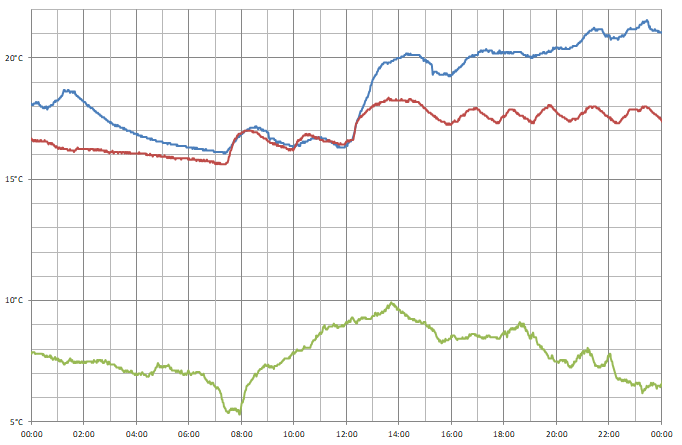
I captured data from three sensors over a 24 hour period; one outside (green line), one in my bedroom (red line) and one in my office (blue line). You can see how the central heating kicks in at 07:30, and I turned it up a little after 12:00. During the day the temperature in the bedroom moves up and down as the heating switches on and off, but the temperature in the office appears to be more consistent and a bit higher – the sensor is near where I am sitting and my desktop computer, which is likely contributing some heat.
Conclusion
What was originally intended to be a quick project to make use a couple of electronic components I had been sent in error soon turned into what I thought was an interesting demonstration of what can be done with the Cambridge Z88 using its stock software and some very basic additional hardware, further cementing my appreciation for the well-designed device.
The files accompanying this post can be downloaded below:
- ONEWIRE.BBC – 1-Wire demonstration program.
- TEMPLOG.BBC and TEMPLOG.CLI – Temperature logging program and CLI file to set up the alarm.
- templogs.zip and templogs.xlsx – Sample data captured by the temperature logging program.
Arcs, segments and sectors in BBC BASIC for the Sega Master System
Tuesday, 12th October 2021
More musing on tape phases
I bought a few more Acorn-format BBC BASIC cassettes to test my adaptation of BBC BASIC to the Sega Master System with, and have found a few interesting oddities since my last post. In that post I made the assertion that the phase of the recorded signals on the tapes is at 180°, i.e. each wave cycle goes negative before it goes positive (whereas a 0° phase would go positive before it goes negative). This matched the documentation I'd read, the output of tools like PlayUEF and my own tests with commercially-recorded tapes. With these new tapes I've found things are not quite so straightforward, though:
- The "Welcome" tape for the BBC Master Series is recorded at 0°. OK, maybe that's a BBC Master weirdness?
- One copy of the "Welcome" tape for the BBC Micro is recorded at the usual 180°, hooray, we're back to normal!
- Another copy of the "Welcome" tape for the BBC Micro is recorded at 0°. It's also a different colour, but otherwise has identical programs on it, maybe the difference comes from different duplication plants?
- Side A of Acornsoft's "Graphs and Charts" is recorded at 180°, Side B of the same tape is recorded at 0°. Flipping the tape flips the phase, I give up!
I am able to load the programs by changing the "phase" switch on my cassette recorder to "reverse", but not all cassette recorders have such a switch. There is a jumper setting in the tape interface circuit that the cassette loader software can check to control whether it starts timing the length of wave cycles on a falling (180°, default) or rising (0°) edge and so it can compensate for the reversed phase, but I'd rather see if I can find a way to automatically detect the phase and properly recover data without needing to rewind the tape, push a switch or type in a command, then trying again.
A "1" bit is represented by two 2400Hz cycles and a "0" bit by a single 1200Hz cycle. Each byte has at least one "1" bit before it and always starts with a "0" start bit. In theory, then, a "0" bit with the correct phase should be represented by a wave cycle that's 2× the length of a preceding 2400Hz cycle, but if the phase is incorrect it'll only be 1.5× the length. At the moment the threshold to detect the difference between a 2400Hz and 1200Hz cycle is placed at 1.5×, maybe for the start bit it needs to be at 1.3× to detect the "0" bit instead, and if after that the wave is over 1.6× it's treated as a "normal" 180° tape and loaded as normal, but if it's between 1.3× and 1.6× it's treated as a "reverse" 0° tape and an extra rising edge is checked for before loading the tape with reverse phase.
I'm not sure if that'll work and my quick initial tests didn't work very reliably so I'll need to do a bit more experimentation I think. I did encounter another oddity with formats beyond the reversed phase, though, and that's with Acornsoft's "Graphs and Charts". The tokenised BASIC programs on the tape would crash the loader or generate "Bad program" errors, and when I copied the tape to my PC and looked at the files there I could see that BBC BASIC for Windows refused to open them too. The problem is that instead of the usual <CR><FF> terminator on each program, they all end with <CR><80> instead. My loader tries to convert Acorn BBC BASIC format programs to the Z80 BBC BASIC format automatically during the load, but if it misses the terminator when stepping through the program it will either see the line as being zero bytes long (due to memory being cleared to 0) and loop infinitely when attempting to jump to the next line, or read a line length from uninitialised memory that causes it to advance to a line that doesn't start with the appropriate byte and so assume the program is not in Acorn format, skipping the conversion process and leaving a "Bad" program in memory.
I made my loader more robust by appending a suitable dummy terminator to the loaded program; if it already was a valid program with a proper terminator then it makes no difference, but it otherwise prevents the convertor from dropping off the end of the program and allows me to load the programs from the "Graphs and Charts" tape.
Drawing arcs, segments and sectors in BBC BASIC


I hadn't implemented all of the PLOTting routines that BBC BASIC can provide for drawing graphics on the screen, and a few of the programs on the BBC Master Series "Welcome" tape take advantage of the more advanced routines to draw circular arcs, segments and sectors. Attempting to run these programs produced results like the picture of the clown above with several parts of its face missing.
I had been putting this off as I hadn't been able to think of a good way to implement drawing these shapes. After a bit more research online I came across a paper by C. Bond entitled An Incremental Method for Drawing Circular Arcs Using Properties of Oriented Lines which turned out to be ideal.
The linked paper does a very good job of describing the technique so I would recommend reading it, but crucially it provides a solution that can be implemented easily in Z80 assembly with a few integer multiplications and additions. I was able to incorporate this into the existing circle tracing and filling code without too much effort, just an extra step in the "plot pixel" or "fill horizontal span" routines to clip against the lines that bound the arc, segment or sector.
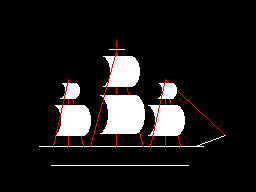
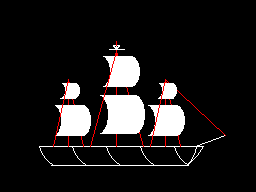


As you can no doubt see from the "Welcome" screen at the end there are still parts missing from the final image. This is because the program only draws each required letter once and then uses the block copying PLOT routines to duplicate the letter if it's needed again instead of rendering it again from scratch – hence the second "B" from "BBC" is missing, and "MASTER" becomes "MAS R" as the program is expecting to copy the "T" and "E" from "THE" in the line above.
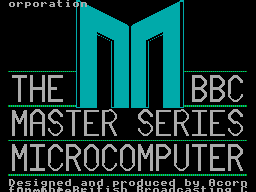
Disabling this optimisation within the BASIC program and forcing each letter to be drawn instead of copied does improve the results, though it still doesn't entirely fit on the screen due to the much lower resolution!
Tape cycle frequencies and phases, plus VDrive3 support for BBC BASIC on the Sega Master System
Wednesday, 6th October 2021
I have now moved the tape interface circuit described in the previous entry from its breadboard prototype to a neat enclosure where I am happy to report it mostly works as well as it did before.
I have spotted two issues, though. The first affects my small cassette recorder but not the large one, and is related to reading files from tape via the file IO routines (such as OPENIN then BGET# to retrieve a single byte, not from LOAD). Files are stored on tape in 256 byte blocks, and when the file is opened a whole 256 byte block is read from the tape and copied to the Master System's RAM. When the BASIC program requests a byte from the tape it is read from this local copy of the block instead, and when the read pointer reaches the end of the 256 byte block the next block is fetched from the tape and the local copy updated with this new data. The motor control comes in handy here, with the file system library stopping and starting the tape playback as desired.
The problem I was having was that the first block would read fine, but when the time came to read the second block the tape started playing but the file system library never seemed to be able to detect any data – it would just work its way along to the end of the tape, never displaying any errors, but never reading any meaningful data either.
The issue ended up being some code I'd added somewhat recently to automatically calibrate the threshold between a 1200Hz ("zero" bit) and a 2400Hz ("one" bit) tone. The code reads bits by counting the length of each wave cycle and comparing this to a threshold value - if it's longer, it's the 1200Hz "zero" bit tone, if it's shorter, it's the 2400Hz "one" bit tone. Before and after each file, and between each block, is a section of 2400Hz "carrier" tone. By detecting a large number of wave cycles that were all around the same length (say, within four length units of each other) you could assume that you were receiving the 2400Hz carrier tone and use that to calculate a suitable threshold for loading in data later.
The main bug was that I was comparing the length of the wave cycle just received with the length of the previous wave cycle rather than the length of the first wave cycle. This becomes a problem when you start a tape that was paused in the middle of a carrier tone (e.g. between blocks) as the tape will take some time to come up to speed, during which time the period of each wave cycle will gradually decrease. As the reference length we're checking the current wave length against is changing over time it means we end up compensating for the tape's speed increasing and so end up accepting the slower (longer) wave cycle lengths as part of the calculation of the threshold between "zero" and "one" bit wave cycle lengths.
As the wave cycle length threshold is now longer than it should be, all incoming wave cycles get interpreted as short ones and so it looks like we're just getting a stream of "one" bits - which looks like the carrier, so the code never starts trying to decode any blocks. My larger tape recorder comes up to speed much more quickly than the small one, or at least doesn't audibly ramp up in speed, and so isn't affected by this problem.
Fortunately the fix is very easy, just check the length of wave cycles against the first wave received rather than the previous one. This way if the timings drift over time (as they would during the period that the tape is coming up to speed) then they'll eventually go out of the permitted range. Changing this fixed the issue.
You may wonder why I'm calculating the threshold at runtime instead of just using a hard-coded value if the expected frequencies are a fixed 1200Hz and 2400Hz. My main intention was to be able to handle tapes that were running at the wrong speed due to a miscalibrated cassette recorder, but this does also open up the possibility to load from tapes at higher rates. Without any further adjustment my code can already load from audio generated at 2320 baud, i.e. with the two frequencies at 2320Hz and 4640Hz, without any further adjustment. This is a slightly annoying figure as 2400 baud would be the obvious target (being double the intended rate!) but at this speed the current code fails to latch on to the signal so I slowed the "tape" speed down until I found a value that worked. It's perhaps worth mentioning that the audio in this case was coming from PlayUEF running on my phone rather than an analogue cassette tape with the BAUD (or LOW) parameter used to adjust the speed, I'm not sure that a 93% boost in loading speed would be achievable from a tape!
I mentioned above that there were two issues. The slow speed-up issue affected the small cassette recorder, but the large cassette recorder had a new issue that only became apparerent after moving the circuit to its final enclosure. The Master System should be able to start and stop the cassette remotely, handled by a reed relay that is then plugged into the cassette recorder's "remote" socket. The Master System was able to start both tape recorders without any issues, but was unable to stop the large one – the "motor" status light would switch off, but the tape would continue playing. Tapping the relay sharply would be the only way to get it to switch off.
I tried plugging in a 2.5mm TS plug into the side of the large tape recorder and used the very scientific approach of shorting its connections with a screwdriver to simulate the relay switching "on" and was surprised to see quite large sparks. I measured the DC current through the remote control switch when the cassette was running and it was only around 70mA at its highest – well below the 1A rating of the relay – however I reckon there is a very large inrush current when the motor kicks in that is sufficient to weld the reed switch contacts together, causing it to get stuck.
Why didn't this affect the circuit on the breadboard? In that setup I was using a 3.5mm TS extension cable connected to a 3.5mm male-to-male adaptor cable which was then connected to a 3.5mm to a 2.5mm adaptor cable. My assumption is that all of the extra contact resistances were helping to limit the inrush current, preventing the contacts from welding together.
It's very likely not the best sort of snubber circuit for this application but for the time being I've put a 10Ω resistor in series with the relay contacts, which limits the inrush current enough for the relay not to get stuck:
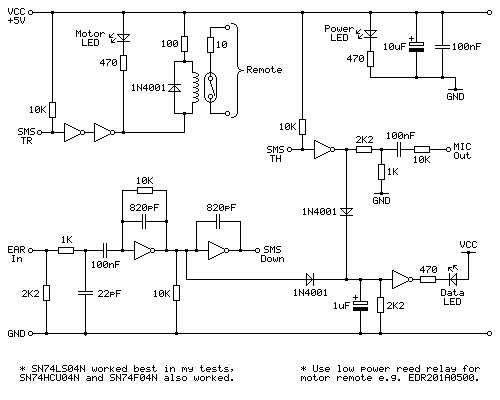
One matter that I've also been testing is the phase of the audio signal. As far as I can tell Acorn's tape format assumes a 180° phase; that is to say that each wave cycle starts at 180° and runs to 180°+360°=540° for a complete cycle rather than starting at 0° and running to 360°. The result of this is that instead of the signal starting at an amplitude of 0, then going positive before negative (as you'd expect for a typical sine wave) the signal goes negative first:

I have confirmed this by looking at the output of tools like PlayUEF as well as looking at the signals coming directly off commercially pre-recorded tapes with BBC Micro software on them, after first confirming that my sound card doesn't invert the signal by briefly connecting its input to a positive DC power supply and seeing that the received signal goes positive when that happens. Here's an example of a commercially-released tape, where you can see that after the high-frequency cycles in the first longer wave (a "zero" bit, acting as the start bit, starting at around 12.7065) starts low then goes high:
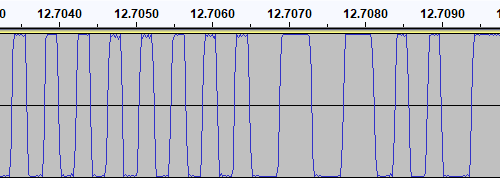
I then generated a test tone that alternates between 0 and 1 bits, i.e. one complete 1200Hz cycle then two complete 2400Hz cycles with the appropriate 180° phase:
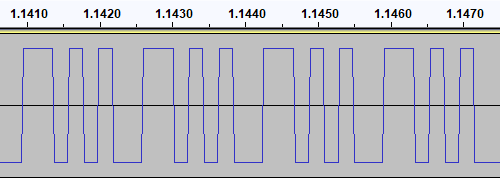
This pattern should make it easy to spot the phase of recordings. I first tried running the test tone straight back into my PC to ensure that the phase was not being reversed by the PC, and got the same signal back in compared to to what I played out, as you'd expect. I then tried recording the signal to tape with my Grundig recorder, and found something interesting when playing it back:
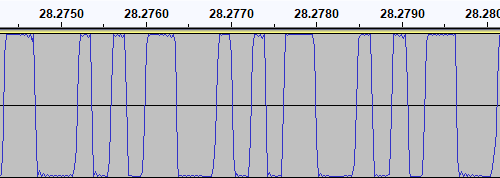
The phase there is very clearly reversed – the signal I played into the tape recorder goes low before it goes high, whereas the signal I've recovered goes high before it goes low. I repeated the test with the Alba tape recorder:
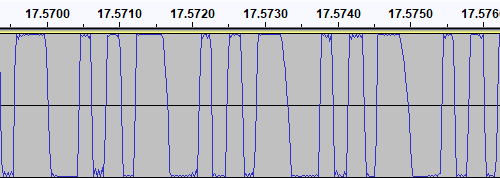
This shows the same thing – the phase on the tape is at 0° even though the test signal was at 180°. I also have a Sony digital voice recorder (an ICD-BX140) that I've been using as well as a tape recorder, so I tried the test with that too:
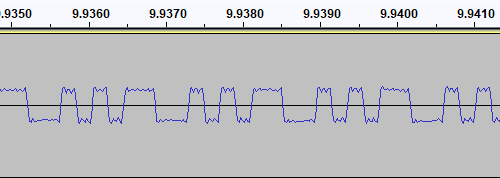
Apart from the much lower recording level this once again shows the same thing – the signal phase is inverted when recorded.
I had previously encountered an issue where I had tried to make a tape from a UEF image by playing the audio generated by PlayUEF into a tape recorder. Attempting to load the data directly from PlayUEF worked fine, but the tape recording of the same signal wouldn't load. My Grundig tape recorder has a phase reversal switch, and setting it to "reverse" would allow me to load the tape created by recording the output of PlayUEF. However, in that reverse setting, I lost the ability to load from my commercially-recorded tapes. I think the above tests indicate why this is the case – the recorders all invert the signal when creating the tape recording. I find it particularly interesting that the Sony digital voice recorder does the same thing!
I did check to see if the phase switch on the Grundig tape recorder had any influence on the recording, but it doesn't – whether it's set to "normal" or "reverse" the recording to tape still ends up inverted. The phase switch only appears to affect playback.
PlayUEF does have an option to set the output phase to 0° instead of its default 180°. By doing that and recording its output to tape I was able to load the programs directly from either of my tape recorders.
Of course, it would be nice if the loader was able to handle either phase, and in practice I've found it does sometimes handle the "incorrect" phase quite well but it does seem to be more a lot more error prone – some programs load without any problem, others report problems with some blocks and others fail to be detected at all! I think I'll see if there's a way to reliably detect the phase and switch to the appropriate handler, but for the time being I've added a crude workaround – pulling pin 1 of the controller port (the d-pad "Up" input) to ground tells the loader to assume the phase is inverted. As I hope this won't be necessary in future I've left this as a jumper in my current tape interface circuit (visible below in the top left corner) rather than add a switch!
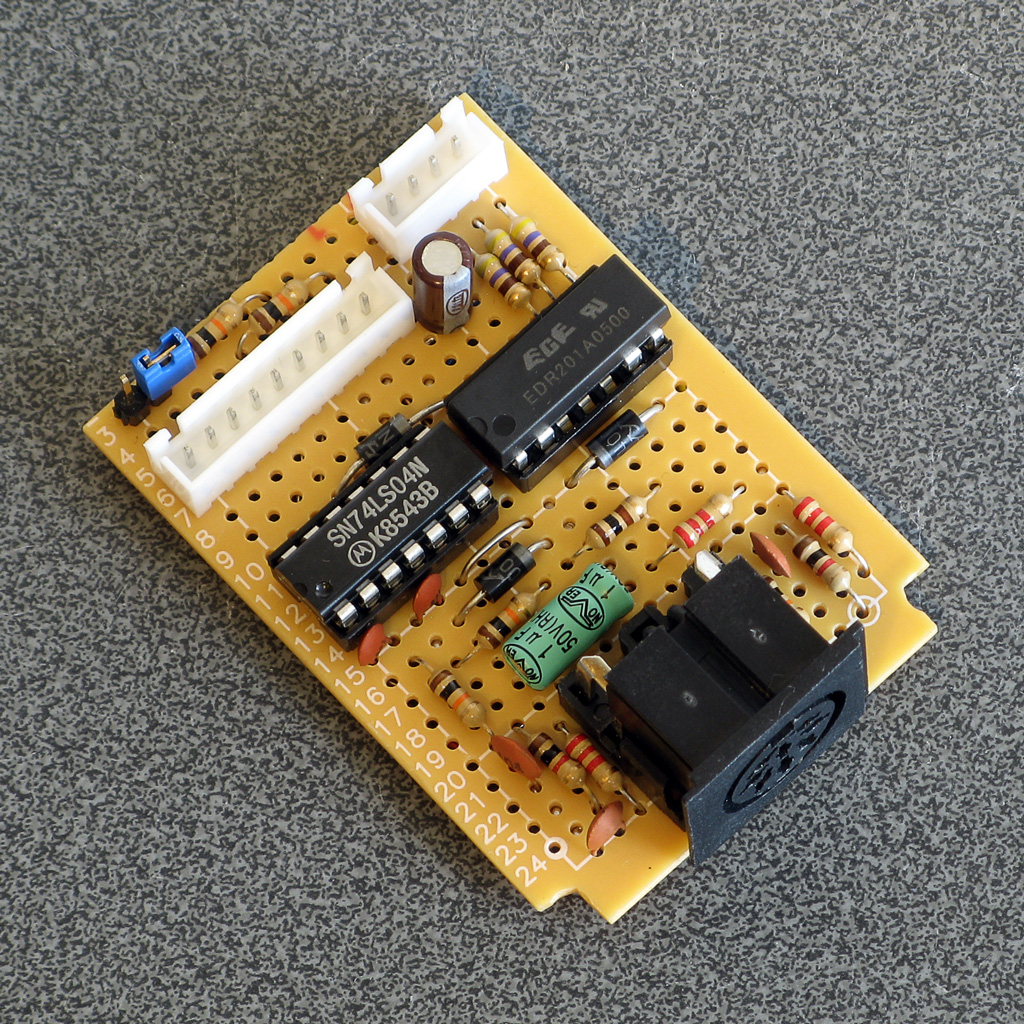
A lot of the work has been focused on the tape loader, but tapes are not the most practical storage media these days. Finding a working tape recorder is a challenge in its own right, and a lot of the old tapes are tricky to work with as they've become sticky with age. In an attempt to be a bit more modern I've started integrating support for the VDrive3 to BBC BASIC. This is an inexpensive module that lets you access files on a USB mass storage device via simple commands sent over a serial interface. I'd previously used the VMusic2 device in another project and that uses the same firmware commands so I already had a little experience with it (the VMusic is pretty much a VDrive with an MP3 decoder bolted on top). I already had some serial routines written so it was a reasonably easy job to plumb in some code to handle LOADing and SAVEing programs, and from a hardware perspective all you need is a cable to connect the module directly to the Master System's controller port – the VDrive3 uses 3.3V signalling levels but its I/O lines are 5V tolerant.
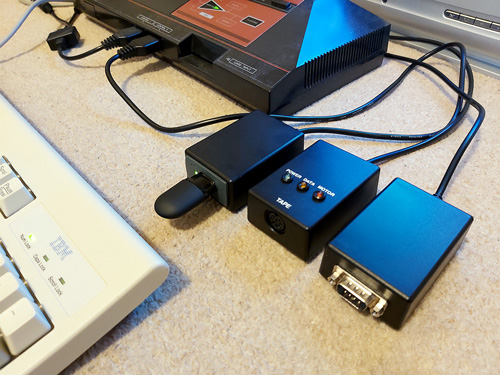
One notable advantage of the VDrive3 over the tape interface is that it allows for proper random-access of files rather than just sequential access. I've been working on implementing all of the required BASIC statements to support this (OPENIN, OPENOUT, OPENUP, BGET#, BPUT#, PTR#, EXT#, EOF#, CLOSE# etc). For a bit of fun I wrote a BASIC program that loads an image file from disk (or tape) and displays it on screen. I needed to add user-defined character support to the new reduced-resolution MODE 2 to handle this (something that was not implemented before due to a lack of VRAM) but with that in place it's working pretty well.
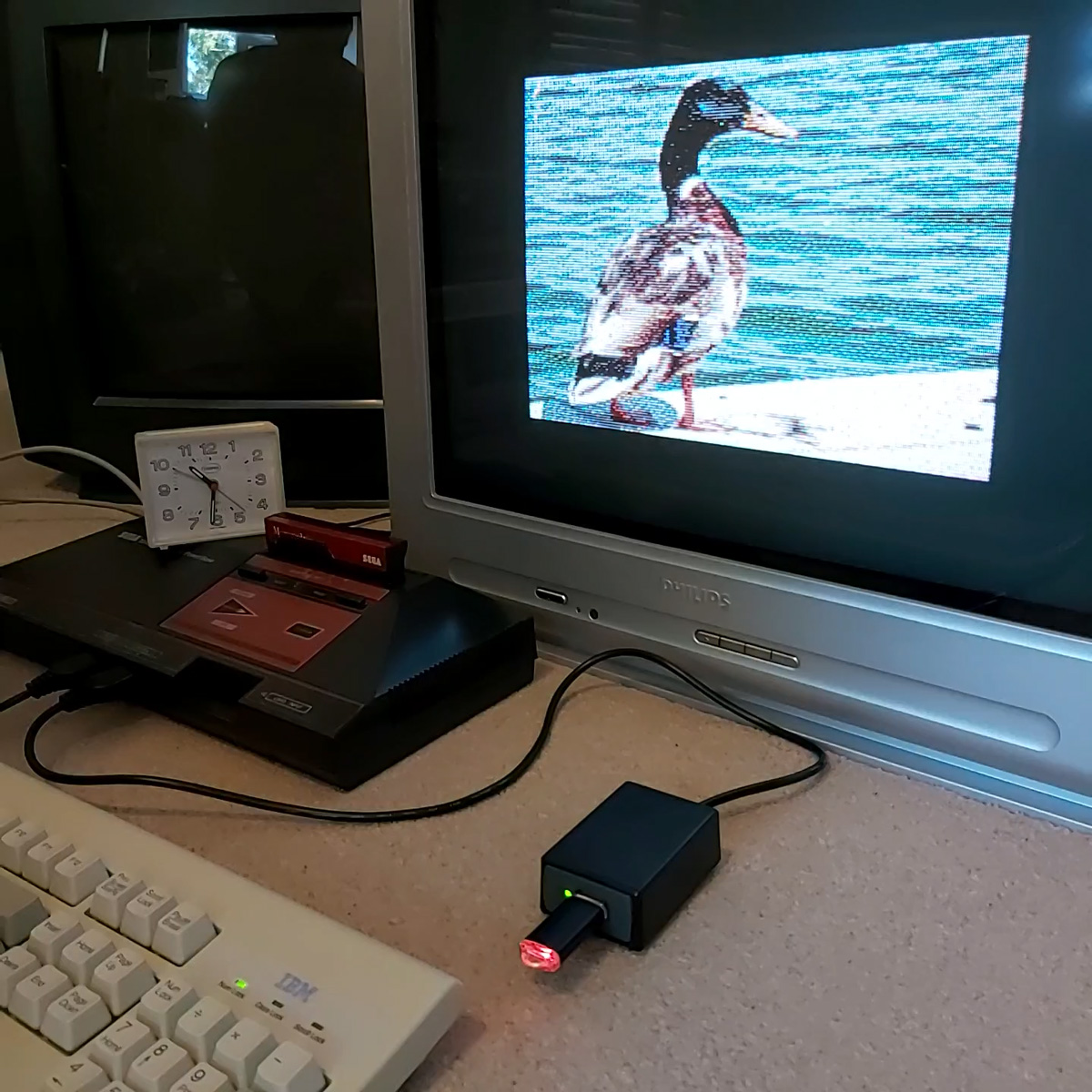
It's not fast, taking 2m45s to load from from tape and 1m19s from a USB flash drive, but it's a fun diversion!
Refining the tape interface for BBC BASIC on the Sega Master System
Tuesday, 28th September 2021
It's been quite a while since my last post but work has continued with the version of BBC BASIC (Z80) for the Sega Master System. Most of the features I have been working have not been particularly exciting to write about on their own, but here are some of the notable changes:
- All VDU code (for text and graphics output) has been moved to a separate ROM bank, freeing up around 16KB of extra ROM space. It makes calling the code slightly more complicated but in the previous post I mentioned that I had less than 100 bytes of free ROM space so this was definitely required.
- Simplified the video mode driver interface. Each video mode has its own driver code which exposes a number of different functions. Previously, each function had its own vector in RAM which was fast but consumed a lot of precious work RAM. Now only a couple of functions (which need to be called frequently and as quickly as possible) are vectored, and all of the other functions are called via a single generic function with a parameter for which specific operation to carry out (e.g. "reset the graphics viewport", "change the text colour").
- Rewrote the triangle filling routine and line drawing routine to ensure that the same pixels are covered whether you fill a triangle or trace its outline – previously there would be some stray pixels that leaked outside the perimeter of a filled triangle.
- Changed the output resolution for most video modes to 240×192 with a logical to physical pixel scale factor of 5⅓ for a total logical resolution of 1280×1024, the same as the BBC Micro – graphics programs designed for the BBC Micro now properly fit on the screen.
- Changed MODE 2 to use a smaller resolution of 160×128 with a pixel scale factor of 8. Unfortunately, there is not enough video RAM to have a unique pattern in VRAM for every character position on-screen when using all 16 colours (as in mode 2) at the higher 240×192 resolution. The new lower resolution avoids screen corruption that previously occurred when running out of VRAM:


MODE 2 graphics at the full-screen 240×192 and reduced 160×128 resolutions
- Added support for scrolling the text viewport down as well as up, this is used by the line editor which now allows very long lines to be edited in small viewports by scrolling and repainting as necessary.
- Reworked the keyboard input routines for greater reliability and performance, including proper mapping of key codes in *FX 4,1 and *FX 4,2 and removal of "clever" (but flawed) interrupt-based detection of when a key is available (that had a habit of dropping keys and resulted in worse performance than just periodically polling the keyboard anyway).
The most significant changes have been all to do with loading and saving from tape, though. Since my previous post I have been doing a lot of work testing and refining both the hardware and software of the tape cassette interface. The hardware has now been tested with a couple of different tape recorders, as well as a pocket digital recorder, my mobile phone and my PC's sound card. The loader is much more robust and if a single block fails to load from the tape you can usually just rewind the tape a short way and it will try again, no need to rewind back to the start and start from scratch. I was previously counting the duration of half-wave cycles from the tape and comparing these to some fixed thresholds baked into the code to determine the difference between a "0" and a "1", I've now changed this to measure full-wave cycles (which aren't affected by any duty-cycle shifts in the recordings) and to calibrate the thresholds during the initial carrier tone, which allows the code to compensate for tape recorders that aren't quite running at the correct speed. On a more practical basis I've also added the ability to save to tape, motor control via a reed relay (so the tape will automatically stop after a file is loaded), and support for opening files on tape for reading or writing and accessing them on a byte-by-byte basis. As tapes are sequential access there are some limitations to this (for example, you can only advance the read pointer later in the file, you can't seek backwards) but it works quite well otherwise.
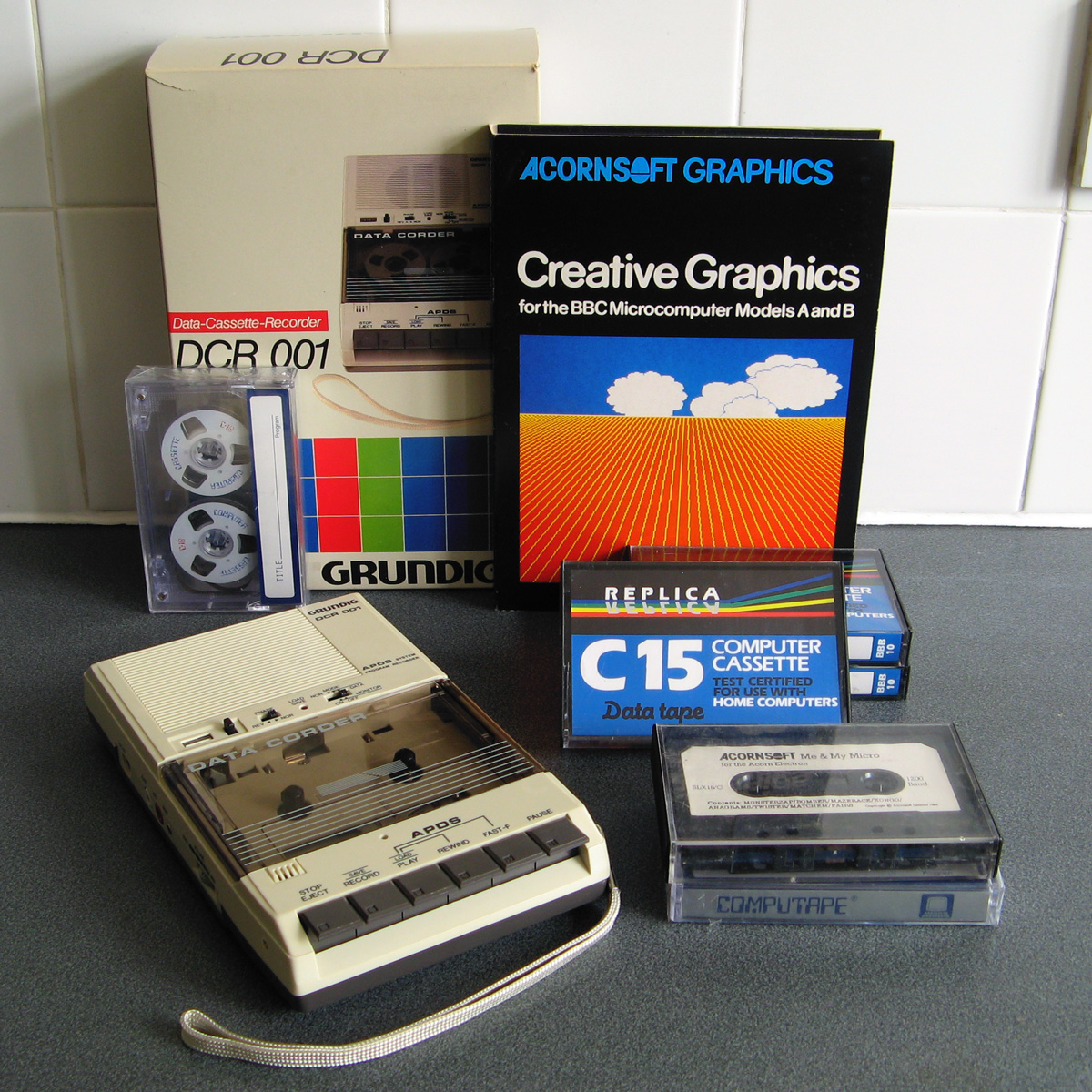
Of course, to test all of this I needed a tape recorder! I purchased the above Grundig DCR 001 data cassette recorder as well as some blank cassettes and a couple of commercially-prerecorded ones to do so. The DCR 001 has a few nice features that make it great for loading programs:
- A dedicated "data" mode that sets the output level at an appropriate fixed level – no need to guess about finding a suitable volume level.
- An optional "monitor" in data mode that lets you listen to the data on the tape as it's loading.
- A "phase" switch that can be used to reverse the phase output, to compensate for the case where the data has been recorded with a 180° phase shift.
- An "Automatic Programme Detecting System" that lets you skip ahead to the next program or back to the previous one by pressing Rewind or Fast Forward when Play is pressed – this stops when it detects a silent gap between recorded sections of data on the tape.
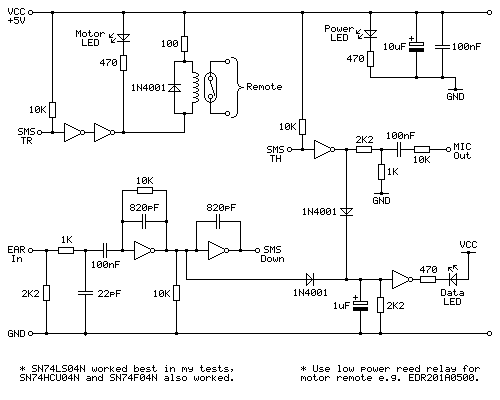
Above is the cassette interface circuit I came up with. It's quite simple and has a notable lack of analogue sections (no op-amp chips here!) – it uses a NOT gate with a 10KΩ negative feedback resistor to turn the analogue signal from the tape recorder's earphone output into a clean digital signal that can be fed into the Sega Master System. I've tested this with an SN74LS04N, SN74HCU04N and SN74F04N and all worked well, however for best results I'd recommend the SN74LS04N. The filtering capacitors clean up some high-frequency pulses/glitches that may otherwise end up on the output; this is not something I found was much of a problem with a cassette recorder or the audio output from my phone or PC, but a pocket digital voice recorder I have seems to produce glitchy high-frequency pulses in its output (I'm not sure if that's an artefact of its DAC or in the MP3 compression it uses for its voice clips) and those capacitors clean up the signal enough to be able to read it reliably.
The remote motor control relay is a reed relay, and must be a low current device to avoid overloading the Master System's controller power supply and to also allow it to be driven directly by the hex inverter chip. I found the EDR201A0500 perfect for this role!
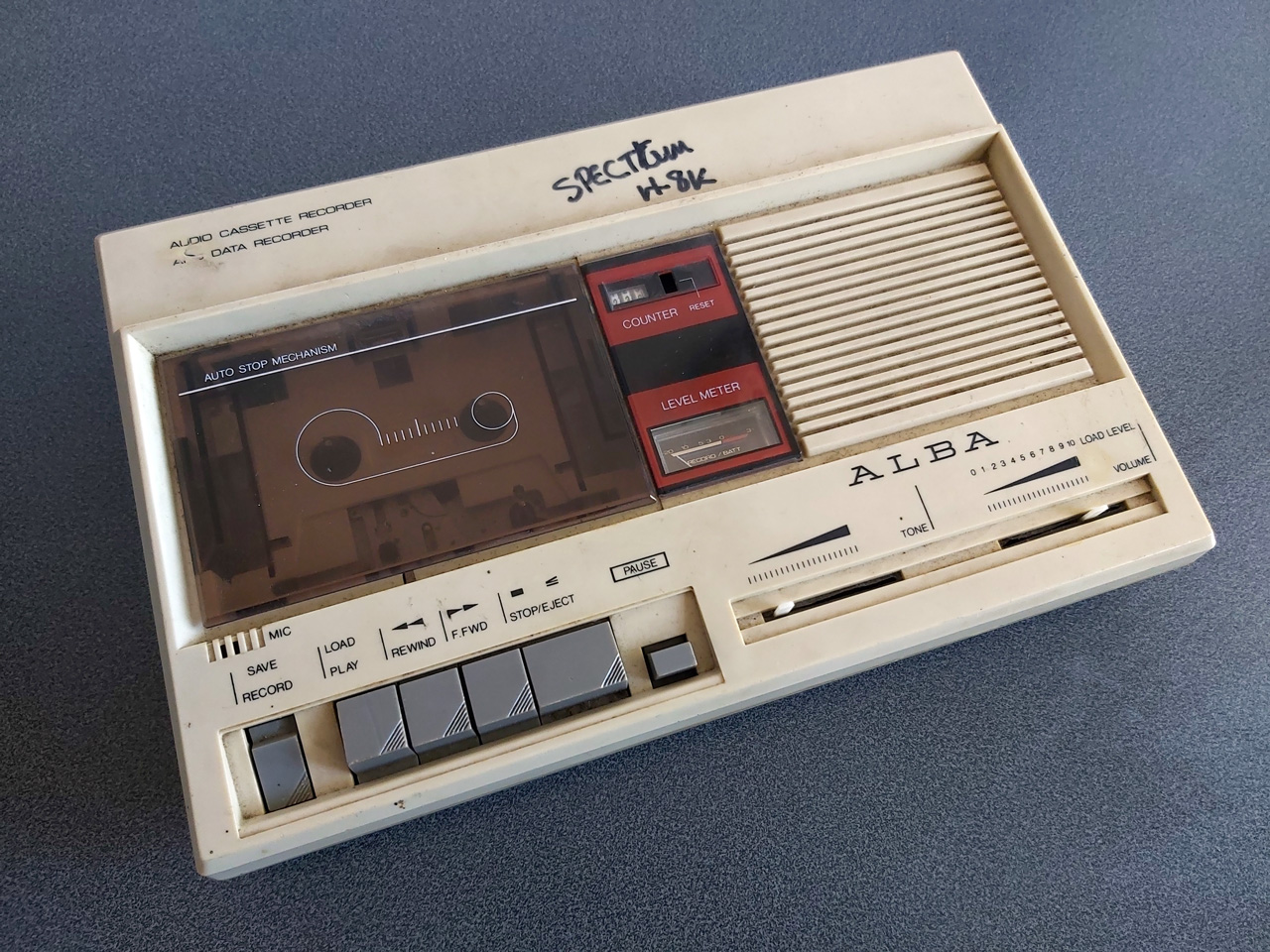
Being able to save and load back programs on one cassette recorder is fair enough, but to really be sure my hardware and software are working as they should I thought I should see if I was able to save a program to tape on one tape recorder and then load the same program back on a different tape recorder. To this end I bought the above cassette recorder. It was clear from the listing that the record button and counter reset button were damaged, and the whole thing was quite grubby, but I thought it worth a punt.
Getting inside was very easy as all but one of the screws was missing, and it was clear that someone had got there before me as the damaged plastic parts (including two of the main screw posts as well as the snapped-off parts of the record button and counter reset mechanism) had been removed at some point. After giving the tape path a very thorough clean and replacing one of the drive belts that was turning into a tarry mess I was able to get it to play a tape, so I took everything out of the enclosure to give that a good scrub and prepared to fix the damaged plastic parts.

By tracing the arm from one of the other buttons onto a piece of scrap ABS plastic I was able to make a replacement arm for the damaged record button, which I then glued on with cyanoacrylate and some two-part epoxy resin to fill in the gaps. The result is not especially pretty but it does the job and my blobby repair is not going to be visible unless you take the recorder apart.

The counter reset button was a bit more fiddly; the reset mechanism seems to rely on the "n" shaped bit of plastic shown above in the top left photo, and though it looked like something used to be attached to it that had snapped off I wasn't sure what it would have originally looked like. I cut up some more scraps of ABS sheet to make up a new counter reset button which seems to work pretty well, though!
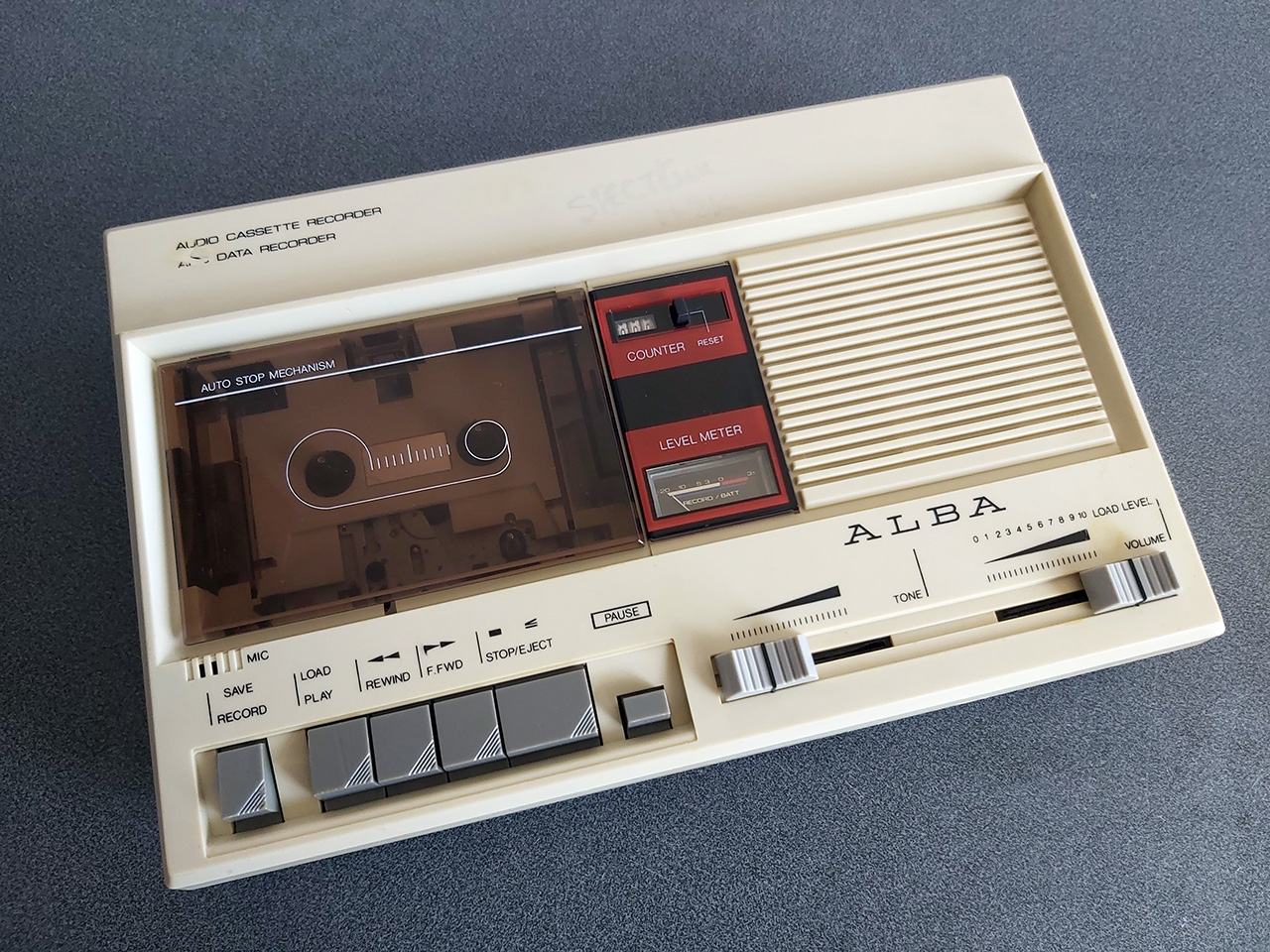
The final addition was a couple of new knobs for the tone and volume sliders – these are cheap generic parts and they don't quite line up with the markings (the original sliders have off-centre indicators) but overall I think this turned out pretty well, and my main concern – being able to save a program to tape on one machine and then load it back from another – has been thoroughly tested now and I'm happy with the results. My next task is to transplant the circuit from its current breadboard layout to a neat project box!
Loading BASIC programs from cassette tape to the Sega Master System
Monday, 16th August 2021
After I posted about the pattern filling modes on Twitter I was alerted to the BBC Micro Bot website which hosts a gallery of programs that produce impressive graphical output from very short BASIC programs (short enough to fit in a Tweet!)
I tried a few of them out but unfortunately ran into problems with a lot of them that use various tricks to reduce the original program text length by embedding non-ASCII characters directly into the body of the program. My usual approach to prepare programs was either to copy and paste them into an emulator (my emulator strips out non-ASCII characters on pasting, as these can't be mapped to keystrokes) or to save them to a file and transfer that serially, and my own editor's tokeniser and BBC BASIC for Windows both had a habit of mangling the non-ASCII characters.

The BBC Micro Bot website does not provide a way to download the BASIC programs directly but does provide a share link that allows you to export a disk image or play back the program from a virtual tape cassette. I don't have a a disk drive attached to my Master System, but the tape option seemed promising...
The basic cassette tape interface
My initial approach to loading programs into BASIC from external storage was to connect my Cambridge Z88 computer running PC Link 2 or EazyLink to the Master System with an RS-232 serial cable. This works well for me, but isn't very practical for others who might not already own a Z88, and I do want this to be an easy project for people to replicate!
Being able to load from tape would significantly lower the barrier to entry, if the cassette tape interface circuit can be constructed easily. You wouldn't even need an actual tape player; the drive belts have gone in mine (I tried to make a test recording on mine and it just unspooled the tape into the bowels of the machine) so for the time being I've been testing loading from PlayUEF, the web-based UEF player that's also found on the BBC Micro Bot website. This can be run from a browser and it works well on my mobile phone and makes loading programs from a web link an absolute doddle. Perfect!
The challenge, then, is how to get that audio data into the Master System in the first place and whether it's got enough grunt to be able to decode it in software. Using the same tape format as the BBC Micro seemed like it would be a good choice so I read this article on the Acorn cassette format on BeebWiki. The highest frequency audio signal is a sine wave at 2400Hz. As we'll need to handle both halves of each cycle we'll need to sample the signal at least 4800 times per second. As the Master System has a CPU clock of around 3.58MHz, that gives us 3.58×10⁶/4800≈756 CPU cycles for each half of the cycle which should be more than sufficient.

We still need to get the audio signal into the Master System somehow! I did a bit of digging online and couldn't find too much information about suitable electrical interfaces. My best lead was the circuit diagram for the BBC Micro's tape interface, however that requires several op-amps and I only have a single LM741 in my parts bin, which isn't going to do a very good job on a single 5V supply. In the short term I've used the circuit above which is a slightly modified version of this common circuit used to convert S/PDIF signals to TTL levels using an unbuffered hex inverter as an amplifier. It's not the most stable circuit and has a habit of oscillating when not fed an input signal but the +5V pullup on the output from the console inhibits this (putting a pull-up or pull-down on any of the inputs changes the mark:space ratio of the pulses). That a load on the output affects what's happening on the input is definitely not a good indication of a properly-functioning circuit, but it'll have to do for now.

I don't know how well it'll respond to a real tape cassette player, but the signal from my PC's sound card or my mobile phone produces very clean square pulses so it should be enough to start experimenting with until I can come up with more stable design.
Decoding the tape signal in software
To decode the signal we'll need to know whether the tape is outputting silence, a 1200Hz tone or a 2400Hz tone. I'm handling this with a simple routine that samples the current level of the input, then loops around waiting for the input level to change state, counting the number of times it takes to go around the loop before the transition. If the counter overflows before the state changes then it's assumed that the tape is outputting silence, but if the state changes before that we can check the value the counter reached to see if it got to a small value (a high frequency signal from the tape) or a large value (a low frequency signal from the tape).
To determine a suitable value for the thresholds I wrote a test program that simply called this routine in a loop 256 times, storing its results in memory, before dumping the results to the screen once all 256 values had been found. By playing a section of the tape in the middle of a data block (so there would be a good mixture of 1200Hz and 2400Hz tones) I got the rather pleasing result that 1200Hz tones appeared to make the counter reach $20 (32) and 1200Hz tones made the counter reach $10 (16), so I put the threshold value between them at 24 as an initial test.
Once we know the frequency of the tape signal at a particular point we can use this to determine the current bit – a "0" bit is a complete 1200Hz cycle (so we'd see two instances of the counter reaching >16) and a "1" bit is two compete 2400Hz cycles (so we'd see four instances of the counter <16). Knowing the bit on its own is not very useful, though, so I added byte decoding which waits for a start bit (0), receives and stores 8 data bits, then checks for a stop bit (1). I could then dump this data to the screen:
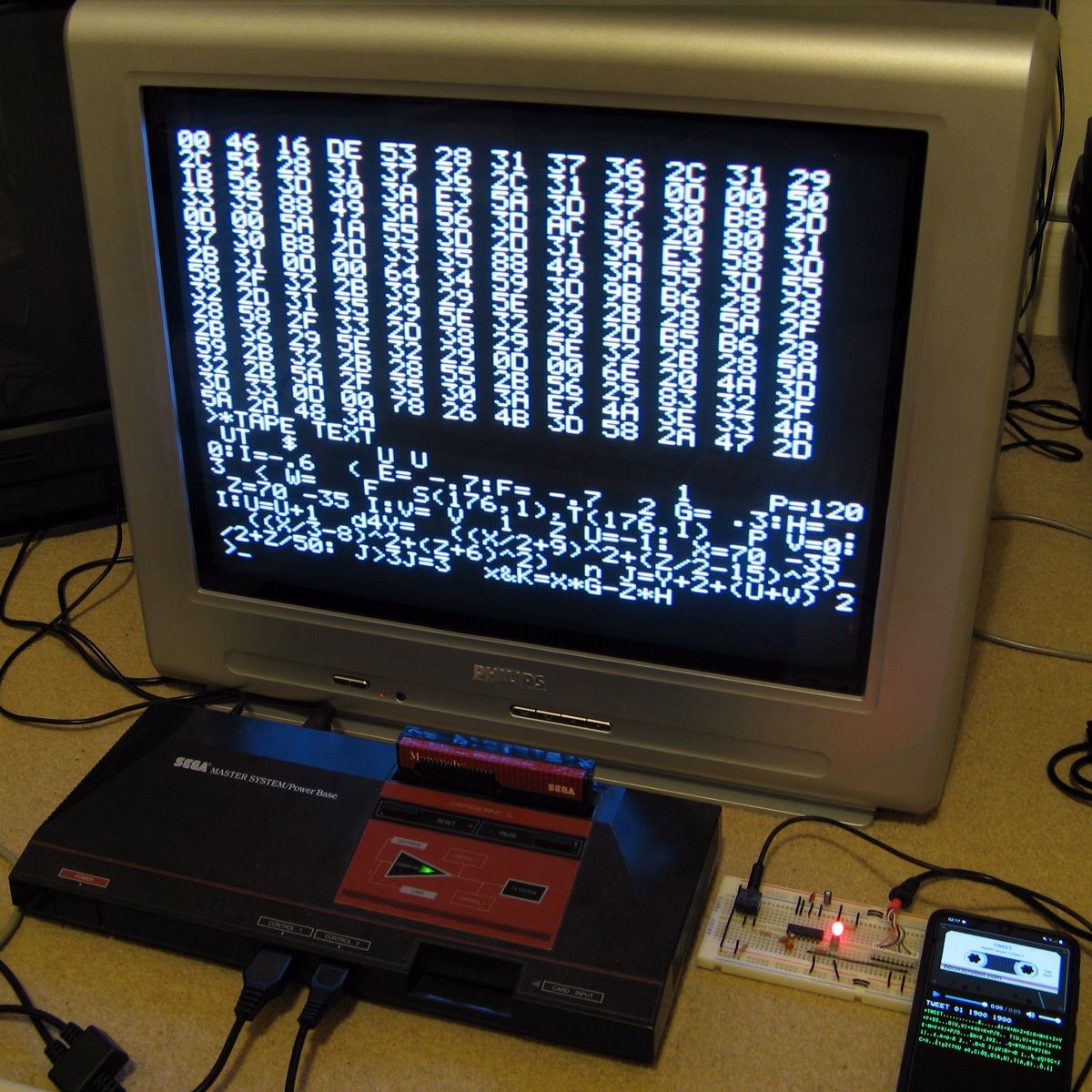
At this point the data isn't completely correctly decoded, but it always produces the same results on every run-through which to my mind was a good sign. The text displayed at the bottom of the screen shows some recognisable fragments of the original BASIC program (as the program is tokenised the keywords are missing). The main problem I was having was down to synchronisation; as the article on BeebWiki states "an odd number of 2400Hz cycles can and does occur" and these occasional cycles were throwing me out of sync. The fix was to add an extra check when handling 2400Hz; even though four 2400Hz half-waves are expected, if a 1200Hz half-wave is detected instead it's assumed that we've gone out of sync and the bit should be decoded as a complete 1200Hz pulse instead. After making this change more recognisable text started coming through, so I was able to move on to decoding the data blocks.
Decoding data blocks on tape
Files on tape are broken up into multiple data blocks, each with a header describing the block (e.g. file name, block number, data length) followed by a variable amount of data (up to 256 bytes) containing the data itself. To load a file from tape each incoming block has to be handled. If the block number is 0 then that's the start of the file, so the filename is checked. If this matches the supplied filename (or the supplied filename was the empty string "") then the loader switches from "Searching" to "Loading" mode and the data we just received is stored in memory. From that point on each incoming block is appended, as long as the block name and number match what we expect (i.e. the same filename as before but the block number should be the previous block number + 1). This continues until the "end of file" block flag is set. A CRC-16 of the received data is also checked after each block to ensure that the data has been received successfully. If there are any errors (the block name/number doesn't match what was expected, or the CRC-16 check fails) then an error message is printed and you can rewind the tape a bit to try receiving the block again.
This doesn't sound too complicated, but I've not had too much luck implementing this successfully. My code is currently a bit of a mess and doesn't properly maintain the "Loading" or "Searching" states which means that if an error occurs at any point then it can get a bit confused trying to resolve it (to the point where it's easier to just abort the load and start again from the beginning). However, the tape block issues are not the only problem...
Conflicting BASIC program formats
The programs I'm trying to load are designed for the BBC Micro, where programs are stored in the Acorn or "Wilson" (after Sophie Wilson) format. However, BBC BASIC (Z80) was written by Richard Russell and therefore uses the "Russell" format. Both have a lot in common, fortunately but the way each line is stored in memory differs (this is covered in more detail in the "Program format" article on BeebWiki). Fortunately the formats are similar enough that it's possible to convert them reasonably trivially in-memory.
My initial plan was to leave the loaded program as it is, and to provide a star command (e.g. *FCONVERT, named after the FCONVERT.BBC program) to convert from the "Wilson" format to the "Russell" format. Unfortunately, after loading the file BBC BASIC (Z80) checks the program and applies its own fixes to it, notably writing the appropriate terminator on the end of the program. As far as I can tell it does this by following the program along, line by line, until it finds what it believes is the end. In the "Russell" format the first byte of the line is its length, and in the "Wilson" format it's a carriage return (value 13). What I think this means is that BBC BASIC (Z80) thinks that the second line of an Acorn program should occur 13 bytes in, and as this isn't likely to be the case it ends up writing its terminator 13 bytes in to end the first line. This prevents me from fixing loaded programs after the fact, as they've already had part of their contents overwritten.
Instead, I've added a check to the program after I've loaded it but before I've returned control to BBC BASIC. If I am able to read the program from start to end in "Wilson" format then I apply the conversion to "Russell" format automatically. In practice this means that both file formats load correctly, but I don't particularly like the way that if you LOAD a "Wilson"-format file then SAVE it back it'll be saved as a "Russell"-format file.
There are still some differences in the formats and the way they're tokenised but usually that can be fixed by loading the problematic lines into the line editor (*EDIT) and pressing Return without making any changes. This forces them to be retokenised and has fixed some of the issues I've run into.
Another issue is that "Wilson" format BASIC files support a line number 0, but "Russell" format ones do not; the file will be loaded and can be run, but if you try to LIST it then it'll stop when it reaches line 0 (which is usually the first one!) so programs appear to be empty. This is not something I think can (or indeed should) be fixed automatically but if necessary you can change the line number for the first line from 0 to 1 with ?(PAGE+1)=1 so there is at least one solution.
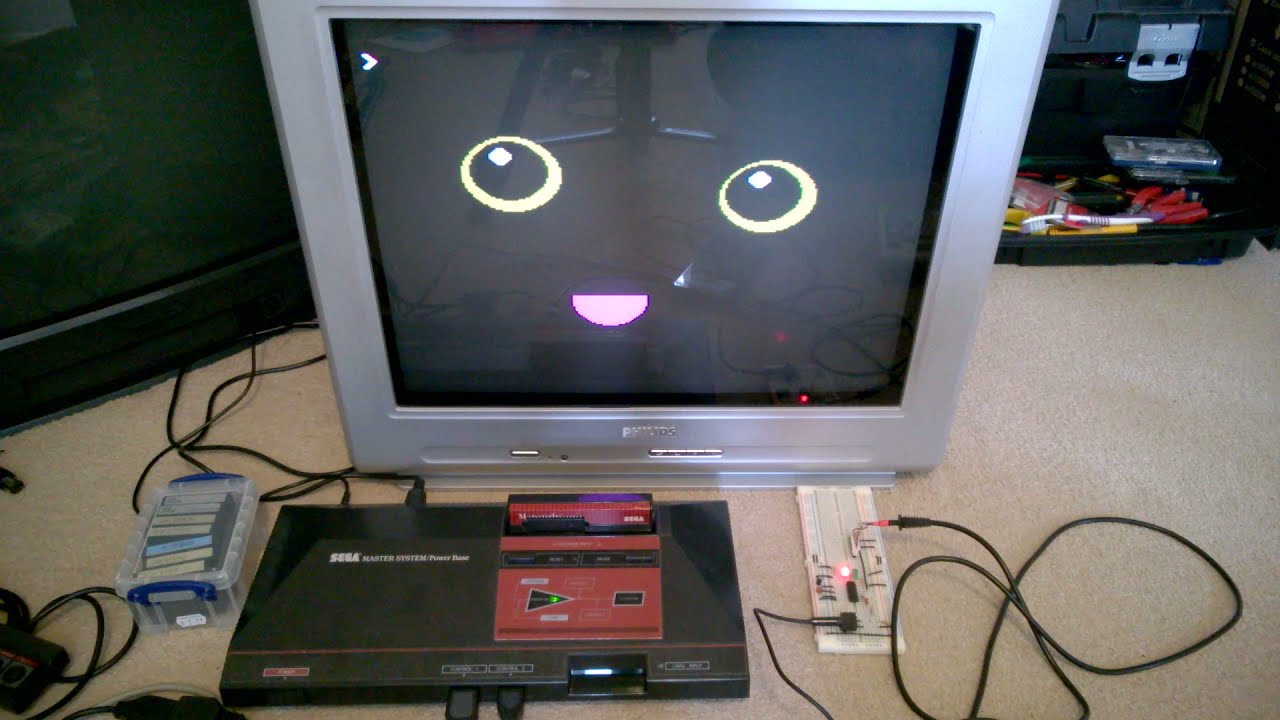
The video above shows a couple of programs being loaded from the BBC Micro Bot website onto the Master System. Even with the terrible audio to digital interface it gets the job done! The 7905=7905 messages at the end of each block during loading show the CRC-16 calculated for the received data followed by the expected CRC-16, as they match it indicates the data is getting through successfully.
Emulating the tape interface
As alluded to above my current loading system works well enough when everything is OK but it gets a bit confused when there's a fault. I never really planned out how to handle this and the code's a bit of a spaghetti mess in places so I drew out a flowchart of a more robust loader, which itself is also a bit of a mess but hopefully one that will make loading tapes more user-friendly and robust.
Unfortunately, doing any work on this interface has been very tedious as every time I make a change I need to try it on real hardware – I don't know of any Master System emulators that include tape support! I've been using my own Cogwheel emulator throughout which is itself not a very good emulator (there are no proper debugging tools, for example) but I can at least bolt on weird features I need like PS/2 keyboard emulation, so I thought it would be a good use of my time to add tape interface emulation. I started by writing a UEF (Unified Emulator Format) parser that could turn a UEF image file into a 4800 baud bitstream that could be fed into the Master System's controller port. For some reason my files end up being slightly different lengths to the sound files generated by PlayUEF – nothing major, but a handful of seconds over the length of a roughly 7 minute file. I tried loading the generated bitstream as a 4800Hz sample rate file into Audacity and it didn't quite line up with the audio file generated by PlayUEF either, but after poring over the specifications for the UEF format I was unable to figure out where the discrepancy lay.
Undeterred I pressed ahead and added this simple cassette player to the emulator, which happily seems to work well in spite of the reported timing differences:

One thing that's notable there is that the program CIRCLE2 appears in the catalogue on-screen. When I first added the cassette interface emulation it was missing, but it would not be detected on real hardware either, which made me quite happy! Being able to more rapidly make and test changes to the tape loader code I was able to experiment and found that the tape loader seemed to miss the synchronisation byte ($2A) sent at the start of block headers on the CIRCLE2 program. This seemed to be due to going out of sync with the bit stream in the period between detecting the carrier tone and the first start bit, so I changed the code to demand exactly two 1200Hz half-waves as the start bit rather than using my more lax code that decodes the contents of the main bit stream that allows for extra 2400Hz pulses. This ensures that the start bit is always properly synchronised, and after making this change CIRCLE2 appeared in the catalogue as it should. I then reflashed the ROM chip on the cartridge and tried on real hardware, and that now picks up CIRCLE2. Being able to fix a problem that appears on hardware by replicating and resolving the same issue in software emulation justifies the few hours I spent adding the cassette tape emulation!
Unfortunately, I'm down to under a hundred bytes of free program space on the 32KB ROM I've been developing with, and I still have a lot of features I'd like to add (including the more resilient tape loader). I've been trying to put this moment off as long as possible as I'm going to have to use bank switching to map in additional memory banks, and that means a lot of difficult decisions about what code lives on which ROM pages to minimise the amount of switching that's required. Conventionally slot 2 is used as the slot to map different banks into but at the moment that's where I've mapped in the cartridge RAM to extend BASIC's memory. On the plus side very little of my code needs direct access to BASIC's memory (I mostly use my own data storage or the stack which lives at the top end of memory, far above slot 2) so this would seem like a good fit but I currently allocate storage space in BASIC's free memory for some operations (e.g. as temporary space when copying data around the screen during scrolling operations) so I'll need to change that code to use memory allocated elsewhere. It's not the most glamourous part of the project, but it'll need to be done if I am to add all the features I'd like.
Patterned fill modes for the Master System version of BBC BASIC
Tuesday, 10th August 2021
One of the features I was quite happy with in the TI-83 Plus version of BBC BASIC was the dithered fills used to provide some semblance of different colours. Sixteen different patterns were provided between black and white:

As well as baking in the sixteen different dithered patterns I added a command that let you use your own pattern tile in a very hacky method (you'd allocate the memory for the pattern via DIM and then pass the address of that memory to GCOLPAT – the extra "PAT" statement after GCOL is what did the trick).
What I didn't realise at the time is that the BBC Micro also had support for patterned fills via its Graphics Extension ROM and a much more natural way to interact with it – GCOL 16,0, GCOL 32,0, GCOL 48,0 and GCOL 64,0 let you select one of four pattern slots, and you can redefine the patterns with VDU 23,2,… to VDU 23,5,… followed by 8 bytes of pattern data, similar to how user-defined characters are already programmed.
Armed with the Graphics Extension ROM's user manual and sample programs I went ahead and implemented these patterned fills in my four- and sixteen-colour modes. Here's the output of the "shades" program, which runs in a four-colour mode and generates dithered fill patterns for the triangle to simulate different shades:


Depending on the number of colours of the screen mode you're currently in the 8×8 bitmap used as a fill pattern is interpreted differently; in the 16-colour mode it represents a 2×8 pattern that is repeated four times horizontally, in 4-colour mode it represents a 4×8 pattern that is repeated twice and in 2-colour modes it's a complete 8×8 pattern with no repetition. I like the idea of these 8×8 patterns so added a new two-colour video mode, mostly based on the existing four-colour mode but with the palette limited to two colours and the revised rules on interpreting fill patterns. This produces results like the following from the "pattern" demo program:


I've also implemented VDU 23,11,… (it resets the four patterns to their initial values) and VDU 23,12,… to VDU 23,15,… – these are helper commands that let you populate a fill pattern from a 2×4 list of colour values that is then repeated across the specified pattern number regardless of the current screen mode and without you needing to perform the bitwise arithmetic to pack the different colour values into memory properly. You may have also noticed that the four patterns are spaced sixteen GCOL numbers apart from each other (16, 32, 48, 64) – this is because you can use these pattern fills in conjuction with the logical plotting modes, e.g. GCOL 16+1,0 will OR the pattern over the existing screen contents.
These pattern fills apply to all graphics operations, so if I break out of the shaded triangle program above when it's settled on a particularly garish palette and switch to outputting text as graphics with VDU 5 I get results like the above. I'm not sure how practical or useful that would be but it does at least show how flexible the graphics plotting system is.
Better plotting modes, text anywhere on the screen and double-height characters for Sega Master System BBC BASIC
Monday, 9th August 2021
I've made quite a few changes to the way colours and plotting modes are handled in the Sega Master System version of BBC BASIC; previously this was handled on a per-graphics-mode driver basis, but this resulted in a lot of duplicated code and some inconsistencies. The new code is a bit more straightforward but also adds quite a few new features, most obviously different plotting modes:

Plotting with the OR mode
The above screenshot shows the result of filling three circles with the OR plotting mode. The red circle is colour 9, the blue one is colour 10 and the green one is colour 12. Where the colours overlap they are ORed together when drawing, so for example red OR blue is 9 OR 10 which is 11, the colour code for magenta, hence the colour between the two is magenta. Where all three colours mix, that's 9 OR 10 OR 12 which is 15, the colour code for white.
It's the logical colours (the palette indices) that are combined by these plotting operations, rather than the RGB values, it just happens that the stock palette lines up neatly with the RGB values!
Another addition I've made is support for VDU 5. In normal operation, text sent to the display is displayed at the text cursor position. In VDU 5 mode the text is instead drawn at the graphics cursor position, which allows text to be drawn anywhere on the screen, outside the confines of its usual grid. It also takes into account the graphics plotting modes mentioned above and so you can blend text with other graphics operations. Here's an example:
The somewhat blurry text has been drawn in two passes slightly offset from one another, once with colour 1 and again with colour 2, ORed together so that where the text overlaps you get colour 3, which is white. The program for this is as follows:
 10 REM Draw wavy text in a watery style.
 20 MODE 2
 30 REM Set up a suitably watery palette.
 40 COLOUR 0,0,0,64
 50 COLOUR 1,0,64,128
 60 COLOUR 2,0,128,255
 70 COLOUR 3,255,255,255
 80 REM Draw text at the graphics cursor position.
 90 VDU 5
100 REM How many lines of text will we draw?
110 RESTORE
120 L%=-1
130 REPEAT READ L$
140   L%=L%+1
150 UNTIL L$=""
160 REM Draw in two passes, slightly offset, in OR mode for a blurry effect
170 FOR C%=1 TO 2
180   GCOL 1,C%
190   RESTORE
200   Y%=(960+L%*50)/2
210   REPEAT READ L$
220     IF LEN(L$)>0 AND L$<>"-" PROCWAVES(L$, C%*4, Y%-C%*4)
230     Y%=Y%-50
240   UNTIL L$=""
250 NEXT C%
260 REM Restore normal text operation.
270 VDU 4
280 REM Wait for a key then exit.
290 REPEAT UNTIL INKEY(0)=TRUE
300 REPEAT UNTIL INKEY(0)<>TRUE
310 END
320 REM Draw some wavy text at X%,Y%
330 DEFPROCWAVES(TEXT$,X%,Y%)
340 LOCAL I%
350 X%=X%+(1280-(LEN(TEXT$))*35)/2
360 FOR I%=1 TO LEN(TEXT$)
370   MOVE X%,Y%+20*SIN(X%/80+Y%/160)
380   X%=X%+35
390   PRINT MID$(TEXT$,I%,1);
400 NEXT I%
410 ENDPROC
420 REM Text strings to display.
430 DATA "VDU 5 can be used to place text"
440 DATA "anywhere you like on the screen,"
450 DATA "not just aligned to the main"
460 DATA "text grid."
470 DATA "-"
480 DATA "This is fun, isn't it?"
490 DATA
When you're finished you can use VDU 4 to return to the normal text mode. In the video modes where I've had enough free VRAM to spare for it I've also added support for user-defined characters. You can send 23, then a character number, then eight bytes of pixel data for the 8×8 character bitmap to the VDU and then use that data for subsequent text operations (the characters from &80..&FF can be redefined). These user-defined characters can also be used as 8×8 sprites when combined with VDU 5.
I'm having quite a lot of fun writing my own test programs but it's also been useful to be able to run existing software as a test. I've tried to improve my sound handling and it now sounds a bit more faithful to the BBC Micro (though the Master System is a slower machine, so it can't quite keep up with more adventurous pieces of music).
The BBC Disc System "Welcome" screen and the Bones demo
With the new graphics plotting modes and VDU 5 support the BBC Disc System "Welcome" program runs, for example, though it looks a bit rough around the edges due to mismatches in the video modes. Bones also runs, however the mismatch is even more severe here and half way through the skeleton turns red as it's running in the four-colour video mode and COLOUR 1 is mapped to red, not the white in the monochrome mode the demo is expecting. The misalignment comes from differences in the number of rows and columns of text that are available; the demo mixes graphics commands (which are mapped reasonably closely to the BBC Micro's screen) and text; if the demo expects the screen to be 40 columns wide and the best I can offer with this hardware is 32 columns, it won't line up! Of course, the BASIC program can be tweaked to get it working properly, but it's fun to see just how close it gets without any tweaking...
One recurring issue, however, is with programs that expect to be able to use Teletext features. The BBC Micro's default video mode used a Teletext character generator, which allows for bright colourful text and some limited graphics support in very little memory. I had previously mapped this mode to the TMS9918A text mode, which allows for 40 characters in 24 rows, just one row short of the BBC Micro's 40×25. It's a fast mode and is good for program editing due to the large number of text characters on screen at a time (all other modes are 32×24) however it is very limited - there's no support for colour, for example, other than the global foreground and background colours.
To provide some colour support I loaded the character set into memory twice, once normally and once inverted, so via the COLOUR statements it's possible to inject some variety into this mode. The BBC Micro's Teletext MODE 7 doesn't support the COLOUR statement, it relies on embedding special control codes in character positions on the screen that affects the rendering of the rest of the text in the line – for example, a command might change the colour, or cause the rest of the line to flash. As I can't possibly support such codes, I just ignore them, and the programs run fine but look a bit bland.
The main exception to this, I've found, is the double-height text mode. You can switch this on within a line by storing the value 141 in a character cell and then off again with 140 afterwards. This will only display the top halves of the characters, so to display the bottom halves you need to output the same content on the line below. A lot of BBC Micro programs seems to take advantage of this feature, so most programs I'd tried ended up having doubled-up text like you can see in the screenshot above.
The character set I'm using is only 96 characters long (32-127) but I had avoided investigating this as I assumed I'd need to triple the number of characters - the regular-height ones, plus the top and bottom halves of the doubled characters. 96×3=288 which is more than the 256 characters we have available, so I didn't think this would fit.
However, I did think that maybe some characters shared parts - for example, the top halves of the colon and semicolon are the same, and the bottom halves of the semicolon and comma are the same, so I wrote a quick program to count how many unique patterns would be needed and found that it would only take 225 patterns in total, well within our 256 pattern budget!
I set up a new video mode based on the original TMS9918 text mode. This generates these 129 additional patterns for the double-height characters when initialised, and also checks the nametable when outputting characters to see if there's a "double height" control character in the same line to determine whether it should pick one of the stretched characters (picking a top or bottom half depending on whether there are an even or odd number of lines above it that also contain the double height control character).
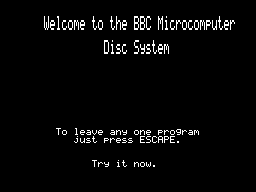
This new mode does lose the inverted text, but I think the double-height text will be more useful in practice – or at least is better at making programs look less broken!
A four colour any-pixel-addressable video mode for the Master System
Wednesday, 4th August 2021
The video display processor in the Sega Master System is derived from the TMS9918A and provides a number of different screen modes. These modes are mostly character-based and generate the picture that is displayed on your TV based on two blocks of data in video RAM: the name table, which specifies which character appears in each cell on the screen and the pattern generator which contains the pixel data for each character.
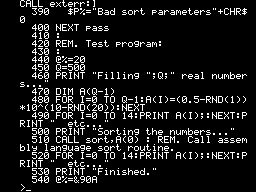
TMS9918A "Text" mode
The "Text" mode is probably the most straightforward example. Only two colours can be displayed on the screen; a foreground and a background colour, both selected from a fixed palette of 15 colours. The name table is 40 cells wide and 24 tall. Each cell, or text position, is a single byte that refers to one of 256 patterns in the pattern generator, so the complete name table is 960 bytes long. Each character is displayed as 6×8 pixels but the data in the pattern generator is eight pixels wide, and each row is stored as a single byte with a set bit selecting the foreground colour and a cleared bit selecting the background colour (the two least-significant bits are ignored). Each character pattern therefore takes up 8 bytes of VRAM, or 2,048 bytes (2KB) for a complete set of 256.
The "Graphics I" mode changes the character size to be the full 8×8 pixels at the expense of the number of characters that can be displayed per line; this is reduced from 40 to 32, so the name table is now 32×24 and 768 bytes long. The pattern generator is the same size as before and you can still only display 256 unique patterns on-screen at a time, but there is at least some provision for colour. The top five bits of the character/pattern number are used as an index into a 32-byte colour table, where each colour table entry contains two four-bit values corresponding to the foreground and background colours for the pattern. This means that patterns 0-7 share the same two colours, patterns 8-15 have the next set of two colours, 16-23 after that and so on; 256 patterns, in groups of eight with a different pair of colours assigned to each of those 32 groups.

TMS9918A "Graphics II" mode
Fortunately, the TMS9918A is a revised version of the original TMS9918 which adds the much more useful "Graphics II" mode. The name table is the same as before, 32×24 cells of one byte each, and the patterns are still 8×8 pixel bitmaps. However the pattern generator table is now three times the size, storing 768 unique 8×8 patterns in 6KB. To be able to address all 768 patterns when you can only store values from 0-255 in the name table the screen is divided into three sections; the top third references the first 2KB of the pattern generator (patterns 0-255), the middle third references the second 2KB of the pattern generator (patterns 256-511) and the bottom third references the last 2KB of the pattern generator (patterns 512-767). This allows every single character position in the nametable to reference a unique pattern, and therefore have a bitmap that covers the entire screen area.
The colour table has also been significantly improved. Instead of one pair of colours for each group of eight patterns, each pattern now gets its own table of colour pairs, one per row. This doesn't allow every pixel on the screen to have its own colour, but you can at least give each 8×1 region its own pair of colours. This does lead to attribute clash when drawing; you can see this in the screenshot of the cones above, where the colour from some lines bleeds into the colour set for nearby lines if they happen to pass through the same 8×1 pixel block.
Very few Master System games use the TMS9918A video modes (F16 Fighting Falcon seems to be about the only concrete example), instead using a new video mode added specifically for the Master System. This has a number of nice new features (such as hardware scrolling and two user-definable 16-colour palettes instead of a fixed 15-colour one), but it's the name table and pattern generator that's of main interest. Instead of having a separate bitmap for the pattern and its colour table, each pattern is now a 32 byte object where each 8 pixel row is encoded as four bytes, one byte for each bit of the four-bit colour palette index. That is, if you wanted to store the top row of a pattern where the leftmost pixel was set to palette index 1, the rightmost pixel was set to palette index 15 and everything else was left as 0 it would be stored like this:
.db %10000001
.db %00000001
.db %00000001
.db %00000001
The second row would then follow with another four bytes, all the way down to the bottom row for the complete 32 byte pattern. This scheme allows you to set each pixel in every pattern to any of the sixteen colours per palette, so if you could fill the screen with such patterns then it would be possible to set any pixel on the screen to any of sixteen colours, solving the attribute clash problem. Unfortunately, to do so would take 768 patterns (32×24), and if each pattern is 32 bytes then that would take up 24KB of video RAM. The Master System only has 16KB of video RAM, which would limit you to 512 patterns, so it's not possible to fill the screen with unique patterns. In practice you can't even have 512 patterns, as you still need to store the name table in video RAM, and as each name table entry has been inflated to two bytes (which does at least let you index pattern numbers above 255 without splitting the screen into thirds as per the Graphics II scheme) that leaves even less room for patterns.
In practice you are limited to 448 patterns, which is not enough to cover the screen. As you will generally start from a blank screen and then add to it, the name table could be filled with blanks by default and then as you draw over the screen of it new patterns could be allocated as required. This is how the graphics currently work in the 16-colour Master System video mode, and it allows for colourful drawings with no colour clash as long as you don't fill too much of the screen.

Cautious use of the 16-colour Master System mode
That's the mode the sphere above is rendered in; you can see there's fine detail at its North pole without becoming subject to colour clash and it doesn't fill so much of the screen that we ran out of unique patterns to allocate. As it would be very bad to run out of patterns when attempting to draw text the character set (the 96 characters from 32-127) are permanently allocated as unique patterns which further reduces us to 352 tiles for graphics output.
It's possible to constrain the graphics viewport via VDU 24 to a smaller region which would ensure you never needed more than 352 tiles, as long as your new viewport was properly aligned to the 8×8 grid. For example, 22×16=352 which means that you could have a 176×128 pixel graphics window that you could draw to without risking running out of patterns.


Colour clash in Graphics II (left) versus running out of tiles in Master System Mode (right)
The two screenshots above show the trade-off between colour clash in Graphics II and corruption due to running out of patterns in the 16-colour Master System graphics mode, both caused by running this program:
 10 INPUT "Mode",M%
 20 MODE M%
 30 FOR I%=0 TO 47
 40   GCOL 0,I%
 50   X%=(I%/47)*1279
 60   Y%=(I%/47)*959
 70   MOVE X%,0
 80   DRAW 1279,Y%
 90   DRAW 1279-X%,959
100   DRAW 0,959-Y%
110   DRAW X%,0
120 NEXT I%
130 REPEAT:UNTIL INKEY(0)=-1
140 REPEAT:UNTIL INKEY(0)<>-1
Having to worry about your pattern budget isn't really in the spirit of fun and experimentation. If we're up against hardware and memory limitations I'd rather have a slightly less capable video mode that does at least generate correct output however you use it.
It is possible to completely avoid colour clash if you use the Graphics II mode and simply never use any colour commands, but only having two colours is a bit drab. With a bit of tinkering I came up with another graphics mode that is still using the Master System mode, but reduces the number of colours down to 4. Quite fittingly, a lot of BBC Micro screen modes only supported four physical colours, so I set this new mode to use the same black/red/yellow/white palette by default:

Four colours on-screen at once, no clash and no corruption
In fact, the palette is the whole key to this solution. You may recall that the Master System mode supports two 16-colour palettes. Usually one is assigned as the "background" palette and the other as the "sprite" palette, however each entry in the name table contains a flag that lets you specify which palette the selected pattern should be shown with. In this new video mode, the top half of the screen is assigned to patterns 0-383 using the "background" palette, and the bottom half of the screen is assigned to the same set of patterns 0-383 but to use the "sprite" palette. The palette is then filled with four colours, like this:

Using all 32 palette entries to display four colours on screen simultaneously
The top row is the "background" palette and shows the four desired colours repeating in order four times. The bottom row is the "sprite" palette, and shows that each of the four colours is stretched to fill four consecutive palette entries. This use of repetition effectively turns two bits in each pattern's bitplanes into "don't care" values, depending on which palette is selected.
For example, assume we're in a pattern assigned to the "background" (top) palette and we want to display red. This is colour %01, but as the red entry is repeated we could use use any of colours %0001, %0101, %1001 or %1101 and they'll all come out red – we don't care about the top two bits.
Alternatively, we could be in a pattern assigned to the "sprite" (bottom) palette and want to display yellow. This is colour %10, but it fills the entire palette block from %1000 to %1011, so again we don't care what the lower two bits are, just what the top two bits are.
Using this somewhat redundant palette, we can pack two different four-colour patterns for different parts of the screen into a single sixteen-colour pattern. It's a shame that a halving in bit count ends up quartering the number of colours but I think it's an acceptable solution considering the hardware limitations.
Better drawing, editing, memory and emulation for BBC BASIC on the Sega Master System
Tuesday, 3rd August 2021
I have continued to work on the Sega Master System version of BBC BASIC, and it's feeling much more like a practical version of BASIC than something that was just holding together to run one specific program!
One of the key improvements is to standardise the handling of the different graphics modes. Previously I was using a coordinate system where (0,0) is in the top left corner and all drawing operations were carried out using physical device coordinates (so the screen was treated as being 256 pixels wide and 192 pixels tall). I have now moved the origin (0,0) into the bottom left corner with the Y axis pointing up and scale down all coordinates by 5, effectively making the screen 1280 logical units wide and 960 units tall. This isn't 100% compliant, as the BBC Micro and other versions of BASIC treat the screen as being 1024 units tall, but dividing by 5⅓ is considerably trickier and it would result in the graphics being squished further vertically, so I think using a logical resolution of 1280×960 is an acceptable compromise. I've added some VDU statements to allow you to move the graphics origin as well as define custom graphics and text viewports, so you can control where on the screen graphics and text appear and how they are clipped/scroll.

The output of the "Mandelbaum" program following these changes
I have also changed the default palette to more closely match the one used by the BBC Micro and other versions of BBC BASIC. This isn't too difficult when using the Master System's "Mode 4" as that has a user-definable palette, but the legacy TMS9918A modes have a fixed palette so I've tried to match the default palette as sensibly as I can to the TMS9918A palette. It's possible to change the logical to physical palette mappings under Master System "Mode 4" via a VDU command which writes directly to the CRAM (you can either remap one of the 16 logical entries to one of the stock 16 colours, or supply an RGB value directy to select additional colours) which allows for neat tricks like palette cycling, but the TMS9918A modes currently only let you change the current text/drawing colour, not amend the palette as that's fixed in hardware.
I've also added filled/outlined circle and axis-aligned ellipse PLOT commands using some code written by Darren "qarnos" Cubitt which I originally used in the TI-83 Plus version of BBC BASIC. This code is very capable and fully accepted 16-bit coordinates for its inputs, however it was also originally designed to output to a 96×64 pixel screen so the final plotting was done with 8-bit coordinates ranging from -128..127. Fortunately the Master System's screen also fits in 8-bit coordinates at 256 pixels wide but that's not quite enough information as you also need to be able to tell if a particular point is off-screen (less than zero or greater than 255); simply clipping it against those boundaries will result in a vertical smear on the left or right edge of the screen when drawing outlines. Fortunately I was able to figure out how to modify his code to add some extra clipping status flags to ensure that ellipses were clipped and displayed correctly on any part of the screen.

Filled circles and filled/outlined ellipses make these drawings possible
The only graphics operation exposed by the mode-specific drivers before was a simple "set pixel" routine. This is fine for lines but quite slow for filling shapes so graphics mode drivers can now supply a "fill horizontal span" routine for faster shape-filling. If the routine is left unimplemented a stub routine is provided that fills the span using the "set pixel" routine.
I also added a rectangle-filling PLOT command, which is perhaps not the most exciting-sounding graphics operation but it is used to clear the screen so it is at least useful. More interesting is a triangle-filling routine, something I've never enjoyed writing!
Usually I get very bogged down in the idea that the pixels affected when you fill a triangle should exactly fit within the pixels that are outlined by drawing lines between each of the triangle's points, no more and no less. This can be a bit difficult when the triangle is filled by tracing its edges from top to bottom and drawing horizontal spans between them. If the edge is "steep" (its overall height is greater than or equal to its width) then this isn't too bad, as there's only one X coordinate for each Y coordinate where a pixel would have been plotted. However, when the edge is "shallow" (its overall width is greater than its width) there are going to be certain Y coordinates where the line drawn would have had multiple pixels plotted. In that case, where is the boundary of the horizontal span?
The cop-out answer I've used in the past has been to set up three buffers the total height of the screen and to "draw" the three lines first using the same line-drawing algorithm as the line PLOTting command, keeping track of the minimum and maximum X coordinate for each Y coordinate. When it's time to fill the triangle the minimum and maximum X coordinate for each edge can be determined based on the current Y coordinate and a span drawn between them for perfect triangles. On the TI-83 Plus this takes up four bytes per line (minimum and maximum 16-bit values) for a 64 pixel tall screen, with three buffers for the three lines that comes to 4×64×3=768 bytes, pretty bad. On the Sega Master System that would be 4×192×3=2304 bytes, totally unacceptable on a machine with only 8KB total work RAM!
Each face of this 3D sphere is filled by two triangles.
I've instead simply done my best to interpolate from one X coordinate to the other when working my way down the triangle and filling scanlines, doing a bit of extra pre-incrementing and fudging of initial error values depending on whether it's the top half or bottom half of the triangle. My test was to draw the outline of a triangle in bright white and then to fill a dark blue triangle over the top, if any bright white pixels were visible around the outside this indicated a gap. I mostly got it filled, but I then tried my test program on a BBC Micro emulator and found the BBC Micro exhibited similar gaps so I don't think I'm doing too badly! The above screenshot of the 3D sphere was rendered using this triangle-filling code.
I've also been working on improving the line editor. This is called by BASIC when it's asking for a line of text input from you. Previously I'd only implemented adding characters to the end of the line and pressing backspace to remove characters from the end of the line; if you'd typed in a long piece of code and made a mistake at the start you'd need to backspace all the way to the mistake, correct it, then re-type the rest of the line. Now you can use the cursor keys (or home/end) to move around within the line, insert or overwrite new characters (toggled by pressing the insert key on the keyboard) at the cursor position or backspace/delete characters mid-line as required. It sounds like a small thing but it was quite a lot of code to get right and makes a big difference for usability!
Another feature I've added to aid modifying lines of code is the *EDIT command. This takes a line number as an argument and then brings up the program line you've requested in the line editor, ready for editing. The way this works is a bit sneaky, as it's not natively implemented by BBC BASIC! The trick that makes it work is the ability to override two routines, OSLINE (which BASIC calls when it wants to display the line editor) and OSWRCH (which BASIC calls when it wants to output a character).
When a valid *EDIT <line> command is entered, OSLINE is overridden with the first custom routine. This routine doesn't ask for a line of input, but instead copies L.<line> to the input buffer, overrides OSWRCH with a routine that captures data to RAM, overrides OSLINE with a second custom routine, then returns. BASIC therefore thinks you've typed in a LIST statement so it dutifully starts outputting the line via OSWRCH, but this has been overridden to write the characters to RAM rather than the screen. When it's done this BASIC then calls OSLINE again for the next line of input, which brings up the second custom OSLINE handler. This pulls the data from RAM previously captured by the OSWRCH handler, copies it to the OSLINE buffer, and dispays it on-screen as if you'd just typed it in. It then restores the original OSLINE and OSWRCH handlers before jumping back into the stock OSLINE routine, so you can continue editing the line that you'd requested via *EDIT.
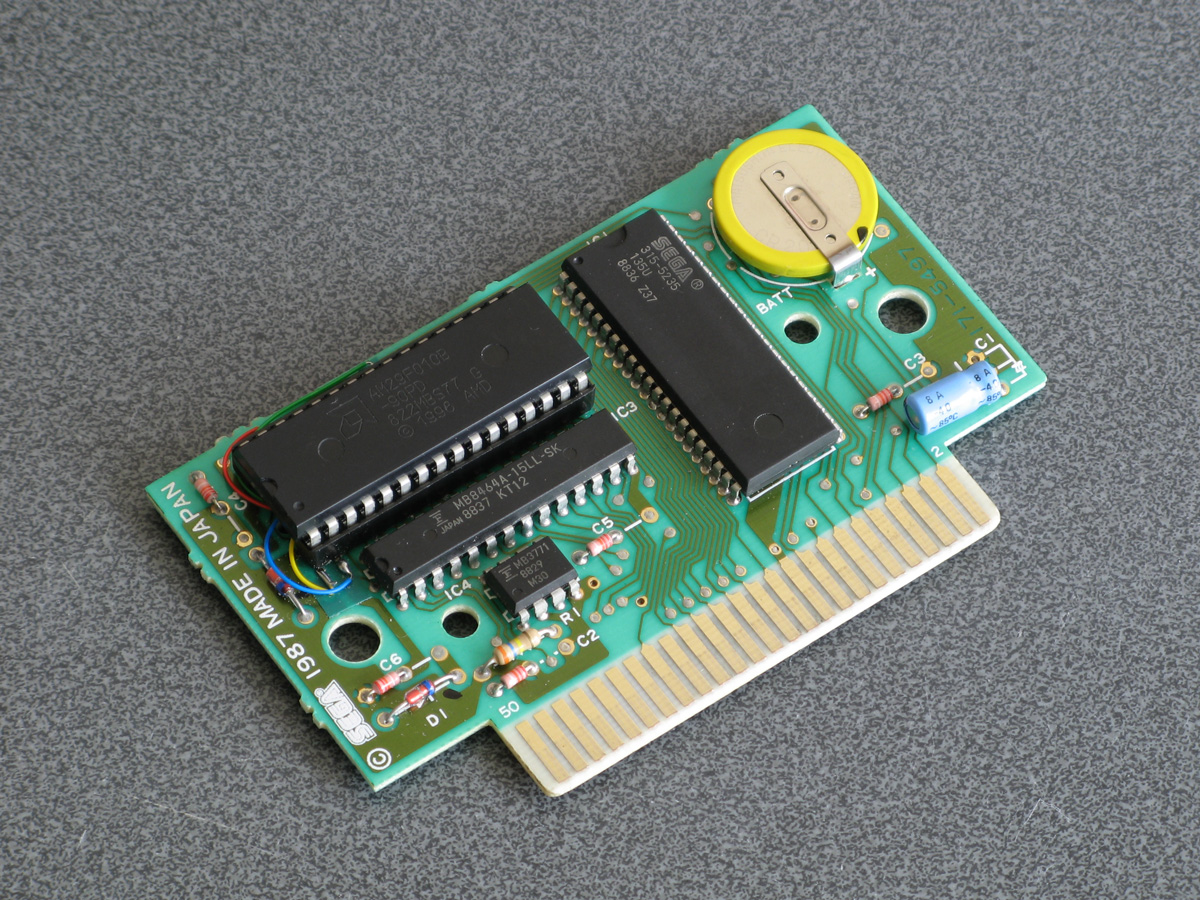
All of this hopefully makes entering programs via the keyboard less cumbersome. Of course, not having to type in programs in full every time you wanted to run them would be even better, and an attempt to give BASIC more memory provides another way to load programs in a somewhat roundabout manner.
The photograph above shows the modified Monopoly cartridge that I'm now using to test BBC BASIC on real hardware instead of the modified After Burner cartridge I was using before. The advantage of Monopoly is that it has an additional 8KB RAM on board, which is used to save games in progress. Sega's cartridge mapper allows for on-cartridge RAM to be mapped into the address range $8000..$BFFF, immediately below the main work RAM which is at $C000..$DFFF. If present, then, BASIC's memory range (which runs from PAGE to HIMEM) can be extended by enabling the save RAM and moving PAGE down.
$8000..$BFFF is a 16KB range, though, and I mentioned that Monopoly has an 8KB RAM. This is true, and what it means is that the 8KB cartridge RAM is accessible from $8000..$9FFF but is then repeated ("mirrored") from $A000..$BFFF. The cartridge RAM detection therefore has to check two things: firstly that there is RAM in the first place (which can be verified by modifying memory at $8000 and seeing if those values stick) and how big it is (which can be checked by writing to $8000 and seeing if that has also modified the data at $8000+<RAM size>). Once presence of any RAM has been determined during startup, RAM mirroring is checked in 1KB, 2KB, 4KB and 8KB offsets. If any RAM mirroring is detected, then it's assumed the RAM is the size that was being checked at the time, however if not it's assumed that the RAM is the full 16KB. At this point, PAGE (which is $C000 in a stock machine with no cartridge RAM) is moved backwards by the size of the detected cartridge RAM, e.g. to $A000 for an 8KB RAM and $8000 for a 16KB RAM. This results in 16KB or 24KB total available to BBC BASIC, a considerable upgrade from the plain 8KB work RAM!
An added bonus of this is that when you type in programs they grow upwards in memory from PAGE. As PAGE now starts within your cartridge memory, and that cartridge memory retains its contents courtesy of a backup battery, it means that if your entered program is smaller than the size of your cartridge memory you can restore it when you switch the console back on by typing OLD.
That's very well for life on real hardware, but I continue to do most of my development testing in an emulator. I'm having to use my own emulator as there aren't any other Master System emulators that also include a PS/2 keyboard emulator, but I did end up running into a very weird bug. Certain trigonometric functions in BBC BASIC were producing very wrong values, resulting in very odd-looking output.


These shapes are on the wonk
Even though the Z80 emulator at the heart of the program passed ZEXDOC (an instruction tester that checks documented functionality) I remembered that it had failed some aspect of ZEXALL which checks the undocumented flags too. I re-ran ZEXALL and found the problem was with my implementation of the bit instruction, so I worked on fixing that including emulation of the Z80's internal temporary memptr/WZ register to ensure that bit n,(hl) set bits 3 and 5 of the flag register appropriately. ZEXALL now passes, but unsurprisingly it didn't fix my problem (as I didn't really think that BBC BASIC would rely on undocumented functionality!)
I ended up isolating certain exact values that when plugged into SIN() or COS() would produce incorrect results. I then dug out my old CP/M emulator and tried plugging those values into the generic CP/M version of BBC BASIC (which has none of my code in it!) and that produced the same, incorrect, results confirming that the issue was definitely in my Z80 emulation and not in some flaw of the BBC BASIC port.
After tracing through the code and dumping out debug values at certain points and seeing where it differed to a known good reference emulator I found that the fault occurred in FMUL, and from there I found that at some point the carry flag (which is either rotated or added to registers with RR or ADC instructions) was being lost. RR looked fine but digging into my implementation for the 16-bit ADC I found the culprit: the code is the same for ADD and ADC, but in ADC if the carry flag is set then the second operand is incremented by one first. This produces the correct numeric answer, but if the second operand was $FFFF on entry to the function then adding a carry of 1 to it would cause it to overflow back to 0. As this happens before any of the rest of the calculations are made it means that the final value of the carry flag was calculated based on op1+0 instead of op1+$10000, hence the loss of the carry flag.
Fortunately, fixing this fixed the wonky output demonstrated above and I feel slightly more confident in my emulation! Now I can continue working on BBC BASIC, I've had an idea for a screen mode that has a reduced number of colours but will hopefully let you draw anywhere on the screen without running out of tiles causing odd corruption (as happens in the usual 16-colour mode 4) and without attribute clash (as happens in the TMS9918A Graphics II mode)...
Running BBC BASIC on the Sega Master System
Thursday, 22nd July 2021
I've recently been spending some time finding a way to run BBC BASIC on the Sega Master System, inspired by BASIC Month 6: The Mandelbaum Set on the RetroBattlestations Reddit community.
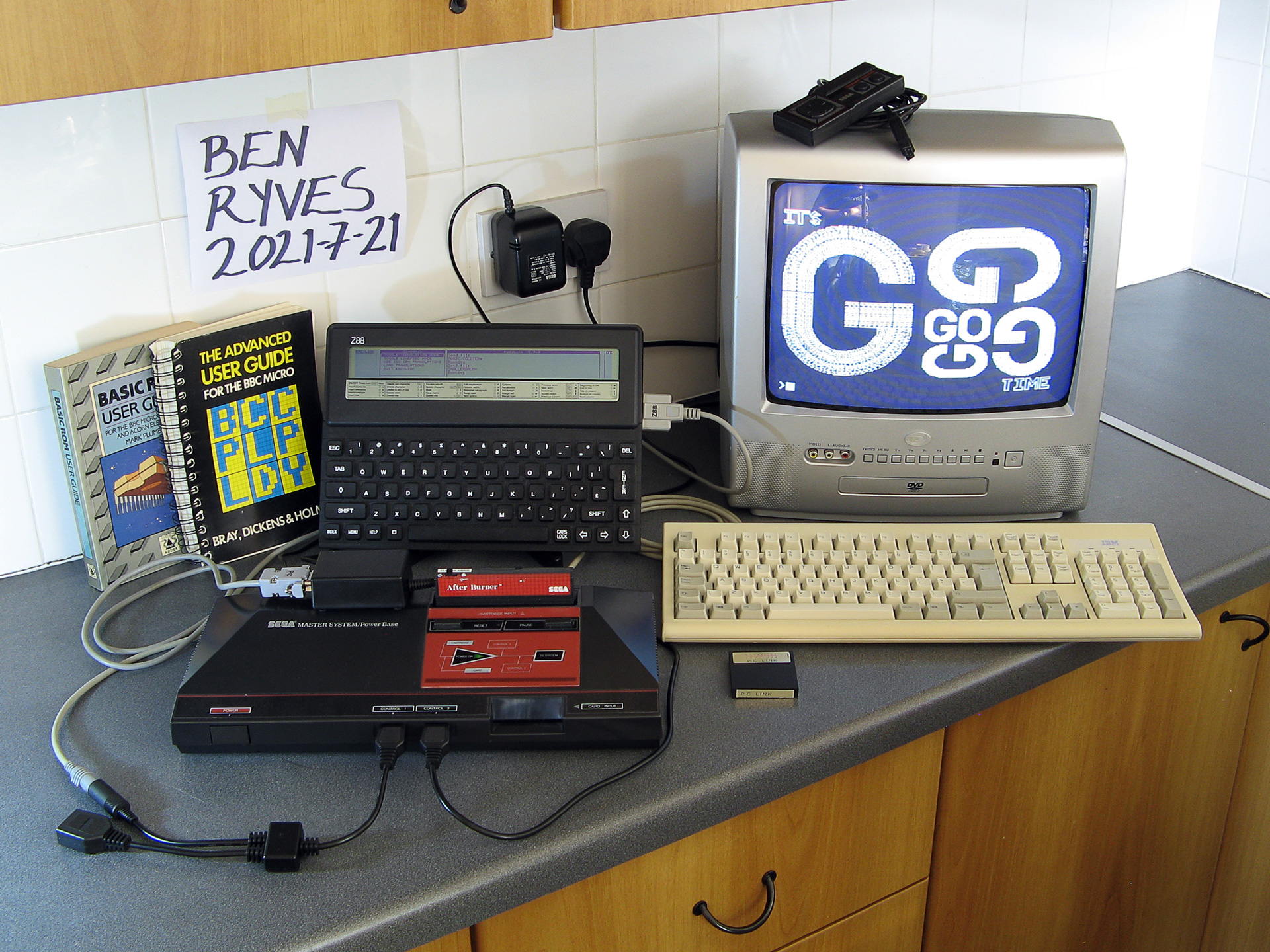
When this month's program was first announced I tried running it on my only unarguably retrobattlestation, my Cambridge Z88, but the screen's low (vertical) resolution didn't do the program much justice.
I thought this gave me two options:
- Control some external piece of retro tech to produce higher-resolution output (e.g. a printer or a plotter.
- Port a BASIC interpreter to another retro system with a higher resolution display and run the program on that.
Unfortunately, I don't own any old printers or plotters (or a Logo-like turtle!) so option 2 seemed my best option. I had some experience adapting Richard Russell's BBC BASIC (Z80) to run on the TI-83 Plus calculator so I thought I should pick the Sega Master System as that also has a Z80 CPU in it. Here are some rough specs:
- 3.58(ish)MHz Z80 CPU.
- 8KB work RAM.
- TMS9918A-derived VDP for video with 16KB dedicated VRAM accessed via I/O port.
- SN76489-derived PSG for sound.
- Two controller ports with six input pins and two pins that could be configured as inputs or outputs.
- Software loaded from ROM cartridge or card slot with a small BIOS ROM that detects whether a cartridge or card is inserted (and if not, runs its own built-in game).
There is some precedence to this endeavour with the computer version of Sega's SG-1000, the SC-3000, which came with a keyboard and had BASIC ROM cartridges.
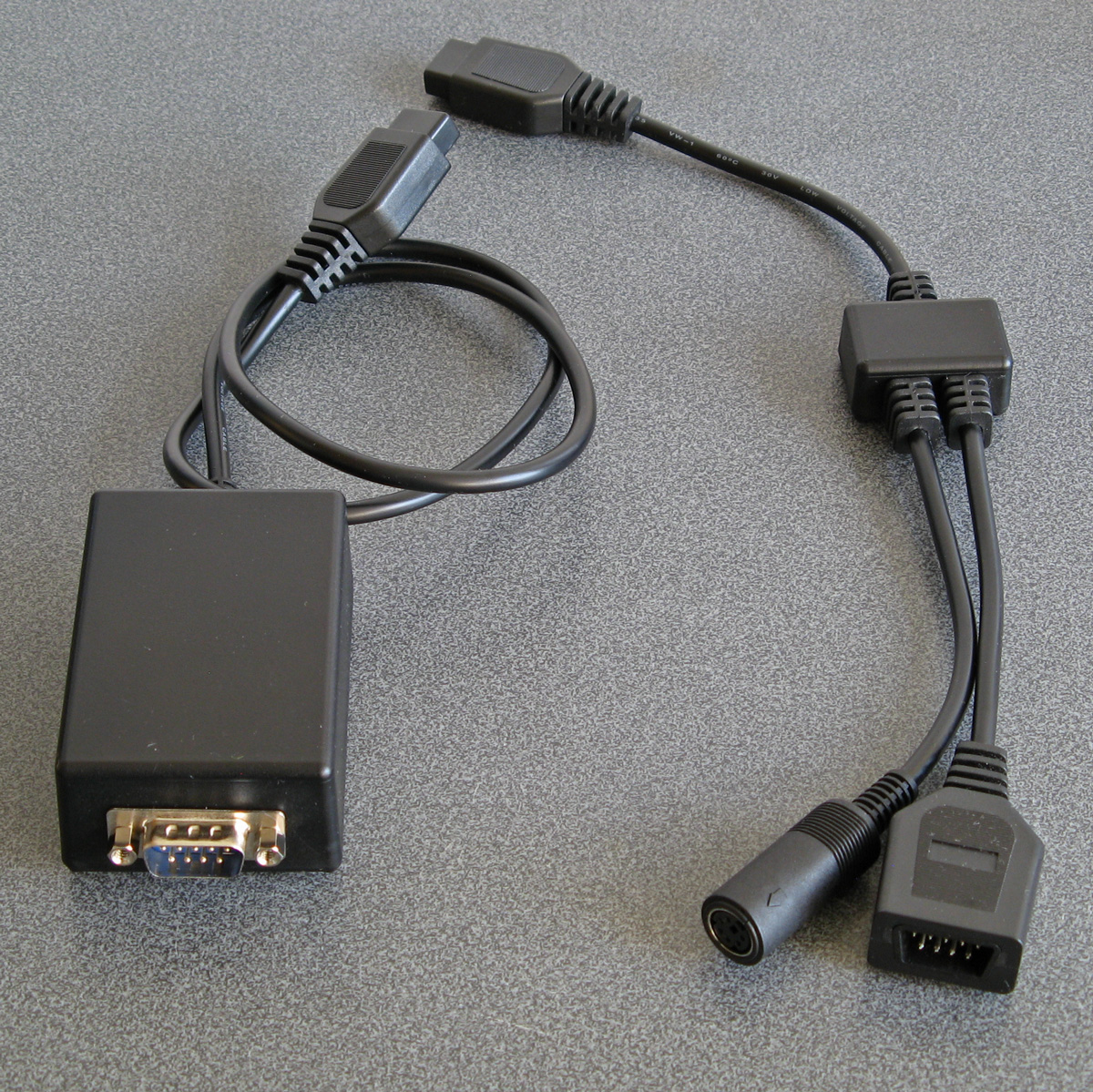
I wanted to try to keep this project as retro as possible, so no modern microcontrollers as I've been accused of cheating by using them in the past. I did have to make a couple of adaptors to allow me to plug in a keyboard and to give the Master System a serial port to load or save programs over – more about these later!
Loading BASIC onto the Master System
The first problem was getting BASIC onto the Master System at all. As my Master System doesn't have BASIC in ROM (it comes with Hang-On, which is perhaps more fun but less likely to handle the Mandelbaum set) I'd need to load the program onto a cartridge or card. Master System cartridges usually contain a mapper circuit to handle bank switching in the lower 48KB of the Z80's address space (the upper 16KB contains the 8KB work RAM, appearing twice) which is normally integrated directly into the ROM chip for the game, however there are a handful of games that have separate mapper chips and ROM chips and the ROM chips that Sega used have a pinout that is extremely close to that used by common EEPROMs (e.g. 29F010,
49F040) with only a couple of pins needing to be swapped around. After Burner is one such cartridge, so I've modified an old copy to let me plug in flash memory chips that I can program with the version of BASIC I'm working on. A switch at the top of the cartridge lets me switch back to the original pin configuration if I want to play the original copy of After Burner.
Typing commands into BASIC
With a flashable cartridge to hand I was able to assemble a version of Richard Russell's BBC BASIC (Z80) with some simple code stubs in place to direct text output to the screen. Output is useful but only half the story, we still need to be send commands to BASIC!
The Master System doesn't have its own keyboard, so I'd need to find some way to interface one to it. I have previously used PS/2 keyboards in a number of projects, as they are pretty simple to deal with. Electrically, they use two open collector I/O lines for bidirectional data transfer (one as clock, one as data), and fortunately each controller port of the Master System has two pins that can be configured as outputs which can therefore be used to interface with a keyboard (either left as inputs and pulled weakly high in their idle state, or driven low as outputs for their active state).

It acts as a pass-through cable so you can still have a regular controller plugged in when using the keyboard.
The two pins on the Master System control port that can act as outputs are TH and TR; TH is normally used by light guns to latch the horizontal counter in the video chip so is unused with normal controllers so it's no great loss here, but TR is the right action button (marked "2") so by using this pass-through adaptor you do unfortunately lose one of the controller buttons. However, you do gain a hundred or so keyboard keys, so I don't think it's too bad a compromise...
For the software side of things I adapted my Emerson AT device library, previously written for the TI-83 Plus calculators, to the Sega Master System hardware. This library handles the low-level AT device protocol and also translates the raw keyboard scancode values to the corresponding characters.
Saving and loading programs
At this point I was able to type in BASIC programs and run them on the Master System, which was pretty neat! However, I was still working on adding new features (e.g. drawing commands for graphics) and having to type in the entire Mandelbaum program after every change was going to get pretty exhausting. I could bake it into the ROM but that seemed like cheating, so I thought I should try to find a way to load the file from an external source. A floppy disk or tape cassette would seem authentically retro but adding a floppy drive controller to the Master System would be a fairly complicated task and I don't have a suitable data cassette recorder to even attempt loading from tape so I thought some sort of file store accessible over a serial port would be a good option.
The Z88 has a serial port and can act as a remotely-controlled file store when running the PC Link software (with the protocol documented here. This seemed like a good choice, if not for the fact that the Sega Master System doesn't have a serial port of its own. To get around this, I added one, using a MAX232 chip to adapt the Master System's 5V logic levels to RS-232 compatible ones so I could plug in a null modem cable from the Z88 or my PC without accidentally frying the Master System with -12V.
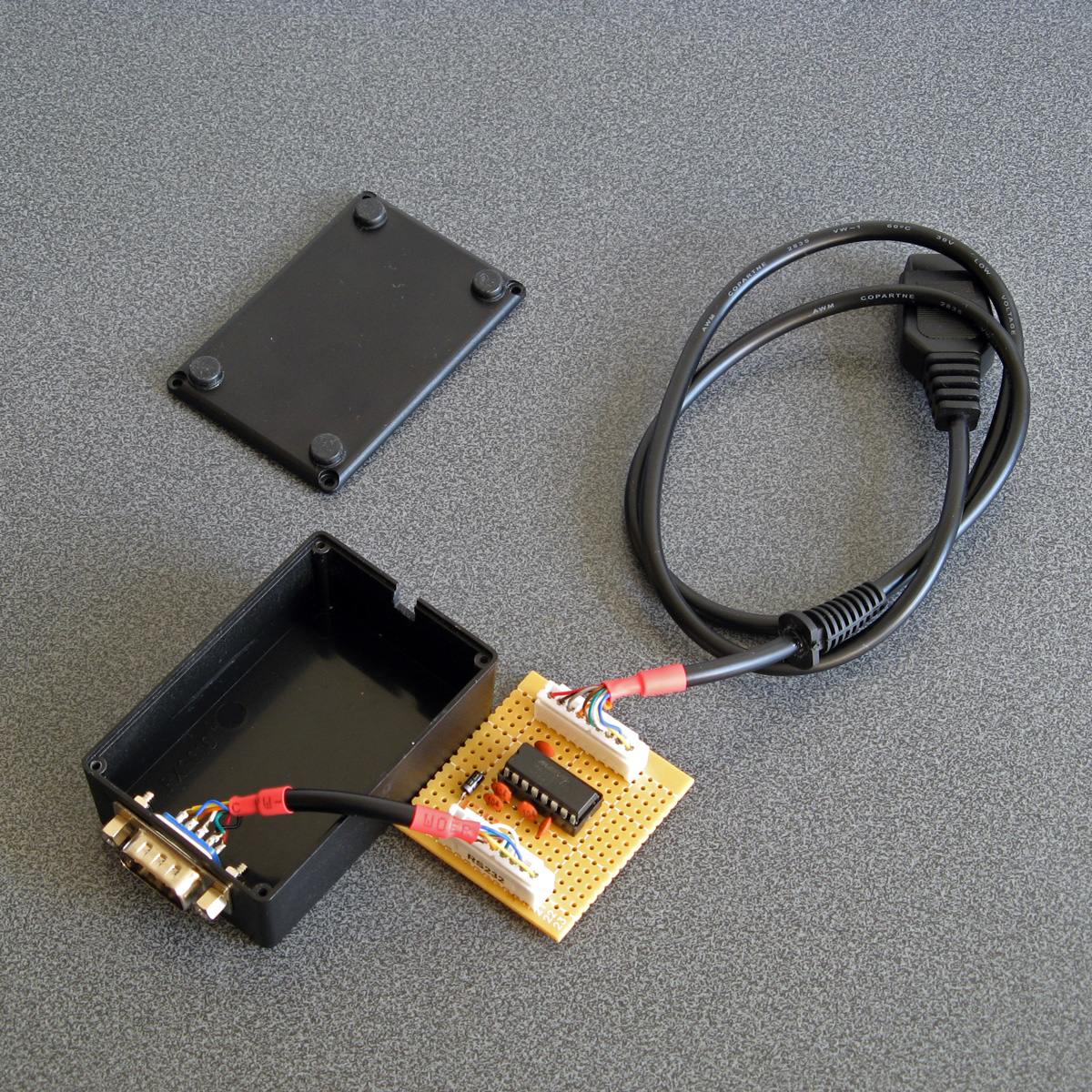
I wrote some code that bit-bangs the serial data over the controller port lines using the timing loop code I wrote for a previous BASIC Month (Crisps Tunes) to support rates between 19200 and 300 baud. 19200 baud is somewhat unreliable but that's OK because the Z88's 19200 baud is unreliable too, so the default 9600 baud speed does a good job. RTS/CTS handshaking has to be implemented, as there is no hardware serial support on the Master System and it needs to be actively polling the port to receive any data. In doing so I noticed one awkward fact about my PC's serial port - if you de-assert RTS it will continue sending data until its buffer is empty, presumably only checking the RTS line when it's about to top up the buffer. In practice this means that even if I change RTS virtually as soon as the start bit for the first byte is received, the PC will continue to send up to 256 bytes before stopping. To get around this I added a serial receive buffer that immediately checks for the next byte even after asserting RTS, and this seems to have done the trick.
The protocol used by PC Link requires acknowledgement after every single byte so is very slow but at least it's reliable. I plumbed the PC Link code into BASIC's LOAD and SAVE which makes loading and saving programs as transparent and easy as if you had a floppy disk in the system instead!
Pressed for size
The Master System has 8KB of RAM. Of this, 16 bytes are mapped to special hardware functions and BBC BASIC reserves 768 bytes for itself, so we're already down to 7,408 bytes. I initially reserved 256 bytes for my own needs (display settings, VDU command buffer, serial port status, keyboard status etc) bringing it down to 7,152 bytes. The 16KB of display memory is not directly accessible to the CPU, so it can't be used for additional work RAM, and having to access it indirectly via I/O ports is very slow but I can't afford to mirror parts of it in RAM for speed.
Initially the Mandelbaum program ran well enough by stripping out comments, but I then added sound support (with eight 13-byte envelope definitions, and four channels with their own state, copy of their active envelope and a command queue for 32 bytes per channel, adding around another 140 bytes of memory usage) and the program stopped running with a "No room" error during execution (performing a square root operation, of all things!) so I guess the tolerances were very tight. I went and combine more lines of code into single lines and replaced two-letter variable names with single-letter ones (no, really) and it was able to run again but I don't think 8KB is a particularly comfortable amount of RAM for a BASIC computer!
Further design considerations
The version of the BASIC host interface used here is very much a work-in-progress. I would need to extend it considerably to be useful, including:
- Fuller support of different VDU commands, e.g. redefining character shapes, changing the text and graphics viewports, better colour handling (differentiating between logical palettes and physical palettes).
- Better support of other modes (so far only TMS9918A "Text" and "Graphics II" modes are used, there is a Master System-specific "mode 4" but that lacks graphics support and only takes advantage of hardware scrolling for extremely fast program LISTing).
- Implementation of more graphics commands - so far only PLOT 4 (MOVE) and PLOT 5 (DRAW) are implemented. They also use a non-standard coordinate system with (0,0) in the top left of the screen and a screen resolution of 256x192, whereas for standardisation with other BBC BASIC implementations this should move (0,0) to the bottom left and use a logical resolution of 1280x1024 or similar.
- Support of other file systems rather than rely on a Z88 running PC Link, e.g. using I²C EEPROMs (as they use two open collector pins, so could be plugged into a controller port via a passive adaptor).
- Support of extra RAM, either integrated directly on a custom cartridge or using the battery-backed SRAM supported by some other cartridge types.
- Native controller support via BASIC ADVAL command (at the moment you can access the controller ports directly with GET(&DC))
This is before even getting into adding anything machine-specific (e.g. to take advantage of scrolling tilemaps or hardware sprites), but getting the BASICs down (and consistent!) is a very important starting point. Consistency is useful, after all I was able to get the original program running under BBC BASIC with very minimal changes to it.
But, in the short term, I have at least succeeded in what I set out to do, which was to run the Mandelbaum program on a retro "computer" wholly unsuited to it!

The above video provides another demonstration of the setup – playing the Cold Tea music demo, albeit with a heavily stripped-down version of the visuals as the Master System doesn't have anything that can match the capabilities of the BBC Micro's teletext mode 7.
64-bit IThumbnailProvider, BBC BASIC matrices and clocks
Friday, 16th October 2009
Work commitments have left me with little time to pursue my own projects of late, hence the lack of updates.
A chap named Jeremy contacted me with problems relating to the IThumbnailProvider code I'd posted here before. We narrowed it down to a 64-bit issue, demonstrated by the fact that the thumbnails appeared in the file open dialog of a 32-bit application, but not in Explorer. Not having a 64-bit version of Windows to tinker with, I was unable to help, but he found the solution was to register the assembly using the 64-bit version of regasm. You can read more about his experiences on his blog.
I had made a mistake in the BBC BASIC (Z80) for TI-83+ documentation, describing the old coordinate system in the graphics documentation rather than the current one (which is more closely aligned to other versions of BBC BASIC). I have uploaded a new version of the documentation to ticalc.org. This build also includes some basic matrix operations via the MAT statement. This statement is rather incomplete, but I've run out of ROM space (not to mention time) to implement it fully. Still, the bits that are there are quite useful, and a half-arsed implementation is better than no implementation... right?
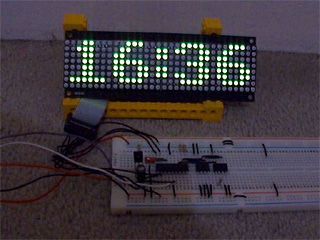
On a whim, I purchased a 32×8 LED display on eBay which I've (very) slowly been turning into a remote-controlled clock. A Sony-compatible remote control is used to type in the time, after which you can cycle through different styles with the channel up/down buttons and change the brightness with the volume and mute buttons. I'm using a 4MHz PIC16F84 to drive the display, with a DS1307 responsible for time-keeping and a 32KB 24LC256 to store the font data and text strings.
As well as dates and times, I thought a thermometer might be a useful addition so I put together an order for a DS18B20. It's silly to just order one thing, so I bulked up the order with one of the snazzy new PICAXE-20X2 chips (yes, they run a BASIC interpreter but the new 64MHz clock speed is certainly impressive). I find PICAXE microcontrollers invaluable for prototyping, being so very easy to use! 
In an attempt to broaden my horizons, I also purchased two AVRs, as I have zero experience with these popular chips. I went for the two ends of the scale as offered by the supplier - an ATmega168 and an ATtiny13. Having lost a battle with PayPal's cart (it kept forgetting old items as I added new ones) I neglected to purchase a D-sub hood so I'll be waiting until I can go and buy one before I start assembling a programmer. I was intending on going for the simple SI Prog, but if anyone has any suggestions for variations I'd be interested in hearing them!
Nibbles and Logo
Thursday, 19th February 2009
Work on BBC BASIC has slowed down quite a bit, with only minor features being added. A *FONT command lets you output large or font sized text to the graphics cursor position regardless of the current MODE:

10 MODE 3
20 VDU 5
30 MOVE 0,255 : PRINT "Small"
40 *FONT LARGE
50 MOVE 0,227 : PRINT "Large"
60 VDU 4
70 PRINT TAB(0,3) "Small (VDU 4)"
Another new command is the dangerous *GBUF that can - when used correctly - let you switch the location of the graphics buffer. You can simulate greyscale by quickly flickering between two different images on the LCD, which is where this command may come in use.

Snake/Nibbles is a fun game and an easy one to write, so here's a simple implementation that features variable speeds and mazes. The game runs quickly on a 6MHz TI-83+, which I'm happy with. And yes, I know I'm terrible at it. 
One thing I've always been pretty bad at is writing language parsers resulting in poor performance and bugs. I've started writing a primitive Logo interpreter in C# to try and improve my skills in this area. So far it supports a handful of the basic language features and statements:
- print [Hello World]
Hello World
- make "animals [cat dog sheep] show :animals
[cat dog sheep]
- make "animals lput "goat :animals show :animals
[cat dog sheep goat]
- print last :animals
goat
- repeat 2 [ print "A repeat 2 [ print "B ] ]
A
B
B
A
B
B
- show fput [1 2 3] [4 5 6]
[[1 2 3] 4 5 6]
- [10 9 8]
Not sure what to do with [10 9 8]
(No, no turtle graphics yet ). There's no support for infix operators yet. The BBC BASIC ROM manual describes the top-down parsing method it uses to evaluate expressions so I'm going to attempt to reimplement that.
One issue I've already run into are the parenthesis rules: for example the sum function outside parentheses only allows two arguments, but inside parentheses works until the closing parenthesis:
- print (sum 4 5)
9
- print (sum 4 5 6)
15
- print sum 4 5
9
- print sum 4 5 6
9
Not sure what to do with 6
I'm not sure whether a "this statement was preceded by an opening parenthesis" flag would be sufficient.
Extending BBC BASIC
Sunday, 1st February 2009
BBC BASIC may have originated with the 8-bit home computer era, but it's still being updated and its most up-to-date incarnation - BBC BASIC for Windows - has a wealth of features that are unavailable on the Z80 version.
The BBC BASIC graphics API is primarily accessed via the multi-purpose PLOT statement. PLOT is followed by three arguments - the type of graphics operation being carried out followed by an X and a Y coordinate. For example, to draw a line between (20,30) and (100,120) you could do this:
PLOT 4,20,30   : REM Move graphics cursor to (20,30)
PLOT 5,100,120 : REM Draw a line to (100,120)
This results in needing to remember a lot of different plot codes (there is a logic to how they are formed but I still need to consult a list of codes from time to time). All implementations of BBC BASIC feature two helper statements to aid the user:
- MOVE x,y (equivalent to PLOT 4,x,y)
- DRAW x,y (equivalent to PLOT 5,x,y)
More recent versions, such as BBC BASIC for Windows, also implements the following helper statements, amongst others:
- CIRCLE x,y,r (equivalent to MOVE x,y : PLOT 145,r,0)
- ELLIPSE x,y,w,h (equivalent to MOVE x,y : PLOT 0,w,0 : PLOT 193,0,h)
- FILL x,y (equivalent to PLOT 133,x,y)
- RECTANGLE FILL x,y,w,h (equivalent to MOVE x,y : PLOT 97,w,h)
This is all very well, but the BBC BASIC (Z80) interpreter is a sealed box as far as I am concerned. I can ask it to perform tasks for me ("evaluate this expression") and it can ask me to perform tasks for it ("output this character to the display") but I can't modify its behaviour.
 Or, so I thought - until I read through the copy of BASIC ROM User Guide that a friend had rescued and sent to me. It has a section on adding statements, which it achieves by using a clever - but simple - trick.
When BBC BASIC encounters a statement it doesn't recognise it triggers the Mistake error. On the BBC Micro the error handler is vectored, meaning that it loads the address of the error handling routine from RAM first instead of jumping to a fixed address. This allows the user to override the normal error handler, detect the Mistake condition and try and parse the erroneous statement themselves. If they can't handle the statement either control is passed back to BBC BASIC's usual error handler, otherwise the error condition is cleared and execution continues as normal.
BBC BASIC (Z80) follows the same procedure but with one major difference - the error handler routine is not vectored. Unfortunately, the only practical workaround I can think of is to patch the interpreter's error handler routine directly. Richard Russell somehow managed to add support for additional commands to the Z88 version via a patch that runs from RAM, but I haven't been able to work out how he managed to do that yet.
 The first series of additional statements I added were the graphics helper statements listed above, WAIT (which pauses execution for a certain number of centi-seconds) and SWAP which exchanges the contents of two variables. These are all relatively simple statements to implement as they do not affect the state of BBC BASIC in any other way; they perform a single, simple task then exit.
One of the more useful additions to more recent versions of BBC BASIC is the WHILE...ENDWHILE loop structure. A limitation of BBC BASIC (Z80)'s statement blocks is that their contents must be executed at least once, hence IF statements must fit on one line, multi-line procedures or functions should be placed at the end of the file after an END statement and REPEAT...UNTIL loops - where the looping conditional is at the end of the block, rather than the start - are provided. If a WHILE condition evaluates to FALSE, control needs to resume at the matching ENDWHILE. This is an interesting technical challenge, as it needs to handle nested WHILE...ENDWHILE stataments when searching through the code to find the terminating ENDWHILE, but appears to work pretty well now.
Another useful recent addition is EXIT (in three variations - EXIT FOR, EXIT REPEAT and EXIT WHILE) which breaks out of a loop structure. This has the same technical challenges as the WHILE...ENDWHILE loop structure (searching for the matching loop terminator) with the additional difficulty of unwinding the stack to the correct position.
By combining WHILE loops and EXIT WHILE you can simulate multi-line IF statement blocks, so
IF <condition> THEN <statements>
becomes
WHILE <condition>
  <statements>
EXIT WHILE:ENDWHILE
These additions are not without their downsides. Most of the statements supported natively by BBC BASIC (Z80) are represented by single-byte tokens, whereas these extensions are stored as ASCII text. This makes them take up more room in the source file and slower to execute (searching for and handling strings is a much more complex operation than searching for bytes). Using them makes your programs incompatible with other versions of BBC BASIC (Z80). I personally feel that these disadvantages are far outweighed by the advantage of easier to read code, however.


To round the entry off, have a fractal.
BBC BASIC for the TI-83+/TI-84+ beta release
Wednesday, 21st January 2009
Work commitments have prevented me from doing much on my own projects recently, but zipping up a few files to get BBC BASIC tested is not a time-consuming process so I've started to release test builds.

The documentation is available online. It's generated by a little tool I hacked together to turn a MediaWiki database into a CHM file.
I've had a few issues with the TI-84+ hardware, such as LCD corruption, difficulty in getting key presses to register and crashes when USB devices are unplugged. I think I've fixed the LCD and key issues by dropping the CPU speed down to 6MHz when the full 15MHz is not required, but am still stumped by the USB issues. Unfortunately documentation on the USB hardware is rather thin on the ground and I don't own a TI-84+ for testing.
The package comes with a few demo programs from the CP/M release and a few I cobbled together myself. Most recently I've tried putting together a few little graphics demos.
There's still a fair amount of work to go on this project (especially optimising - some of the code is extremely inefficient) but it feels nice to have something out there for people to try.
Controller input updates to Cogwheel
Monday, 5th January 2009
I hope you all had a good Christmas and New Year period!
I received an Xbox 360 controller for Christmas, so have done a bit of work on Cogwheel to add support for it. (You can download a copy of the latest version 1.0.2.0 with SlimDX here).
The first issue to deal with was the D-pad on the Xbox 360 controller. When treated as a conventional joystick or DirectInput device the D-pad state is returned via the point-of-view (POV) hat. The joystick input source class couldn't raise events generated by the POV hat so support for that had to be added. This now allows other controllers that used the POV hat for slightly bizarre reasons (eg the faceplate buttons on the PlayStation controller when using PPJoy) to work too.
The second issue was the slightly odd way that the Xbox 360's DirectInput driver returns the state of the triggers - as a single axis, with one trigger moving the axis in one direction, the other trigger moving it in the other. You cannot differentiate between both triggers being held and both being released, as both states return 0. To get around this, I've added support for XInput devices, where all buttons and triggers operate independently.
The Xbox 360 controller now shows up twice in the UI - once as an XInput device and again as a conventional joystick. Fortunately, you can check if a device is an XInput device by the presence of IG_ in its device ID. Here's some C# code that can be used to check with a joystick is an XInput device or not.
using System.Globalization;
using System.Management;
using System.Text.RegularExpressions;

namespace CogwheelSlimDX.JoystickInput {

    /// <summary>
    /// Provides methods for retrieving the state from a joystick.
    /// </summary>
    public class Joystick {

        /* ... */

        /// <summary>
        /// Gets the vendor identifier of the <see cref="Joystick"/>.
        /// </summary>
        public ushort VendorId { get; private set; }

        /// <summary>
        /// Gets the product identifier of the <see cref="Joystick"/>.
        /// </summary>
        public ushort ProductId { get; private set; }

        /* ... */

        /// <summary>
        /// Determines whether the device is an XInput device or not. Returns true if it is, false if it isn't.
        /// </summary>
        public bool IsXInputDevice {
            get {
                var ParseIds = new Regex(@"([VP])ID_([\da-fA-F]{4})"); // Used to grab the VID/PID components from the device ID string.

                // Iterate over all PNP devices.
                using (var QueryPnp = new ManagementObjectSearcher(@"\\.\root\cimv2", string.Format("Select * FROM Win32_PNPEntity"), new EnumerationOptions() { BlockSize = 20 })) {
                    foreach (var PnpDevice in QueryPnp.Get()) {

                        // Check if the DeviceId contains the tell-tale "IG_".
                        var DeviceId = (string)PnpDevice.Properties["DeviceID"].Value;
                        if (DeviceId.Contains("IG_")) {

                            // Check the VID/PID components against the joystick's.
                            var Ids = ParseIds.Matches(DeviceId);
                            if (Ids.Count == 2) {
                                ushort? VId = null, PId = null;
                                foreach (Match M in Ids) {
                                    ushort Value = ushort.Parse(M.Groups[2].Value, NumberStyles.HexNumber);
                                    switch (M.Groups[1].Value) {
                                        case "V": VId = Value; break;
                                        case "P": PId = Value; break;
                                    }
                                }
                                if (VId.HasValue && this.VendorId == VId && PId.HasValue && this.ProductId == PId) return true;
                            }
                        }
                    }
                }
                return false;
            }
        }

        /* ... */
    }
}
When the joysticks are enumerated they are only added to the input manager if they are not XInput devices.
To round up the entry, here's a screenshot of a minesweeper clone I've been working on in BBC BASIC.

You can view/download the code here and it will run in the shareware version of BBC BASIC for Windows. The code has been deliberately uglified (cramming multiple statements onto a single line, few comments, trimmed whitespace) to try and keep it within the shareware version's 8KB limit as this is a good limit to keep in mind for the TI-83+ version too.
Virtual screen resolutions for BBC Micro compatibility
Monday, 8th December 2008
The BBC Micro had a virtual resolution of 1280×1024, meaning that if you drew a circle centred on (1280/2,1024/2) it would appear in the middle of the screen regardless of its pixel resolution. On top of that, (0,0) was in the bottom-left hand corner of the screen with the Y axis pointing upwards.
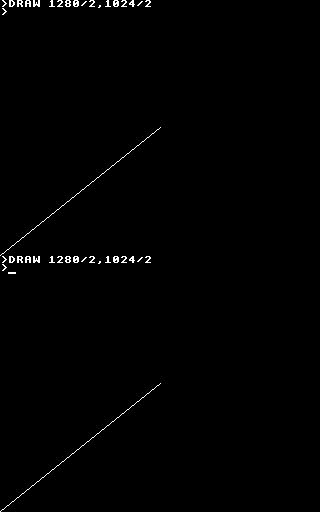
Thus far I'd been using the slightly more intuitive fixed resolution of 96×64 with (0,0) in the top-left hand corner with the Y axis pointing downwards. This means that any graphics program for the TI-83+ version appears upside down and squashed into the bottom-left corner when run on the BBC Micro.
I have worked on attempting to remedy this. 1280×1024 does not divide cleanly into 96×64, so I've used a constant scale factor of 16 on both axes resulting in a virtual resolution of 1536×1024. (Flipping the Y axis is easy enough). This means that programs drawing shapes (lines, circles, triangles, rectangles, parallelograms) will run on both BBC Micro "compatible" versions of BBC BASIC and the TI-83+ and produce roughly the same results.
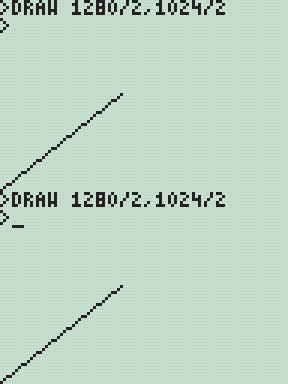
As this may not be to everyone's tastes the two options may be independently controlled with two new star commands;
- *YAXIS UP|DOWN
- *GSCALE ON|OFF
The default is to have *YAXIS UP and *GSCALE ON. To revert to the old behaviour you could specify *YAXIS DOWN and *GSCALE OFF.
I have also been working on implementing the OS call OSGBPB. This call allows you to read/write multiple bytes of data in one go, so is much faster than using the byte-at-a-time BGET# and BPUT# commands. It also provides a way to enumerate filenames, a feature I have yet to implement but one that should be useful (eg to search for data files for your own program without having the filename hard-coded or having to prompt the user).
Three sides good, four sides bad.
Sunday, 30th November 2008
Work on the TI-83+/TI-84+ port of BBC BASIC continues bit-by-bit.


I've added triangle filling (left) and, by extension, parallelogram filling (right) PLOT commands. The triangle filler is a little sluggish, tracing each edge of the triangle using 16-bit arithmetic, but it seems fairly robust. I am trying to focus on robustness over speed for the moment, but it would seem easy enough to add a special-case triangle edge tracer if both ends of the edge can fit into 8-bit coordinates (all inputs to plot commands use 16-bit coordinates).
The parallelogram on the right is specified with three coordinates, and the fourth point's position is calculated with point3-point2+point1. As parallelograms are drawn as two triangles there's an overdraw bug when they are drawn in an inverting plotting mode.

This needs to be fixed.
The BBC Micro OS exposed certain routines in the &FF80..&FFFF address range. These routines carried out a wide variety of tasks, from outputting a byte to the VDU to reading a line of input or changing the keyboard's auto-repeat rate. BBC BASIC (Z80) lets the person implementing the host interface catch these special-case calls, so I've started adding support for them. A friend very kindly donated copies of three BBC Micro books, including the advanced user guide (documenting, amongst other things, the OS routines) and the BASIC ROM manual.
 As an example, if you write the value 16 to the VDU it clears the text viewport. BBC BASIC has the CLS keyword for this, but you can also send values directly to the VDU with the VDU statement, like this: VDU 16. This in turn calls the BBC Micro's OSWRCH routine, located at &FFEE, with the accumulator A containing the value to send to the VDU. An alternative method to clear the text viewport would therefore be A%=16:CALL &FFEE.
Now, you may well be wondering how this is of any use, given the existance of a perfectly good CLS statement (or, failing that, the VDU statement). The usefulness becomes apparent when you remember that BBC BASIC has an inline assembler. There is no CLS or VDU instruction in Z80 assembly, but by providing an OSWRCH routine you can interact with the host interface and so clear the screen from an assembly code routine; in this case [LD A,16:CALL &FFEE:] (square brackets delimit assembly code).
Sadly, there is a limitiation in the TI-83+/TI-84+ hardware that prevents this from working seamlessly. The memory in the range &C000..&FFFF, where these routines reside, is mapped to RAM page 0. RAM page 0 has a form of execution protection applied to it, so if the Z80's program counter wanders onto RAM page 0 the hardware triggers a Z80 reset. To this end all of these OS calls are relocated to &4080..&40FF, so in the Z80 assembly snippet above you would CALL &40EE instead. This only applies to CALLs made from assembly code - the BASIC CALL statement traps calls to the &FF80..&FFFF so they can be redirected seamlessly to retain compatibility with other versions of BBC BASIC (Z80).
After all this work I noticed that the host interface was crashing in certain situations, especially when writing to a variable-sized file in a loop. This is the sort of bug that is tricky to fix; sometimes it would crash instantly, sometimes it would write the first 5KB of the file fine then crash.
It turned out to be a bug in the interrupt service routine (ISR). In this application the ISR is used to handle a number of tasks such as trapping the On key being pressed to set the Escape condition or to increment the TIME counter (as well as other time-related features such as the keyboard auto-repeat or cursor flash). On the TI-83+, which doesn't have a real-time clock, it also calls a RTC.Tick function approximately once per second to update the (very inaccurate) software real-time clock. To call this function it uses the BCALL OS routine. It appears that if the BCALL routine was used from an ISR when the TI-OS was in the process of enlarging a file it would crash. Removing the call to RTC.Tick appears to have fixed the bug entirely.

It is possible to put BBC BASIC into an infinite loop if you make a mistake in your error handler. In the above example program the error handler in line 10 fails to bail out on an error condition, running back into line 20 that itself triggers a division by zero error. You cannot break out of the loop by pressing On as that works by triggering an error (error 17, Escape). To improve safety I've added a feature whereby holding the On key down for about 5 seconds causes BBC BASIC to restart. This loses the program that was previously loaded in RAM, but you can retrieve with the OLD statement.
I've also rewritten all of the "star" commands. These are commands, usually prefixed with an asterisk, that are intended to be passed to the OS. As the TI-83+/TI-84+ does not have an especially useful command-line driven interface (most of the UI is menu-driven) I've implemented this part myself, basing its commands on ones provided by the BBC Micro OS. For example, *SAVE can be used to save a block of memory to a file, or *CAT (aliased to *DIR and *.) can be used to show a list of files.

In the case of *CAT I've added a pattern-matching feature that lets you use ? and * as wildcards to limit the files shown.
After noticing that *COPY took three seconds to copy an 860 byte file I optimised some of the file routines to handle block operations more efficiently. Reading and writing single bytes at a time is still rather sluggish, but I'm not sure that there's much I can really do about that.

Finally, for a bit of fun I noticed a forum post enquiring about writing assembly programs on the calculator. Here's a program that assembles a regular Ion program using BBC BASIC's assembler.
BBC BASIC's improved filling, *EXEC and Lights Out
Thursday, 13th November 2008
Progress on the TI-83+/TI-84+ port of BBC BASIC continues - I'm hoping to get a beta release out soon.


I've done quite a lot of work on the graphics features. Every shape that is plotted can be set to either the foreground colour, background colour or to invert the pixels it covers. This wasn't implemented properly (everything was always drawn in the foreground colour) which has been corrected.
The first image in the above group shows the flood-filler in action, filling inside and outside a triangle. The second image demonstrates the ellipse drawing and filling code by qarnos. It had a small amount of overdraw, which is not normally a problem, but in an inverting plot mode drawing a pixel twice causes it to reset to its original value. This ends up leaving gaps in the circle. Fortunately he was able to give me a lot of help in fixing it.
The third image demonstrates a non-standard feature I've added - being able to set your own fill patterns. The GCOL statement lets you set the foreground or background colour, and for values between black and white a dithered fill pattern is substituted instead. GCOLPAT takes a pointer to an 8×8 pixel fill pattern and subsequent fill operations will use that instead; passing FALSE (0) to GCOLPAT or setting a colour normally via GCOL reverts to the standard dither fills.
I've also done a small amount of benchmarking. There's a sample program in the TI-83+ guidebook that draws a Sierpinski triangle.

On a regular 6MHz TI-83+, the TI program takes 7 minutes and 8 seconds to run. A direct translation to BBC BASIC executes in 2 minutes and 21 seconds, and a simplified version executes in 1 minute and 56 seconds.

I'm also trying to improve the number of OS-level "star" commands. Above is a demonstration of *EXEC which reads console input from a text file. A file is opened for output using OPENOUT, some text is written into it using PRINT#, and then it it *EXECuted. This is one possible way of converting a text file into a BBC BASIC program.

Finally, I'm trying to write a game as an example program. The above screenshot shows an incomplete clone of the Lights Out game by Tiger Electronics.
TIME$ to resume work on TI-83+ BBC BASIC
Wednesday, 29th October 2008
It's been a while since I worked on the TI-83+ calculator port of BBC BASIC, and due to a relatively modular design some of the new features I'd been working on for the Z80 computer project version could be easily transferred across.
The first addition to the calculator port is the TIME$ keyword, which lets you get or set the system time.


That's all very well and good, but only the TI-84+ calculator has real-time clock hardware - the TI-83+ doesn't have any sort of accurate timekeeping to speak of. Rather than display an error when TIME$ is used I opted to use an inaccurate software-based clock. It uses the TI-83+'s timer interrupts (roughly 118Hz) to update the date and time about once a second. The clock is reset to Mon,01 Jan 2001.00:00:00 every time BBC BASIC is restarted and keeps abysmal time, but software designed to use the clock will at least run.
I have been transferring and amending documentation from Richard Russell's website to a private installation of MediaWiki. There are about 120 entries so far; having documentation puts me much closer to being able to make a release.
I have also fixed a handful of bugs. One that had me tearing my hair out was something like this:
  250 DEF PROC_someproc(a,b)
  260 a=a*PI
  270 ENDPROC
The program kept displaying a No such variable error on line 260. Well, a is clearly defined, and retyping the procedure in another program worked, so what was the problem here? I thought that maybe one of the graphics calls or similar was corrupting some important memory or modifying a register it shouldn't. It turns out that the problem lay in the Windows-based tokeniser - it was not picking up PI as a token, for starters, and was storing the ASCII string "PI" instead. On top of that, it was treating anything after a * as a star command, which aren't tokenised either. (Star commands, such as *REFRESH, are passed directly to the host interface or OS). Retyping the problematic lines caused BBC BASIC to retokenise them, which was why I couldn't replicate the problem in other programs. By fixing the tokeniser, everything started working again.
The source code for the analogue clock program is listed below.
   10 *REFRESH OFF
   20 VDU 29,48;32;
   30 GCOL 0,128
   40 REPEAT
   50   t$=TIME$
   60   hour%=VAL(MID$(t$,17,2))MOD12
   70   min%=VAL(MID$(t$,20,2))
   80   sec%=VAL(MID$(t$,23,2))
   90   sec=sec%/60
  100   min=(min%+sec)/60
  110   hour=(hour%+min)/12
  120   CLG
  130   GCOL 0,127
  140   MOVE 0,0
  150   PLOT 153,31,0
  160   GCOL 0,0
  170   FOR h=1TO12
  180     hA= h/6*PI
  190     hX=30*SIN(hA)
  200     hY=30*COS(hA)
  210     MOVE hX,hY
  220     DRAW hX*0.9,hY*0.9
  230   NEXT h
  240   PROC_drawHand(sec,30)
  250   PROC_drawHand(min,24)
  260   PROC_drawHand(hour,16)
  270   *REFRESH
  280 UNTIL INKEY(0)<>-1
  290 *REFRESH ON
  300 END
  310 DEF PROC_drawHand(pos,length)
  320 MOVE 0,0
  330 pos=pos*2*PI
  340 DRAW length*SIN(pos),-length*COS(pos)
  350 ENDPROC
I translated the tokeniser source code to PHP so that by pointing a browser to file.bbcs for a known file.bbc the highlighted, detokenised source code is served as HTML instead. Hurrah for mod_rewrite, and if you're using IIS Ionic's Isapi Rewrite Filter performs a similar job using the same syntax.
Times, backlights and off-page calls
Sunday, 14th September 2008
Dates, times and backlights
I'm using a DS1307 real-time clock to provide the computer with real-time date and time functions. It's a great little chip - all it needs is power, two lines for I2C communications, a 32768Hz crystal between two pins and a back-up battery to keep it ticking when main power is removed and it's happy. That accounts for seven pins; the last remaining pin can be used as a one-bit output (you can set it to a high or low state in software) or it can be configured to output a square wave at 1Hz, ~4kHz, ~8kHz or ~32kHz.
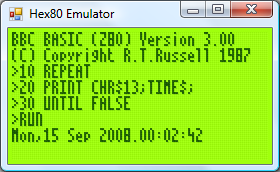
BBC BASIC can access the clock via the TIME$ pseudo-variable. This string variable returns the date and time in the format Sun,14 Sep 2008.15:20:00, and you can set the clock by assigning to the variable. When setting the clock you can specify either the date, the time, or both. Parsing the string has been an interesting exercise in Z80 programming, as it's not something I've ever attempted without regular expressions before!
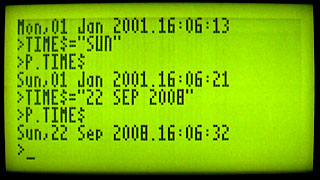
The only hardware modification since last time is a very poorly implemented software control of the backlight. The fifth bit of the control port specifies whether the backlight is on or off, and it can be toggled with the *BACKLIGHT command. I say "poorly implemented" as the transistor driver I'm using to interface the hardware port with the backlight LEDs results in a much dimmer backlight than when I had the LEDs hooked up directly to the power supply (on the positive side, at least the 5V regulator's heatsink is cool enough to touch - the backlight draws a lot of current).
Calling off-page functions
Now that I have access to all eight 16KB "pages" that make up the 128KB OS ROM, it may help to explain how one can use all of this memory. After all, if page 1 is swapped in and you wish to call a function on page 2, a regular Z80 call isn't going to work as you need to swap page 2 before calling the function then swap page 1 back in afterwards.
The trick is to exploit the way that the Z80 handles calling subroutines. There is a 16-bit register, PC, which stores the address of the next instruction to execute. When you call a subroutine, the Z80 pushes PC onto the stack then sets PC to the address of the subroutine. When you return from a subroutine (via the ret instruction) the Z80 simply pops the value it previously pushed onto the stack and copies this back to PC. Instead of calling the target subroutine directly, you call a special handler that is available on every page. Following your call is 16-bit identifier for the off-page function you wish to call. This handler then (prematurely) pops off the return address from the stack, reads the 16-bit value that follows it (which is the indentifier of the function you wish to call), looks up the page and address of the target function, swaps in the correct page and calls it as normal. When the function returns, the handler then swaps back the calling page and jumps back to the return address.
The Z80 has a series of rst instructions that call fixed addresses within the first 256 bytes of memory. These instructions are useful as they're small (one byte vs three bytes for a regular call) and fast, so I'm using rst $28 to call the off-page call handler (for no other reason than it's the same as the handler on the TI-83+).
As an example, let's say you had this function call at address $2B00:
$2B00:    rst $28
$2B01:    .dw $30F0
$2B03:    ; We'd return here.
When the Z80 executed that rst $28 it would push $2B01 (address of the next instruction) to the stack then jump to $28. The handler at $28 would do something like this:
    pop hl    ; hl is a 16-bit register and would now contain $2B01
    ld e,(hl) ; Read "e" from address pointed to by hl, now equals $F0
    inc hl    ; hl = $2B02
    ld d,(hl) ; Read "d" from address pointed to by hl, now equals $30
    inc hl    ; hl = $2B03 ("real" return address)
    push hl   ; push hl back on the stack so when we return from here we end up in the correct place.
Now, de is $30F0 - this is the identifier of the function we're calling. In my case, the identifier points to a function table on page 0. Each entry in the table is three bytes - one byte for the page index and two bytes for the address of the function on the that page. We'd need to do something like this:
    in a,(Page)  ; Read the current page into A.
    push af      ; Push A and F to the stack for later retrieval.
    and ~7       ; Mask out the lower three bits of the address.
    out (Page),a ; Sets current ROM page to 0.
    ex de,hl     ; Exchanges de and hl, so hl now points to the function identifier.
    or (hl)      ; ORs contents of memory at (hl) (ie, page number) with a, to set the target page.
    inc hl
    ld e,(hl)    ; e = LSB of target address
    inc hl
    ld d,(hl)    ; d = MSB of target address
    ex de,hl     ; hl = target address.
    out (Page),a ; Swaps in the correct page.
    ld de,ReturnFromHandler ; Address to return to.
    push de ; Store on stack.
    jp (hl) ; Set pc = hl.
ReturnFromHandler
    ; Swap back the original page which was pushed earlier...
    pop af
    out (Page),a
    ret ; ...and return to the calling page!
A further advantage of using rst $28 to replace call is that both are the same size, so the assembler can check if you're calling an address on the same page or a different one and insert the regular (and much faster) Z80 call in places where you don't need to swap the page.
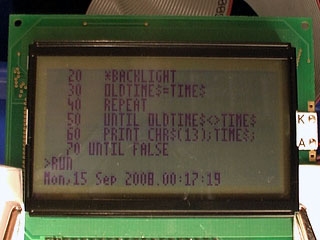
Finally, the obligatory video, this time showing a clock that toggles the backlight once a second.
Running BBC BASIC on a home-built computer
Sunday, 7th September 2008
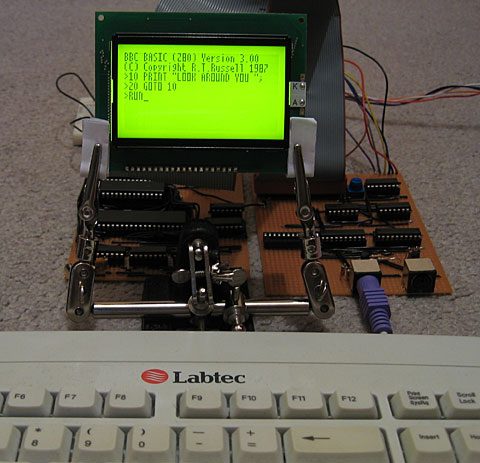
This computer needs a name - I'd welcome any suggestions!
I have built a circuit on another piece of stripboard that will handle memory, clock signal generation and the Z80 itself.
A few posts ago I was wondering about how I'd partition memory. To date I've been using a very simple circuit where the lower 32KB of addressable memory is mapped to ROM and the upper 32KB is mapped to RAM. As my ROM chip is 128KB and I have two 32KB RAM chips, this seems a bit wasteful.
The memory layout I'm now using is quite simple: the upper 32KB is still mapped to RAM. However, only the first 16KB is mapped to ROM, and the three most significant bits of the ROM chip's address lines are connected to a device on the I/O board so that one of its eight 16KB "pages" can be swapped in. The next 16KB will be mapped to RAM, and the most significant bit of the RAM chip's address is connected to the same device on the I/O board so one of its two 16KB "pages" can be swapped in.
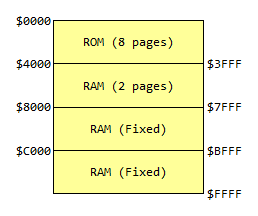
For more information, see the Wikipedia article on bank switching. There is a potential problem here; the Z80 uses particular fixed addresses for certain operations. The three most obvious ones are $0000 (jumped to on reset), $0038 (address of maskable interrupt handler) and $0066 (address of non-maskable interrupt handler). As which 16KB bank switched in at power-on is effectively random, the easy way around this problem is to ensure that the first 256 bytes or so of every ROM page has the same code assembled on it. This means that whichever page is swapped in on boot doesn't matter, as the same common boot code is available on each page.
The assembled memory board looks like this:
;if(img.style.backgroundImage){img.style.backgroundImage='url('+img.src+')';img.src=imgs[img.src.indexOf(imgs[1])<0?1:2]}else{img.style.backgroundImage='url('+img.src+')';img.src=imgs[2];};void(0);)
I have only attached one of the 32KB RAM chips. The wiring was becoming a bit of a nightmare (I think I'll need to solder to the track side of the stripboard to fit in that other RAM chip) so for the moment the system can only access the fixed 32KB RAM. I haven't yet added the device on the I/O board to handle bank switching, so for the moment the ROM is permanently configured to access the first 16KB page by pulling the its three externally controllable address lines low.
That said, this machine does genuinely run BBC BASIC (the last system only ran a mockup with a dummy header at the top of the screen). I've done quite a bit of work on the OS in the emulator and it works pretty well there, and with a minor adjustment to cram it onto a single 16KB page it works well on hardware too.
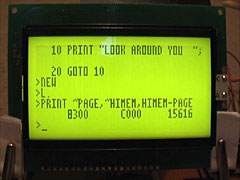
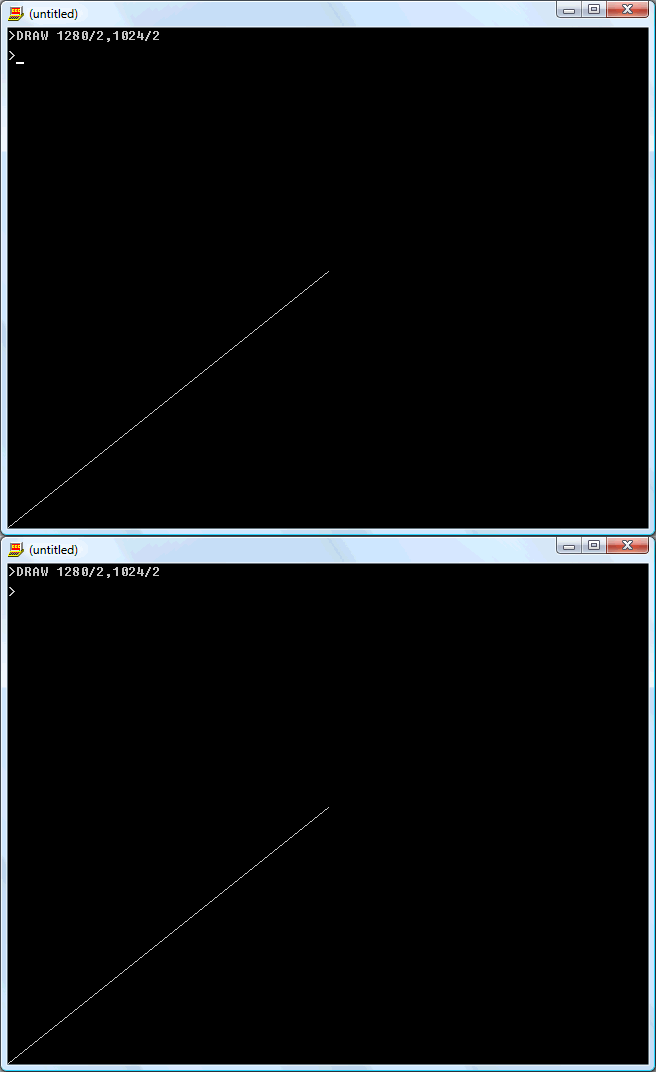
The row of chips along the bottom of the memory board are responsible for generating the clock signals that drive the computer. If this looks needlessly complex, that's because it can run at either 10MHz or 2MHz and generates the E signal for LCD access. The CPU needs to drop to 2MHz when accessing the LCD (the LCD driver can't keep up, otherwise) so I'll probably end up connecting the input for this 2MHz/10MHz switch to the LCD chip enable pins so that normally the system runs at 10MHz but drops to 2MHz when accessing the LCD. Allowing the user to drop to 2MHz to save power is an appealing idea, however...
Graphical text, BASIC tokeniser and flood-filling
Tuesday, 29th July 2008
I've got a fairly hackish "graphical text" mode set up (enabled with VDU 5, disabled with VDU 4) that causes all text that is sent to the console to be drawn using the current graphics mode (at the graphics cursor position, using the graphics colour and logical plotting mode and graphics viewport). This allows text to be drawn at any position on-screen, but is (understandably) a bit slower and doesn't let you do some of the things you may be used to (such as scrolling text, copy-key editing and the like).

I've also done some work on a tool to convert files from the PC to use in BBC BASIC. It takes the form of a Notepad-like text editor:
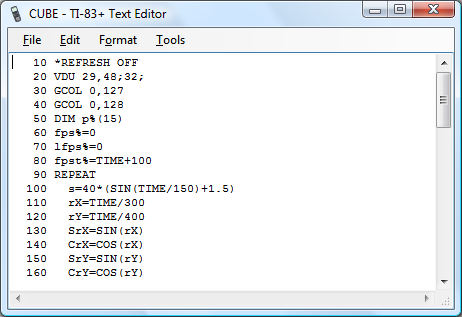
BBC BASIC programs are stored in a tokenised format (usually .bbc files on a PC) and need to be wrapped into a .8xp for transferring to the calculator. The editor above can open .8xp, .bbc and .txt directly, and will save to .8xp.
The detokeniser can be passed a number of settings, which can be used to (for example) generate HTML output, like this. The indentation is generated by the detokeniser (leading/trailing whitespace is stripped by the tokeniser). The tool can also be used to directly convert binaries into .8xp files if need be.


I've been doing a little work on a flood-filling algorithm. (PLOT 128-135, 136-143). The above images show its progress; on the left is the first version (which can only fill in black). There is a hole in the bottom-left of the shape, so the leaking is intentional. It also stops one pixel away from the screen boundary -- this too is intentional (it clips against the viewport). The second version, in the middle, plugs the leak and applies a pattern (which will be a dither pattern in BBC BASIC) to the filled area. On the right is the third version, which will fill over black or white pixels with a pattern.
The main filling algorithm needs a 764 byte buffer for the node queue and three 16-bit pointer variables to manage the queue. I've rounded the queue size up to 768 bytes, so it fits neatly on one of the RAM areas designed to store a bitmap of the display.
The problem is filling with a pattern. The way I currently do this is to back up the current screen image to a second 768-byte buffer, fill in black as normal, then compare the two buffers to work out which bits have been filled and use those as a mask to overlay the dither pattern. This is quite a lot of RAM, just to flood-fill an image!
For those who are interested, I'm using the "practical" implementation of a flood fill algorithm from Wikipedia.
Text viewports and sprites
Monday, 21st July 2008
Back to work on the TI-83 Plus port of BBC BASIC! To complement the graphics viewport I've added support for text viewports — this lets you define the area the text console uses. The following VDU commands are now supported:
- VDU 24,<left>;<top>;<right>;<bottom>;
Define a graphics viewport. - VDU 28,<left>,<top>,<right>,<bottom>
Define a text viewport. - VDU 26
Reset both viewports to their default settings (full screen). - VDU 29,<x>;<y>;
Defines the graphics origin.

The above screenshots defines the graphics viewport to fill the left hand side of the screen and shunts the text viewport over to the right half, using the following code:
VDU 24,0;0;47;63;
VDU 28,12,0,23,9
VDU 29,24;32;
I've also added simple sprite drawing to BBC BASIC's PLOT command. PLOT usually takes a shape type and two coordinates, but for sprites (shapes 208..215) I've added an extra parameter - the address of the sprite data to use.

   10 DIM ball 7
   20 ball?0=&3C
   30 ball?1=&5E
   40 ball?2=&8F
   50 ball?3=&DF
   60 ball?4=&FF
   70 ball?5=&FF
   80 ball?6=&7E
   90 ball?7=&3C
  100 *REFRESH OFF
  110 REPEAT
  120   CLG
  130   T=TIME/100
  140   FOR P=0 TO 5
  150     A=P/3*PI+T
  160     X=16*SIN(A)+44
  170     Y=16*COS(A)+28
  180     PLOT 213,X,Y,ball
  190   NEXT
  200   *REFRESH
  210 UNTIL INKEY(0)<>-1
  220 *REFRESH ON
The above code allocates 8 bytes of memory (DIM ball 7) then copies the sprite data to it by use of the ? indirection operator. This is a little laborious, so in reality you'd probably store your sprites in a binary file external to the main program, and might load them like this:
   10 ball%=FN_loadSprite("SPRITES",0)
   20 face%=FN_loadSprite("SPRITES",1)
   30 *REFRESH OFF
   40 REPEAT
   50   CLG
   60   T=TIME/100
   70   FOR P=0 TO 5
   80     A=P/3*PI+T
   90     X=16*SIN(A)+44
  100     Y=16*COS(A)+28
  110     PLOT 213,X,Y,ball%
  120   NEXT
  130   PLOT 213,44,28,face%
  140   *REFRESH
  150 UNTIL INKEY(0)<>-1
  160 *REFRESH ON
  170 END
  180 DEF FN_loadSprite(f$,i%)
  190 fh%=OPENIN(f$)
  200 PTR#fh%=i%*8
  210 DIM spr 7
  220 FOR j%=0 TO 7
  230   spr?j%=BGET#fh%
  240 NEXT j%
  250 CLOSE#fh%
  260 =spr
  270 ENDPROC
(Note FN_loadSprite() at the end of the program). The result is the following:

Next up: drawing text at the graphics cursor position (as sprites).
Clipped graphics and ellipses
Monday, 23rd June 2008
qarnos — author of the superb Aether 3D engine — has been lending a hand with the BBC BASIC graphics API and contributed a large amount of very useful code.

First up is some code to clip 16-bit line coordinates down to 8-bit coordinates. This allows for lines to be partially (or completely) off the screen.


He's also written a fast ellipse drawing and filling routine. The ellipses are also clipped to the viewport and are filled with an 8×8 pixel pattern.

The graphics viewport can be redefined using the VDU 24,left;top;right;bottom; command as demonstrated in the above example.


GCOL can also be used to set a plotting mode; either plotting the specified colour directly, performing a logical operation (OR, AND, EOR) or inverting the existing colour.

All but the last of the above screenshots are the result of running BBC BASIC on a TI-83+ SE at 15MHz. The final screenshot is running at the regular 6MHz.
Gyrating cubes in BBC BASIC
Thursday, 12th June 2008
Work has been keeping me busy recently, but I've tried to set aside a small amount of time each evening to reclaim some sanity and do a little work on BBC BASIC. Not much progress has been made, but there has been some at least.


On the left is the program running on an 83+ SE at 15MHz, on the right on the regular 83+ at 6MHz. If you really wanted to do 3D in BBC BASIC you could probably get away with writing some of the more expensive operations — such as transforming/projecting vertices in batches — in assembly, but that would sort of go against the whole point of trying to write a program to test the speed of BASIC.
Here's the rather naïve code:
   10 *REFRESH OFF
   20 DIM p%(15)
   30 fps%=0
   40 lfps%=0
   50 fpst%=TIME+100
   60 REPEAT
   70   rX=TIME/300
   80   rY=TIME/400
   90   SrX=SIN(rX)
  100   CrX=COS(rX)
  110   SrY=SIN(rY)
  120   CrY=COS(rY)
  130   pt%=0
  140   FOR x=-1TO1STEP2
  150     FOR y=-1TO1STEP2
  160       FOR z=-1TO1STEP2
  170         tX=y*CrX-x*SrX
  180         tY=-x*CrX*SrY-y*SrX*SrY-z*CrY
  190         tZ=3-x*CrX*CrY-y*SrX*CrY+z*SrY
  200         p%(pt%)=tX*40/tZ+48
  210         pt%=pt%+1
  220         p%(pt%)=tY*40/tZ+32
  230         pt%=pt%+1
  240       NEXT
  250     NEXT
  260   NEXT
  270   CLG
  280   PRINTTAB(10,0)lfps%" FPS"
  290   MOVE p%(0),p%(1)
  300   DRAW p%(4),p%(5)
  310   DRAW p%(12),p%(13)
  320   DRAW p%(8),p%(9)
  330   DRAW p%(0),p%(1)
  340   DRAW p%(2),p%(3)
  350   DRAW p%(6),p%(7)
  360   DRAW p%(14),p%(15)
  370   DRAW p%(10),p%(11)
  380   DRAW p%(2),p%(3)
  390   MOVE p%(4),p%(5)
  400   DRAW p%(6),p%(7)
  410   MOVE p%(12),p%(13)
  420   DRAW p%(14),p%(15)
  430   MOVE p%(8),p%(9)
  440   DRAW p%(10),p%(11)
  450   *REFRESH
  460   fps%=fps%+1
  470   IF TIME>fpst% THEN lfps%=fps%:fps%=0:fpst%=TIME+100
  480 UNTIL INKEY(0)<>-1
  490 *REFRESH ON
  500 END
I have also added support for the COLOUR statement (for changing the text foreground and background colour) and copy key editing.


Copy key editing, as demonstrated in the screenshot on the right, lets you break the text input cursor into two parts - a write cursor (which is left behind on the line you were editing) and a read cursor, which can be positioned anywhere on the screen. Pressing the copy key (in this case, XTθn) reads a character under the read cursor and writes it to the write cursor, then increments both.
One feature that's a bit more fun is the support of device files. This is a way of accessing external devices as if they were files. For example, by opening the file AT.DEV you can read and write bytes using the AT protocol (used by AT and PS/2 keyboards and mice) using BBC BASIC's built-in file manipulation routines.

You could use this to do something useful, or could just use this to flash the LED on a keyboard back and forth.
   10 keyb%=OPENOUT"AT.DEV"
   20 DATA 2,4,1,4,-1 : REM LED flash pattern (-1 terminated).
   30 REPEAT
   40   READ l%
   50   REPEAT
   60     PROC_setled(l%)
   70     PROC_pause(30)
   80     READ l%
   90   UNTIL l%=-1
  100   RESTORE
  110 UNTIL FALSE
  120 END
  130 :
  140 DEF PROC_flushin
  150 REPEAT
  160   IF EXT#keyb% d%=BGET#keyb%
  170 UNTIL NOT EXT#keyb%
  180 ENDPROC
  190 :
  200 DEF PROC_setled(l%)
  210 BPUT#keyb%,&ED
  220 PROC_flushin
  230 BPUT#keyb%,l%
  240 PROC_flushin
  250 ENDPROC
  260 :
  270 DEF PROC_pause(t%)
  280 start%=TIME
  290 REPEAT UNTIL TIME >= start%+t%
  300 ENDPROC
BBC BASIC running as an application
Tuesday, 3rd June 2008
Richard Russell has kindly supplied the project with the BBC BASIC relocatable modules — compiled object files which can be relocated to any memory address by a linker — which means that BBC BASIC can now be configured to run on the TI's hardware.
The tools to relocate the modules run under CP/M, which means that rather trying to integrate the relocation into the build process (which would be a little awkward) I'm going to relocate the modules to a fixed base address and inject the resulting binary file directly into the application.
BBC BASIC will reside from &4100. From &4000..&40FF is a jump table, which BASIC uses to interact with the host. As the addresses of the host interface entry points will change as the code changes, and I don't wish to keep on relinking BASIC in CP/M, a fixed jump table makes life a lot easier. BASIC jumps to a predetermined fixed address in the jump table, which redirects - via a second jump - to the real entry point.


I think I've implemented all of the main host interface entry points, though some — notably those involved in file I/O — need making more robust. I don't currently reserve any memory for BASIC's scratch area, which means that the TI-OS can (and does) decide to overwrite it at inconvenient moments. Even though TI provided us with at least three different 768-byte buffers (the exact size of BBC BASIC's scratch area), none of them are aligned to a 256 byte boundary. 
Z80 BBC BASIC - Emulated on Windows
Thursday, 22nd May 2008
I've started working with the actual BBC BASIC interpreter. As it won't run in its current state on the TI calculator (it relies on a jump table at &FF80..&FFFF to interact with the host, which is protected) I'm using the Z80 emulator I wrote for Cogwheel to try and puzzle out what the host interface should be doing from the relative sanity of C# code (the jump table is populated with OUT (n), A instructions which are subsequently trapped and handled by the emulator).
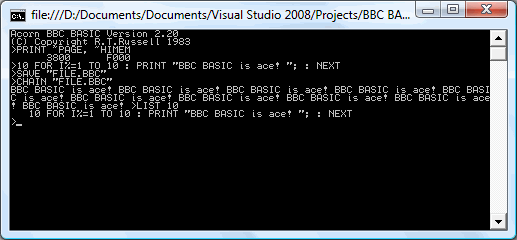
One thing I hadn't realised is that the graphics operations that BBC BASIC offers are actually implemented via the OSWRCH handler (OS WRite CHaracter), which means that BBC BASIC's PLOT, MOVE and DRAW commands will also be available, as well as any commands that use them indirectly (such as CIRCLE).
BBC BASIC
Monday, 19th May 2008
This is a project I initially attempted to get off the ground about four years ago, but never did. Anyhow, I've started work on it, and thanks to help from Richard Russell (the original developer) and J.G.Harston (who comparatively recently developed the Sinclair ZX Spectrum port) it looks like it should be possible this time around.
BBC BASIC was the native programming language on Acorn's BBC Micro. It's a structured BASIC dialect and supports procedures and functions, permitting far nicer code than the line-numbered GOTO and GOSUB code on other contemporary machines. It also has a built-in assembler, for inline assembly.
There is no source available, which is where the problems start to come in. Fortunately, J.G.Harston has developed a utility that permits the platform-agnostic BBC BASIC interpreter to be relocated. However, it assumes that the system has a jump table in RAM from $FF80..$FFFF (this jump table would be used to call platform-specific code); this memory range is not executable on the TI-83+. Execution protection in the $C000..$FFFF range may also cause issues for inline assembly code (which is, naturally, executed from RAM).
The TI-OS does not offer an especially suitable environment for BBC BASIC either; it is mainly menu driven (a command-line driven environment is preferable), does not have a plain text editor and does not use ASCII. To resolve this issues, I've concentrated on developing a suitable environment for BBC BASIC to live in, including a command-line interface and text editor.

Text files are stored as AppVars with a TEXTFILE header, and I've developed a Windows-based notepad clone for editing them (it saves and loads directly to and from .8xv). The following commands are currently supported (see here for a reference from the Windows verion): BYE, COPY, DELETE, DIR, ERASE, EXEC, QUIT, RENAME, TYPE, |.
To enter the editor, EDIT can be used. This presents a full-screen editor a little like the TI-OS program editor, but edits plain text files.
The interface transparently supports AT keyboards (which are rather easier to type on than the TI's keypad). The character resolution is 24 columns in 10 rows (4x6 pixel characters), giving you quite a lot of room to see what you're working on.
I intend on the final program being a 2-page Flash application; one page for BBC BASIC, and one page for the environment and OS interface. This unfortunately makes this a TI-83+ only project.
Even if I don't manage to shoe-horn BBC BASIC onto the TI-83+, the interface code (which uses direct hardware access for everything but opening and editing AppVars) could be useful for other projects.
Subscribe to an RSS feed that only contains items with the BBC BASIC tag.