World's Worst Sector Splitter
Thursday, 16th March 2006
As with many programming problems, a potential solution presents itself at about 2AM when you suddenly awake and hunt paper and pencil before the brilliant idea vanishes into the groggy murk that is forgetfulness.
In this instance, a solution did present itself, but it's far from 'brilliant'.
I was pondering DOOM's floors, and how to split them up. I came up with a simple, optimal solution - optimal, provided that the sector I was splitting into triangles was a rectangle with sides perfectly aligned the the (x,y) axes. Happily, DOOM follows that pattern fairly often.
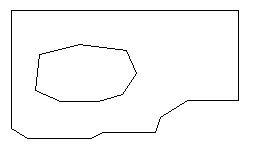
Here we have the typical sector. It's sector number one from E1M1, the ground that surrounds the acid pool outside the window. As you can see, it's not entirely convex, and has a hole in the middle. I have access to the lines and points that surround the sector.
My technique runs like this:
- Split the sector up into horizontal spans. To do this, I cycle through every single line in the sector, and for every different Y coordinate I split the sector.
- For each individual span, go through each line in the sector. If it's completely outside the span, discard it. If it's partially outside (no line will ever have a point half-way inside the span), clip it to the upper/lower Y bounds.
- Sort these lines from left to right, then group into pairs. Each pair, when combined with the top and bottom Y boundary, forms a trapezium. Split this into two triangles - there's a part of your floor.
This method is fairly simple, and appears to work pretty well:

Note the large magenta shape at the top (maze in E1M2). That's a single sector!
The image is less pretty if I dump out an image showing the triangles generated:

Hopefully that makes my method slightly clearer.
For some areas, it does pretty well. In others (sectors not perfectly aligned to the (x,y) axes) it generates an absolutely horrible mess of triangles.
Grouping walls by texture and generating a new vertex buffer for each texture group worked pretty well, so I've done the same for floors.
The first floor test looked pretty good (minus texture coordinates):
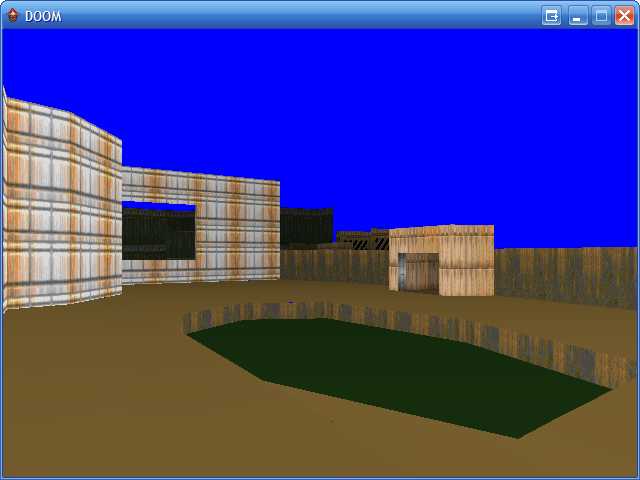
...so I fixed it up a bit, and flipped the vertex order to support ceilings as well.
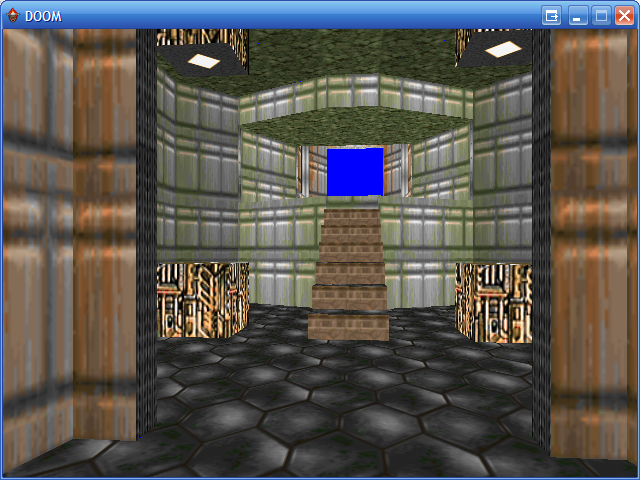
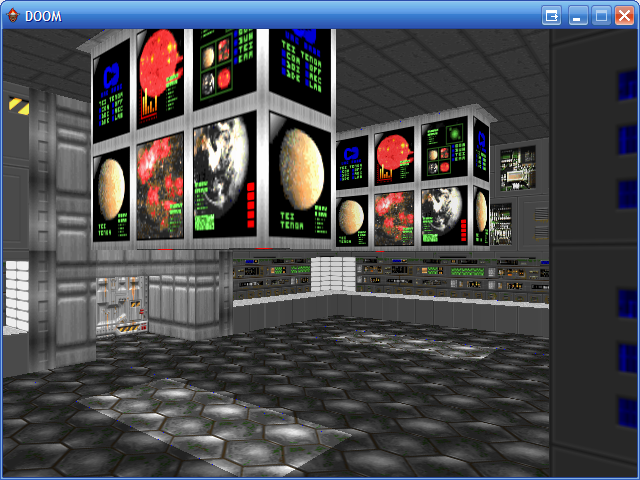
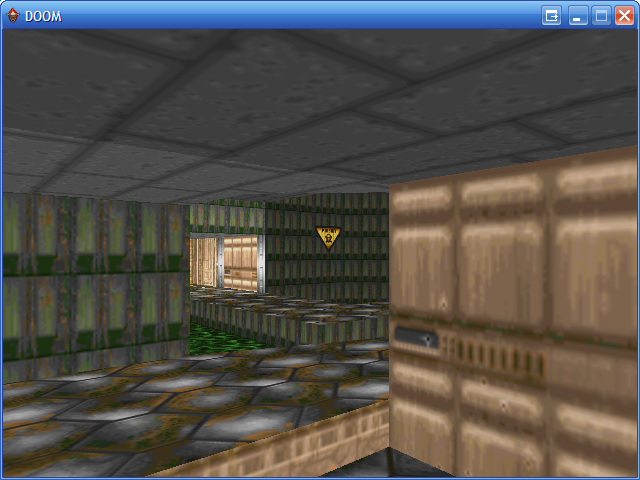
One problem I had been worried about had reared it's ugly head, however - hairline cracks between triangles, showing the lovely bright blue through the dark and dismal UAC facility. It was trivial to fix, however; replace the floating-point linear interpolation (to clip lines to the single horizontal span in the floor splitting code) with the integer-based method. This got rid of all the rounding errors, and the cracks were gone.
The floor splitting code might inefficient, but it is simple - even then, however, it does fail on certain segments resulting in slightly-larger-than-hairline cracks on certain levels.
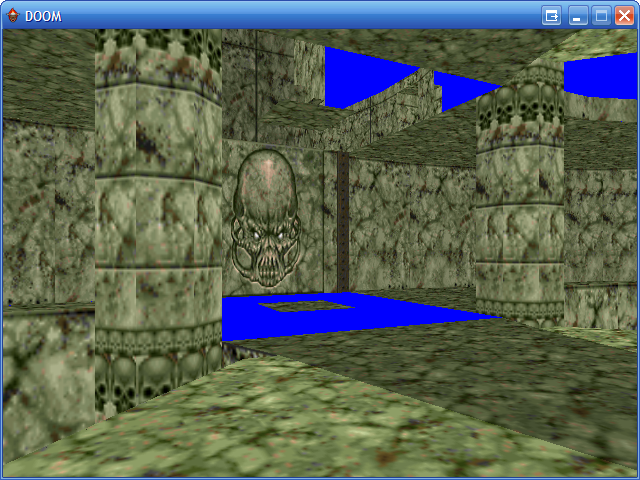
I'm not quite sure why that's happening. I have a hunch that in certain cases there is an extra line when breaking up sectors into horizontal spans and you end up with an odd number of dividing lines. In some cases, this extra line is at the end - and it is ignored safely. If it's at the beginning, though, everything is shunted along one and the whole sector span is drawn incorrectly.
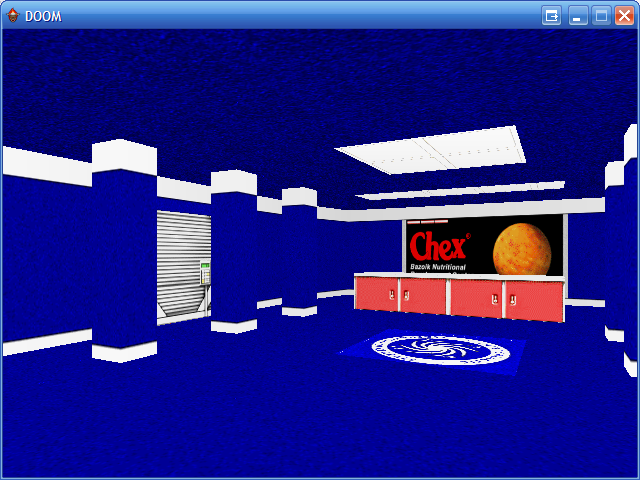
Also, (and this can be verifed), some sector floors/ceilings end up being drawn back-to-front, and fall prey to the backface culling. Ducking below the surface of the floor, you can clearly see the missing floor deciding to be a ceiling.
One potential improvement would be to split the floor twice - once in horizontal spans, once in vertical spans - and use the one that produces the least triangles.
The texturing issues from last post were fixed with a variety of code changes - some sector-to-sector wall segments were being drawn upside down (the code now flips the heights around so they're in the correct order); the light level of a sector's wall is calculated by the brightest between it and any adjacent sector; lower texture pegging fixed to align correctly.
Managed DirectX is awesome
Monday, 13th March 2006
A few years back I had a go with DirectX 8, helped along by the excellent DirectX4VB website and tutorials.
The best thing I cranked out was a simple DOOM-ish 3D engine, minus sprites (just walls and floors).
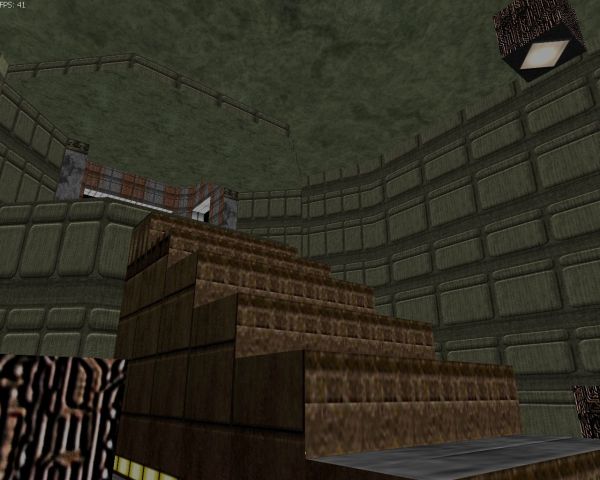
(All images are click-for-big).
I fancied another go, this time not in VB6 but in C# and not with DirectX 8 but Managed DirectX 9.
I had an old copy of the SDK so got the obligatory spinning coloured untextured triangle going, then hunted for a proper project to learn with.
Keeping with the theme of last time's venture, I decided to go back to DOOM, but not DOOM-ish - I'd load the levels and graphics from an original DOOM WAD file. There's something oddly satisfying about pressing F5 and watch a familiar 3D world spring into view 
I'd written a very simple VB.NET WAD resource viewer, so rewrote the various graphics functions in C# and dug out a hex editor to work out what goes on inside DOOM.
Each level has a similar bunch of data lumps ("lump" is the name of a single resource within the WAD); THINGS that define the location of objects inside the map, NODES for the BSP tree, VERTEXES for the vertices that make up a level and so on.
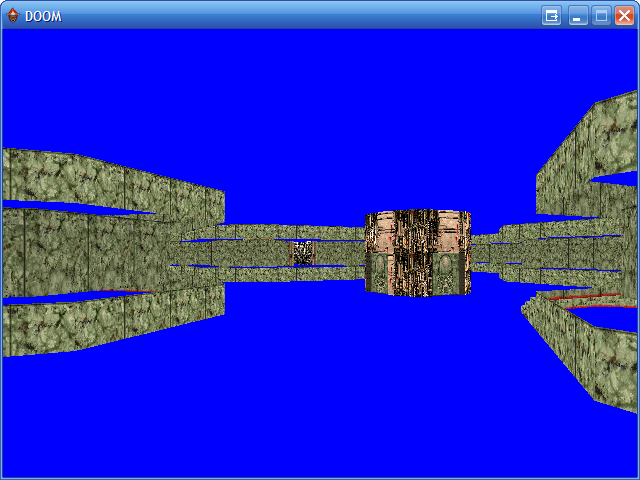
One problem with DOOM is that there is no "vectorised" floor. The walls are easy enough; by studying the LINEDEF/SIDEDEF/SECTOR lumps you can work out the VERTEXES you need to use to build up a single wall. Floors are filled in after the walls are drawn; to be able to draw a floor on 3D hardware I'd need to split down the sectors into triangles manually. For the moment I shall concentrate on walls.
A quick bit of coding later; drawing by splitting each wall into a small vertex buffer (two triangles) then drawing (one end of the wall is white, the other grey) gives me this:
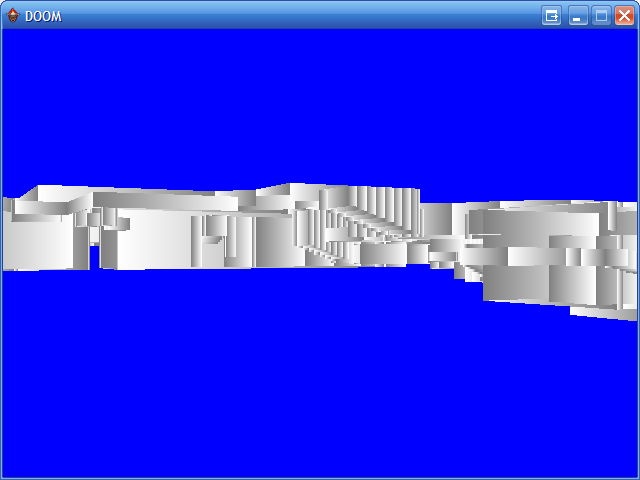
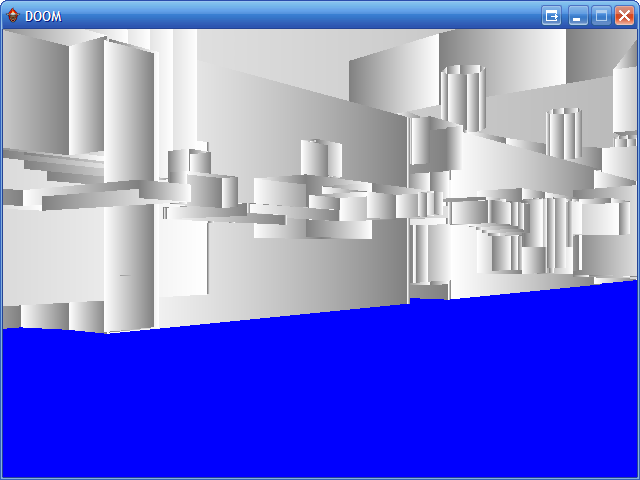
Something's working... but something isn't, as well. Moving around looks odd, and no wonder; no Z-buffering!
Switching on Z-buffering and colouring each wall based on the light level of the sector gives me these rather better results:
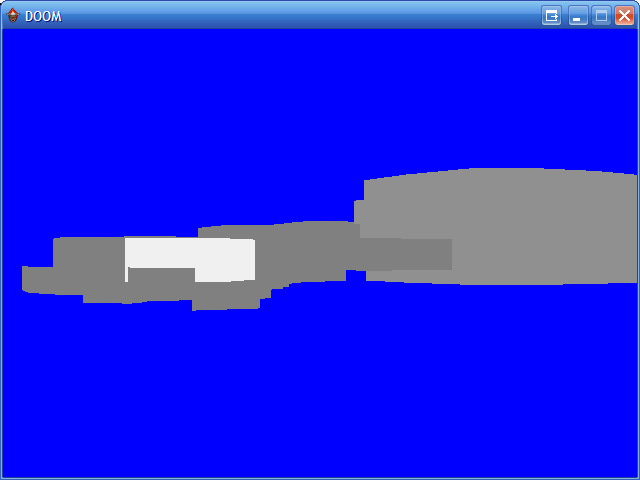

One thing that I've never been aware of when it comes to 3D graphics are the best practices for how I send data to the graphics card. For this, I've grouped every single wall by texture. I've loaded all the textures I'll need for the walls into an array, then built up a vertex buffer for each texture's walls. When I render, I cycle through each texture, setting it as active then drawing that texture's vertex buffer. It appears to be fast enough, but then again DOOM with it's ~2000 poly levels isn't demanding much!
Texture mapping adds a lot of detail to the world... so:
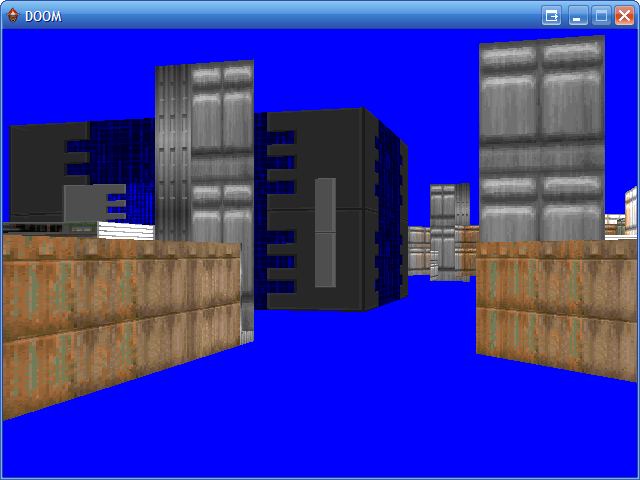
The textures appear a bit odd as they're being simply stretched to fill the entire wall they're put on rather than tile neatly as DOOM intended. That's an easy enough fix:
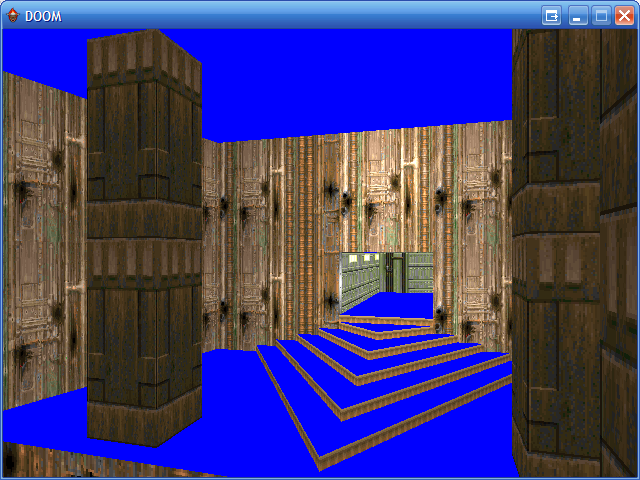
There are still some texturing glitches, most noticeably on walls where the lower texture (the texture that spans the gap between the floors of two sectors of different heights) where they are marked as "unpegged":
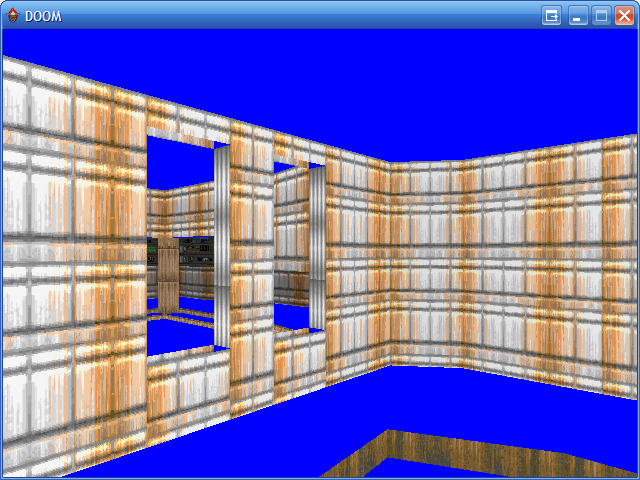
I can't quite work out how the texturing is meant to go there... so I've left it for the moment, and had a bash at floors.
It appears that a combination of subsectors (SSECTORS) and segments (SEGS) can be used to represent convex polygons that make up sectors. I added a bit of code to the level loader that rips out the subsector and segment information - it produced these images:
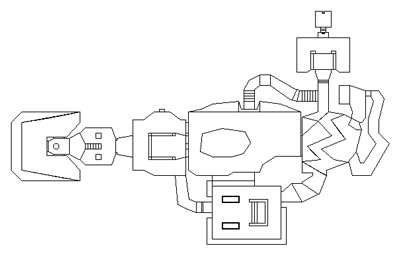
Subsectors
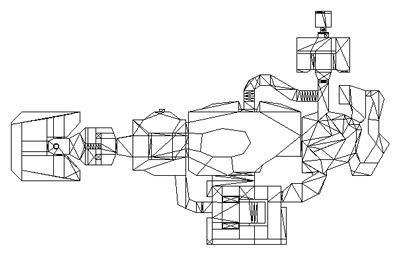
Segments
This doesn't look too promising; if you look at the central part (where the green acid pool is -- this is E1M1) you can see there's a rather large area with no segments in it at all. I added a simple bit of code that broke up the segments into fans; here's the result:
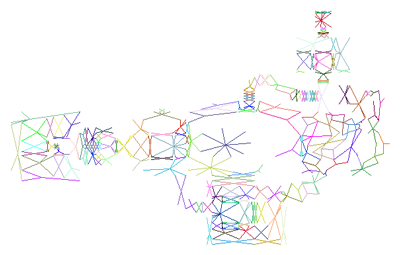
The hole is very noticable in that image. Quite a few of the segments are made up of single lines (just two points), which leads me to believe that I'm thinking that they're something they're not.
For the moment DOOM has to go without floors.
Web design
Thursday, 2nd March 2006
Seeing as I spend my working time doing web development, I thought it might be time to rework my site and remove the nested mess of tables 
For once, I actually have content, but at the moment it's spread out in seperate mini websites in my "bin" folder. It would be nice to unify it...
After an evening of tinkering, I've got this far. (Hovers won't work in IE6).
Any comments? I'm not so sure of the red, myself.
CHIP-8/SCHIP
Monday, 27th February 2006
It's not as if I didn't already have an excess of projects, but anyway...

The binaries are here. I've tested them fairly extensively on my TI-83 Plus, but be warned that (as it's beta) they might cause odd crashes. Back up any important files!
Next Latenite Beta
Thursday, 23rd February 2006
Seeing as the MaxCoderz fora have died (I can't read or post on them at the temporary hosting), and I know at least kv reads this...
Latest beta: /bin/latenite/ (full install).
General
- No more hanging or locking up when running the PTI debugger (huzzah!) PindurTI debugger is still horribly, horribly incomplete :( (Boo!)
- Reworked icon extraction code works for all files (no more incorrect icons!)
- File tree plugins (bundled with .emr plugin) to expand certain files into a tree.
- Copy/Paste doesn't accidentally copy/paste if the text editor isn't selected (Ctrl+C/Ctrl+V doesn't work anywhere else, though).
- Minor bug fixes here and there; some visible, others invisible.
- Brass template has old defines added for backwards compatibility.
- Updated copy of Brass and Brass XML file.
- Minor tweaks to help file CSS.
- Blue icon bug in Windows versions prior to NT 5.1 (XP) should be fixed.
Known Issues
- Holding tab/shift+tab down adds lots of surplus tabs.
- Anything to do with the debugging (watch, breakpoints) has not been touched, and so old bugs remain there.
- PTI debugger doens't handle errors very gracefully (infinite messagebox loops). Make sure your ROMs are correctly installed!
EarlyMorning Link
For the EarlyMorning interface to work you need to associate .emr files with EarlyMorning. You can do this by double-clicking any .emr file, then browsing to the EarlyMorning binary when prompted. Without this information, Windows won't know where to find EarlyMorning when it wants to open an EarlyMorning file.
If you run Latenite, .emr files should now appear with the EarlyMorning icon, and a little [+] by them. Click this to expand them! Something a bit like this:
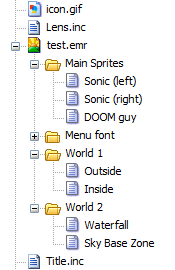
Double clicking on a resource should open it in EarlyMorning.
Bear in mind that I forgot to copy kv's PM to disk, so built the interface by guessing. 
Also bear in mind that EarlyMorning (the version I have, at least) has a bug, as it loads itself and expects to load resources relative to the current working directory. Opening a subresource has a hack in Latenite to fix this behaviour, but opening an EMR file by right-click->open will cause EM to crash.
@kv, you need something like this:
private string FixPath(string RelativePath) {
    return Path.Combine(Application.StartupPath, RelativePath);
}

private void Something() {
    // ... and use it like this:
    LoadFromFile(FixPath("Some/Local/Path.ext"));
    // Rather than:
    LoadFromFile("Some/Local/Path.ext");
}