QTEST
Tuesday, 31st July 2007
Looks nice, I could never figure out Quakes lightmaps.
The unofficial Quake specs are a bit confusing on this matter. To get the size of the texture, find the bounding rectangle for the face (using the horizontal and vertical vectors to convert the 3D vertices to 2D in the same way as it's done for the texture coordinates). Then divide by 16 and add one, like this:
Width  = (Ceiling(Max.X / 16) - Floor(Min.X / 16)) + 1
Height = (Ceiling(Max.Y / 16) - Floor(Min.Y / 16)) + 1
It'd certainly work, but it'd probably look a bit odd (mixing and matching, that is - emulating the appearance of the software renderer on its own is very cool). 
Quake II appears to contain a lump that maps 16-bit colour values to values in the palette. I don't know what that was used for, but you could probably use something similar to convert the truecolour textures to 8-bit textures.
The rest of this journal post goes off on a bit of a historical tangent.
Before Quake was released, ID released a deathmatch test program, QTEST. This featured the basic engine, three deathmatch levels and not a whole lot else.
However, the PAK files contained some rather interesting files, including a variety of models - some of which were later dropped from Quake entirely!
The model version is type 3, and I've made a guess at the differences between type 3 and type 6 (6 is the version of the models in retail Quake). Type 6 has 8 more bytes after the frame count in the model header. I skip the "sync type" and "flags" fields, as I don't know what these do anyway.  Type 3 files don't have a 16 byte frame name, either (between the frame bounding box information and vertices in type 6).


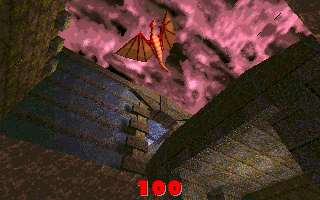
The most impressive extra model is progs/dragon.mdl. It appears in this early screenshot:
One character which changed design considerably was progs/shalrath.mdl.

Appearing in registered Quake, it became the following (QPed seems to mangle the palette, sorry):

The charmingly-named progs/vomitus.mdl is likewise untextured:
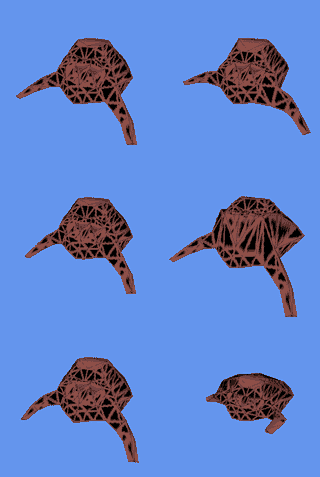
The frame data appears to be corrupted here, so I don't think my model loader is working properly. However, you can still get the rough idea of what progs/serpent.mdl might have looked like:

The fish model is quite different, but like the above its last few frames appear corrupted.
A number of textures changed in the final release. Some model textures, such as the grenade and nail textures, were originally much larger.
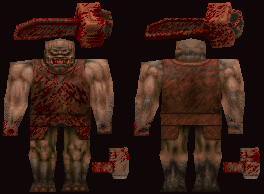
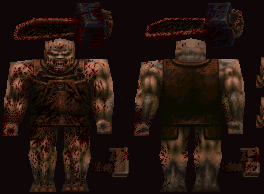
The Ogre before and after his makeover
The original 'gib' textures, eventually unidentifiable meat, were also toned down quite a lot from the rather more graphic ones in the QTEST PAKs.


The screenshots (taken directly from QTEST - I can't load those BSPs myself) show a few other changes - billboarded sprites for torches and flames were replaced with 3D models, the teleporter texture was changed and the particle effects for explosions were beefed up with billboarded sprites.
Let There Be Lightmaps
Monday, 30th July 2007
Eventually I gave up on my mod (double shotguns).
Heh, you might like the Killer Quake Pack. 
I've added some primitive parsing and have now loaded the string table, instructions, functions and definitions from progs.dat but can't do a lot with them until I work out what the instructions are. Quake offers some predefined functions as well (quite a lot of them) so that'll require quite a lot of porting.
I seem to recall that the original Quake used "Truebright" colours (Which were either the first or last 16 colours in the palette), and these colours weren't affected by lighting. How the rendering was done, I've no idea.
I haven't looked at the data structures so could be making this up entirely: Quake does lighting using a colour map (a 2D structure with colour on one axis and brightness on the other). I'm assuming, therefore, that for the fullbright colours they map to the same colour for all brightnesses, rather than fade to black.
How could you simulate that? I guess that the quickest and dirtiest method would be to load each texture twice, once with the standard palette and once with the palette adjusted for the darkest brightness and use that as a luma texture. I believe Scet did some interesting and clever things with pixel shaders for DOOM, but that would end up playing merry Hell with 24-bit truecolour external textures.
Aye, it's fun.
I think I've cracked those blasted lightmaps.
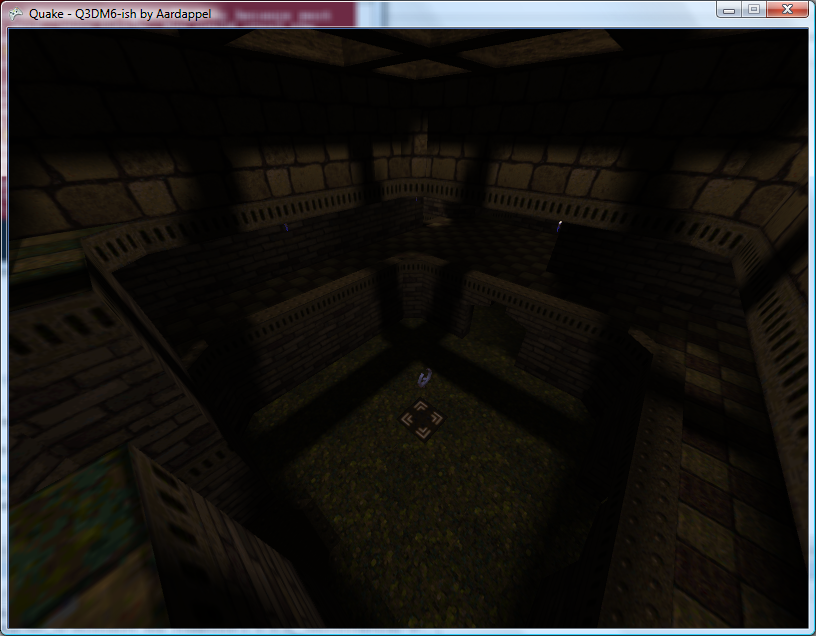

The lightmaps are small greyscale textures applied to faces to provide high-quality lighting effects with a very small performance overhead. Most of the visible faces have a lightmap.
They are stored in the BSP file. Extracting them has been a little awkward, not helped by a very stupid mistake I made.
Each face has a pointer to its lightmap. To get a meaningful texture out of the BSP we also need to know its width and height, which are based on the bounds of the face's vertices.
However, a lightmap is a 2D texture, and a face occupies three dimensional space. We need to scrap an axis!
Each face is associated with a plane. Each plane has a value which indicates which axis it closest lies orthogonal to. I could use this property to pick the component to discard!
This didn't work too well. Most of the textures were scrambled, and most of them were the same width. This should have rung warning bells, but I ignored this and moved on to other things. The problem was that each face (made up of edges) specifies which of the level's global list of edges comes first, and how many edges it uses (edges are stored consecutively).
// My code looked a bit like this:
for (int i = 0; i < Face.EdgeCount; ++i) {
    Edge = level.Edges[i];
    //
}

// It should have looked like this:
for (int i = 0; i < Face.EdgeCount; ++i) {
    Edge = level.Edges[i + Face.FirstEdge];
    //
}
With that all in position, sane lightmap textures appear as if by magic!
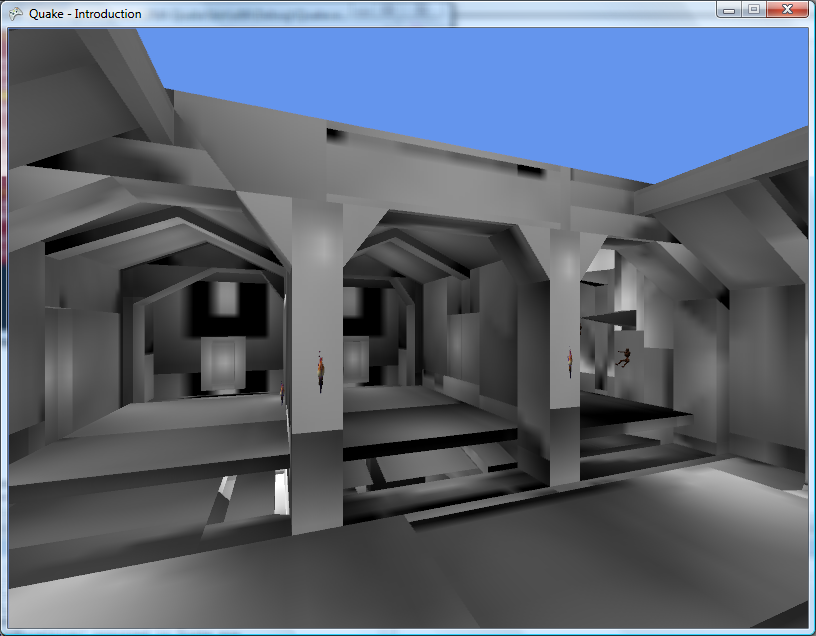
The textures aren't really orientated very well. Some are mirrored, some are rotated - and the textures of some are still clearly the wrong width and height. This 3D-to-2D conversion isn't working very well.
Each face references some texture information, including two vectors denoting the horizontal and vertical axes for aligning the texture. This information can surely also be used to align the lightmaps correctly (where 2D.X = Vector2.Dot(3D, Horizontal), 2D.Y = Vector2.Dot(3D, Vertical))?
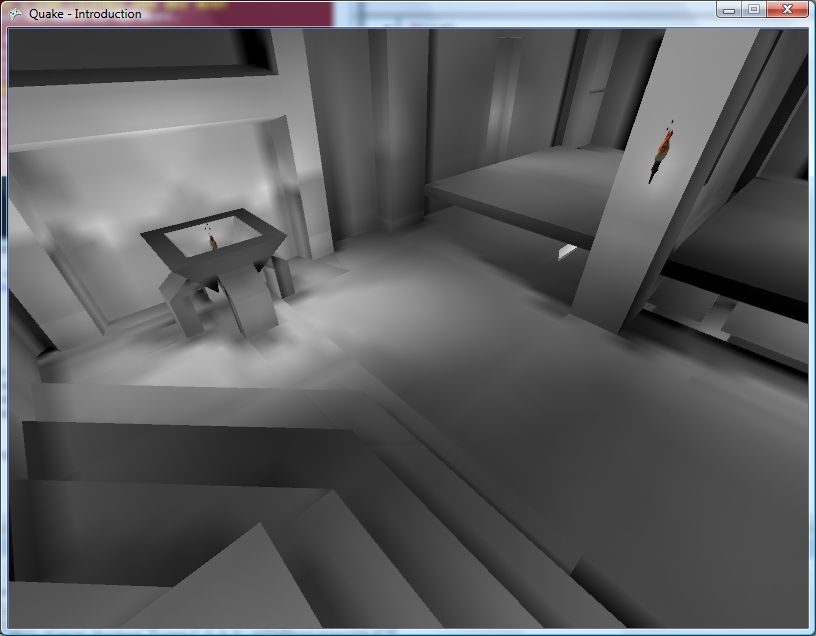
I now draw these textures after the main textures and before the luma textures.
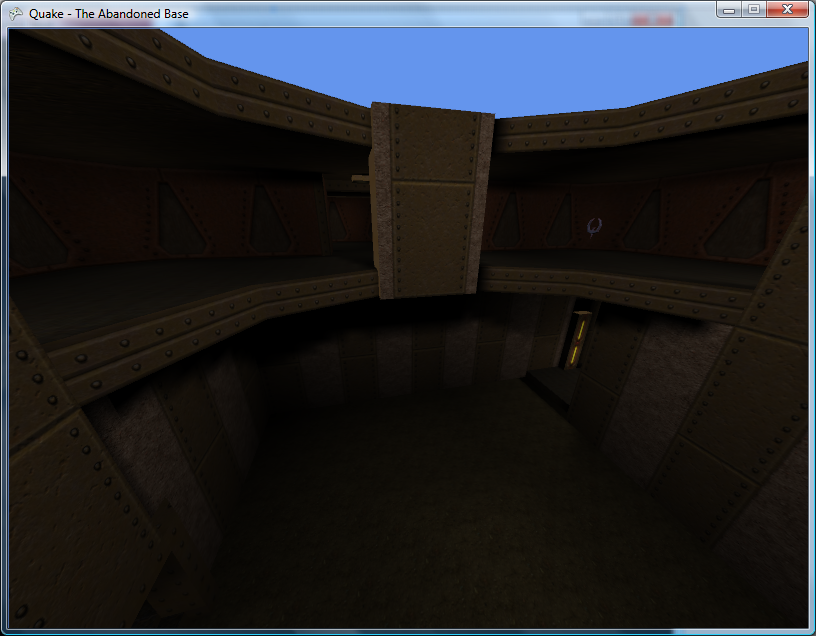
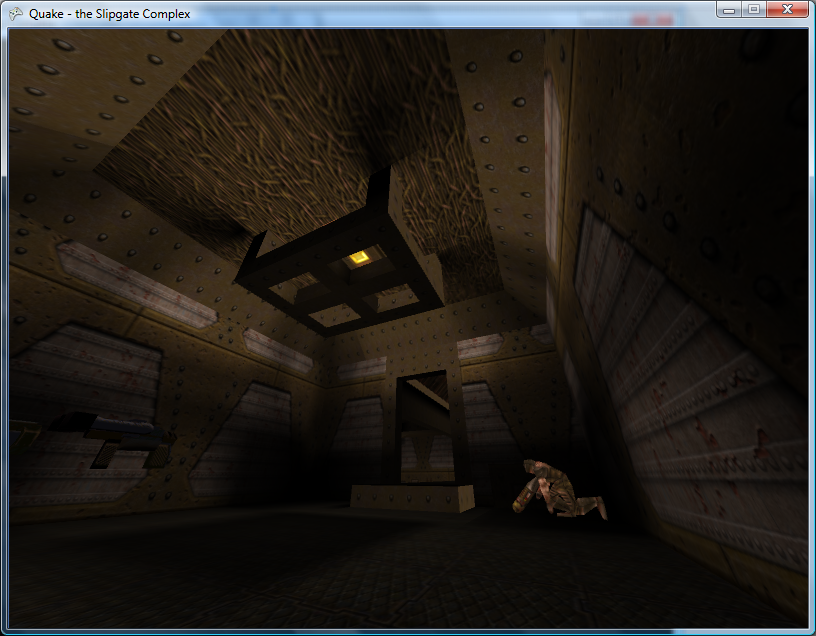
Problem: There are typically > 4000 lightmap textures. Rendering all of the lightmaps drops the > 200FPS framerate down to about 35FPS. This isn't great!
Coupling this problem with the other problem that drawing non-world BSP objects (such as ammo crates) isn't very practical at the moment gives me a good excuse to write a new renderer.
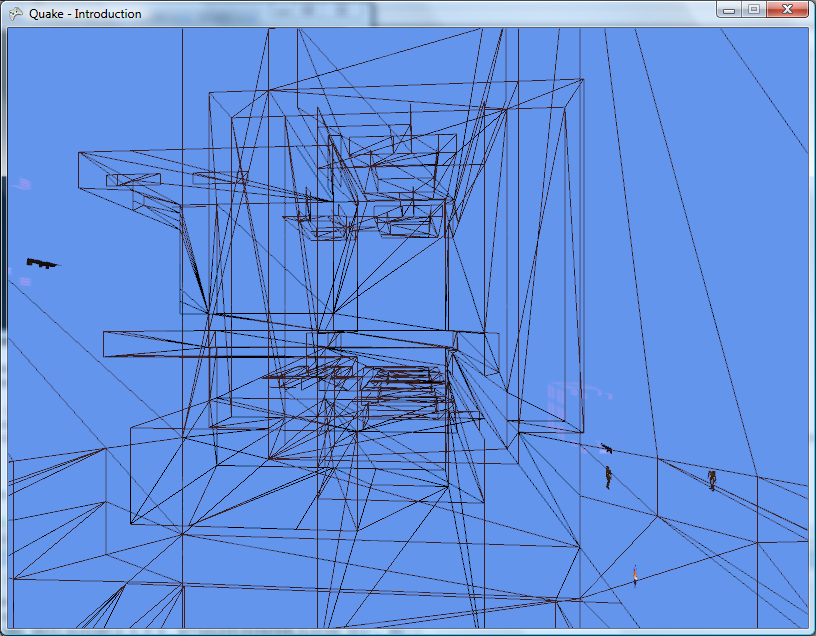
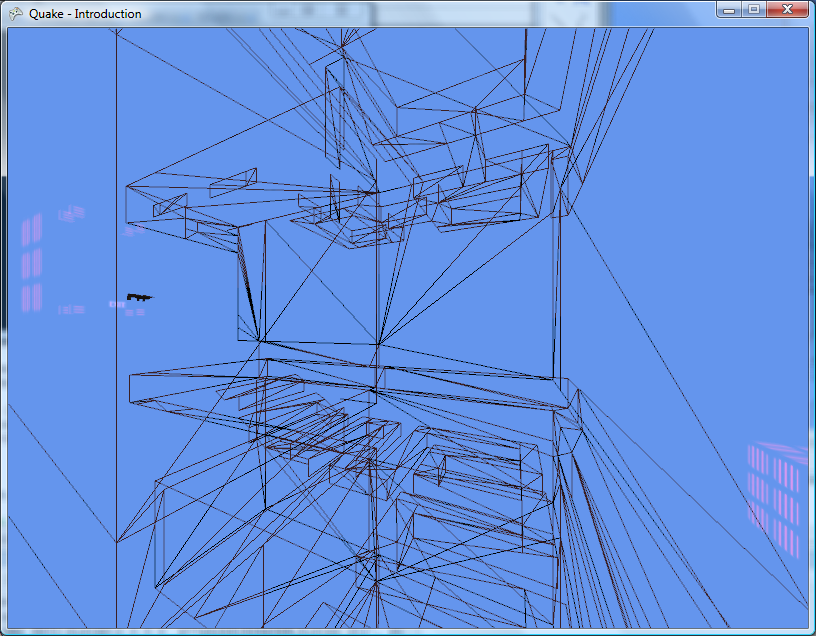
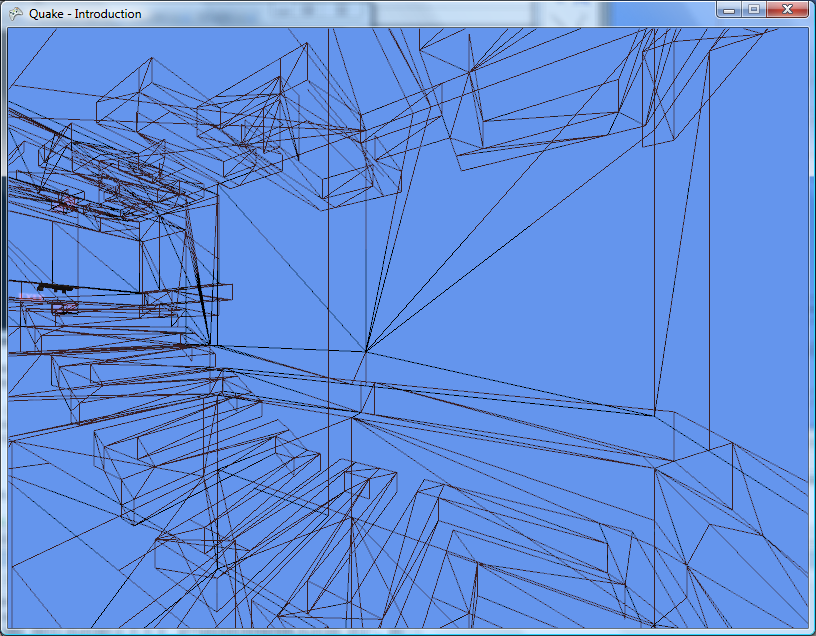
Quake uses a BSP tree to speed up rendering. Each leaf has a compressed visibility list attached to it, indicating which other leaves are visible from that one. Each leaf also contains information about which faces are inside it, and so by working out which leaf the camera is in you can easily get a list of which faces are available.
/// <summary>Gets the leaf that contains a particular position.</summary>
/// <param name="position">The position to find a leaf for.</param>
/// <returns>The containing leaf.</returns>
public Node.Leaf GetLeafFromPosition(Vector3 position) {
	// Start from the model's root node:
	Node SearchCamera = this.RootNode;
	for (; ; ) {
		// Are we in front of or behind the partition plane?
		if (Vector3.Dot(SearchCamera.Partition.Normal, position) > SearchCamera.Partition.D) {
			// We're in front of the partition plane.
			if (SearchCamera.FrontLeaf != null) {
				return SearchCamera.FrontLeaf;
			} else {
				SearchCamera = SearchCamera.FrontNode;
			}
		} else {
			// We're behind the partition plane.
			if (SearchCamera.BackLeaf != null) {
				return SearchCamera.BackLeaf;
			} else {
				SearchCamera = SearchCamera.BackNode;
			}
		}
	}
}
The following three screenshots show a wireframe view of going around a sharp corner using the visibility list information from the level's BSP file.
Another fix in the new renderer is the correction of faces that don't have a lightmap texture. Some faces - such as those which are completely dark, or the faces used for the sky texture - don't have such information, and are currently rendered at full brightness.
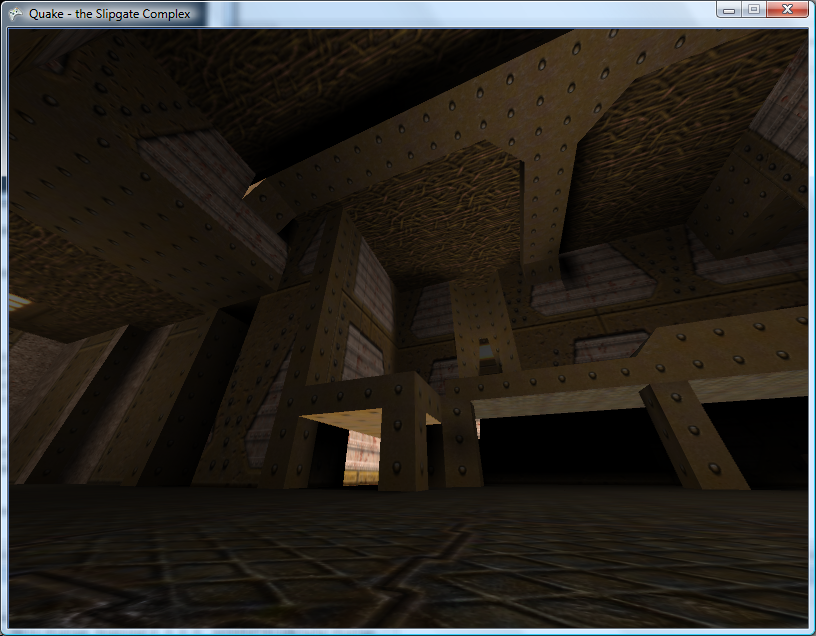
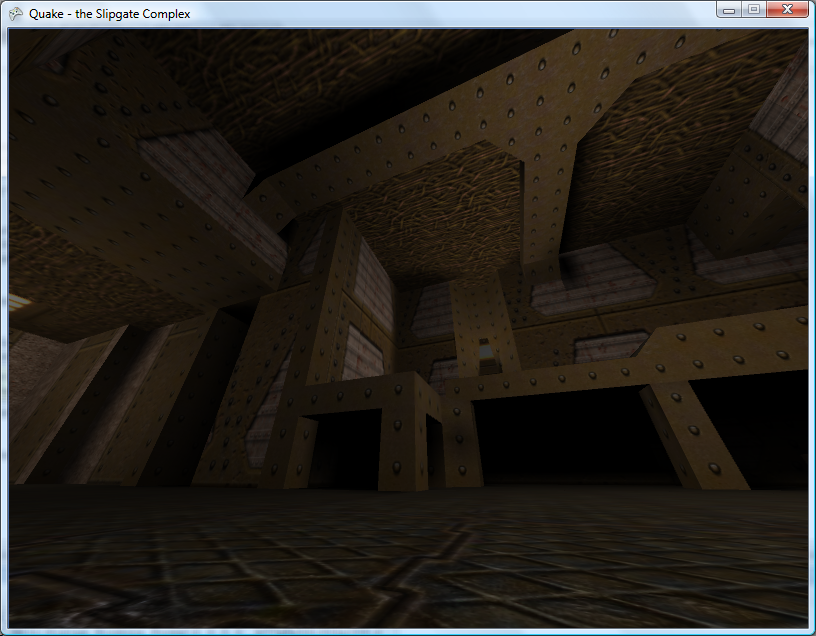
Before and after the fix
If the renderer encounters a lightmap-less face, it enables lighting, sets the ambient light to the face's brightness level, draws the face, then disables lighting again. As you can see from the screenshots this looks a lot better.
The new renderer not only renders the levels using the BSP tree - it also breaks them down into individual models. A level file contains multiple models. The first model is the main level architecture. Other models form parts of the level that can be moved.
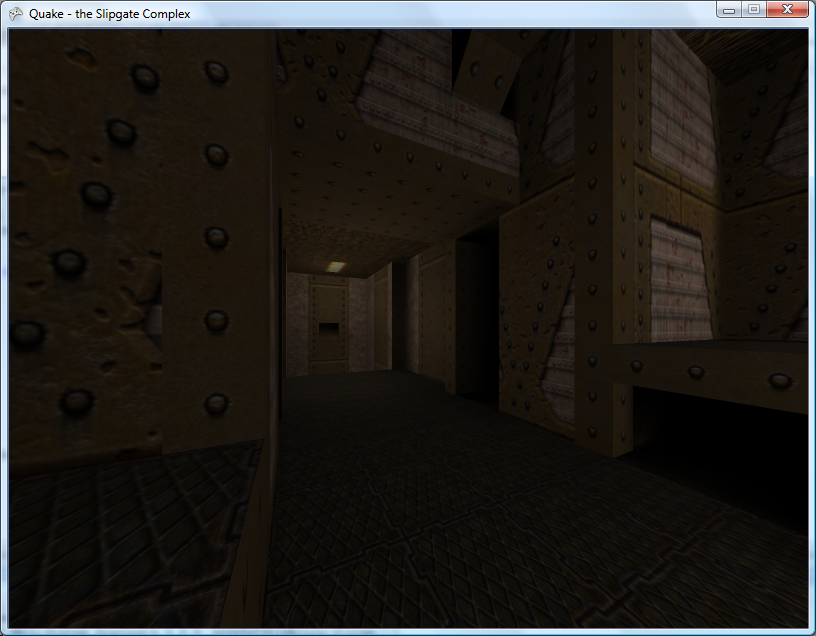
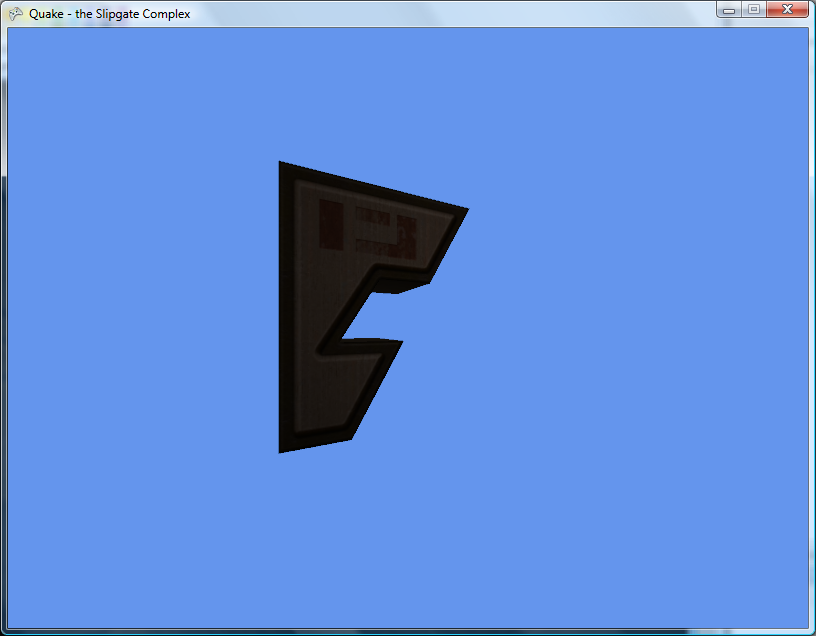
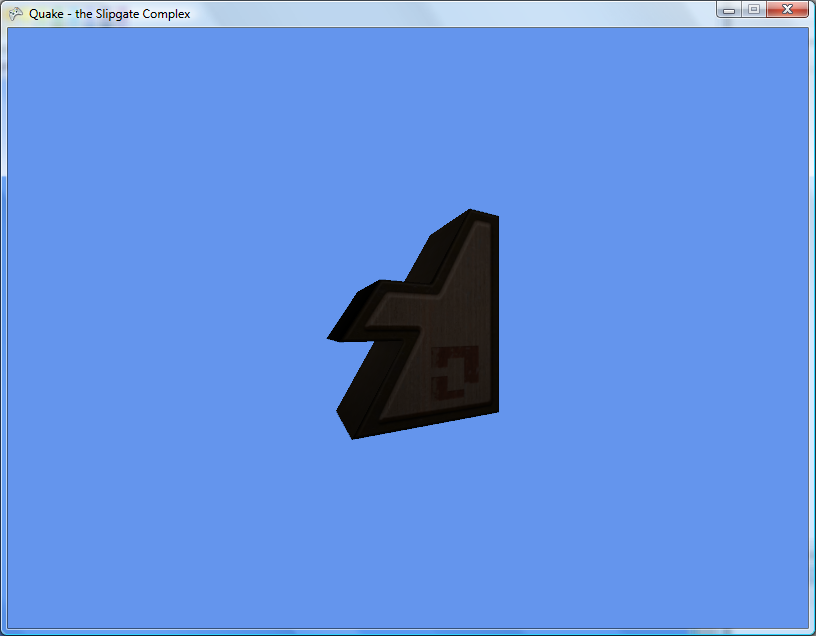
Models 0, 1 and 2 of The Slipgate Complex
Having multiple BSP renderer objects means that I can now render the ammo boxes and health packs.
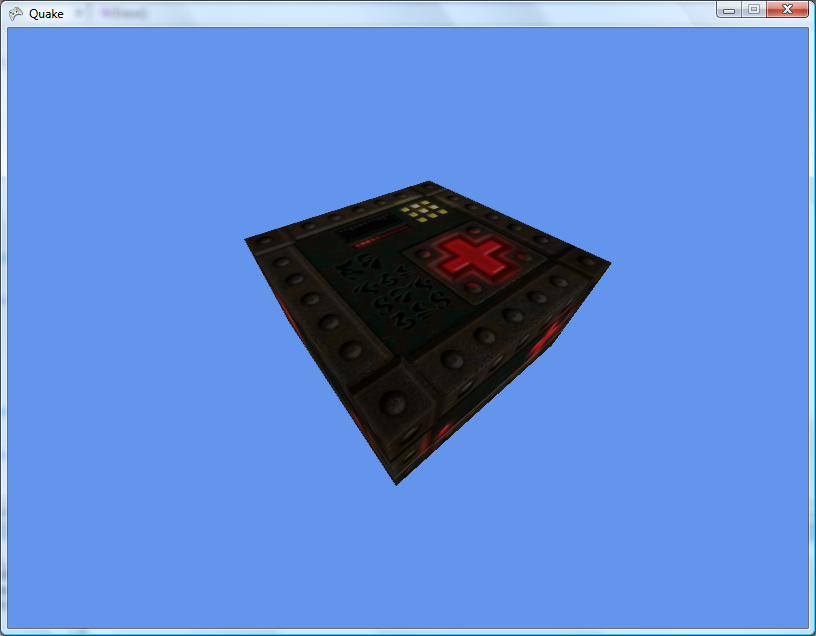
maps/b_bh25.bsp
I'm not sure what advantage there is to using BSP models instead of Alias models for these items.
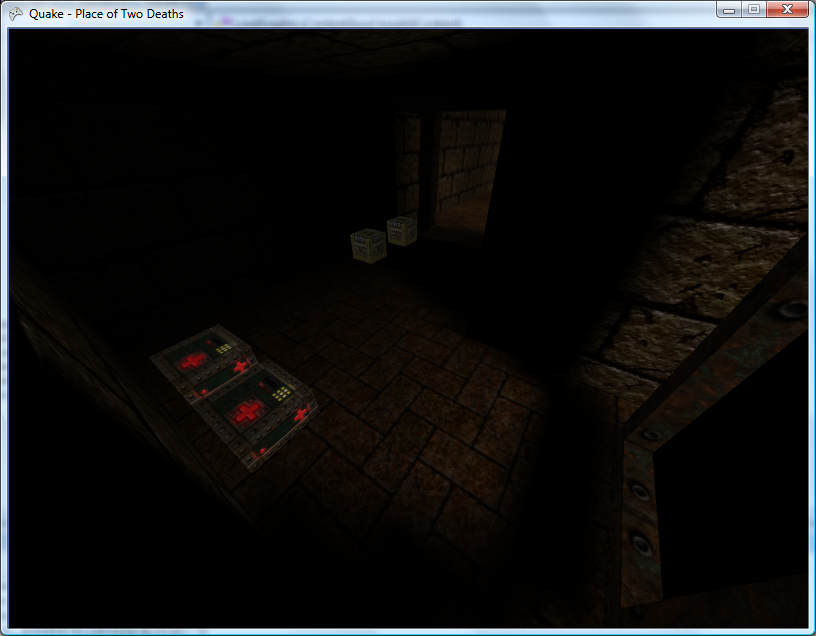
Place of Two Deaths has a Place of Two Medikits
High-Resolution/Luma Textures and Monsters
Thursday, 26th July 2007
Yup, I've done soem QuakeC modding before. The progs.dat is basically all the game code, and quake.exe is all the engine code. if you can load progs.dat properly, you should be able to get behaviour exactly like the original Quake.
Progs.dat is responsible for all monster types AI, and I think you're right about triggers and bridges and stuff.
Ah, makes sense! According to the Unofficial Quake Specs it's p-code, which at least makes parsing easier. Working out which opcodes do what will (I assume) require a perusal of the Quake/QuakeC compiler source.
One quick and dirty way to (possibly) improve Quake's elderly graphics is to use a modern texture pack, which provides high-resolution reinterpretations of Quake's own offerings.
Personally, I'm not too keen on these packs - high-resolution textures on low-poly structures emphasises their sharp edges, and texture alignment issues - Quake's textures are aligned pretty badly in places - are made even more obvious. In the same vein, low-resolution textures look very bad to me when magnified using a smoothing filter - I'd much rather see chunky pixels.
Anyway, adding support for them is very simple. When loading textures from the BSP, I simply check to see if a file textures/texturename.tga is available, and if so load that instead.
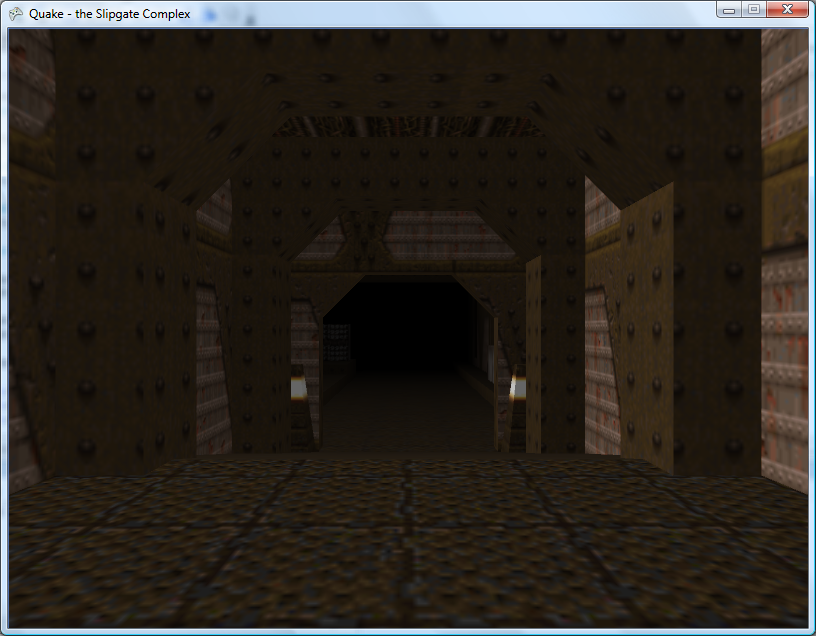
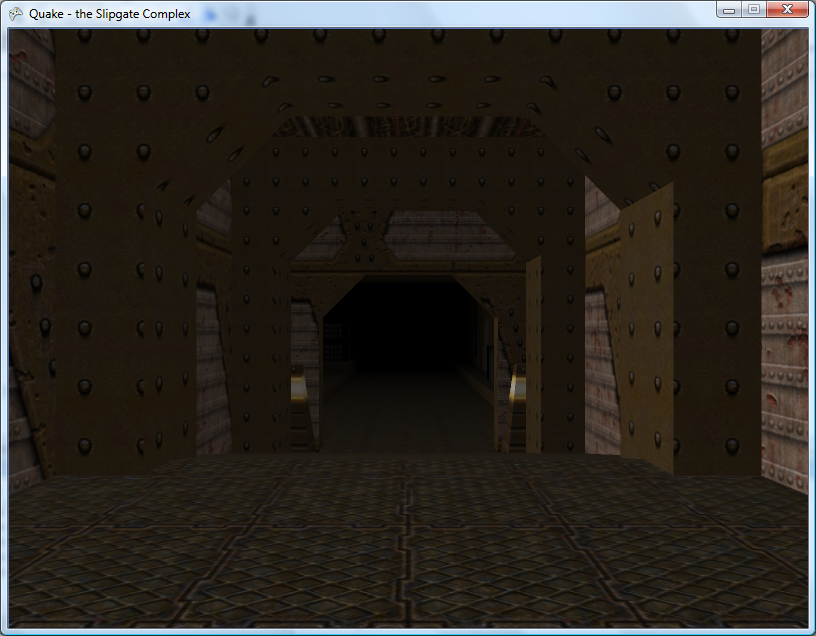
The Slipgate Complex with the original and high-resolution textures.
One advantage of these high resolution texture packs are their luma variations. These are available for certain textures that need to 'glow', such as lights, computer displays or runes. These are mostly black textures with the only the part that lights up drawn.
I draw the world geometry twice. The first time I draw it normally. The second time I disable lighting and fog, enable alpha blending, use an additive blend function and the luma textures instead of the regular textures.
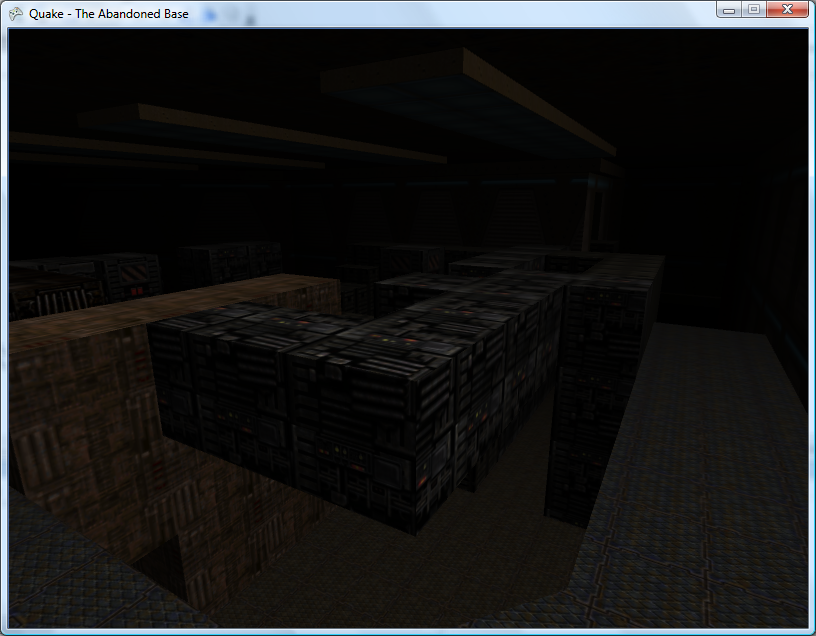
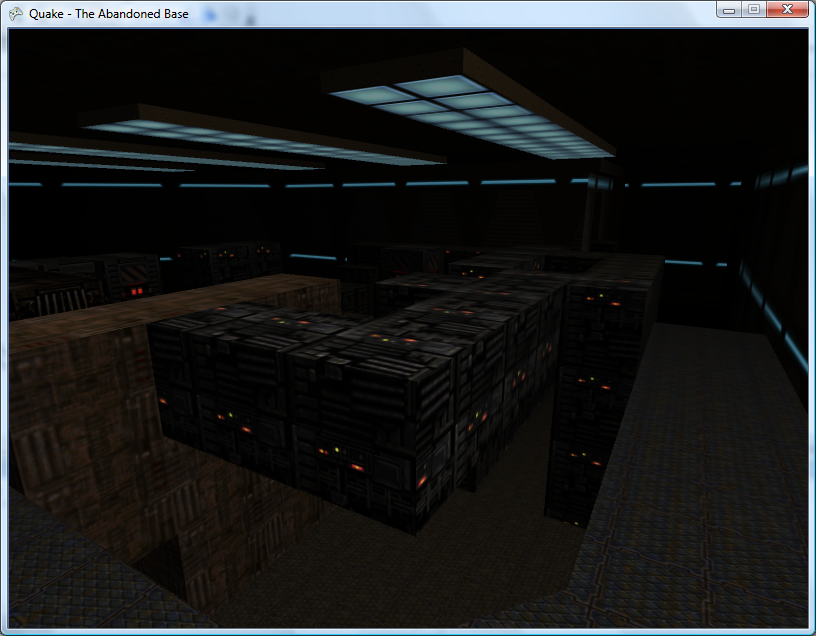
The Abandoned Base before and after the addition of luma textures.
Quake's maps have limited support for animated textures. If the texture is named +0xyz (where xyz is the descriptive name of the texture) then chances there's a +1xyz, +2xyz (and so on) texture to go with it. Once a level's textures have been loaded, I go through looking for any names starting with +0. From this I can search for the indices of its other frames.
Texture2D OldFirstWall = this.WallTextures[ATD.TextureIds[0]];
Texture2D OldFirstLuma = this.LumaTextures[ATD.TextureIds[0]];
for (int i = 0; i < ATD.TextureIds.Length - 1; ++i) {
	this.WallTextures[ATD.TextureIds[i]] = this.WallTextures[ATD.TextureIds[i + 1]];
	this.LumaTextures[ATD.TextureIds[i]] = this.LumaTextures[ATD.TextureIds[i + 1]];
}
this.WallTextures[ATD.TextureIds[ATD.TextureIds.Length - 1]] = OldFirstWall;
this.LumaTextures[ATD.TextureIds[ATD.TextureIds.Length - 1]] = OldFirstLuma;
Once I've collected up the indices of each animated texture's frames, I simply rotate them using the code above.
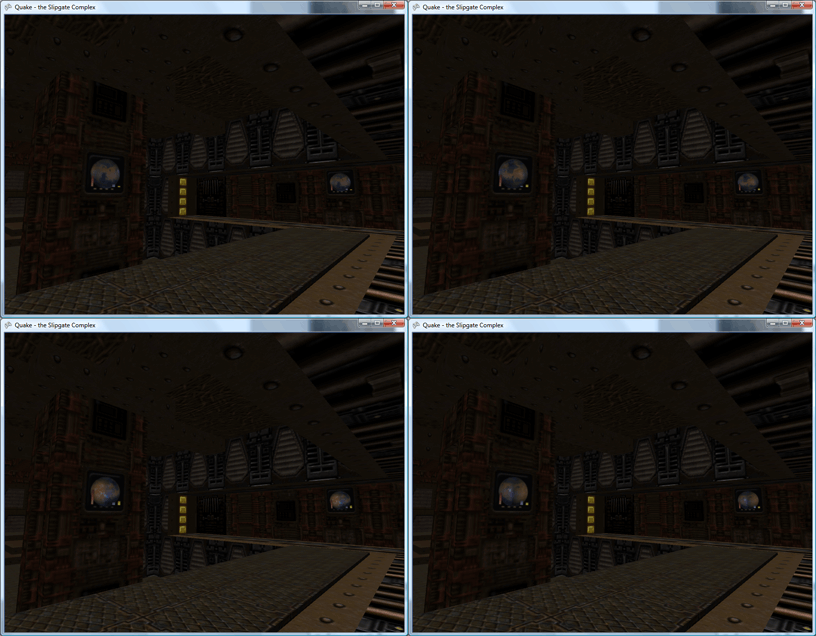
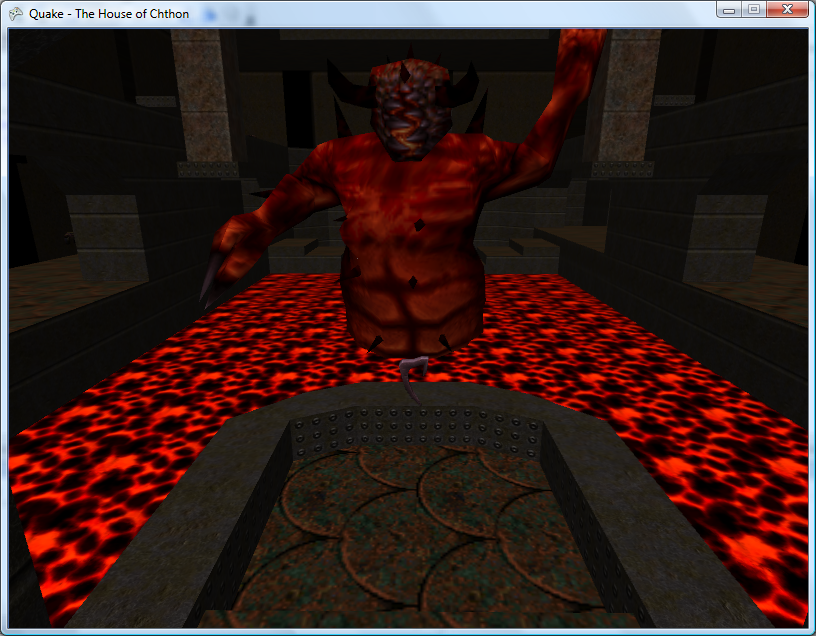
The levels do look rather lonely without the various monsters patrolling them. This can be remedied by parsing the entities lump. In the true brute-force tradition, the models are loaded once (at startup), but to render them I just loop through the entire entities block (which contains many irrelevant entities) hunting for types referencing a model - if so, I pull out their angle and offset and render the model at the specified position.
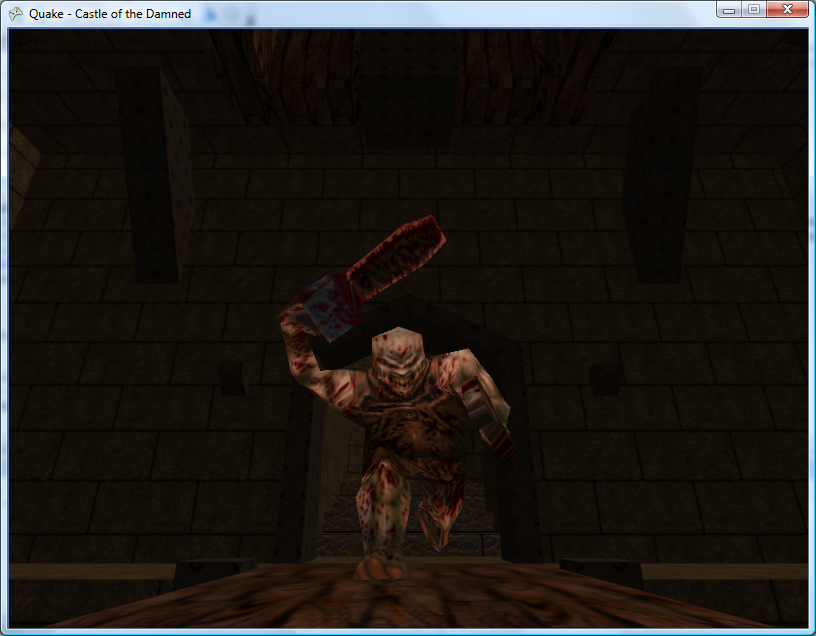
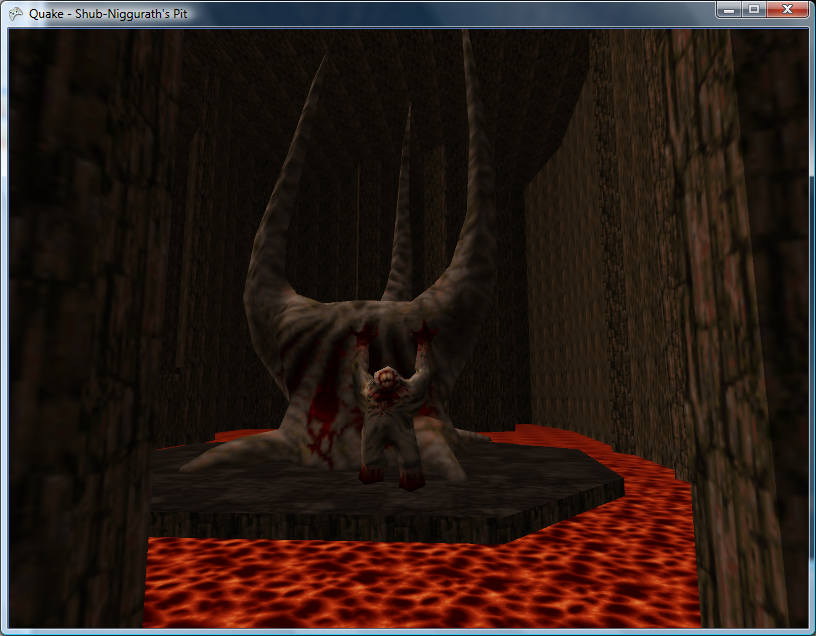

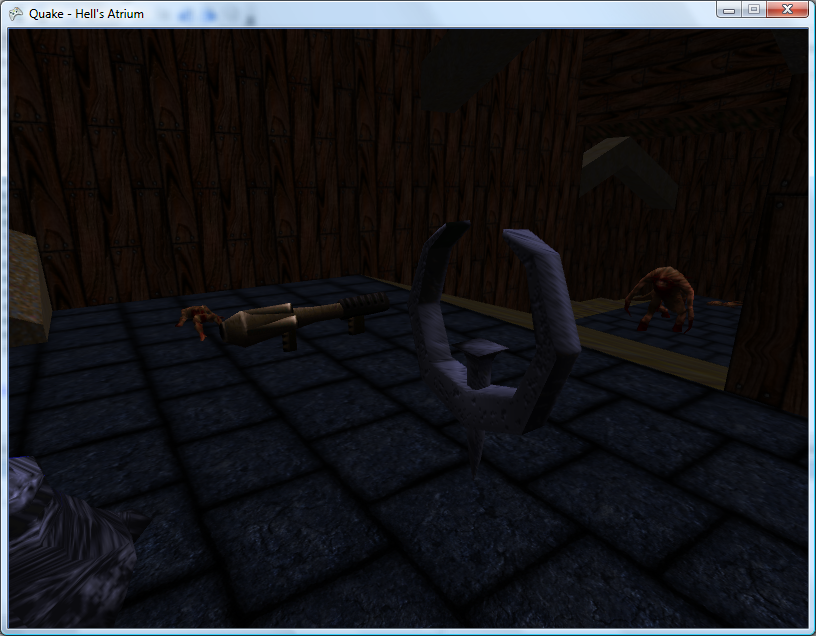
Most of the items spread out throughout the level - powerups, weapons and armour - are represented by Alias models, so adding support for those is easy enough:
Some of the other items - such as ammo crates - are represented by BSP models, so are currently not supported.
Models
Wednesday, 25th July 2007
Do you intend to parse the progs.dat file (I think that's what it was called) - the QuakeC compiled code? I've no idea what's actually involved in that, however...
I'm not sure either (I haven't looked into it). As the source code for Quake and the QuakeC compiler have been released I might be able to do something. I have a hunch that said code is responsible for level events (switches, bridges, lifts, doors and so on) so it would seem pretty important.
You might want to check the version of your BSP files versus the one used in the Unofficial Quake Specs.
...
Also here's some API independent code for loading Quake MDL models.
So far I've had one minor problem that was resolved with a hex editor (something simple like a short becoming an int or vice-versa). I'll take a look at your MDL code - thank you!
I've made progress with the Alias model loader and written a ModelRenderer class to go with it.
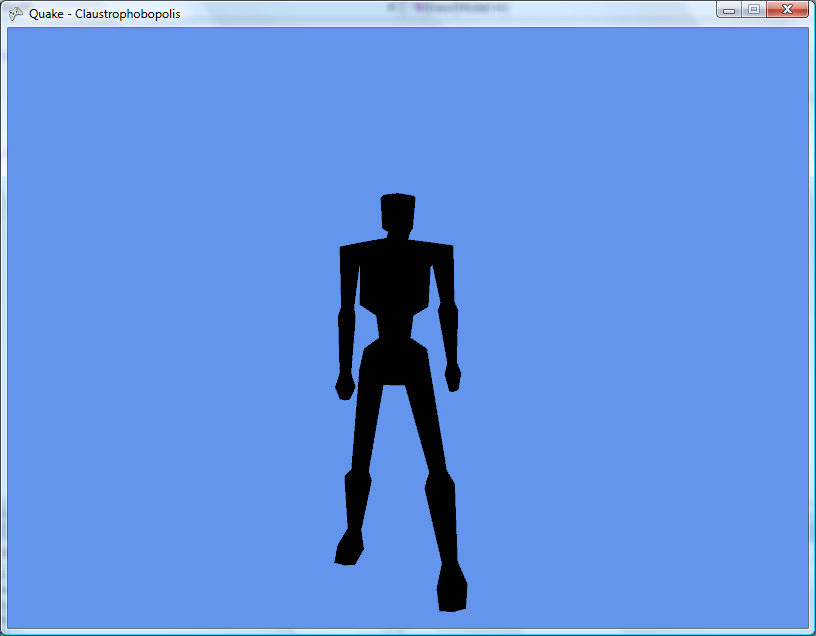
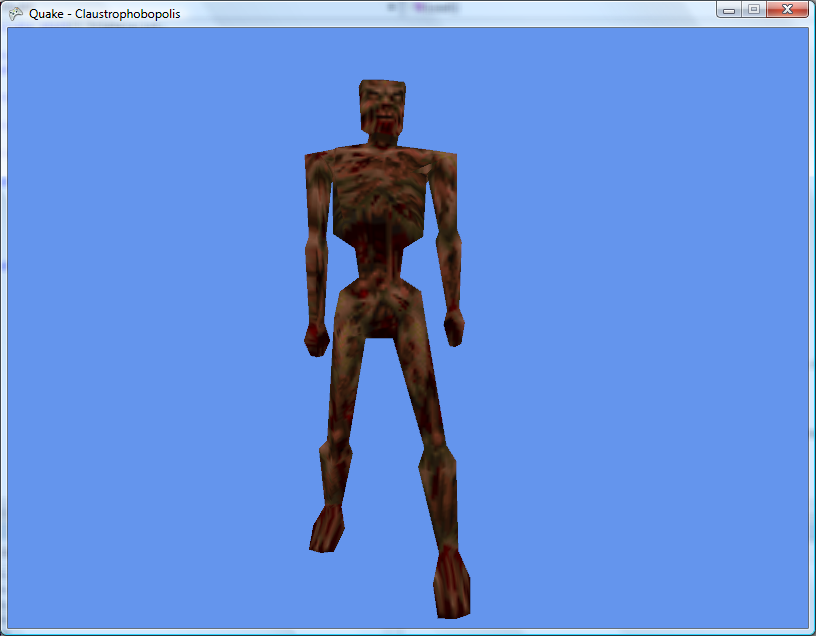
zombie.mdl before and after texturing support.
Animation isn't handled very well just yet - the frames aren't grouped by action (such as the 'attack' animation, 'walk' animation and so on) and the Draw call just takes a frame number.
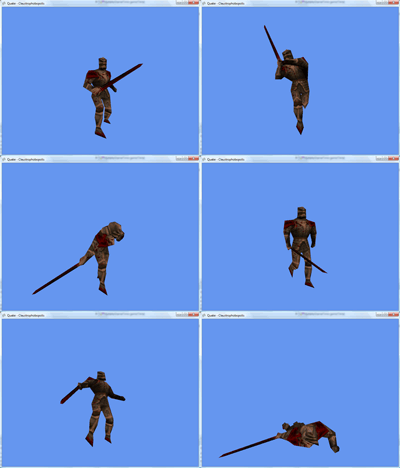
It'll do for the moment as a test.
I'm still having problems with textures not wrapping correctly.
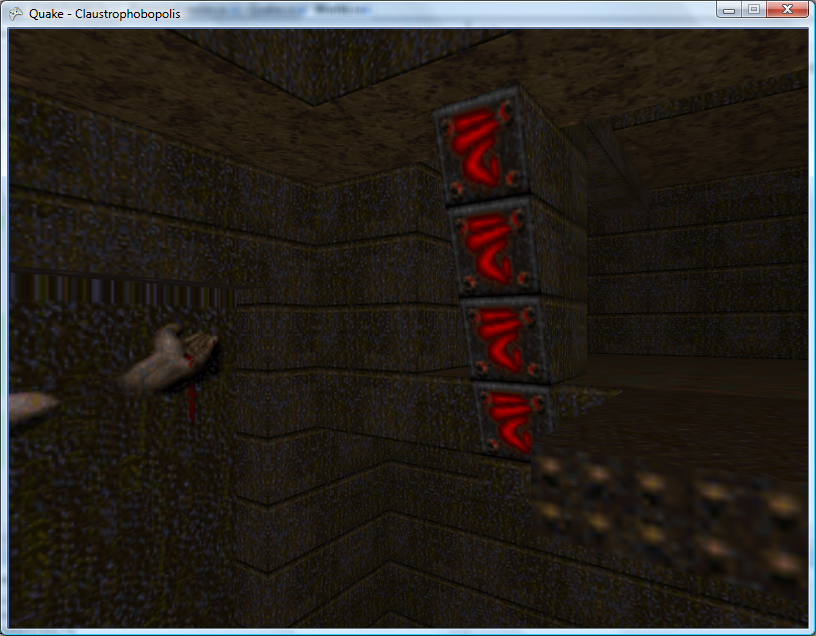
As you can see the texture above the hand is distorted. I was pointed in the direction of a solution via the texture wrapping options, and have added these lines:
graphics.GraphicsDevice.SamplerStates[0].AddressU = TextureAddressMode.Wrap;
graphics.GraphicsDevice.SamplerStates[0].AddressV = TextureAddressMode.Wrap;
This, unfortunately, hasn't helped. Experimentation has shown that this does change something, and by using the TextureAddressMode.Mirror I get the following -
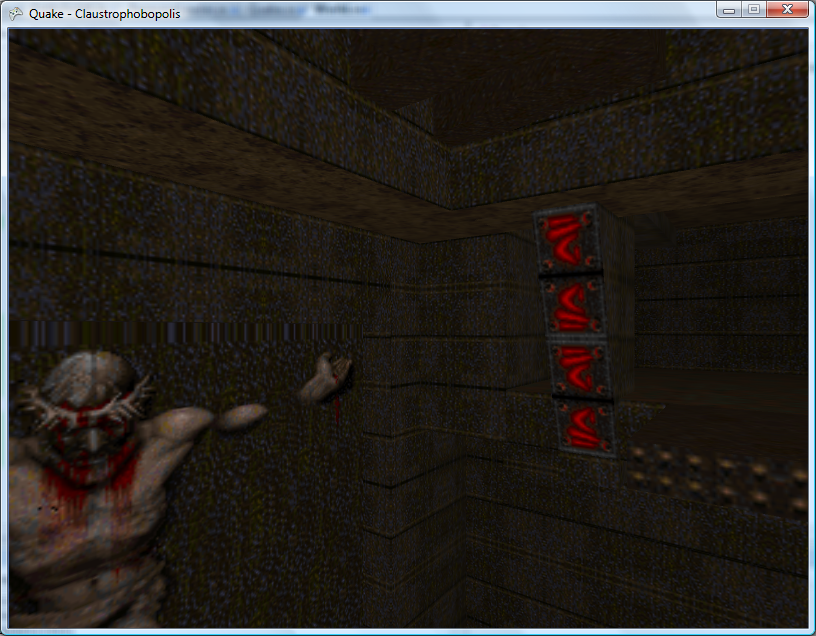
Note the orientation of the red symbols
I still can't get decent looking light maps out of the level - they all have the "diagonal stripes" effect that usually is caused by an erroneous width. I think I'll have to start trawling through Quake's source code.
Custom Levels and Model Skins
Tuesday, 24th July 2007
Do you plan on making anything out of it, or will it just be a bsp viewer?
An XNA Quake implementation the way I intend on working - that is, to start from scratch - is not really worth it (as far as getting the gameplay 100% identical to DOS Quake).
As a learning project, there's a decent quantity of further material (as far as maps, high-resolution textures and so on go), and I intend on trying to learn how to write a 'FPS-friendly' 3D engine based around Quake's data. Whether I shoehorn some sort of game into that or not is yet to be decided.
Anyhow, I mentioned that I'd be moving on to light maps. Unfortunately the documentation I have is rather vague on this topic (the Unofficial Quake Specs), and I can't get meaningful data out of the BSP files.
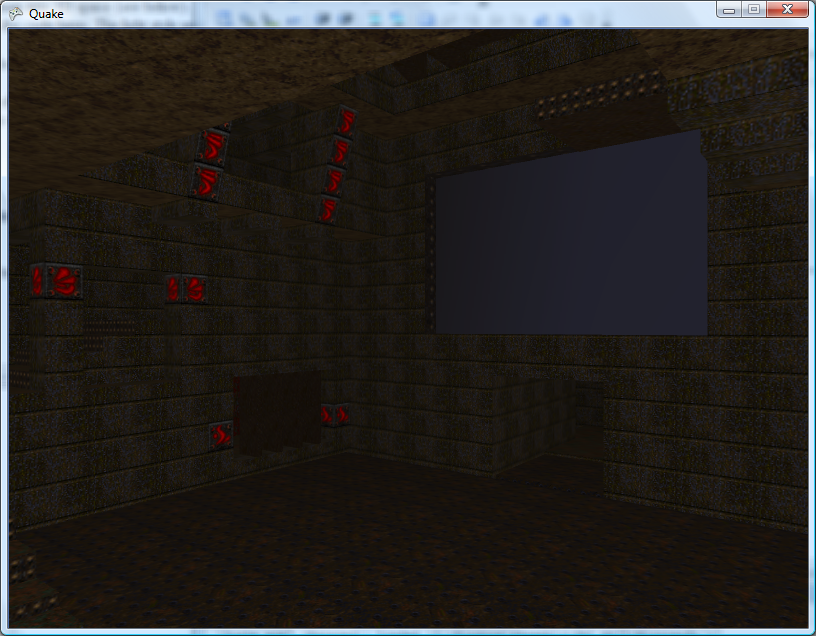
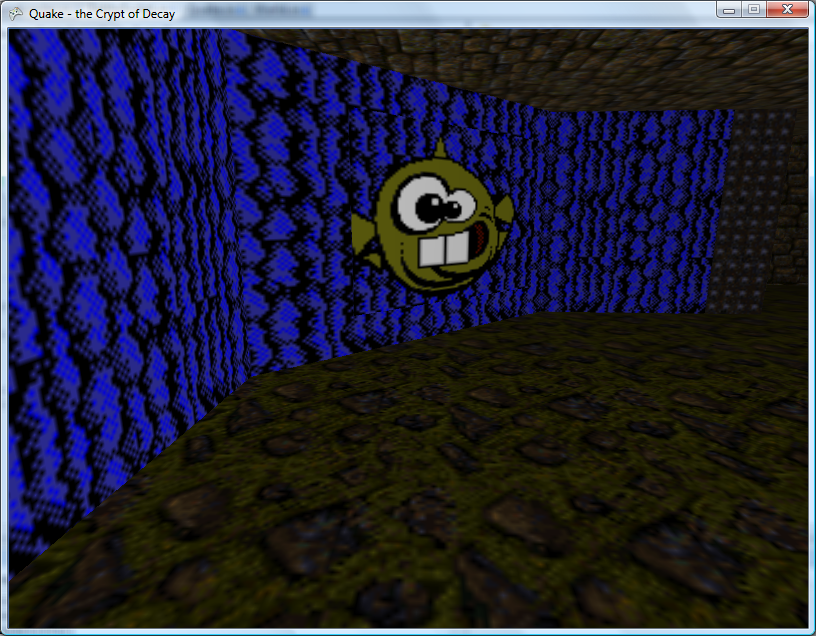
I had a slight issue to resolve. Certain textures were appearing as a single colour, like the above. As far as I know this is a symptom of using crazy texture coordinates. I wrote a crude routine that attempts to shunt vertices into the 0..1 range, and the result looks a bit better:
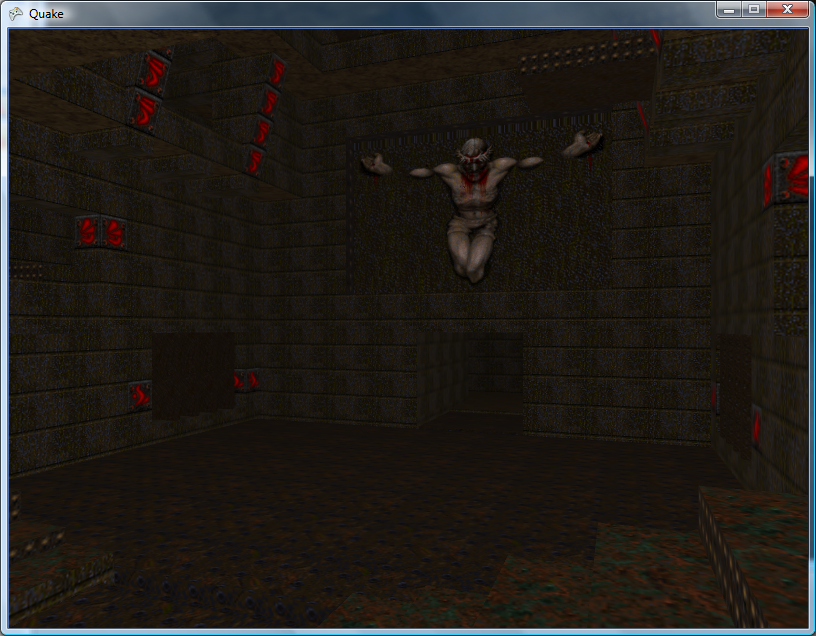
As you can see, the top edge of the large texture is still badly distorted.
I modified the resource loader slightly to handle loading files outside the main pack files.

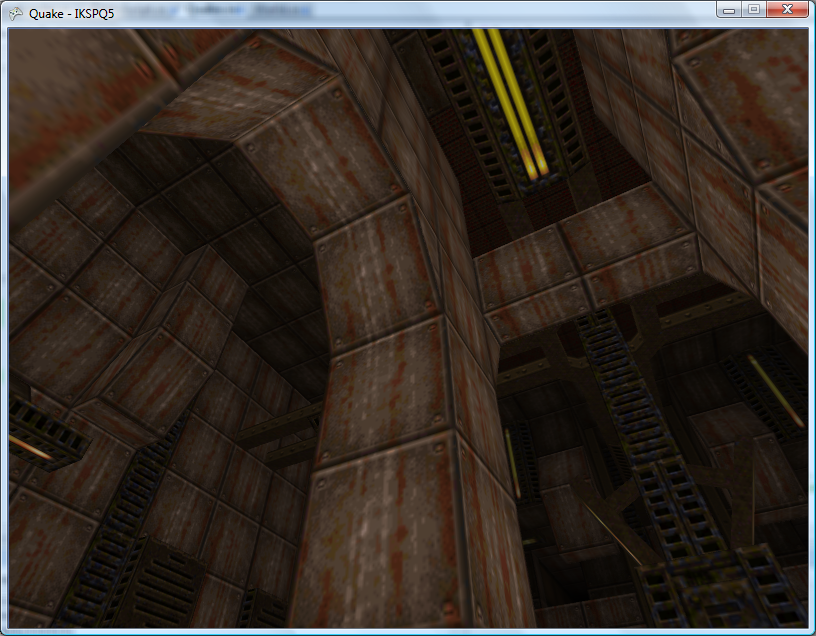
The result is that I can low load resource files - such as external levels - as you would any other resource, with a call to LoadResource<Data.Level>("maps/ikspq5.bsp"). The level loader also parses the entity declaration block inside the .bsp, putting the player in the correct starting place and - more noticably in the screenshots - finding out the title of the level.
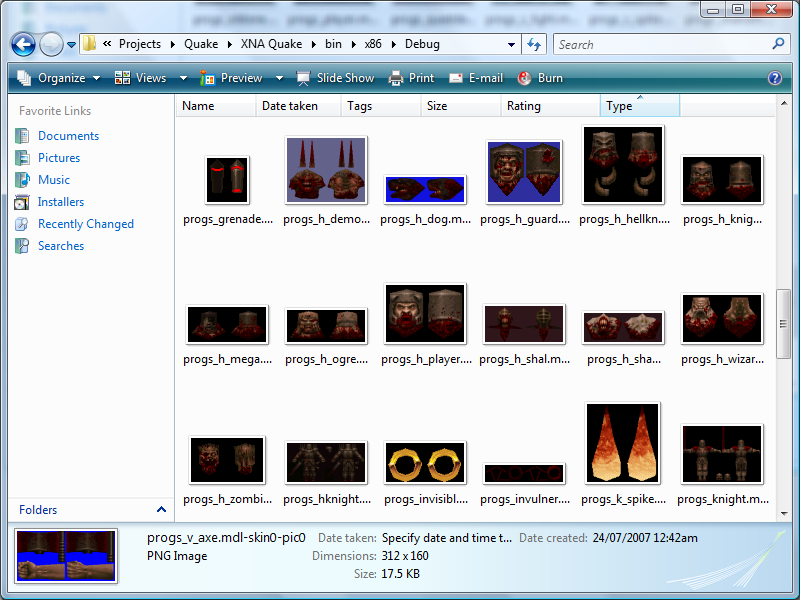
I've made a start at loading the Alias .mdl files, but their structure is rather convoluted so the only visible result thus far is a dump of all of the skin pictures.
There doesn't seem to be much information about Quake BSPs (plenty on Quake 3 BSPs, however!) so if anyone has any recommendations I'd be grateful. Looking at flipcode's article on Quake 2 BSPs it would appear that they're not too different, so I'll have a go with that.