Turning Japanese
Friday, 15th December 2006
The Z80 CPU uses 16-bit addressing, which limits it to a 64KB address space. As well as fitting the program ROM into this space, we need to fit in the machine's 8KB RAM, limiting us even further.
To get around this limitation, the memory is broken down into a series of windows ("frames"), and you can change what is visible in some of these windows.
The memory range $C000..$DFFF can be used to address the 8KB RAM. This is mirrored from $E000..$FFFF; that is, reads and writes to $E000 work as if you were reading and writing to $C000.
There are three other windows; from $0000..$3FFF, $4000..$7FFF and $8000..$BFFF. By changing the contents of RAM (addresses $FFFC..$FFFF) you can adjust what is accessible from these memory ranges.
The lower 1KB cannot be paged out - this is because when the device boots the contents of RAM (and thus paging registers) are undefined, and you need something fixed in place to set up the machine correctly.
I had already implemented most of the above, with two omissions. The first was that certain cartridges contained their own additional RAM chips (accessible by setting flag bits in paging register $FFFC) that could be used as saved game area. Ys appears to use this area, and so didn't work without it. That was the garbled screenshot I posted earlier:
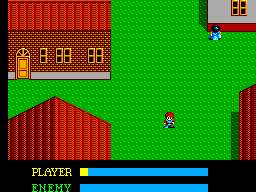
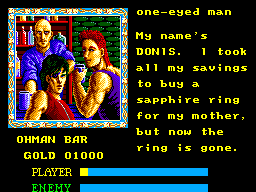
The Flash now works too.
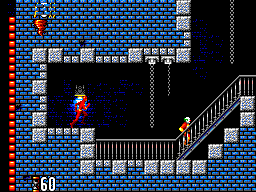
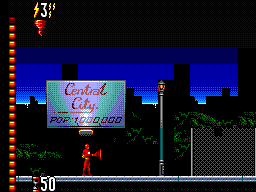
The second omission was that Codemasters games use a different mapping system to the standard one. Fortunately it is significantly simpler; the 32KB from $0000..$7FFF is locked, and the 16KB from $8000..$BFFF is offset based on a value previously written to address $8000. ($C000..$FFFF is 8KB work RAM as usual).
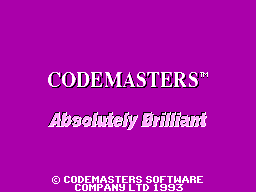
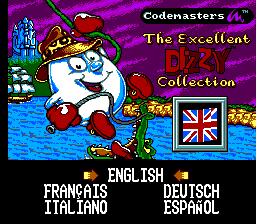
The Excellent Dizzy Collection as seen at the top of this post doesn't entirely work; when you pick a game it resets. Some other emulators do this too. The Game Gear games Cosmic Spacehead and Micro Machines (1 and 2) work well, though.
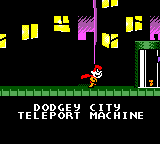
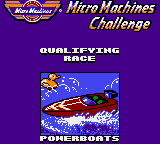
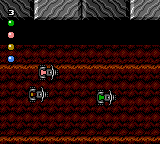
After some fiddling around with the VDP emulation and interrupts, some more games work (but I'm not sure why they now work):
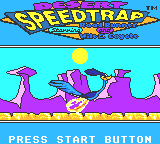
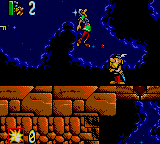
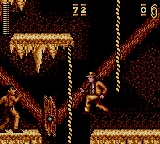
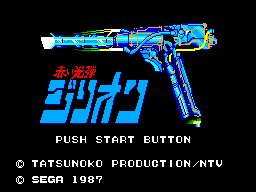
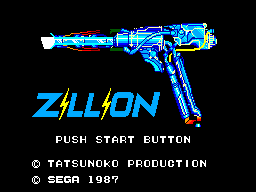
Other parts of the emulator have been improved. It can now be set to either domestic (Japanese) or export (everyone else) modes, which affects some games in a variety of ways - from translated text, to removing the Mark III bumper screen, to changing the title of the game.
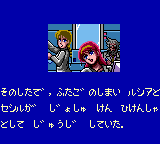
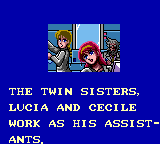
For Game Gear games, detecting whether it's a Japanese machine or not is simple - test the 6th bit returned when you read port $00. If it's set, you've got an export machine.
However, port $00 is Game Gear-specific - the Master System hardware has a peculiarity that is used to detect region. There are two ports for controllers, and each controller has up, down, left, right, TL, TR and TH lines. You can set the TR and TH lines to be inputs or outputs (and the output level if configured as output) by writing to the I/O control port. If you set them to outputs and try and read from them, on export hardware you get the values you are telling them to output. On Japanese machines, however, they return 0s regardless of the chosen output level.
A more fun addition is Game Genie support. A simple call to Emulator.AddGameGenieCode("3A0-21C-2A2"); and Sonic can stand here all day:
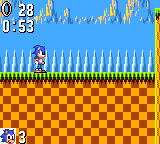
Of course, the technical information above is my interpretation of what I've gathered so far from various documents from far brainier chaps than I, and the fact that all I have is a broken emulator indicates that it is probably complete rubbish. 
Kids, just say No to bilinear filtering
Monday, 11th December 2006
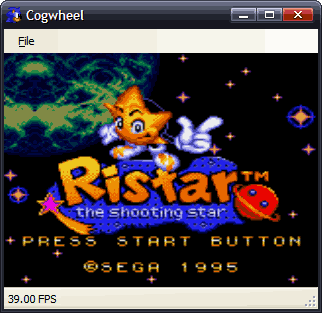
The old layout of the emulator was a bit of a mess.
The Z80 emulator needed to sit inside a class of your design that inherited from IHardwareController (and so exposed methods to handle hardware devices) and another that inherited from IMemoryDevice that exposed methods that could be used to read and write to memory.
As you might imagine, this got a little messy what with the various nested classes needing to pass references to eachother around. The new design is much more straightforwards - you build a class that inherits from Z80A (which is the basic Z80 emulator) and override the four functions for reading from/writing to memory addresses/hardware ports.
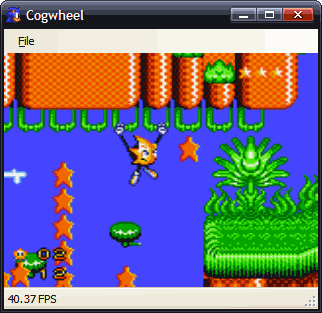
Further to that, the Master System emulator itself has been shunted out to its own class library, meaning that the code isn't mixed up with interface code. This way I can easily have two different front-ends - an MDI Windows GUI for example, like the one I've posted screenshots of before, with debugging tools and so on, and an XNA interface that runs full-screen, taking input from a connected joypad.
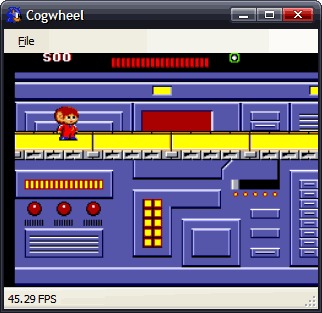
For the moment I have the blurry and slow solution which is just to dump the output Bitmap onto a form. You can probably guess as much from the pathetic framerates reported on the above screenshots.
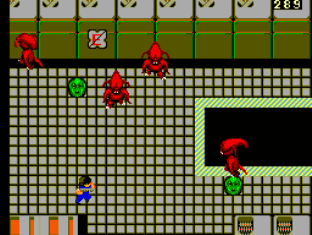
Overall compatibility is still increasing slowly. Some programs that used to work now don't, of course. It goes both ways.
The VDP emulation has been significantly rewritten. A lot of the main scanline rasteriser is still the same as it was, though, but slight fixes have been made there (including picking the correct backdrop colour - an x & 0xF + y versus (x & 0xF) + y bug - and sorting out the second column) but I still have a lot of interrupt-related bugs to iron out.
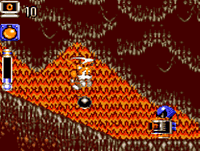
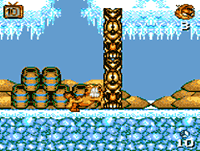
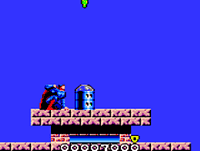
Just as a test, I cobbled together an 'alternative' interface that uses that console code I posted here a while back.
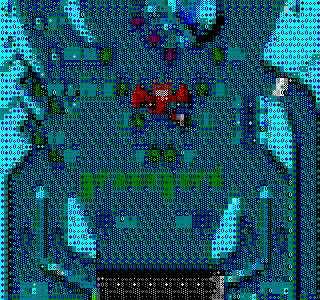
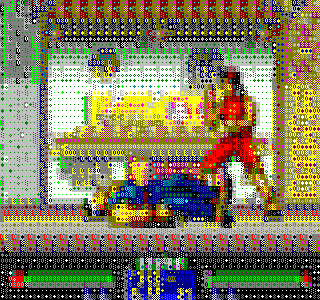
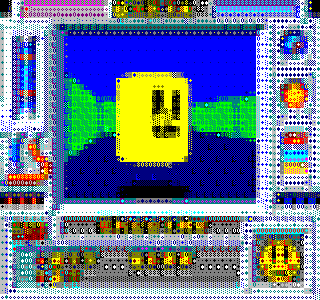
It's a sad thing that the above runs at a decent framerate, whereas the graphical versions run at half the rate of they should. At least, that is running in Debug mode within the IDE...
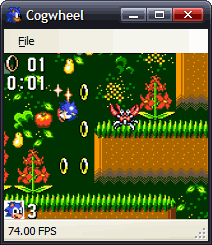
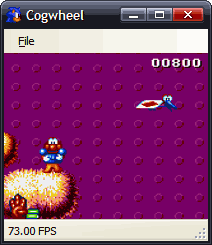
Checking the Release build would always be a better plan. That's still lousy performance in my book, though.
Having written the above, I decided to look at the official Game Gear documents once again, and reread the section on ROM banking. I had not realised that for 1MBit cartridges, area 0 and area 1 ($0000..$3FFF and $4000..$7FFF respectively) were fixed, and only area 2 ($8000..$BFFF) could be changed.
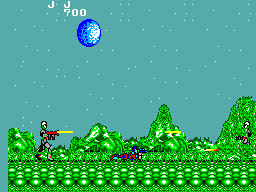
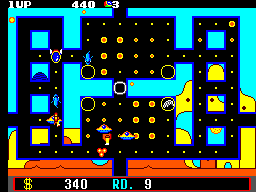
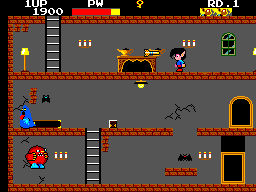
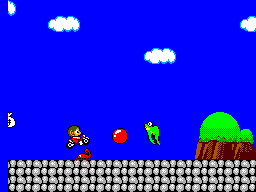
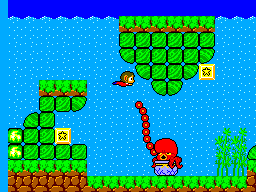
Fixing areas 0 and 1 fixed a number of the smaller games:
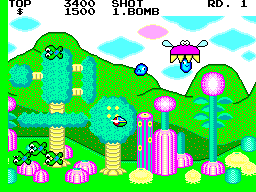
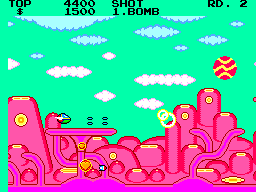
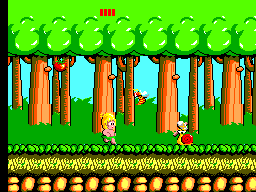
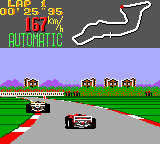

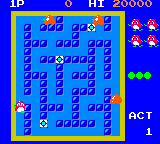
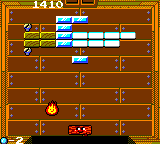
It turns out that if I resize the window so the display is at 1:1 pixel scaling, I get ~73FPS on my machine and - most importantly - only 3% CPU usage. If I make the window even twice as large as it was, it drops to about 30FPS and 100% CPU usage. DirectX beckons...
New Z80 emulator
Wednesday, 6th December 2006
One chap I cannot thank enough is CoBB for all his hard work in the Z80 field.
I've rewritten the Z80 emulation from scratch; this time it uses an expanded switch block (the 'manual' way) to decode instructions. Rather than write every combination of instructions out by hand, the code making up the switch blocks up is generated by another program, reading instruction information from a table copied from an Excel spreadsheet.
At the cost of a significantly larger assembly (from 40KB to 140KB) I now get a 100% speed increase (from ~50MHz to 100MHz).
I still can't pass the port of ZEXALL I'm testing with (and the same instructions too - not bad for a 100% rewrite to end up with exactly the same bugs), but after comparing some of my offending tables against CoBB's ones I've isolated some of the hiccoughs. The only instruction group test I fail is, naturally, the one that takes the longest to execute - getting a hardware, or indeed emulator, comparison takes well over an hour.
Anyhow, rewriting the Z80 emulation seems to have been the right thing to do. As you might have guessed from the picture at the top of this entry, Sonic now runs.
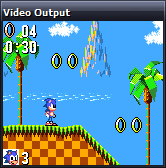
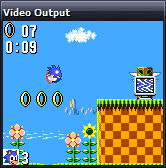
My VDP (Video Display Processor) emulation is still rather rough-and-ready (I've really been concentrating on the Z80 bit) and the second column of background tiles is not updated correctly, so I apologise in advance for the distortion! It only appears in SMS mode (the display is cropped in Game Gear mode).
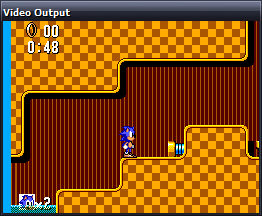
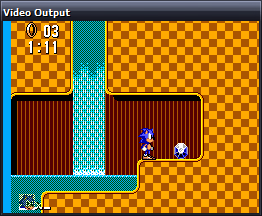
The fill colour (in the left column here) is incorrect in most games too.
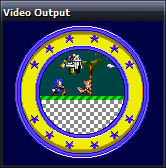
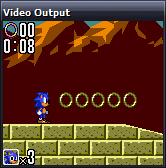
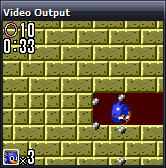
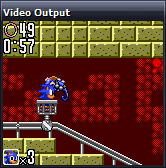
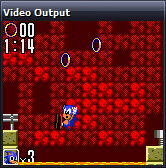
I rather preferred Sonic 2, but maybe that's because you can pick up dropped rings and I'm rather lousy at it otherwise.
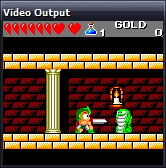
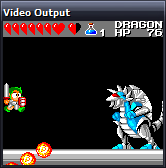
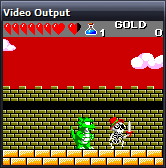
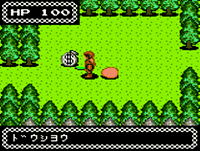
I accused the previous Wonder Boy III shot of not reading the start button. Somehow I also failed to notice the missing sprites (clouds and main part of the castle), which was part of the main problem. It now appears to play well.
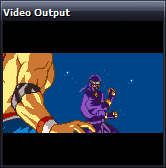
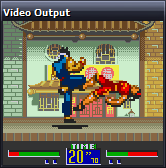
Support for zoomed sprites seems to be missing in some emulators (at least, the versions of Dega and Pastorama I have to hand), but I use them so implemented them to let my programs work when testing - it's nice to see a commerical game use them too!
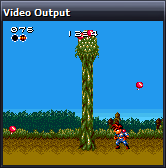
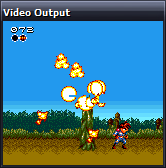
Gunstar Heroes runs, but flickers and jumps (not the visible sprite 'flicker' in those screenshots) - some bug in my CPU interrupt handling or VDP interrupt generation.
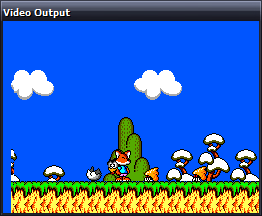
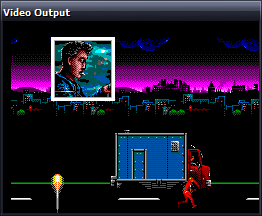
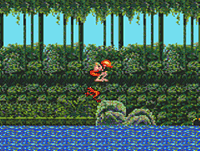
Psycho Fox runs insanely fast - even faster than The Flash as seen to the right - making an already difficult game to control virtually impossible. I'm really not sure what could be causing that, but the enemy sprites sometimes flicker up and back down quickly, so it could be one of the remaining CPU bugs.
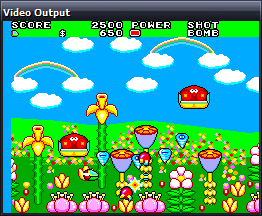
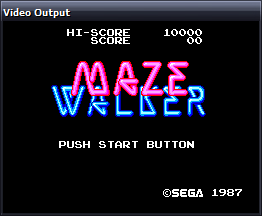
Fantasy Zone demonstrates both the blanking colour bug (that left column should be green) and the distorted second column bug, but plays well. I tried to get a better screenshot of Maze Walker, but not handling 3D glasses makes looking at the screen a rather unpleasant experience (it flickers the left and right eye views in quick succession; the 3D glasses had two LCD shutters that opened and closed in sequence with the images on-screen).
I might add a Dega-esque red/green anaglyph filter, but I find those rather unpleasant to look at so might provide a stereo pair view.
In any case, the most important SMS game now runs -
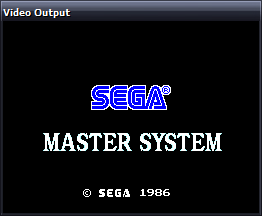
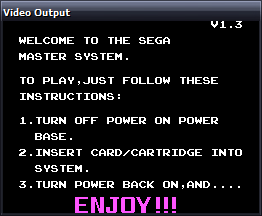
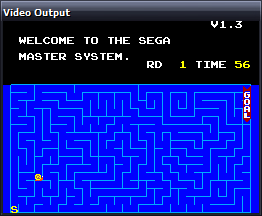
I shall refrain from using the Terry Pratchett quote (just this once).
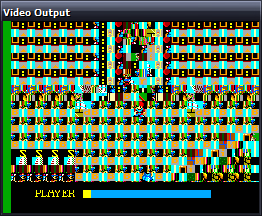
Some games look like the above, which makes me happy - it's the ones that do nothing at all that worry me. What with the CPU bugs, dodgy emulation of the mapper, missing (important!) hardware ports and hackish VDP, it's surprising anything runs. It's getting better.
EDIT: How are there so many spelling errors? Fantasy Start as opposed to Fantasy Zone, Video Display Hardware as the expansion of the VDP acronym... I should not write these so late at night.
Compatibility increases further...
Thursday, 23rd November 2006
I've added better memory emulation (that is, handling ROM paging, RAM mirroring and enabling a BIOS or not). I wouldn't dare say "more accurate", as that might indicate that something about it is partially accurate.
I've isolated one of the biggest problems - and that's programs getting caught in a loop waiting for an interrupt that is never triggered.
The source of these interrupts is the VDP. It can generate two kinds of interrupt - on a line basis (where you can configure it to fire an interrupt every X scanlines) or on a frame basis (where it fires an interrupt at the end of the active display).
Two bits amongst the VDP's own registers control whether the interrupt fires or not. On top of that, there are two internal flags that are set when either of the interrupts fire. They are reset when the VDP's control port is read.
Bit 5 of register $01 acts like a on/off switch for the VDP's IRQ line. As long as bit 7 of the status flags [this is the frame interrupt pending flag] is set, the VDP will assert the IRQ line if bit 5 of register $01 is set, and it will de-assert the IRQ line if the same bit is cleared.
…
Bit 4 of register $00 acts like a on/off switch for the VDP's IRQ line. As long as the line interrupt pending flag is set, the VDP will assert the IRQ line if bit 4 of register $00 is set, and it will de-assert the IRQ line if the same bit is cleared.
The way I've chosen to emulate this is as a boolean storing the IRQ status, and to call a function, UpdateIRQ(), every time something that could potentially change the status of it happens.
private bool IRQ = false;
private void UpdateIRQ() {
    bool newIRQ = (LineInterruptEnabled && LineInterruptPending) || (FrameInterruptEnabled && FrameInterruptPending);
    if (newIRQ && !IRQ) this.CPU.Interrupt(true, 0x00);
    IRQ = newIRQ;
}
This detects a rising edge. Falling edge hasn't worked so well. Well, truth be told, neither work very well. So, hitting the I key in the emulator performs a dummy read of the control port which usually 'unblocks' the program.
I'm hoping that my problem is related to this similar one, as the fix seems pretty straightforwards.
The SEGA logo at the top of this entry is not the only evidence of working commerical software...
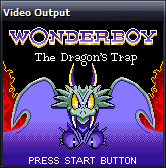
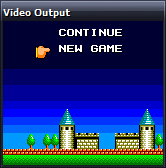
Not reading the Start button is a common affliction.
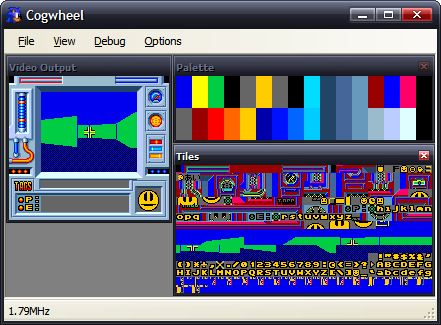
Here's the Game Gear DOOM for Scet.
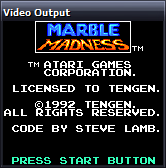
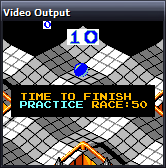
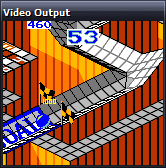
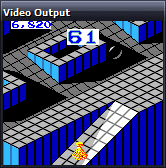
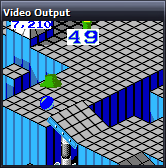
Marble Madness appears to be fully playable, though needs prompting from my I key every so often.
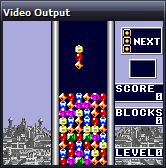
Columns can't find the start button either, but the demo mode works.
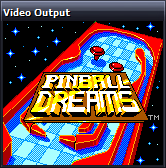
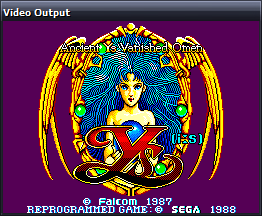
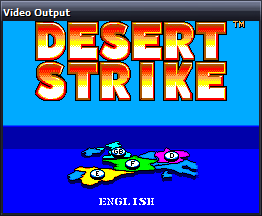
Getting as far as a title screen is still an achievement in my books.
My luck can't hold out forever, but the homebrew scene is still providing plenty of screenshots...
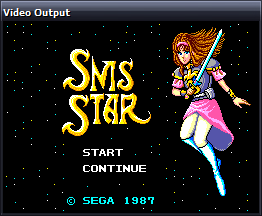
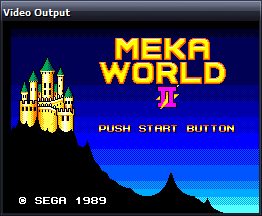
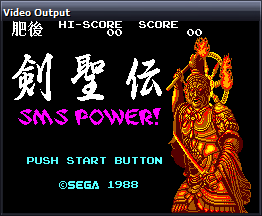
Maxim's Bock's Birthday 2002 has been immensely useful for sorting out ROM paging issues.
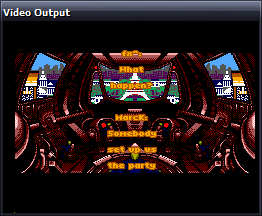
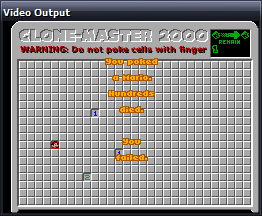
Bock's Birthday 2003 demonstrates the interrupt bug, but appears to run healthily otherwise.
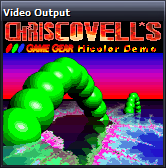
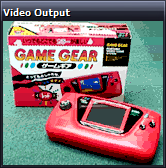
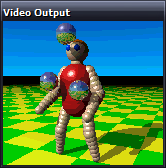
Chris Covell's Hicolor Demo also demonstrates this bug, needing a prod before each new image is displayed.
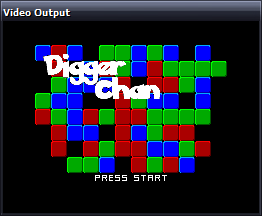
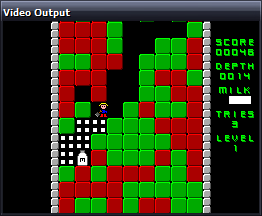
Aypok's Digger Chan appears to play fine.
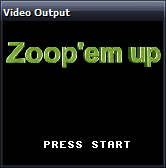
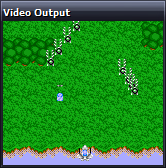
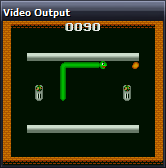
Martin Konrad's Zoop 'em Up and GG Nibbles games run, Zoop 'em Up seems to have collision detection issues (aluop-related bug).
The bug in the Z80 core still eludes me - how aluop with an immediate value passes and aluop with a register fails is rather worrying. At least part of the flags problem has been resolved - the cannon in Bock's KunKun & KokoKun still don't fire, but at the switches now work so you can complete levels.
Screenshots galore
Tuesday, 21st November 2006
I downloaded a collection of homebrew releases from SMS Power! for testing. Here are the obligatory screenshots.
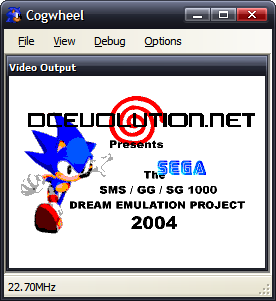
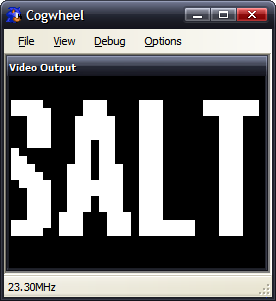
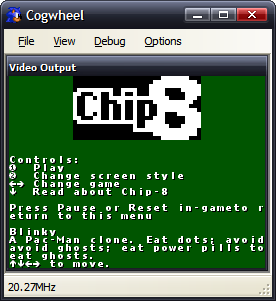
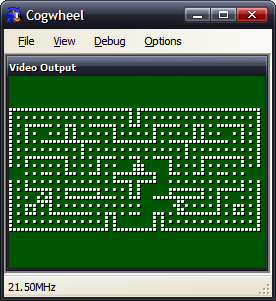
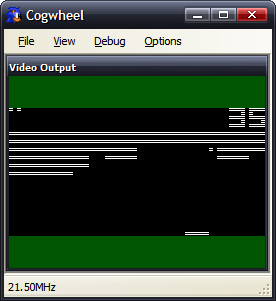
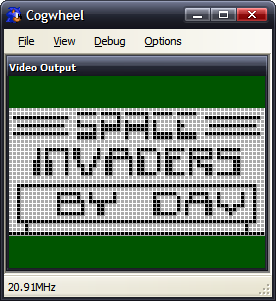
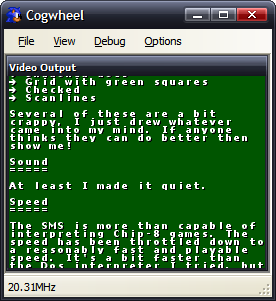
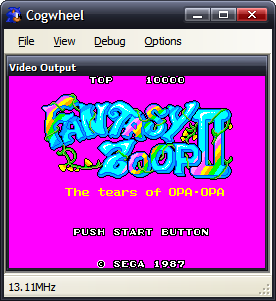
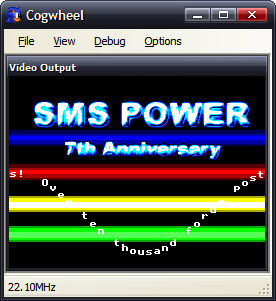
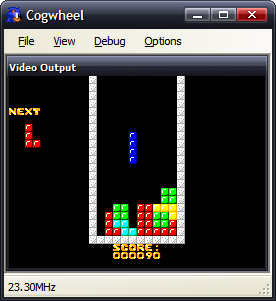
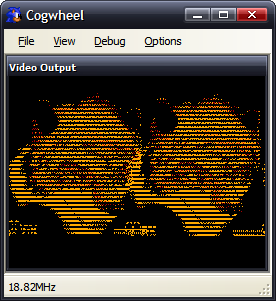
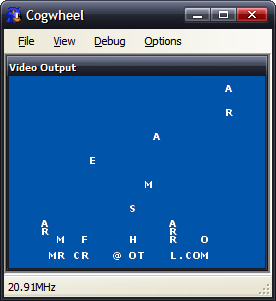
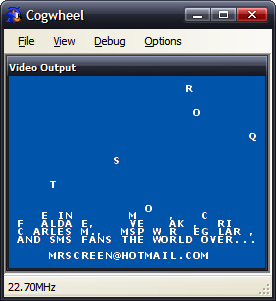
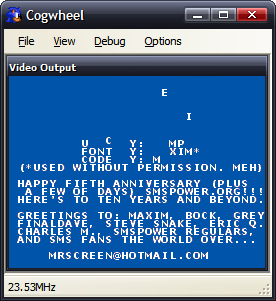
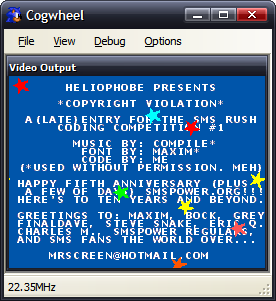
Copyright Violation is displayed incorrectly - the text should be on top of the stars, but that VDP feature is as yet unsupported.
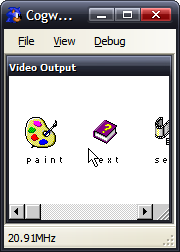
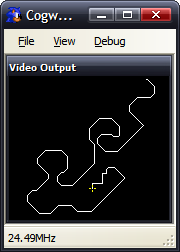
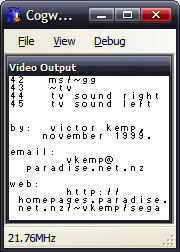
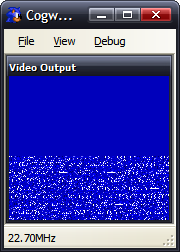
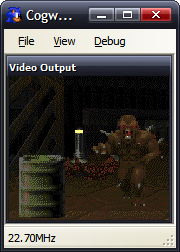
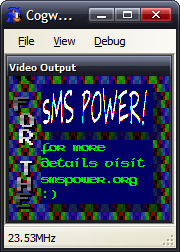
Yes, Windows and DOOM were ported to the Game Gear. That second screenshot is DOOM's automap. 
There are still lots of ROMs that won't go - that could be due to poor VDP emulation, or it could be due to ROM paging errors (the emulated memory is just straight 64KB RAM), or could be down to the remaining bugs in the Z80 emulation.