XNA Quake
Thursday, 19th July 2007
After pratting around with DOOM with MDX, it's logical to move up to Quake with XNA. After all, the levels are "true" 3D, and there's a healthy amount of new textures (including bump and gloss maps) so that it would make creating an advanced engine easier. My problem is always finding resources.
On the subject of resources, I'm using a system whereby the various classes for game resources (such as the Level or Model class) can implement ResourceLoader.ILoadable<T>, so I can do things like this:
ResourceLoader = new ResourceLoader(@"C:\Program Files\Quake\ID1");

Palette DefaultPalette = ResourceLoader.Load<Palette>("gfx/palette.lmp");
Level SomeLevel = ResourceLoader.Load<Level>("maps/start.bsp");
This way the ResourceLoader can handle dragging data out of multiple pack (.pak) files or loading override files.
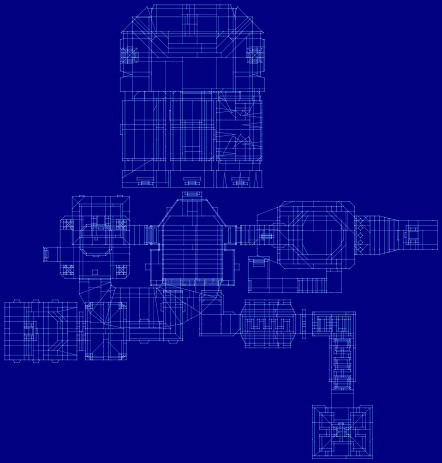
First things first - loading levels. This is nice and easy (unlike DOOM) - the .bsp files contain a list of vertices and a list of edges (each edge contains a start and end vertex index). For testing purposes, I used the Graphics class to draw out each level in 2D:
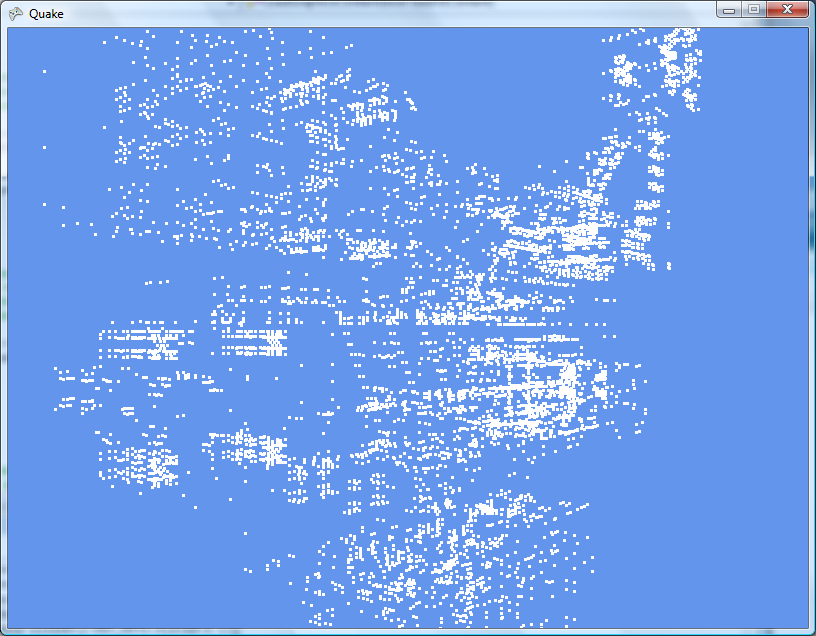
Next up, I create a point list and render those in 3D:
...and now the edges as a line list:
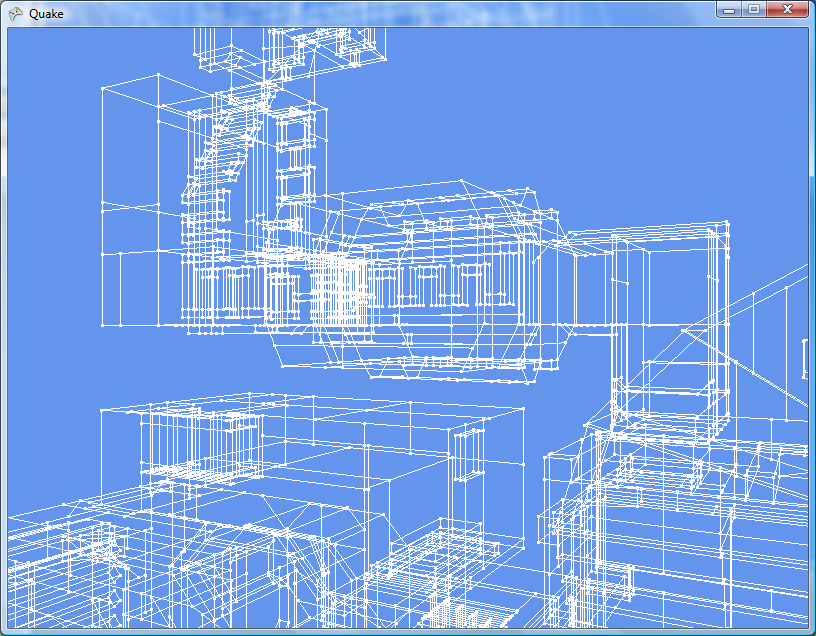
That seems to be on its side. Quake uses (x, y) as a 2D floor plan and z for height, so I need to swap z and y (and negate y whilst we're at it).
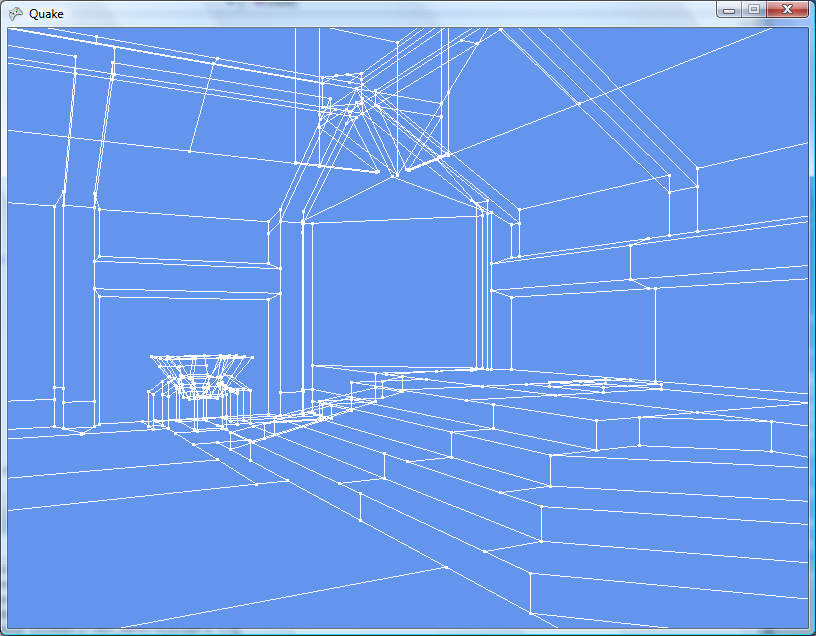
Quake uses faces for solid walls, which are simply convex polygons made up from lists of the aforementioned edges (and may have more than three sides). I'm creating a simple triangle list, and applying some fog to make the world look 3D (there's no lighting):
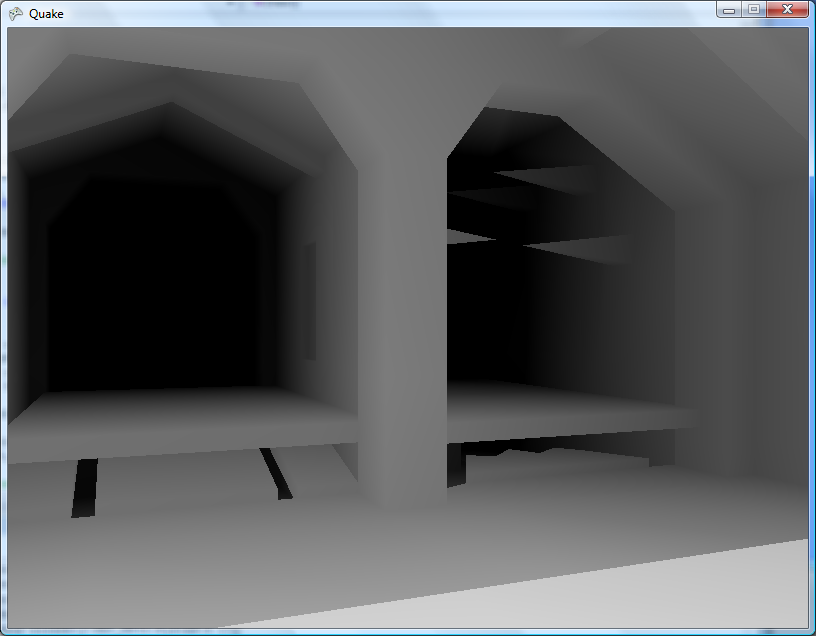
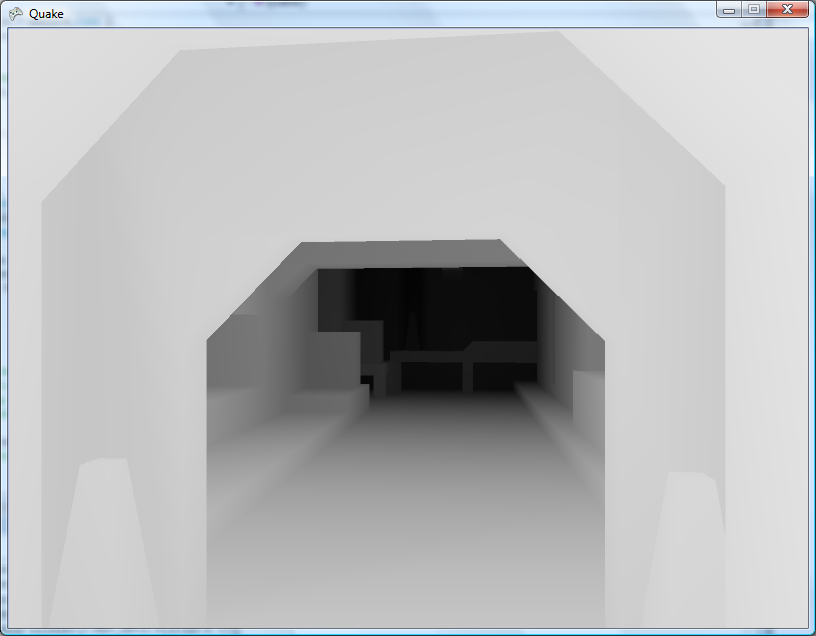
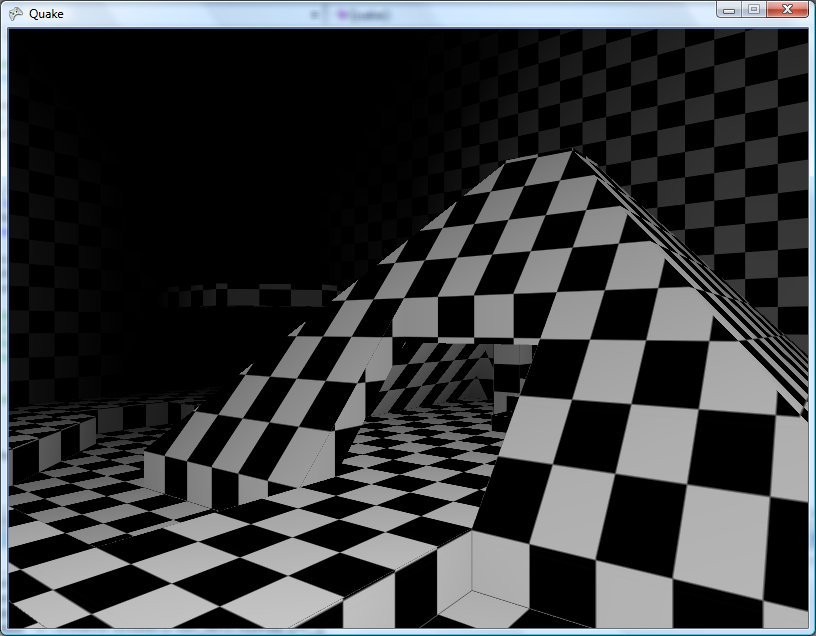
Texturing would make a welcome addition. Quake uses a rather novel texture coordinate system (at least, I've never seen anything quite like it) whereby each face references a TextureInfo structure, which contains the index of the texture itself, a pair of vectors indicating the horizontal and vertical axis (for aligning the texture against the surface of the face) and an offset in texels (so the texture can be aligned to the edges of the face). Fortunately, the BSP documentation I have indicates how to use this information to calculate the texture offset per-vertex, and by dividing by the texture's width and height I can get "conventional" texture coordinates.
The real Quake textures would be nice, I suppose. As I break up the faces into triangle indices, I group them by texture index. The final triangle list is made up of groups of triangles by texture, so that (for example) triangles 0 to 10 will be texture 0, triangles 11 to 14 will be texture 1, triangle 15 will be texture 2 and so on. I also maintain a list of which triangles use which texture, so to render I simply set the texture, draw a range of triangles from the single list, then move on to the next texture.
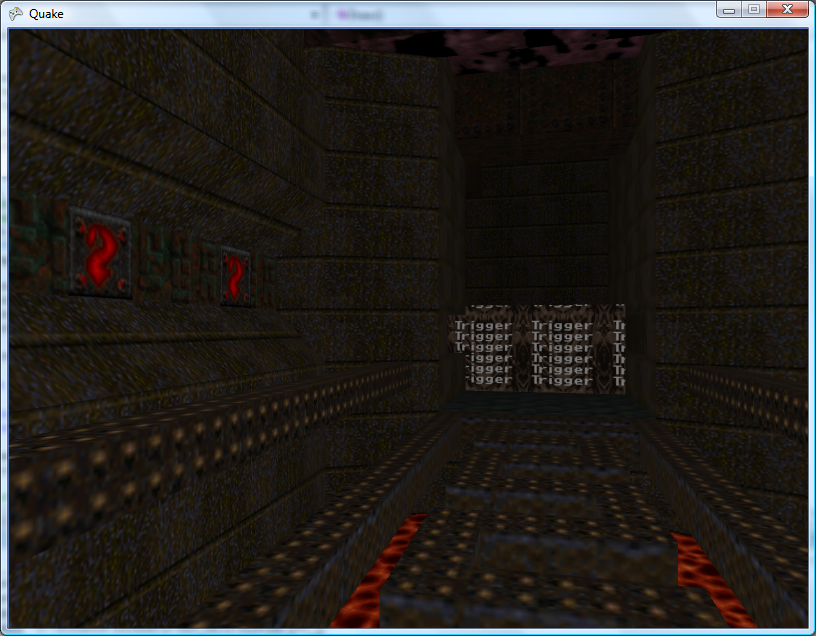
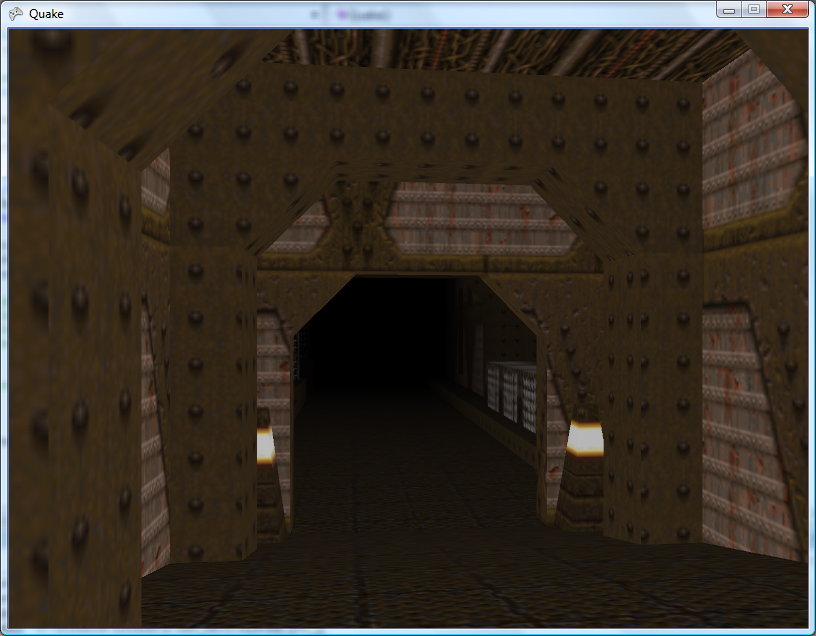
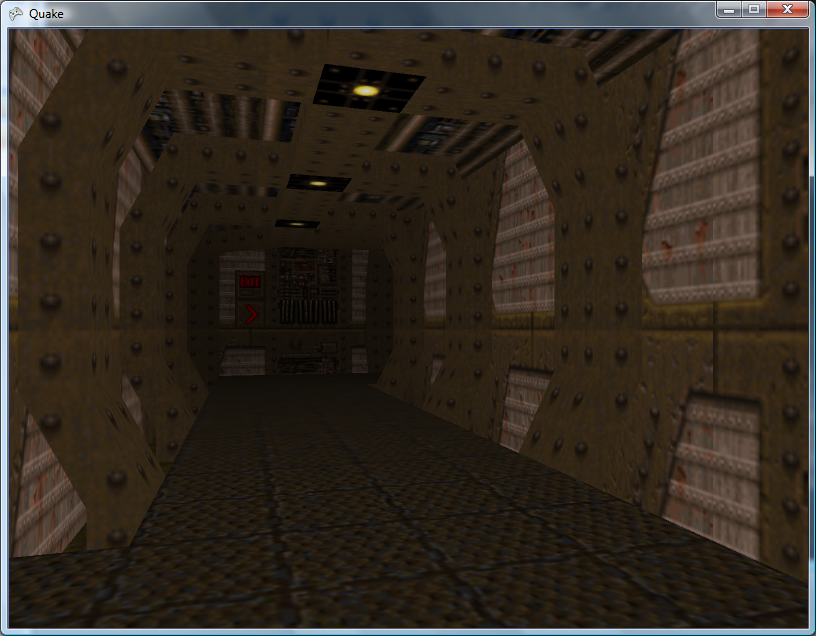
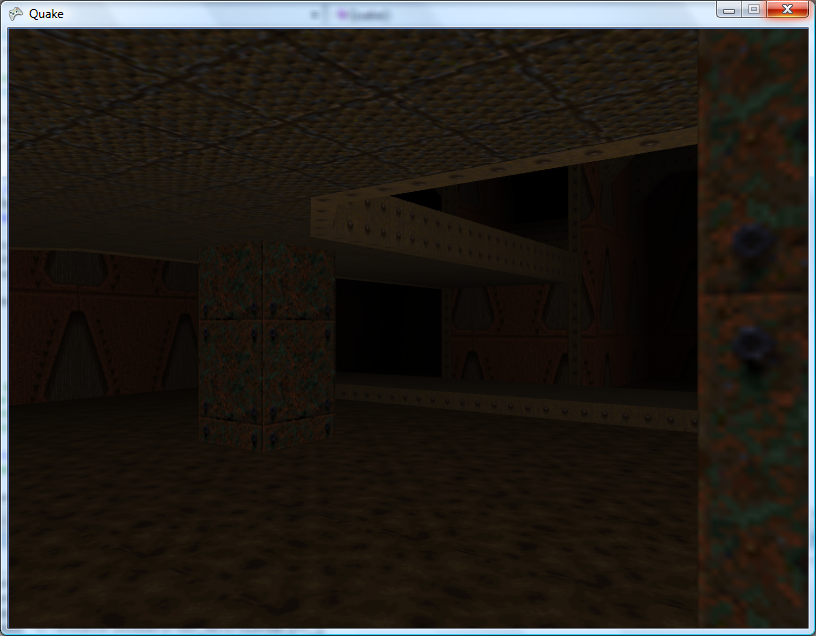
It's all pretty brute-force stuff at the moment, but it's still very fast on modern hardware. Next up will be lightmaps. 
Event-Driven Keyboard Input for XNA
Friday, 6th July 2007
Edit: The following code has a bug in it. Please make sure you use the corrected code!
After a conversation with Thevenin regarding the Game class in XNA not letting you use event-driven keyboard input (useful, for example, for entering text) I rolled out this monstrosity.
/* * * * * * * * * * * * * * * * * * * * * * * * * * * * * * * * * * * * * * * * * * * * * * *
 * XnaTextInput.TextInputHandler - benryves@benryves.com                                     *
 * * * * * * * * * * * * * * * * * * * * * * * * * * * * * * * * * * * * * * * * * * * * * * *
 * This is quick and very, VERY dirty.                                                       *
 * It uses Win32 message hooks to grab messages (as we don't get a nicely wrapped WndProc).  *
 * I couldn't get WH_KEYBOARD to work (accessing the data via its pointer resulted in access *
 * violation exceptions), nor could I get WH_CALLWNDPROC to work.                            *
 * Maybe someone who actually knows what they're  doing can work something out that's not so *
 * kludgy.                                                                                   *
 * * * * * * * * * * * * * * * * * * * * * * * * * * * * * * * * * * * * * * * * * * * * * * *
 * This quite obviously relies on a Win32 nastiness, so this is for Windows XNA games only!  *
 * * * * * * * * * * * * * * * * * * * * * * * * * * * * * * * * * * * * * * * * * * * * * * */

#region Using Statements
using System;
using System.Runtime.InteropServices;
using System.Windows.Forms; // This class exposes WinForms-style key events.
#endregion

namespace XnaTextInput {

	/// <summary>
	/// A class to provide text input capabilities to an XNA application via Win32 hooks.
	/// </summary>
	class TextInputHandler : IDisposable {

		#region Win32

		/// <summary>
		/// Types of hook that can be installed using the SetWindwsHookEx function.
		/// </summary>
		public enum HookId {
			WH_CALLWNDPROC = 4,
			WH_CALLWNDPROCRET = 12,
			WH_CBT = 5,
			WH_DEBUG = 9,
			WH_FOREGROUNDIDLE = 11,
			WH_GETMESSAGE = 3,
			WH_HARDWARE = 8,
			WH_JOURNALPLAYBACK = 1,
			WH_JOURNALRECORD = 0,
			WH_KEYBOARD = 2,
			WH_KEYBOARD_LL = 13,
			WH_MAX = 11,
			WH_MAXHOOK = WH_MAX,
			WH_MIN = -1,
			WH_MINHOOK = WH_MIN,
			WH_MOUSE_LL = 14,
			WH_MSGFILTER = -1,
			WH_SHELL = 10,
			WH_SYSMSGFILTER = 6,
		};

		/// <summary>
		/// Window message types.
		/// </summary>
		/// <remarks>Heavily abridged, naturally.</remarks>
		public enum WindowMessage {
			WM_KEYDOWN = 0x100,
			WM_KEYUP = 0x101,
			WM_CHAR = 0x102,
		};

		/// <summary>
		/// A delegate used to create a hook callback.
		/// </summary>
		public delegate int GetMsgProc(int nCode, int wParam, ref Message msg);

		/// <summary>
		/// Install an application-defined hook procedure into a hook chain.
		/// </summary>
		/// <param name="idHook">Specifies the type of hook procedure to be installed.</param>
		/// <param name="lpfn">Pointer to the hook procedure.</param>
		/// <param name="hmod">Handle to the DLL containing the hook procedure pointed to by the lpfn parameter.</param>
		/// <param name="dwThreadId">Specifies the identifier of the thread with which the hook procedure is to be associated.</param>
		/// <returns>If the function succeeds, the return value is the handle to the hook procedure. Otherwise returns 0.</returns>
		[DllImport("user32.dll", EntryPoint = "SetWindowsHookExA")]
		public static extern IntPtr SetWindowsHookEx(HookId idHook, GetMsgProc lpfn, IntPtr hmod, int dwThreadId);

		/// <summary>
		/// Removes a hook procedure installed in a hook chain by the SetWindowsHookEx function.
		/// </summary>
		/// <param name="hHook">Handle to the hook to be removed. This parameter is a hook handle obtained by a previous call to SetWindowsHookEx.</param>
		/// <returns>If the function fails, the return value is zero. To get extended error information, call GetLastError.</returns>
		[DllImport("user32.dll")]
		public static extern int UnhookWindowsHookEx(IntPtr hHook);

		/// <summary>
		/// Passes the hook information to the next hook procedure in the current hook chain.
		/// </summary>
		/// <param name="hHook">Ignored.</param>
		/// <param name="ncode">Specifies the hook code passed to the current hook procedure.</param>
		/// <param name="wParam">Specifies the wParam value passed to the current hook procedure.</param>
		/// <param name="lParam">Specifies the lParam value passed to the current hook procedure.</param>
		/// <returns>This value is returned by the next hook procedure in the chain.</returns>
		[DllImport("user32.dll")]
		public static extern int CallNextHookEx(int hHook, int ncode, int wParam, ref Message lParam);

		/// <summary>
		/// Translates virtual-key messages into character messages.
		/// </summary>
		/// <param name="lpMsg">Pointer to an Message structure that contains message information retrieved from the calling thread's message queue.</param>
		/// <returns>If the message is translated (that is, a character message is posted to the thread's message queue), the return value is true.</returns>
		[DllImport("user32.dll")]
		public static extern bool TranslateMessage(ref Message lpMsg);


		/// <summary>
		/// Retrieves the thread identifier of the calling thread.
		/// </summary>
		/// <returns>The thread identifier of the calling thread.</returns>
		[DllImport("kernel32.dll")]
		public static extern int GetCurrentThreadId();

		#endregion

		#region Hook management and class construction.

		/// <summary>Handle for the created hook.</summary>
		private readonly IntPtr HookHandle;

		/// <summary>Create an instance of the TextInputHandler.</summary>
		/// <param name="whnd">Handle of the window you wish to receive messages (and thus keyboard input) from.</param>
		public TextInputHandler(IntPtr whnd) {
			// Create the keyboard hook:
			this.HookHandle = SetWindowsHookEx(HookId.WH_GETMESSAGE, new GetMsgProc(ProcessMessages), IntPtr.Zero, GetCurrentThreadId());
		}

		public void Dispose() {
			// Remove the hook.
			if (this.HookHandle != IntPtr.Zero) UnhookWindowsHookEx(this.HookHandle);
		}

		#endregion

		#region Message processing

		private int ProcessMessages(int nCode, int wParam, ref Message msg) {
			// Check if we must process this message (and whether it has been retrieved via GetMessage):
			if (nCode == 0 && wParam == 1) {

					// We need character input, so use TranslateMessage to generate WM_CHAR messages.
					TranslateMessage(ref msg);

					// If it's one of the keyboard-related messages, raise an event for it:
					switch ((WindowMessage)msg.Msg) {
						case WindowMessage.WM_CHAR:
							this.OnKeyPress(new KeyPressEventArgs((char)msg.WParam));
							break;
						case WindowMessage.WM_KEYDOWN:
							this.OnKeyDown(new KeyEventArgs((Keys)msg.WParam));
							break;
						case WindowMessage.WM_KEYUP:
							this.OnKeyUp(new KeyEventArgs((Keys)msg.WParam));
							break;
					}

			}

			// Call next hook in chain:
			return CallNextHookEx(0, nCode, wParam, ref msg);
		}

		#endregion

		#region Events

		public event KeyEventHandler KeyUp;
		protected virtual void OnKeyUp(KeyEventArgs e) {
			if (this.KeyUp != null) this.KeyUp(this, e);
		}

		public event KeyEventHandler KeyDown;
		protected virtual void OnKeyDown(KeyEventArgs e) {
			if (this.KeyDown != null) this.KeyDown(this, e);
		}

		public event KeyPressEventHandler KeyPress;
		protected virtual void OnKeyPress(KeyPressEventArgs e) {
			if (this.KeyPress != null) this.KeyPress(this, e);
		}

		#endregion
	}
}
Might be useful if your Windows game needs text input. Win32 veterans, feel free to lambast my lack of skills.
VMusic2 - USB for the 83+
Monday, 21st May 2007
The TI-83+ lacks something the 84+ series has - a USB port.
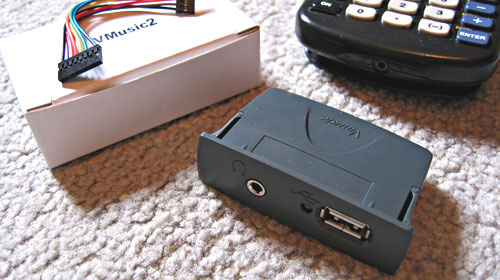
Enter the VMusic2. This low-cost (£25) module offers a USB host controller with a simple serial interface that can be used to read/write FAT-formatted USB mass storage devices. It can also play MP3 files straight from the drive!
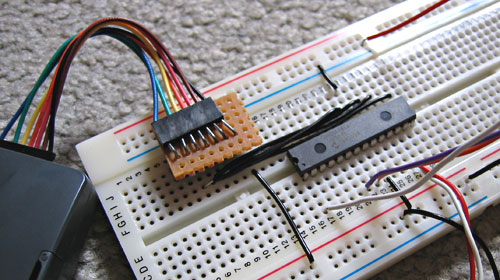
This is all very well, but the TI doesn't have a standard serial port either. To handle communications between the two, therefore, is a PICAXE-28X1 microcontroller.
The TI can then run a program that communicates using its standard linking protocol.
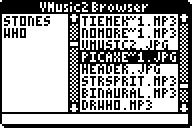
I've posted a thread on MaxCoderz with more information about the project. For those interested in the VMusic2 device, here's a datasheet and here are the commands.
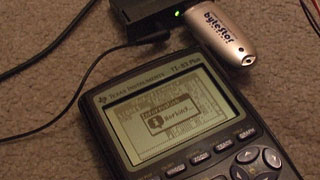
Yes, I know I should probably get a life. I blame the solder fumes.
SonyIR
Monday, 30th April 2007
I take a strange enjoyment in reading format and protocol documentation, and I find it to be one of the most rewarding tasks. Hence the Sega emulator project, the DOOM project, the Vgm2Midi project and so on.
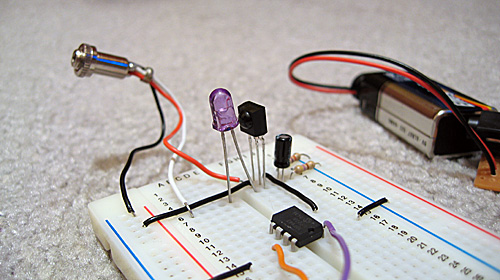
This project is more hardware related - it's an infrared remote control library for the TI-83 series calculators. It supports the SIRCS (Sony) protocol, with command words of 12, 15 and 20 bits.
Video of the library in action (960KB WMV).
The hardware is very simple if you just want to transmit, and a single-package infrared receiver/amplifier/demodulator makes the receiving circuit not that much more complex.
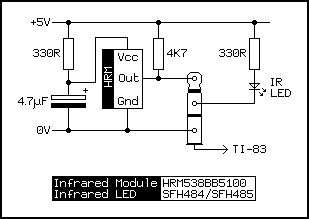
The library also comes with a program that can be used to turn an 83+ into a programmable remote control. It supports multiple device profiles, and editing is easy - press the key (on the calculator) you wish to customise, point your remote at the receiver and press the button you want change to and the details are automatically saved.


TI Emulation, Functions in Brass and Gemini on the Sega Game Gear
Tuesday, 13th February 2007
This post got me wondering about a TI emulator. I'd rather finish the SMS one first, but so as to provide some pictures for this journal I wrote a T6A04 emulator (to you and me, that's the LCD display driver chip in the TI-82/83 series calculators). In all, it's less than a hundred lines of code.
The problem with TI emulation is that one needs to emulate the TIOS to be able to do anything meaningful. Alas, I had zero documentation on the memory layout of the TI calculators, and couldn't really shoe-horn the ROM dump into a 64KB RAM, so left it out entirely. That limits my options as to what I can show, but here's my Microhertz demo -
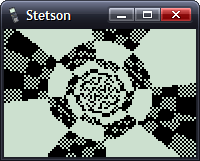
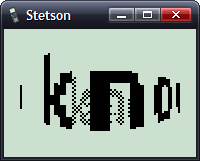
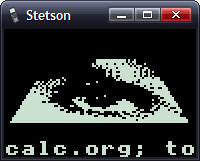
I've added native support for functions in Brass.
The old Brass could do some function-type things using directives; for example, compare the two source files here:
.fopen fhnd, "test.txt"          ; Opens 'test.txt' and stores a handle in fhnd
.fsize fhnd, test_size           ; Stores the size of the file in test_size

.for i, 1, test_size
    .fread fhnd, chr             ; Read a byte and store it as "chr"
    .if chr >= 'a' && chr <= 'z' ; Is it a lowercase character?
        .db chr + 'A' - 'a'
    .else
        .db chr
    .endif
.loop

.fclose fhnd                      ; Close our file handle.
I personally find that rather messy. Here's the new version, using a variety of functions from the 'File Operations' plugin I've been writing:
fhnd = fopen("test.txt", r)

#while !feof(fhnd)
    chr = freadbyte(fhnd)
    .if chr >= 'a' && data <= 'z'
        .db chr + 'A' - 'a'
    .else
        .db chr
    .endif
#loop

fclose(fhnd)
I find that a lot more readable.
An extreme example is the generation of trig tables. Brass 1 uses a series of directives to try and make this easier.
.dbsin angles_in_circle, amplitude_of_wave, start_angle, end_angle, angle_step, DC_offset
Remembering that is not exactly what I'd call easy. If you saw the line of code:
.dbsin 256, 127, 0, 63, 1, 32
...what would you think it did? You'd have to consult the manual, something I'm strongly opposed to. However, this code, which compiles under Brass 2, should be much clearer:
#for theta = 0, theta < 360, ++theta
    .db min(127, round(128 * sin(deg2rad(theta))))
#loop
By registering new plugins at runtime, you can construct an elaborate pair of directives - in this case .function and .endfunction - to allow users to declare their own.
_PutS = $450A

.function bcall(label)
    rst $28
    .dw label
.endfunction

bcall(_PutS)
You can return values the BASIC way;
.function slow_mul(op1, op2)
    slow_mul = 0
    .rept abs(op1)
        .if sign(op1) == 1
            slow_mul += op2
        .else
            slow_mul -= op2
        .endif
    .loop
.endfunction

.echo slow_mul(log(100, 10), slow_mul(5, 4))
I had a thought (as you do) that it would be interesting to see how well a TI game would run on the Sega Master System. After all, they share the CPU, albeit at ~3.5MHz on the SMS.
However, there are some other differences...
- Completely different video hardware.
- Completely different input hardware.
- 8KB RAM rather than 32KB RAM.
- No TIOS.
The first problem was the easiest to conquer. The SMS has a background layer, broken up into 8×8 tiles. If I wrote a 12×8 pattern of tiles onto the SMS background layer, and modified the tile data in my own implementation of _grBufCpy routine, I could simulate the TI's bitmapped LCD display (programs using direct LCD control would not be possible).
You can only dump so much data to the VRAM during the active display - it is much safer to only write to the VRAM outside of the active display period. I can give myself a lot more of this by switching off the display above and below the small 96×64 window I'll be rendering to; it's enough to perform two blocks, the left half of the display in one frame, the right in the next.
As for the input, that's not so bad. Writing my own _getK which returned TI-like codes for the 6 SMS buttons (Up, Down, Left, Right, 1 and 2) was fine, but games that used direct input were a bit stuck. I resolved this by writing an Out1 and In1 function that has to be called and simulates the TI keypad hardware, mapping Up/Down/Left/Right/2nd/Alpha to Up/Down/Left/Right/1/2.
The RAM issue can't be resolved easily. Copying some chunks of code to RAM (for self-modifying reasons) was necessary in some cases. As for the lack of the TIOS, there's no option but to write my own implementation of missing functions or dummy functions that don't do anything.
Even with the above, it's still not perfect. If I leave the object code in Gemini, the graphics are corrupted after a couple of seconds of play. I think the stack is overwriting some of the code I've copied to RAM.
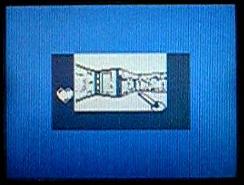
No enemies make it a pretty bad 'game', but I thought it was an entertaining experiment.